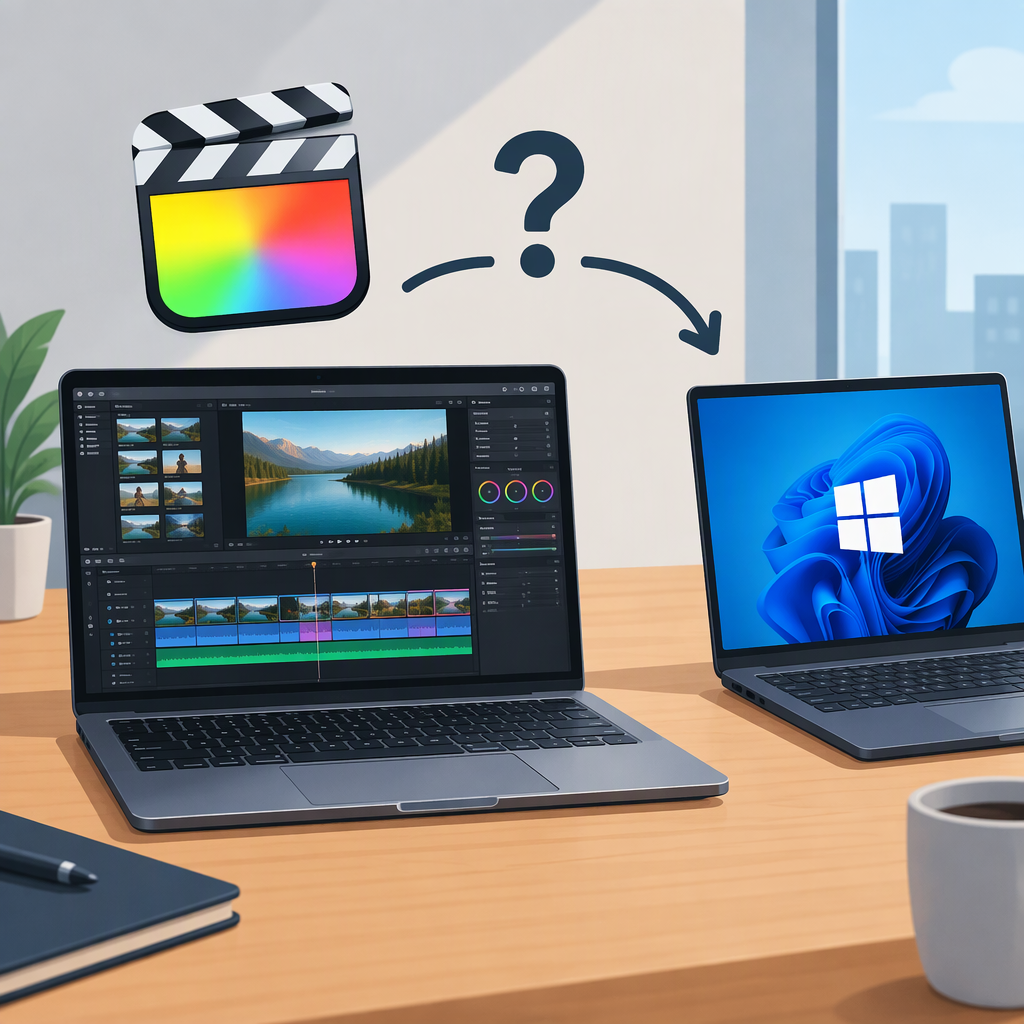
Final Cut Pro for PC: Can You Use It on Windows?
Can You Install Final Cut Pro on a Windows PC?
No. Final Cut Pro is not available as a native Windows app, so you can’t install and run it directly on a Windows PC. Apple lists Final Cut Pro for Mac and iPad, and its US App Store listing labels the Mac version “Only for Mac.” (apple.com)
That means a Windows PC’s processor, memory, or graphics card won’t make it compatible: the issue is that Apple does not offer a Windows version. Don’t treat unofficial downloads or workarounds as Apple-supported Windows versions.
What Can You Use from a Windows Setup?
- Use a Mac: Final Cut Pro for Mac runs on a supported Mac, not on the Windows PC itself. Check Apple’s current requirements for the particular Mac and version before installing; requirements can change. (apps.apple.com)
- Use an iPad: Apple also offers Final Cut Pro for iPad, but it’s a separate app for iPad—not a way to install Final Cut Pro on Windows. Apple says the iPad app requires a subscription, separate from the Mac app, and projects and media must be stored locally on the iPad. (support.apple.com)
Apple’s listed versions are for Mac and iPad; its documentation does not establish a Windows version or an officially supported way to run Final Cut Pro on a Windows PC. Remote access to another computer, virtualization, or similar setups should not be mistaken for a Windows edition supported by Apple.
If You Need to Edit Entirely on Windows
Choose an editor whose publisher explicitly supports Windows, then check its requirements against your PC. If you need to continue a project started in Final Cut Pro, verify the specific transfer workflow and what it preserves before relying on it; don’t assume a project will transfer intact between different editing apps.