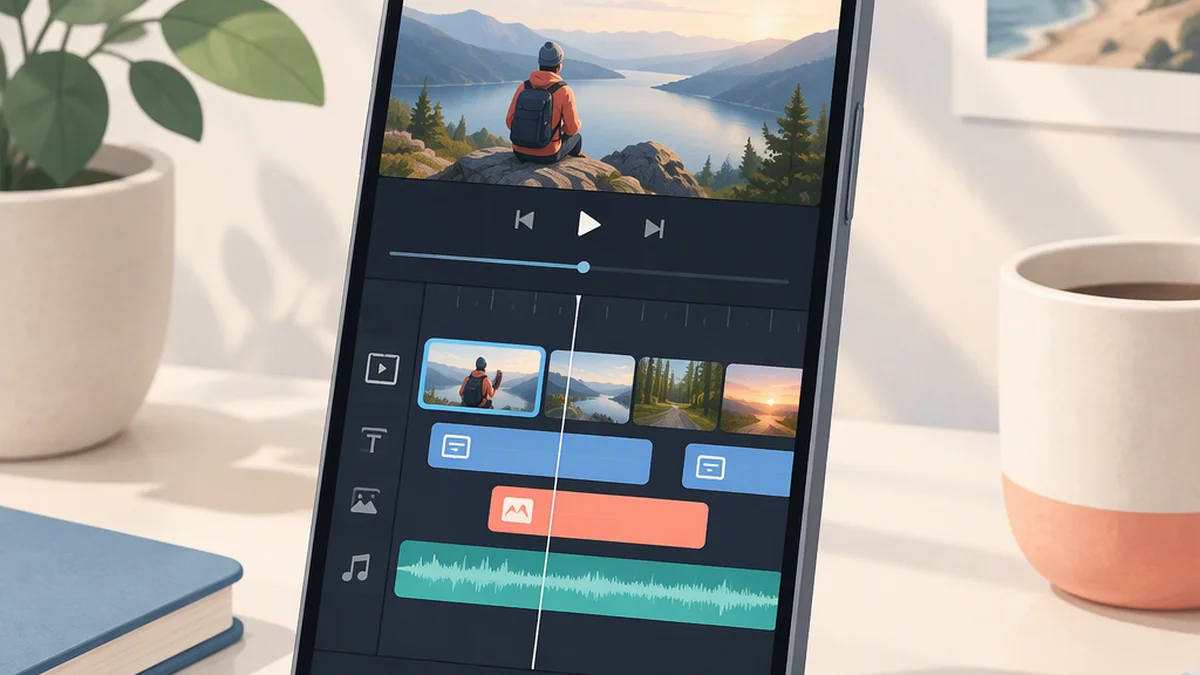
FilmoraGo: A Guide to the Mobile Filmora Workflow
FilmoraGo is the former name of the Android app listed as Filmora: AI Video Editor&Maker. The developer description explicitly calls it “Filmora AI Video Editor (formerly FilmoraGo video editor).” If you are searching for Filmorago, the Google Play listing connects that legacy name to the Android mobile product. [c1]
This guide uses the developer listing saved on October 18, 2026. It explains the advertised mobile editing tools and offers a compact test before you commit to a project or subscription. It is not a hands-on tutorial: no tested device, app version or verified menu paths are available here.
FilmoraGo at a Glance
| Area | What the saved Android listing advertises |
|---|---|
| Basic editing | Trimming, splitting, duplicating and merging clips; rotation, cropping, speed adjustment and aspect-ratio adjustments. |
| Layered editing | Picture-in-picture, masking, keyframes, speed curves and smart tracking for stickers, text and picture-in-picture targets. |
| Audio and captions | Music, sound effects, voiceovers, audio extraction and splitting, plus dynamic speech-to-text captions. |
| AI tools | Image-to-video, text-to-video, text-to-speech, AI Auto Cut, AI Remover, AI Music and Sound Effects, smart cutout and AI Beats. |
| Paid access | In-app purchases and an Android Pro subscription. The description includes watermark and logo-roll removal under the stated subscription. |
These are developer-described capabilities, not independently verified results. The source does not establish current prices, universal free-export conditions or feature and purchase parity with iPhone or desktop. [c1]
Older FilmoraGo tutorials may still offer useful editing ideas, but their interface, subscription labels and export behavior may differ from your installation.
Test the Mobile Workflow Before Starting a Full Project
Example project: a short product explanation with a speaker, one supporting close-up, a readable label, captions and a clear ending. This is an illustrative exercise, not a tested Filmora project.
Use your own footage, preserve the originals separately and choose the intended orientation before editing. Record your app version and device so the results apply to a specific installation.
| Test | Advertised Filmora tools | What to verify in your installation | Pass standard |
|---|---|---|---|
| Build the basic cut | Trim, split, merge, crop and aspect-ratio adjustment. | Whether the required controls are accessible; whether cropping preserves the subject; whether speech remains complete across cuts. | The plain sequence communicates the subject and conclusion without needing effects to explain it. |
| Add a close-up and label | Picture-in-picture, masking, keyframes and smart tracking. | Whether you can place and size the close-up; whether the label is readable; whether optional tracking follows the intended subject; any payment prompts. | The close-up adds useful detail without hiding essential content. A static layer is sufficient if movement is unnecessary. |
| Review speech and captions | Audio tools and dynamic speech-to-text captions. | Accuracy of names, numbers and negative statements; timing and readability; available correction controls; whether music obscures speech. | Captions match the recording and remain readable, with speech clearly audible. |
| Export a representative sequence | Confirm the export options actually offered on your device. | Available settings, purchase prompts, watermark or branding, layer placement, caption timing, sound changes and the ending. | The exported file—not just the preview—meets your delivery requirements. |
The editing and caption capabilities above are described in the saved listing. [c1] The source does not establish guaranteed export resolution, frame rate, codec, processing time or device compatibility.
Open the exported file outside the editor and inspect it from beginning to end. If a required caption correction is unavailable, use manual wording if supported or another method you can verify; do not publish inaccurate captions. Preserve both the original footage and the final deliverable independently.
Is FilmoraGo Free, and Can It Export Without a Watermark?
The saved listing identifies in-app purchases and describes an Android Pro subscription with access to Pro features and paid editing materials, including watermark and logo-roll removal. It does not establish that watermark-free export is available for free. [c1]
Before paying or relying on a premium tool, inspect the offer shown in your installation:
- Price and billing: check the currency, billing period, renewal terms and any trial conditions.
- Required features: confirm that the specific effect, template or tool you need is included.
- Export conditions: verify whether the intended export settings and watermark removal are covered.
- Existing purchases: check your account’s actual entitlement if you bought an older FilmoraGo plan.
- Platform access: do not assume an Android purchase also covers iPhone or desktop.
Keep a simpler version using your own footage so an unavailable paid asset does not block delivery. Test the export before depending on it for a deadline.
Use AI Features Only When They Help the Edit
The listing promotes several AI tools, but their names alone do not establish output quality, processing location or usage rights. [c1]
For example, you could evaluate AI Auto Cut as a rough assembly, then compare it with the full source footage and revise the selection and pacing. Check that omitted context does not change a speaker’s meaning.
Review generated imagery, narration and text for invented details or misleading emphasis. Before uploading sensitive recordings or publishing generated assets, read the current terms and feature-specific prompts. Do not infer local-only processing or unrestricted commercial rights from a feature name.
Source and Evidence Notes
- [c1] Filmora: AI Video Editor&Maker — Google Play developer listing
The article uses the description saved on October 18, 2026. The linked store page is live and may differ from that saved text.- Exact name excerpt: “Filmora AI Video Editor (formerly FilmoraGo video editor).”
- Subscription summary, not a quotation: the saved description presents an Android Pro subscription covering Pro features and paid editing materials, including watermark and logo-roll removal.
- The saved version is not separately linked here, so the live listing may not reproduce the historical wording.