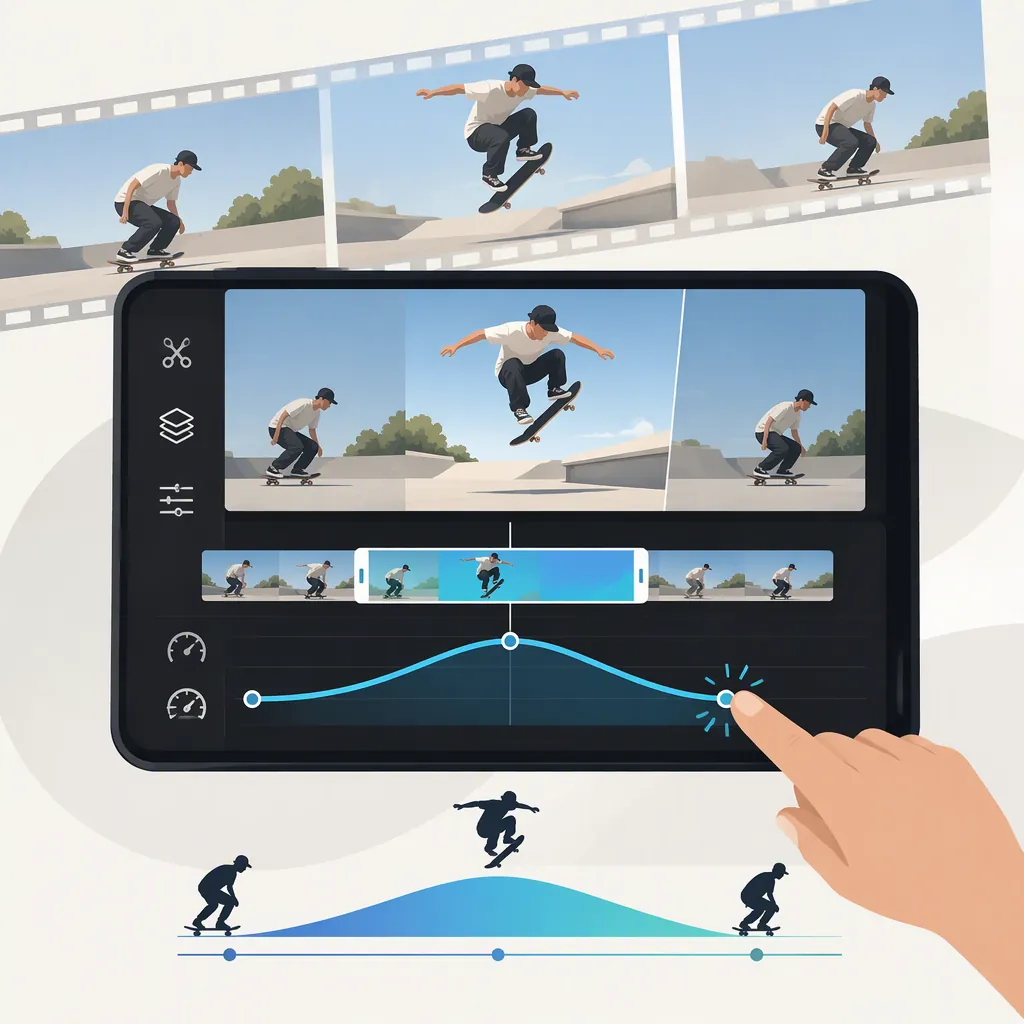
CapCut Speed Ramp: Plan Timing, Transitions, and Template Fit
A speed ramp changes playback speed within a shot, rather than applying one speed to the entire clip. For a CapCut edit, start by identifying the action you want to emphasize, then plan the faster and slower passages around it.
This guide covers timing decisions and preview checks, not verified CapCut button-by-button instructions. The available Speed Ramp Edit template page does not document manual speed controls, mobile or desktop workflows, or adjustable template timing. [citation-1]
Plan the Speed Changes Around the Action
Before choosing speeds, decide what viewers need to see. A useful planning sequence is:
- Identify the key moment. Choose the part of the action that should receive the most attention.
- Mark the lead-in. Decide how much movement viewers need to understand what is about to happen.
- Define the slower passage. Include enough of the important action to make it readable.
- Mark the return to faster playback. Keep any follow-through needed to understand the result.
- Choose the transition style. Decide whether speed should change gradually or switch abruptly.
These are editorial decisions, not instructions for specific CapCut controls. You do not need to choose exact speed multipliers before establishing the timing structure.
Example: Emphasizing a Jump
The following is an illustrative plan, not a CapCut preset or a description of the Speed Ramp Edit template.
| Part of the shot | Possible timing choice | What to check |
|---|---|---|
| Approach and preparation | A faster passage | Can viewers still recognize the setup? |
| Takeoff | Begin slowing before the key moment | Is the start of the jump visible? |
| Airborne moment | A slower passage | Does the emphasized action remain clear? |
| Landing | Keep enough time to show the outcome | Can viewers understand how the jump ends? |
| Movement after landing | Return to faster playback | Does the ending feel complete rather than cut short? |
A fast–slow–fast pattern is one option, not a requirement. If the landing is the important moment, move the emphasis there instead. Let the action determine the timing.
Choose Gradual or Abrupt Speed Changes
A gradual transition changes speed over a span of time. Use it when you want acceleration or deceleration to feel continuous. In your timing plan, allow space before and after the emphasized moment for those transitions.
An abrupt change switches speed at a distinct point. Consider it when you want a deliberate rhythmic break or a sharper contrast between passages.
Different speeds alone do not necessarily create a gradual ramp: a clip can contain several constant-speed sections with sudden changes between them. Decide which effect you intend before evaluating the result.
Check the Result in Context
When you can preview your edit, assess the whole shot—not only the slowest moment.
- Action clarity: Are the setup, key moment, and outcome understandable?
- Placement: Does the slower passage cover the intended action, or does it arrive too early or late?
- Transitions: Do speed changes feel deliberate rather than accidental?
- Pacing: Does the emphasis last long enough to be useful without holding up the sequence?
- Surrounding shots: Does the ramp fit the pace of the clips before and after it?
- Audio, if present: Does the audible timing still support the edit?
If the result feels wrong, reconsider the start and end of the emphasized passage before assuming you need a more extreme speed difference. This is a general editing check, not a verified description of CapCut’s adjustment options.
What the Speed Ramp Edit Template Establishes
The CapCut listing for Speed Ramp Edit credits AR.Oradea, shows a 00:16 duration and 9:16 aspect ratio, and includes the #speedramp tag. Those details identify the listed template; they do not establish its exact speed pattern or customization controls. [citation-1]
Treat template suitability and custom timing as separate questions. If you evaluate the template, check whether its pacing emphasizes the right moment in your footage. Its name alone is not evidence that you can reposition or adjust speed changes. [citation-1]
FAQ
Is a Speed Ramp the Same as Speeding up an Entire Clip?
No. A uniform speed change applies one playback speed throughout a clip. A speed ramp varies speed within the shot; a gradual ramp also includes transitions between speeds.
Where Should the Slowest Part Go?
Place it around the action you want viewers to notice. Include enough lead-in and follow-through to keep that action understandable rather than isolating a moment without context.
Should Every Speed Ramp Use a Fast–Slow–Fast Pattern?
No. That pattern is a useful planning example, but the emphasis should follow your footage. You may want to slow into an ending or accelerate away from an opening instead.
Does Speed Ramp Edit Provide a Verified Manual CapCut Workflow?
No manual workflow is documented on the available template page. It identifies the template and its listed attributes, but it does not verify control locations, platform-specific steps, or whether its speed timing can be adjusted. [citation-1]
Sources
- [citation-1] Speed Ramp Edit - video template by CapCut