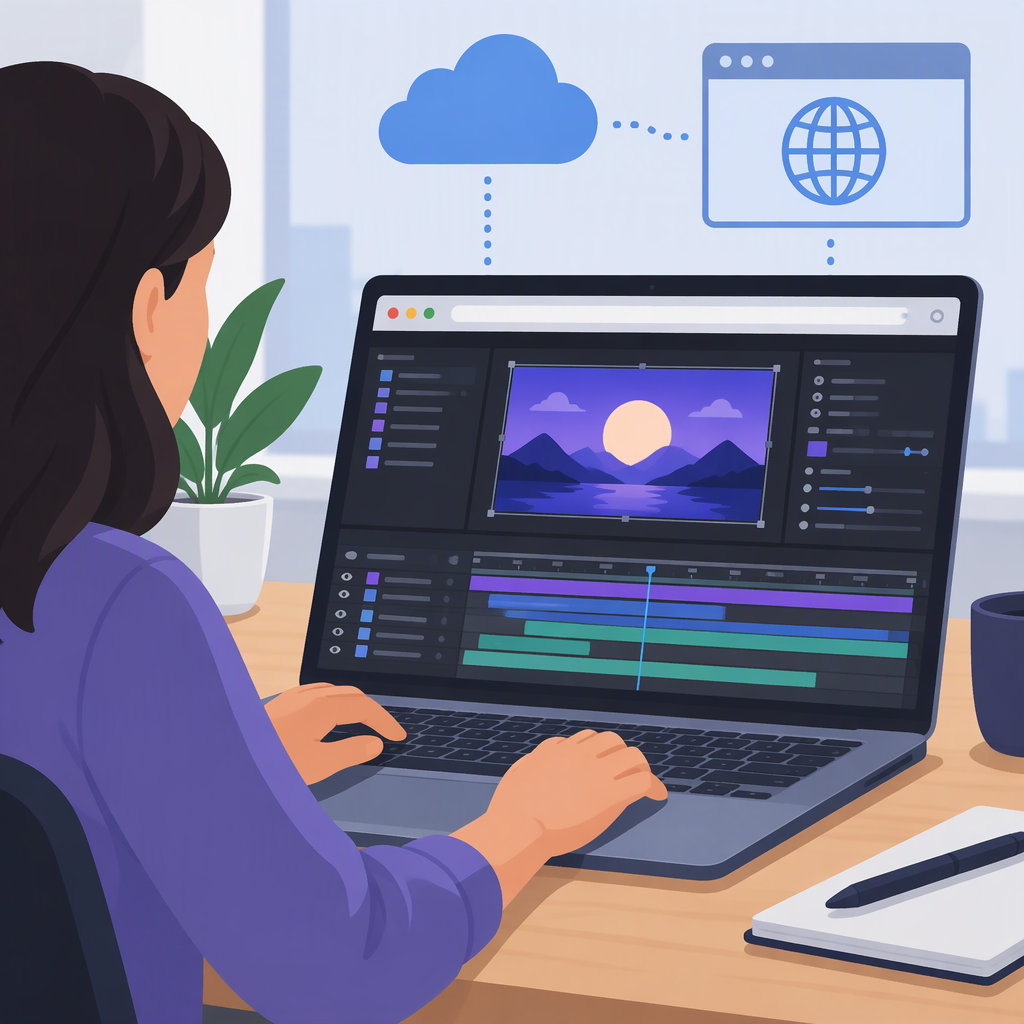
After Effects Online Editor: Can You Edit in a Browser?
Short Answer
Adobe’s official materials describe After Effects as motion-graphics software and organize its help around desktop system requirements, projects, compositions, and other app workflows. They do not document a full browser-based version of After Effects in the sources cited here. So if you mean editing an actual After Effects project in Adobe After Effects through a web browser, these materials do not establish that option. A separate browser animation editor may offer some overlapping tools, but that does not make it After Effects or prove it can open an After Effects project. Adobe After Effects · After Effects Help
What “After Effects Online Editor” Might Mean
The phrase can point to different things:
- Adobe After Effects itself, used in a browser: Adobe’s product page presents After Effects as motion-graphics software, while its help center includes desktop system-requirements documentation. The cited official sources don’t describe a browser editor for the full application. If browser access is essential, don’t assume an Adobe web page or cloud-related feature means the After Effects editing interface runs in a browser.
- A separate browser-based animation tool: Some web editors offer features such as keyframes, masks, filters, or text animation. Those features may help with a particular animation, but do not establish feature parity with After Effects.
- A way to continue an existing After Effects project online: This requires specific project-file compatibility. Support for importing video, images, or other media is not evidence that a tool can open and preserve an After Effects project file.
How to Assess a Browser Editor for Your Project
Start with the work you need to finish, not the tool’s “After Effects alternative” label. Check whether its documentation covers each requirement that matters to you:
- Animation controls: Does it offer the timeline, keyframes, easing, or layer controls your animation requires?
- Visual treatment: Are the effects, masks, compositing, and text tools you need explicitly documented?
- Your source files: Can it import the specific media and project files you plan to use? Check project-file support separately from footage or image support.
- Delivery: Can it export the format and quality your next step requires? Confirm whether the export is a rendered video or an editable project.
- Handoff: If someone else must continue the work, check whether the project remains editable in their tool and whether linked assets are included.
For example, Motionity describes itself as a web-based animation editor and lists keyframing, masking, filters, text animation, and import/export. That could make it worth evaluating for a new, straightforward animation if those documented functions match your needs. Its cited page does not establish that it opens or preserves After Effects project files, or that its features match After Effects. Test with a small representative project before relying on it for delivery. Motionity
If You Already Have an After Effects Project
Treat compatibility as an unanswered question until the specific editor documents support for the project file and the features your composition uses. Before switching, check whether the tool can open the project, what happens to effects and other project elements, whether assets must be supplied separately, and what editable output you can hand off. Don’t infer any of those capabilities from a tool’s ability to import ordinary video or images.
If the online editor’s documentation does not clearly answer those questions, keep the original project and test a copy. If it cannot preserve the elements you need, use the browser tool only for a separate task—such as creating a new animation or producing a rendered asset—and continue the project in a workflow that supports the original file.
Quick Decision Guide
- You need Adobe After Effects itself in a browser: The cited Adobe documentation does not describe a full browser editor; it presents After Effects as software with desktop requirements.
- You’re starting a simple animation: A browser editor may be suitable if its documented animation tools and export meet your requirements.
- You need to continue an existing
.aepproject: Verify explicit project-file compatibility and test the actual project before committing. Media import alone is not enough. - You need to hand off editable work: Confirm the recipient can open the exported project and that required assets and effects survive the handoff.
The practical distinction is simple: a browser editor can overlap with some After Effects-style tasks without being After Effects. Choose based on verified support for your project and delivery needs, not the search phrase alone.