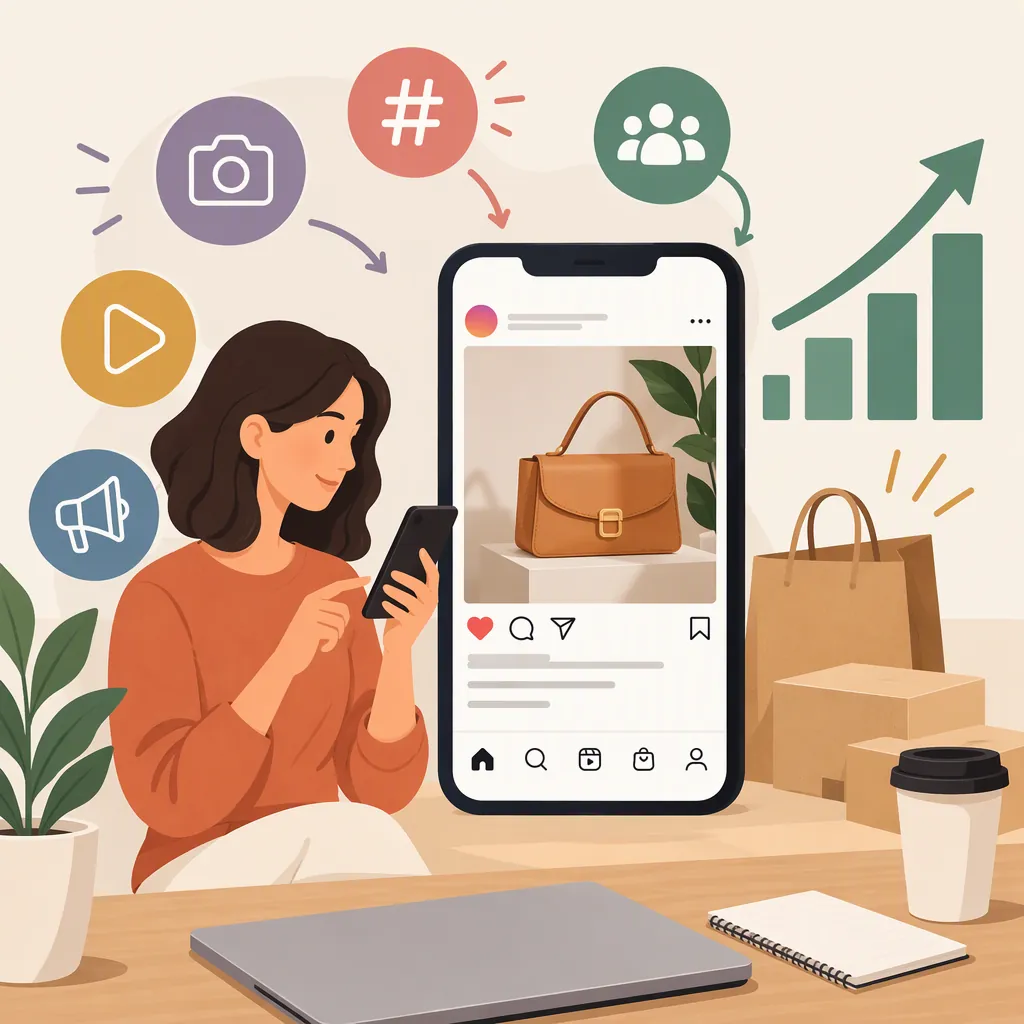
How to Boost Your Sales on Instagram
To work toward more sales on Instagram, make your offer clear, show accurate product previews, and simplify the route from your profile to product details and checkout. Then test one change at a time, measuring visits, orders, and revenue rather than treating likes as sales.
King Kong’s 2015 guide recommends a concise biography, a recognizable profile image, a website link, and compelling product images. [citation-1] Those are useful starting points—not a promise of higher sales.
Source boundary: This article draws on that guide’s basic presentation advice, not its dated platform statistics, image specifications, or purchase-button information. The examples and measurement workflow below are proposed applications, not demonstrated sales results. This article does not establish current eligibility for Instagram Shops, product tagging, or in-app checkout.
Make Your Profile Explain the Offer
Begin with one product or collection rather than trying to explain everything you create. Identify who it is for, what it includes, and what someone needs to know before deciding.
King Kong recommends keeping the biography concise, using a recognizable profile image, and linking to a website. [citation-1] Apply that advice by making your Instagram profile and destination page describe the same offer.
For digital products, original artwork, or other products, check four things:
- Product: Is it clear whether you sell downloadable files, physical work, or something else?
- Audience: Have you named the intended buyer or use without promising an outcome?
- Identity: Does the profile image connect clearly with the name on the destination page?
- Destination: Does the profile link lead to relevant product information?
Hypothetical Example: A Downloadable Worksheet
Suppose a creator offers a three-page weekly planning worksheet as a printable PDF. It is not an editable template, and its license permits personal use only.
A neutral Instagram biography could read:
Printable planning worksheets for personal use.
Weekly layouts and sample pages.
PDF formats and license details on the website.
The profile link would lead to the worksheet page or a clearly organized collection containing it. Use the same product name in the Instagram preview and on that page.
The biography does not need to hold every detail. Its job is to identify the offer; the destination page should explain the full contents, price, delivery, and limitations.
Offer-Clarity Worksheet
Complete this before editing your profile:
- Product or collection: ___
- Intended audience or use: ___
- What is included: ___
- Format or delivery method: ___
- Important limitation: ___
- Destination page: ___
- Consistency check: Does the profile description match the destination page? ___
Show What Someone Would Actually Receive
Use Instagram’s visual presentation to explain the product, not just decorate the feed. King Kong’s guide emphasizes compelling images and suggests experimenting with visual styles. [citation-1]
Prepare three kinds of product content:
- An overview: Show the full artwork, a representative template, or a clearly labeled product preview.
- A detail: Show a texture, page, component, or feature that helps someone assess the work.
- A use example: Demonstrate a possible use while distinguishing the illustration from what is included.
For the hypothetical worksheet, the overview could show thumbnails of all three pages. A detail could show the weekly layout at a readable scale. A use example could show a filled-in page labeled “Example entries; download contains blank pages.”
For a physical print, the same approach could show the complete artwork, a close-up, and a labeled room mockup. State whether framing or other pictured accessories are excluded.
Example Instagram Preview Caption
For the hypothetical worksheet, an informational caption could read:
Weekly Planning Worksheet — preview of page 1 of 3.
The download contains three blank PDF pages in US Letter size for printing. This is not an editable template. Personal-use permission only. The filled-in version shown here illustrates possible entries; they are not part of the download.
This caption explains what the image shows and what the buyer receives without promising improved productivity or inventing a customer result.
Keep previews accurate. Label mockups, disclose exclusions, and avoid presenting an example outcome as guaranteed. Test visual styles for clarity rather than assuming that a particular filter or color scheme will generate sales.
Product-Preview Brief
- Preview type: Overview / detail / use example
- What the image shows: ___
- What the buyer receives: ___
- What is not included: ___
- Format, size, or compatibility information: ___
- Mockup or illustration label, if needed: ___
- Buyer question this preview answers: ___
Check the Path from Instagram to Purchase
King Kong recommends a website link to help followers find the business. [citation-1] Build on that recommendation by manually checking the route from your Instagram profile to the relevant product page and checkout.
Start from the profile on a phone—not from a saved website bookmark. Follow the link and review the destination as someone unfamiliar with your work:
- Can you locate the product named in the Instagram post?
- Are the price and included items clear?
- Are file formats, dimensions, compatibility, delivery, and usage permissions explained where relevant?
- Can you find applicable refund or return terms?
- Does the purchase process work without unexpected errors?
If the profile leads to a collection, make the featured item easy to identify. Correct broken links, product mismatches, or checkout errors before comparing content performance.
Keep the Example Consistent Across the Purchase Path
For the hypothetical worksheet, the destination page should match the biography and preview:
| Information | What the product page should explain |
|---|---|
| Product name | Weekly Planning Worksheet |
| Contents | Three blank planning pages |
| Format | Printable PDF, US Letter size |
| Limitation | Not an editable template |
| Permission | Personal use only |
| Preview labels | Filled-in entries are illustrative |
| Purchase details | Actual price, download delivery, and applicable refund terms |
A mismatch—such as describing an editable file on the website after showing a non-editable PDF on Instagram—should be resolved before testing a new caption.
This workflow uses a website purchase path and does not depend on Instagram shopping features.
Plan Content Around Buyer Questions
King Kong’s guide advises introducing people to the brand rather than rushing immediately toward conversions. [citation-1] A practical application is to combine product previews with useful explanations of the work.
Build a small Instagram content plan around questions relevant to the actual offer:
- What is included, and what is excluded?
- How does the product look beyond its main preview?
- What tools or materials are needed to use it?
- What permissions come with the purchase?
- How was the piece or resource made?
For the hypothetical worksheet, a test sequence could be:
| Content | Buyer question | Material to prepare |
|---|---|---|
| Product overview | What is in the download? | A labeled preview of all three pages |
| Detail explanation | Can I edit it digitally? | A readable page preview with the non-editable limitation |
| Use example | What could a completed page look like? | Sample entries clearly marked as illustrative |
| Process explanation | Why is the layout arranged this way? | A genuine explanation of the design choices |
This is a planning example, not an ideal posting frequency or a proven sales formula. Choose a schedule you can maintain during your test period.
Keep each caption focused on the question its visual answers. A process post can explain a design decision without inventing a customer story. A product explanation can acknowledge a limitation rather than positioning the offer as suitable for everyone.
Test Changes Against Sales, Not Just Likes
Use a simple measurement plan to decide what to investigate next. The following workflow is a proposed testing method, not a result demonstrated by King Kong’s article.
Choose one change: a clearer biography, a different product preview, or a more relevant destination page. Define the review period before starting and keep other conditions as consistent as practical.
Define Your Attribution Rule First
If your website and analytics tools support it, use a profile link with source labels—for example, UTM parameters identifying Instagram, the profile placement, and the test. Check that the destination loads correctly and that your analytics records those labels.
Before comparing results, write down how an order will qualify as Instagram-attributed. A simple rule, where your tools support it, is:
Count a completed order as Instagram-attributed only when it is recorded in the same session as a visit through the labeled Instagram link.
Use the same rule in both periods. This deliberately narrow rule may miss later purchases, but it makes the comparison easier to interpret. If you use a different attribution window or model, record it explicitly.
Keep untraceable orders as unknown. Do not assume an order came from Instagram because it happened after a post. Cross-device purchases or journeys involving multiple sources may remain uncertain.
Separate Traffic from Purchase Efficiency
Record visits, completed orders, and revenue separately. For a session-based rule:
Attributed order conversion rate = orders attributed to Instagram ÷ corresponding Instagram sessions × 100
Use the same session definition, period, and attribution rule for both numbers. If there are no recorded sessions, leave the rate undefined rather than reporting zero.
As a hypothetical calculation:
- Comparison period: 100 Instagram sessions and 2 attributed orders = 2%.
- Test period: 200 Instagram sessions and 4 attributed orders = 2%.
Orders increased, but the measured order conversion rate did not. That comparison suggests more recorded traffic, not improved purchase efficiency—and it does not prove the Instagram change caused the increase.
Track refunds and relevant costs separately from gross revenue. Likes and follower changes can remain secondary observations; they are not substitutes for purchases.
Choose the Next Check in Order
| Observation | Priority action | What to investigate after repairs |
|---|---|---|
| Little recorded traffic | Verify that the profile link works and source labels are recorded | Whether the profile and previews explain the offer clearly |
| Traffic but few orders | Review product information and test mobile checkout | Whether previews and destination details match buyer expectations |
| Orders but disappointing earnings | Reconcile revenue, refunds, and relevant costs | Whether pricing or costs need review |
These are troubleshooting priorities, not definitive diagnoses. Fix technical or information problems before comparing content changes.
Small samples, promotions, price changes, or activity elsewhere in the business can make results inconclusive. Record those conditions rather than claiming that one post caused a sales increase.
Instagram Sales-Test Log
- Test and comparison periods: ___
- Product or collection: ___
- Single change being tested: ___
- Source labels used: ___
- Attribution rule and window: ___
- Recorded Instagram sessions: ___
- Orders attributed to Instagram: ___
- Orders with unknown source: ___
- Attributed order conversion rate: ___
- Attributed gross revenue: ___
- Refunds and relevant costs: ___
- Other changes during the period: ___
- Tracking limitations or repairs: ___
- Next question to test: ___
FAQ
Should I Focus on Followers or Sales First?
For a sales-focused test, clarify the product and purchase path first, then measure purchases separately from follower growth. King Kong’s 2015 guide recommends establishing the profile and introducing the brand before expecting conversions; it does not establish a follower threshold for sales. [citation-1]
How Can I Apply This to Digital Products?
Show accurate previews and explain the download’s contents, file format, compatibility requirements, and usage permissions. Keep those details consistent across the Instagram caption and destination page. This applies the guide’s visual-presentation and website-link advice; it does not establish eligibility for Instagram shopping features. [citation-1]
Do I Need Professional Product Photography?
King Kong’s guide presents professional photography as an option and also discusses creating images yourself when the budget is limited. It does not establish a sales advantage from hiring a photographer. [citation-1] Start by checking whether your images accurately represent the product and make important details readable.
How Do I Know Whether Instagram Is Producing Sales?
Use a documented attribution rule and separate attributed orders from orders with unknown sources. A labeled profile link and compatible website analytics can be part of the proposed measurement workflow above. The guide recommends linking to a website, but it does not validate this attribution method or prove that a particular Instagram post caused a sale. [citation-1]
Sources
- [citation-1] How to Use Instagram to Boost Sales - King Kong