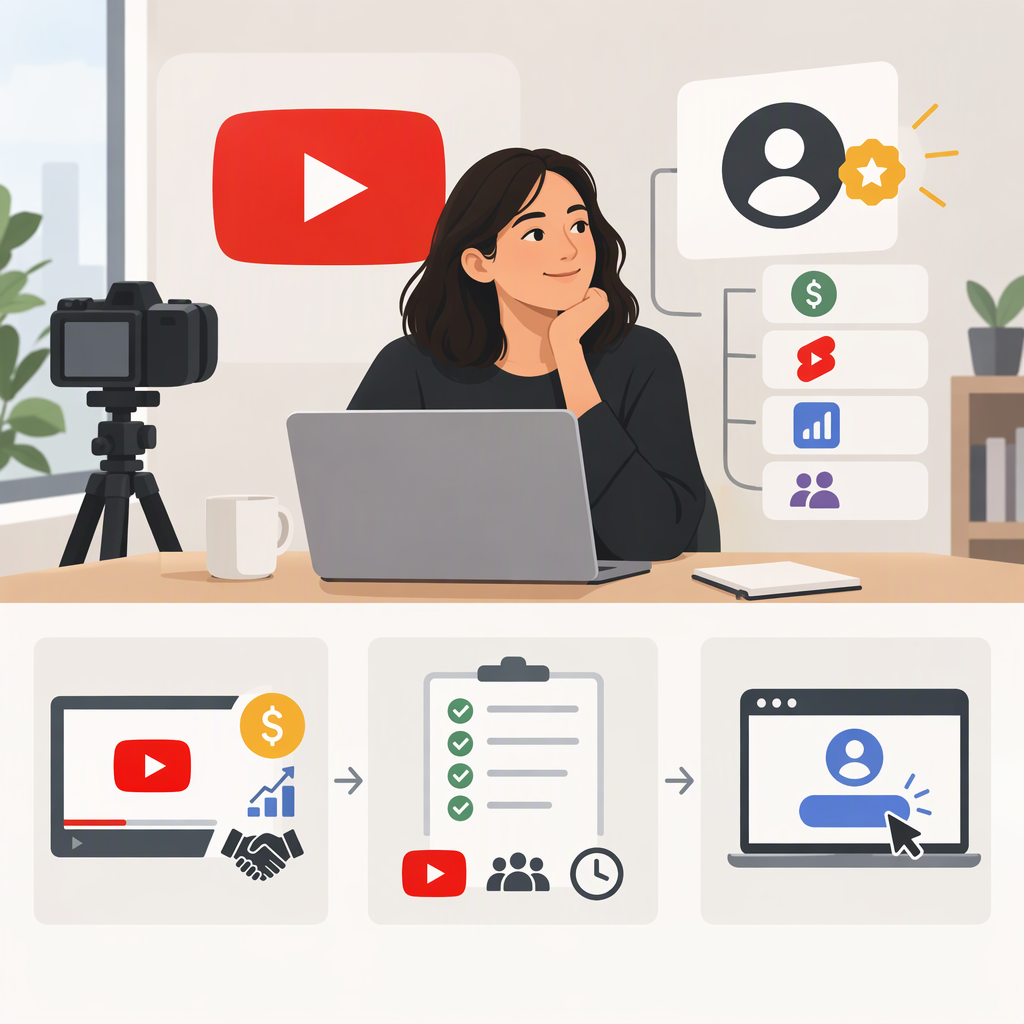
YouTube Partner Account: What It Means, Eligibility, and How to Apply
“YouTube partner account” usually refers to a channel in the YouTube Partner Program (YPP), not a separate type of YouTube account. If you mean the account used to receive YouTube payments, that is an AdSense for YouTube account—a distinct account you link to your channel. YPP gives eligible creators access to monetization features, including revenue sharing when applicable. (support.google.com)
What “YouTube Partner Account” Means
YouTube’s official program name is the YouTube Partner Program, or YPP. It applies to a channel accepted into the program; joining is not simply opening a special “partner account.” An AdSense for YouTube account serves a different purpose: it is linked to the channel for payments. You can use the Earn area in YouTube Studio to check eligibility and begin the official process. (support.google.com)
Who Can Join Ypp?
Eligibility depends on your channel’s location, its policy status, and which monetization benefits you’re seeking. YouTube’s general requirements include following its channel monetization policies, being in a country or region where YPP is available, having no active Community Guidelines strikes, turning on 2-Step Verification for your Google Account, having access to YouTube’s advanced features, and linking an active AdSense for YouTube account (or setting one up through YouTube Studio). Meeting a subscriber or viewing threshold alone does not guarantee acceptance. (support.google.com)
Ypp Thresholds and Different Levels of Access
YouTube documents an earlier-access path for eligible creators in regions where the expanded YPP is available, as well as a higher threshold for additional benefits such as ad and YouTube Premium revenue sharing:
| Access path | Threshold described by YouTube | What it means |
|---|---|---|
| Earlier access through expanded YPP | 500 subscribers, at least 3 valid public uploads in the last 90 days, and either 3,000 qualified watch hours in the last 12 months or 3 million qualified Shorts views in the last 90 days | Can provide earlier access to features such as fan funding and Shopping, subject to program availability and other requirements. This threshold alone is not the threshold for ad revenue sharing. |
| Ad and YouTube Premium revenue-sharing thresholds currently listed by YouTube | 1,000 subscribers and either 4,000 qualified watch hours in the last 12 months or 10 million qualified Shorts views in the last 90 days | The higher threshold for these additional benefits; the channel still has to meet the other requirements and pass review. |
The expanded-program path depends on the channel being based in an eligible country or region. YouTube also specifies that Shorts Feed watch hours do not count toward the 4,000-hour threshold. Check the official country list and the Earn area for your channel rather than assuming a threshold applies to your location or account. (support.google.com)
Upcoming change: YouTube says that, starting February 1, 2027, the entry thresholds for new creators seeking YPP ad and Premium revenue sharing will change to 1,000 subscribers plus either 8,000 qualified watch hours in the last 365 days or 20 million qualified Shorts views in the last 90 days. YouTube says the change will not affect creators already in YPP, and that the earlier thresholds for fan funding, YouTube Creator Partnerships, and YouTube Shopping will not change. If you are approaching the threshold near that date, use the Earn area and current official guidance to see which requirements apply when you apply. (support.google.com)
How to Check Your Channel’s Eligibility
- Sign in to YouTube with the Google Account that manages your channel.
- Open YouTube Studio and go to the Earn area.
- Review the eligibility information shown for your channel. If the expanded YPP option is not yet available to you, YouTube says you can select Get notified there to receive an email when the program is available to you and you have reached its thresholds. (support.google.com)
For example, a channel with 500 subscribers and 3 million qualified Shorts views may meet the stated audience thresholds for expanded YPP only if it also has 3 valid public uploads in the last 90 days and is in an eligible region. That does not, by itself, meet the separately listed 1,000-subscriber threshold for ad and Premium revenue sharing. The channel-specific Earn information is the practical place to check its status.
How to Apply and What Happens Next
When YouTube Studio shows that your channel is eligible to apply, start the YPP sign-up process from YouTube Studio. YouTube says applications are reviewed to determine whether the channel follows its policies and guidelines; acceptance is not automatic just because the numerical thresholds are met. (support.google.com)
You’ll also need an active AdSense for YouTube account linked to your channel. If you need a new one, create it through YouTube Studio rather than the AdSense homepage. YouTube warns that duplicate AdSense or AdSense for YouTube accounts under the same payee name will not be approved. The linked payment account is for receiving earnings; it is not itself YPP membership. (support.google.com)
After applying, wait for YouTube’s channel review and follow the status shown in YouTube Studio or any message YouTube sends. The official eligibility guidance describes a standard policy review but does not promise acceptance or a specific review time. If a channel does not meet the policies, reaching a view or subscriber threshold alone does not change that outcome. (support.google.com)
In Short
If you’re searching for a “YouTube partner account,” you probably want to know how to join YPP. Check YouTube Studio → Earn for your channel’s location-specific eligibility and application options. Keep in mind that YPP membership and an AdSense for YouTube payment account are related but different, and that YPP thresholds distinguish earlier access to some features from eligibility for ad and YouTube Premium revenue sharing.