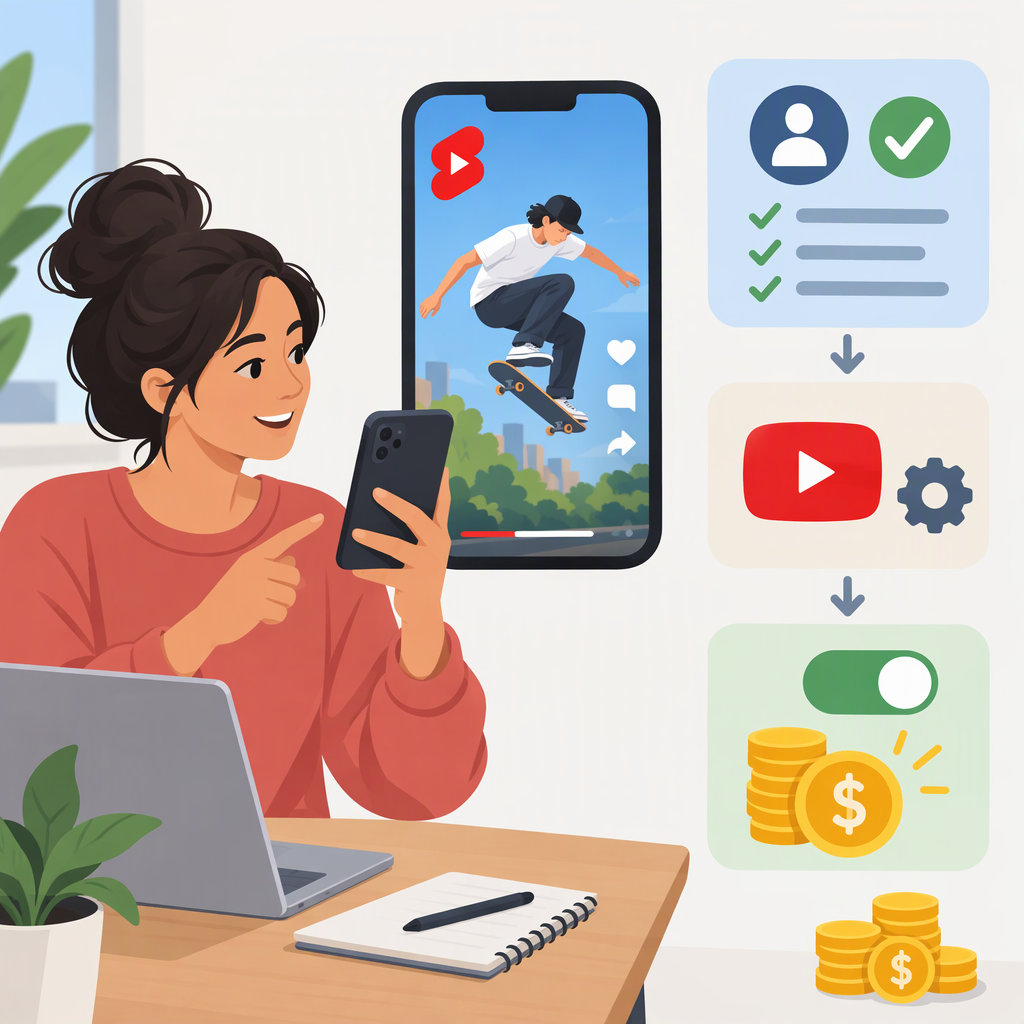
YouTube Shorts: How to Make Money, Check Eligibility, and Turn on Monetization
You can earn from YouTube Shorts through Shorts Feed ad and YouTube Premium revenue sharing if your channel qualifies for the relevant YouTube Partner Program (YPP) level and you accept the Shorts Monetization Module. Other possibilities include eligible fan-funding or Shopping features and income from sponsorships or affiliate arrangements made separately. Views alone do not guarantee earnings, and there is no fixed amount paid per view. The requirements below reflect YouTube’s guidance as of November 13, 2026.
Ways to Make Money from Shorts
- Shorts Feed ads and YouTube Premium: The main YouTube-native route for earning directly from Shorts views. You must qualify for the YPP level that includes ad revenue sharing and accept the Shorts Monetization Module. Ads run between videos in the Shorts Feed; this is separate from ads on long-form video watch pages. (support.google.com)
- Fan funding and Shopping: Depending on your channel, country, and the feature’s individual requirements, YPP can offer features such as memberships, Super Thanks, Super Chat and Super Stickers, or Shopping. These features are not the same as Shorts Feed ad revenue sharing, and each may have its own eligibility rules. (support.google.com)
- Sponsorships and affiliate activity: A creator can arrange a brand partnership or affiliate relationship independently of Shorts ad-revenue eligibility. If a Short contains branded content or a paid promotion, YouTube requires creators to declare it in the video details; creators are also responsible for applicable disclosure rules. (support.google.com)
Check Which Monetization Options You May Qualify For
YouTube has two commonly relevant YPP thresholds. The lower threshold can open access to certain fan-funding and Shopping features in eligible countries; it does not by itself unlock Shorts Feed ad revenue sharing. The higher threshold includes ad revenue sharing, including Shorts Feed ads, subject to accepting the relevant module and meeting channel policies. (support.google.com)
| YPP level | Threshold | What it can unlock |
|---|---|---|
| Earlier access, where available | 500 subscribers; at least 3 valid public uploads in the past 90 days; and either 3,000 qualified public watch hours in the past 12 months or 3 million qualified public Shorts views in the past 90 days | Eligible fan-funding and Shopping features, subject to feature-specific requirements. |
| Ad revenue sharing | 1,000 subscribers; and either 4,000 qualified public watch hours in the past 12 months or 10 million qualified public Shorts views in the past 90 days | Watch-page ads, Shorts Feed ads, and YouTube Premium revenue, subject to the relevant terms and feature rules. |
Shorts views in the Shorts Feed do not count toward the 4,000-hour watch-time route. YouTube also says paid-ad campaign views and watch time do not count toward these thresholds. The expanded, earlier-access program is available only in listed countries or regions, so check the availability list and your channel’s Earn page rather than assuming the same tier applies everywhere. (support.google.com)
In addition to the metrics, YouTube’s current YPP overview lists policy compliance, living in a country or region where YPP is available, no active Community Guidelines strikes, Google Account 2-Step Verification, advanced-features access, and an active AdSense for YouTube account (or readiness to create one in Studio) among its requirements. Meeting a threshold makes a channel eligible to apply; it does not guarantee approval, because YouTube reviews the channel against its policies. (support.google.com)
Upcoming change: YouTube says that starting February 1, 2027, creators will need at least 10 million qualified Shorts views in the preceding 90 days to earn from the Shorts Creator Pool and YouTube Premium for a given month. YouTube says missing that monthly threshold will not remove a creator from YPP or affect other YPP earnings. Check the current Earn tab and YouTube’s policy page as the effective date approaches. (support.google.com)
Apply and Turn on Shorts Monetization
- Check eligibility in YouTube Studio. Sign in and open Earn. Review the thresholds and feature status shown for your channel. If you are not eligible, YouTube offers a Get notified option when available. (support.google.com)
- Apply to YPP when the option appears. In Studio, open Earn and choose Apply now. Review and accept the base terms, then link an existing active AdSense for YouTube account or set one up through Studio. YouTube’s application flow shows In Progress under Get Reviewed once it has received the application. (support.google.com)
- Wait for the channel review. YouTube reviews whether the channel meets its monetization policies. Reaching the metrics is not automatic acceptance. (support.google.com)
- Accept the Shorts terms after approval. In Studio’s Earn section, find the Shorts Monetization Module, review it, and accept it to turn on Shorts Feed ad-revenue sharing. This is a separate step from applying to YPP. Eligible Shorts views count for sharing only from the date you accept the module; earlier views do not become retroactively eligible. (support.google.com)
- Check individual Shorts. In Studio, open Content and review each Short’s monetization status. Only eligible views on content that meets the applicable monetization and advertiser-friendly policies can earn a share. Reused or non-original Shorts, artificial views, and some other ineligible content can be excluded. (support.google.com)
For other available earning features, use Earn to review and accept their terms separately. YouTube describes eligible partners choosing from the modules available to them; joining YPP does not automatically switch on every monetization feature. (support.google.com)
How Shorts Earnings and Payment Work
Shorts Feed ads appear between Shorts. YouTube pools revenue and allocates it under its Shorts revenue-sharing system; a creator’s allocation is based on their share of eligible views, and the creator receives 45% of the revenue allocated to them from the Creator Pool. That 45% is not 45% of a specific ad’s price or a guaranteed per-view rate. Actual earnings can vary, and YouTube says its partner agreement does not guarantee how much—or whether—a creator will be paid. (support.google.com)
Use YouTube Studio → Analytics to review estimated revenue. For payment, creators are paid through AdSense for YouTube. YouTube’s payment guidance lists confirming personal information, submitting tax information, selecting a payment method, and reaching the applicable payment threshold as steps before payment. Available payment methods and thresholds depend on the payment account and location. (support.google.com)
If You Are Not Eligible or Your Application Is Pending
If the Earn tab does not show eligibility yet, use its Get notified option if offered and keep checking the requirements shown for your channel. If an application is under review, In Progress means YouTube has received it. If YouTube rejects an application, review the rejection notice for the stated policy issue; YouTube says creators who believe the decision was incorrect can appeal within 21 days. (support.google.com)