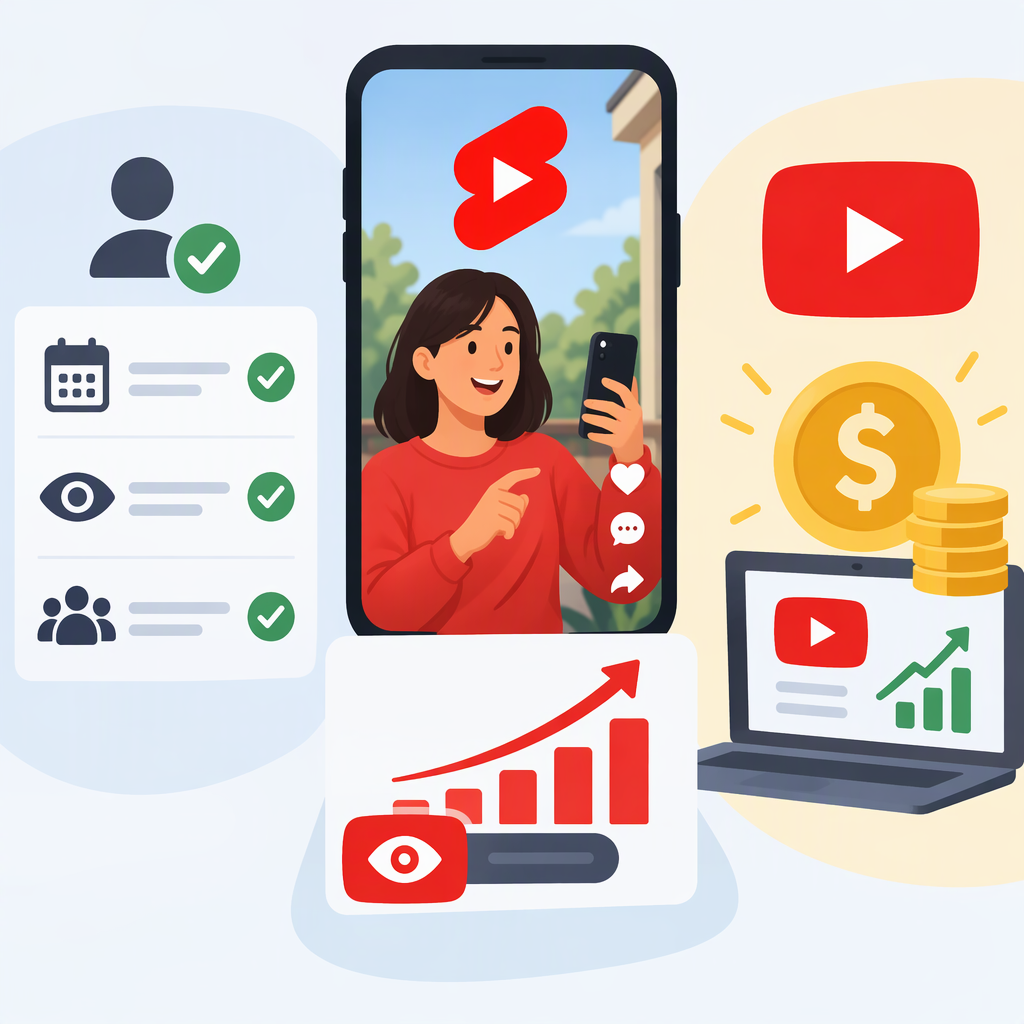
YouTube Shorts and the YouTube Partner Program: Eligibility, Views, and Earnings
The Short Answer
Shorts creators can pursue two YouTube Partner Program (YPP) eligibility levels. In eligible countries or regions, the earlier-access level requires 500 subscribers, three valid public uploads in the past 90 days, and either 3 million qualified public Shorts views in the past 90 days or 3,000 qualified public watch hours in the past 12 months. This level can unlock eligible fan-funding and Shopping features, but it does not by itself unlock Shorts Feed ad revenue.
For ad revenue sharing, the full YPP threshold is 1,000 subscribers and either 10 million qualified public Shorts views in the past 90 days or 4,000 qualified public watch hours in the past 12 months. Shorts-feed watch time does not count toward the 4,000-hour route. Meeting a threshold lets you apply; YouTube still reviews the channel, and acceptance does not guarantee a particular amount of earnings. (support.google.com)
Ypp Routes for Shorts-Focused Creators
| Route | Shorts-focused requirement | What it can unlock |
|---|---|---|
| Earlier access in eligible regions | 500 subscribers, 3 valid public uploads in 90 days, and 3 million qualified Shorts views in 90 days | Eligible fan-funding features—such as memberships, Super Chat, Super Stickers, and Super Thanks—and Shopping, subject to each feature’s own conditions |
| Full YPP ad-revenue eligibility | 1,000 subscribers and 10 million qualified Shorts views in 90 days | Shorts Feed ads and YouTube Premium revenue, along with other features you qualify for |
| Alternative watch-time route | The same subscriber requirement for the relevant tier, plus 3,000 qualified watch hours for earlier access or 4,000 for full YPP in the past 12 months | The corresponding tier’s eligible features; Shorts Feed watch time is excluded from the watch-hour threshold |
The earlier-access tier is limited to eligible countries and regions. YouTube also requires channels to comply with monetization policies; the general YPP requirements include living in a YPP-available location, having no active Community Guidelines strikes, turning on 2-Step Verification, having access to advanced features, and linking an AdSense for YouTube account. Check the Earn tab for your channel’s account-specific status and feature availability. (support.google.com)
Which Shorts Views Count?
Do not assume the public view count shown for a Short is the same as the eligibility measure. YouTube says Shorts views began counting when a Short starts or replays, with no minimum watch time, while YPP eligibility and Shorts ad-revenue sharing use engaged Shorts views. Eligibility policies also exclude ineligible activity. Examples include artificial or fake views, non-original Shorts such as unedited reuploads or compilations with no original contribution, and views of content that does not meet advertiser-friendly guidelines. Views from paid ad campaigns do not count toward YPP thresholds; eligible organic follow-on views may count. (support.google.com)
Example: A channel may display millions of Shorts views but still fall short of the 3-million or 10-million eligibility threshold if its qualifying engaged views are lower, its views fall outside the rolling 90-day period, or some activity is ineligible. Use the Earn tab’s eligibility progress—not a rough calculation from lifetime channel views—to decide whether you can apply.
How Shorts Monetization Works—And What It Does Not Promise
Shorts Feed ad revenue comes from ads shown between videos in the Shorts Feed. To share in Shorts Feed ads and YouTube Premium revenue, an accepted YPP creator must accept the Shorts Monetization Module in YouTube Studio. Revenue sharing applies to eligible Shorts views from the date the creator accepts the module; earlier views are not eligible for Shorts ad-revenue sharing. YouTube says creators receive 45% of the revenue allocated to them from the Shorts Creator Pool. The amount is not a fixed payment per view: eligibility, eligible views, the pool allocation, and the applicable terms matter. YouTube does not guarantee how much—or whether—a creator will be paid. (support.google.com)
The Shorts monetization policy page also states that, starting February 1, 2027, earning a share of Shorts ad revenue from the Creator Pool and YouTube Premium for a given month will require at least 10 million qualified Shorts views in the last 90 days. That is a date-specific monetization condition stated separately from the general steps for joining YPP; review the current module terms and your Earn tab before relying on it. (support.google.com)
How to Check Eligibility and Apply
- Open YouTube Studio and select Earn. Review the channel’s displayed progress and any region or feature eligibility information. If you are not eligible yet, YouTube says you can select the notification option there to be told when you meet the thresholds.
- Compare the right measures. For a Shorts route, look at qualified Shorts views over the stated 90-day window; for a watch-time route, check eligible watch hours over 12 months. Do not add Shorts-feed watch time to the 4,000-hour threshold.
- Confirm the channel requirements. Check the monetization policies, location availability, account security and advanced-feature requirements, strikes, and AdSense for YouTube setup.
- Apply in Studio when the channel is eligible. YouTube reviews the channel against its policies and guidelines. Reaching the displayed threshold is eligibility to apply, not automatic acceptance.
- After acceptance, choose the relevant modules. Accept the Shorts Monetization Module to share in eligible Shorts Feed ad and Premium revenue. Other earning features can have their own eligibility requirements and terms. (support.google.com)
Income Outside Ypp
YPP features are not the only way a Shorts creator might earn. Sponsorships, affiliate arrangements, or sales of a creator’s own products or services can be arranged independently of YPP. These are separate business arrangements, not YouTube Shorts ad-revenue sharing, and their availability or terms depend on the parties and any applicable rules. If your immediate goal is YouTube-provided Shorts ad revenue, focus on the full YPP threshold and acceptance into YPP; if you qualify only for earlier access, review which fan-funding or Shopping features are actually available to your account.