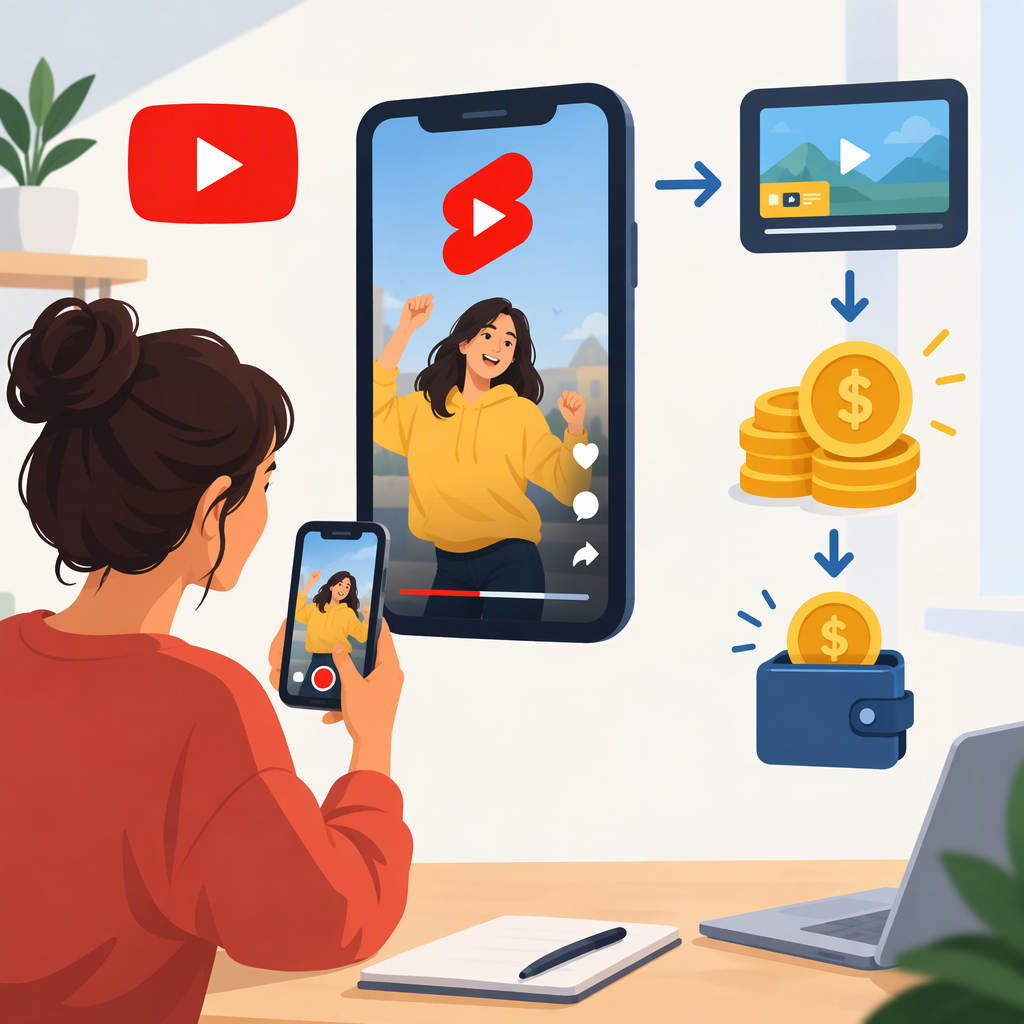
YouTube Reels Monetization: How YouTube Shorts Earnings Work
Does YouTube Have Reels?
YouTube calls its short-form video format YouTube Shorts—not Reels. “Reels” is the name Meta uses for short videos on Instagram. This guide is about YouTube Shorts; the two platforms’ monetization programs are not interchangeable. (youtube.com)
How Can You Earn from YouTube Shorts?
The main YouTube-paid routes are:
- Shorts Feed ads and YouTube Premium: Eligible YouTube Partner Program (YPP) creators can earn from ads shown between Shorts and from eligible Premium viewing after accepting the Shorts Monetization Module. YouTube allocates Shorts revenue through a Creator Pool; a creator receives 45% of the amount allocated to them. This is not 45% of a fixed payment for every view. (support.google.com)
- Super Thanks: Eligible creators may receive viewer purchases on eligible Shorts. It is a fan-payment feature, not an automatic payment per view. Availability and eligibility conditions apply. (support.google.com)
- YouTube Shopping: Eligible creators may be able to tag products in Shorts. Access depends on the feature’s eligibility rules and availability. (support.google.com)
Sponsorships and affiliate arrangements can also bring in creator income, but they are separate from YouTube’s Shorts ad-revenue payments. YouTube’s Analytics guidance excludes brand deals and sponsorships from RPM, so don’t treat those earnings as YouTube-paid Shorts revenue. (support.google.com)
Shorts Monetization Eligibility
There are two thresholds to distinguish. The lower threshold can unlock earlier access to some features, but it does not by itself unlock Shorts Feed ad revenue.
| Route | Published eligibility threshold | What it can unlock |
|---|---|---|
| Earlier access to YPP features, in eligible countries or regions | 500 subscribers, 3 valid public uploads in the past 90 days, and either 3,000 qualified public watch hours in the past 12 months or 3 million qualified public Shorts views in the past 90 days | Features such as fan funding and Shopping, subject to each feature’s own requirements and availability |
| Shorts Feed ads and YouTube Premium revenue | 1,000 subscribers and either 4,000 qualified public watch hours in the past 12 months or 10 million qualified public Shorts views in the past 90 days | Eligibility to apply for the YPP tier that includes ad and Premium revenue sharing; approval and module acceptance are still required |
Shorts Feed watch time does not count toward the 4,000-hour route. YouTube also reviews channels for compliance with its monetization policies; meeting the numbers alone does not guarantee acceptance. Check the Earn tab in YouTube Studio for your channel’s status, regional availability, and feature-specific requirements. (support.google.com)
Scheduled change: YouTube’s published update says that, starting February 1, 2027, new creators will need 1,000 subscribers plus either 8,000 qualified watch hours in 365 days or 20 million qualified Shorts views in 90 days to enter the YPP tier for ads and Premium. The same update says creators will need to maintain 10 million qualified Shorts views in the last 90 days to earn from the Shorts Creator Pool each month; falling below that monthly level will not, by itself, remove a creator from YPP. Check Studio and YouTube’s current terms before acting, especially near the effective date. (support.google.com)
How to Apply or Turn on Shorts Monetization
- In YouTube Studio, open Earn and review the eligibility status shown for your channel.
- If eligible, select Apply and complete the base YPP terms and AdSense for YouTube setup or account linking.
- Wait for YouTube’s channel review. Eligibility thresholds do not guarantee approval.
- After acceptance, review and accept the Shorts Monetization Module to enable Shorts Feed ad and Premium revenue sharing. Eligible views from before you accept the module do not qualify for Shorts revenue sharing. (youtube.com)
Keep content original and policy-compliant: YouTube says non-original, artificial, or advertiser-unfriendly engaged views may be excluded from Shorts revenue sharing. (support.google.com)
Can You Estimate Shorts Earnings per View?
There is no universal, guaranteed payment per view in the cited YouTube guidance. Shorts earnings depend on the revenue allocated through the Creator Pool and a channel’s share of eligible views; YouTube says partner agreements do not guarantee a particular amount—or any payment. A generic “dollars per 1,000 views” figure therefore should not be treated as a dependable forecast. (support.google.com)
For a channel-specific estimate, use the Shorts revenue figures in YouTube Analytics. RPM can help compare a channel’s past revenue per 1,000 engaged views, but it describes historical results, not a promised future rate, and does not include outside sponsorship or affiliate income. For example, if you use your own historical Shorts RPM to estimate a future view count, the arithmetic is estimated revenue = engaged views ÷ 1,000 × your observed RPM. Treat the result as a planning scenario, not a payout quote; audience, eligible views, revenue allocation, and monetization status can differ from the period used to calculate that RPM. (support.google.com)
Policy snapshot: November 13, 2026. YouTube’s published February 1, 2027 changes are identified above as scheduled, not yet effective.