Minimum Watch Time for YouTube Monetization: 3,000 or 4,000 Hours?
The Short Answer
If you mean YouTube, the watch-time target depends on what you mean by monetization:
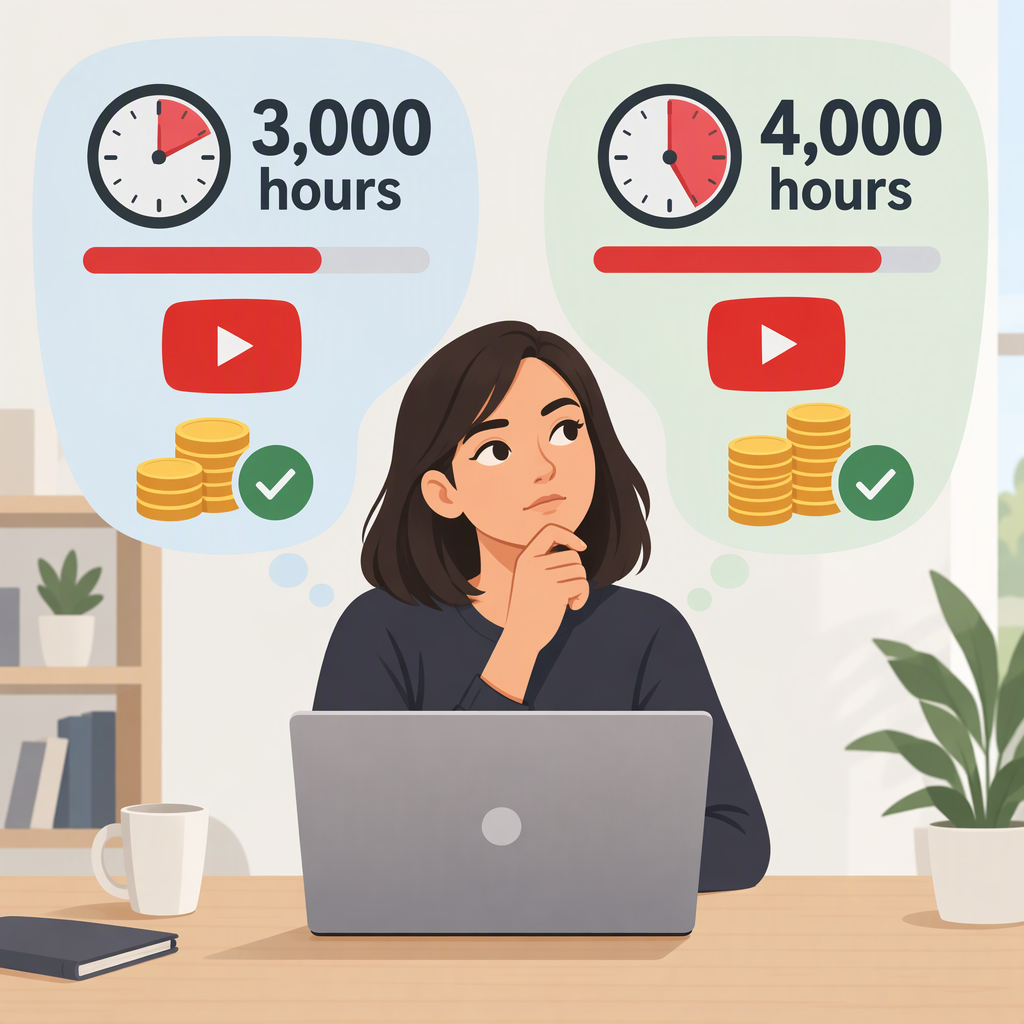
- Earlier access to some YouTube Partner Program (YPP) features: 3,000 qualified public watch hours in the past 12 months, plus 500 subscribers and 3 valid public uploads in the past 90 days. This expanded YPP route is available only in eligible countries or regions. It provides earlier access to features such as fan funding and Shopping; it is not the 4,000-hour ad-revenue threshold. (support.google.com)
- Eligibility thresholds for ad revenue sharing: 4,000 qualified public watch hours in the past 12 months and 1,000 subscribers. Alternatively, creators can meet the separate Shorts route: 10 million qualified Shorts views in the past 90 days and 1,000 subscribers. (support.google.com)
These are moving time windows, not lifetime totals. If you are tracking the long-form route, compare the qualifying hours earned during the most recent 12 months with the applicable threshold.
Which Watch Hours Count?
YouTube counts qualified watch hours from public long-form videos. Its guidance excludes hours from private, unlisted, or deleted videos; ad campaigns; and YouTube Shorts. Shorts Feed watch time does not add to the 4,000-hour long-form requirement. (support.google.com)
Livestream watch time has conditions too: YouTube lists livestreams that are unlisted, deleted, or not converted to video on demand as excluded. Check that a livestream archive is public and available as a video if you are counting on its hours. (support.google.com)
Views and watch hours are different measures. For example, 1,000 eligible views averaging four minutes each would amount to about 66.7 watch hours (1,000 × 4 ÷ 60), not 1,000 hours. This is an arithmetic example, not a prediction of how many views your channel will need; average viewing time varies.
Shorts Use a Separate Route
YouTube counts Shorts views separately from public watch hours. In eligible regions, the expanded-YPP threshold is 3 million qualified Shorts views in 90 days, together with 500 subscribers and 3 valid public uploads in 90 days. For the higher YPP thresholds associated with ad revenue sharing, the Shorts alternative is 10 million qualified Shorts views in 90 days and 1,000 subscribers. You cannot substitute Shorts Feed watch time for the long-form watch-hour target. (support.google.com)
Reaching the Hours Is Not Automatic Approval
The threshold is only one part of eligibility. YouTube also requires creators to follow its channel monetization policies, live in a region where YPP is available, have no active Community Guidelines strikes, turn on 2-Step Verification, have access to advanced features, and link or set up an AdSense for YouTube account. After you apply, YouTube reviews the channel; meeting the numbers alone does not guarantee acceptance. (support.google.com)
The 500-subscriber expanded-YPP route is an earlier-access tier, with features such as fan funding and Shopping. YouTube describes the 1,000-subscriber and 4,000-hour (or Shorts alternative) threshold as the level for additional benefits including ad and YouTube Premium revenue sharing. Individual features may have their own eligibility requirements. (support.google.com)
How to Check Your Progress
- Open YouTube Studio and select Earn.
- Review the eligibility progress shown there, including the threshold and qualifying metric for your channel.
- If you are not eligible yet, choose Get notified in Earn if that option is available.
- When eligible, follow the application steps in Studio. Your channel will go through review after you apply. (support.google.com)
Bottom line: for the long-form route to the higher YPP threshold associated with ad revenue sharing, the answer is 4,000 qualified public watch hours in 12 months, plus 1,000 subscribers. 3,000 hours applies to the expanded-YPP earlier-access route in eligible regions, with additional requirements; it is not the same threshold or set of benefits. Guidance checked against YouTube Help on November 14, 2026.