How to Earn Money on TikTok: Monetization Options and How to Enable Them
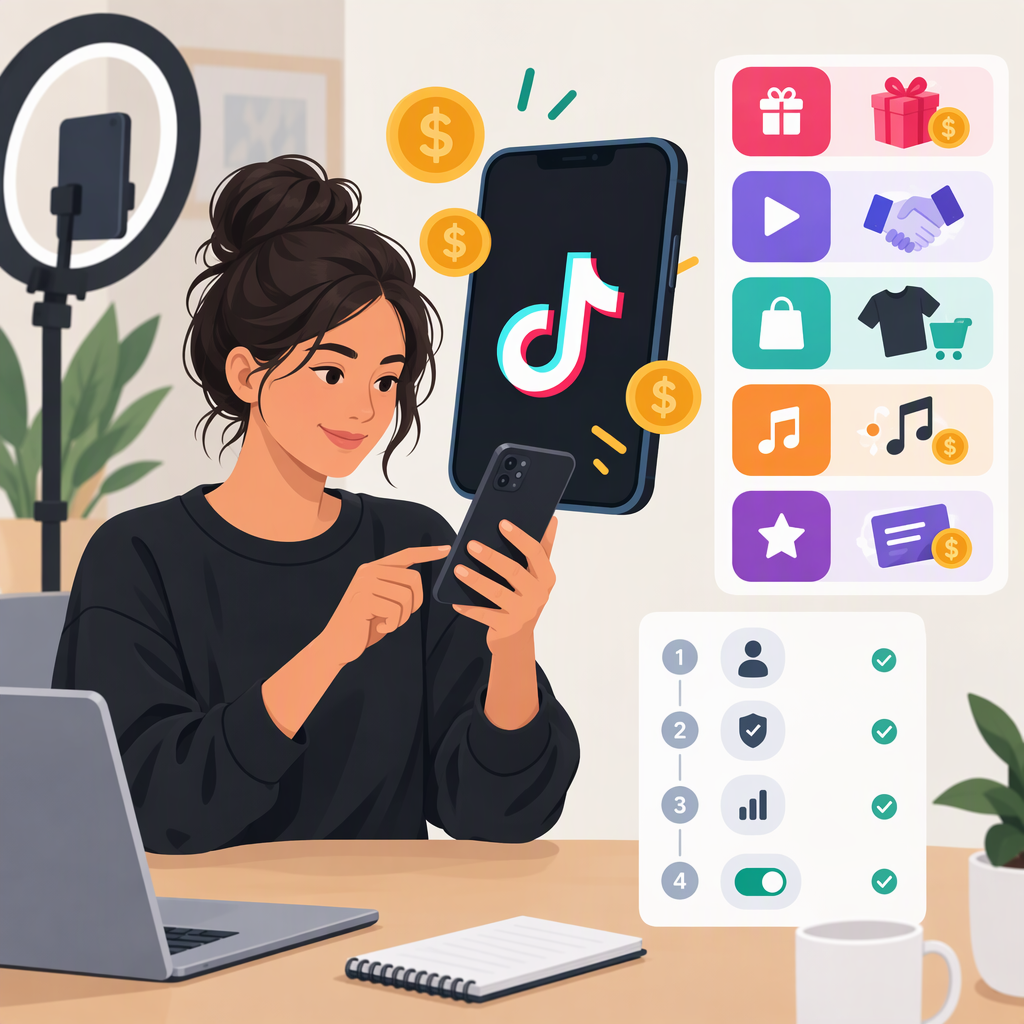
TikTok creators can earn through a mix of TikTok features and arrangements with brands, sellers, or their own customers. The main options include Creator Rewards, LIVE and Video Gifts, subscriptions, paid Series, brand partnerships through TikTok One or direct deals, TikTok Shop affiliate commissions, and sales of your own products or services. Which options are available—and the rules for joining—depend on your location and account. TikTok’s TikTok Studio → Monetization area is a practical starting point for checking what your account can access. (support.tiktok.com)
There is no guaranteed income from views, Gifts, or sales. Treat estimated rewards and revenue as variable, and check each feature’s eligibility and payment details before planning around it.
TikTok Monetization Options at a Glance
| Route | What you do | Where the money or reward comes from | Important distinction |
|---|---|---|---|
| Creator Rewards Program | Publish eligible original videos, at least one minute long. | TikTok calculates rewards using qualified views and other factors; it does not pay a fixed amount per view. | Requires separate eligibility and approval. Only eligible videos posted after approval can earn. (support.tiktok.com) |
| LIVE Gifts and Video Gifts | Go LIVE or enable Gifts on eligible public videos. | Viewers send virtual Gifts; TikTok awards Diamonds under its rules. | Diamonds are not a simple promise of a fixed cash amount. Availability and eligibility vary. (support.tiktok.com) |
| Subscriptions | Offer eligible viewers recurring access or subscriber perks, where available. | Subscribers pay through TikTok’s feature. | LIVE and subscription eligibility are separate checks; confirm what your account can offer in the app. (support.tiktok.com) |
| Series | Sell access to a collection of premium videos. | Viewers purchase access on TikTok. | This is paid access to content, not a reward for ordinary video views. (support.tiktok.com) |
| Brand deals / TikTok One | Collaborate with a brand on a campaign or other business opportunity. | Payment depends on the agreement with the brand. | TikTok One helps connect creators, advertisers, and brands; it is not a guaranteed payment program. (support.tiktok.com) |
| TikTok Shop affiliate | Feature products in eligible videos, LIVE content, or your showcase. | Commission may be earned on qualifying sales under the seller’s offer and TikTok Shop rules. | This is commerce activity, not Creator Rewards. U.S. Shop creator eligibility and feature access have their own requirements. (seller-us.tiktok.com) |
| Your own products or services | Use TikTok content to attract customers to your own business. | Customers pay you under your own sales arrangement. | TikTok’s commercial-content disclosure rules apply when you promote your own business. (support.tiktok.com) |
A practical way to choose: if you make original, longer videos, check Creator Rewards; if you regularly interact live, check LIVE Gifts and subscriptions; if you have premium material, consider Series; if you can promote products credibly, check TikTok Shop; and if you have an audience brands value, explore TikTok One or direct partnerships. You can combine eligible options, but their rules and payment arrangements remain separate.
How to Check Which Options You Can Use
- Open TikTok Studio. In the app, go to Profile → Menu ☰ → TikTok Studio → Monetization. TikTok’s help pages use this area for options such as Video Gifts, TikTok One, and Series; labels or availability may differ by feature or region. (support.tiktok.com)
- Open the specific feature, then check eligibility. Do not assume that meeting one program’s requirements qualifies you for another. For example, Creator Rewards currently lists requirements including an eligible location, a Personal Account in good standing, age 18 or older (19 in South Korea), 10,000 followers, and 100,000 video views in the last 30 days. It also requires original videos of at least one minute. These are Creator Rewards rules—not universal TikTok monetization thresholds. (support.tiktok.com)
- Check the account type and content conditions. Creator Rewards and Video Gifts require a Personal Account. Series allows eligible public Personal or Business Accounts. Video Gifts exclude, among other things, Duets, Stitches, ads, sponsored content, and promoted posts. (support.tiktok.com)
- Check regional availability and any extra requirements. TikTok states that some features are not available everywhere. For U.S. TikTok Shop, TikTok’s Shop creator policy describes different creator types and says affiliate creators need at least 1,000 followers; specific marketplace features may have additional requirements. Confirm the current checklist shown to your own account before applying. (support.tiktok.com)
Example: A U.S.-based creator with 2,000 followers should not assume they qualify for Creator Rewards: the program’s listed 10,000-follower and 100,000-view requirements are higher. They can still check the separate Shop creator, LIVE Gifts, Video Gifts, Series, and TikTok One eligibility screens; one option’s threshold does not determine access to the others. (support.tiktok.com)
How to Apply or Turn on Monetization
Creator Rewards Program
If Creator Rewards appears in your Monetization area, open it and follow the in-app application instructions. TikTok reviews account and video eligibility. If accepted, eligible videos posted after approval can earn; older posts do not become eligible retroactively under the program rules. The dashboard shows estimated rewards, qualified-view metrics, and payout information. (support.tiktok.com)
A view is not automatically a qualified view. TikTok says qualified views are unique views from the For You feed and excludes, among other categories, paid, promoted, fraudulent, artificial, disliked, and under-five-second views. Rewards per 1,000 qualified views (RPM) can depend on performance, search value, location, engagement, and advertising value. So a public view count alone cannot tell you what a video will earn. (support.tiktok.com)
Live Gifts and Video Gifts
For Video Gifts, TikTok’s documented app path is Profile → Menu ☰ → TikTok Studio → Monetization → Video Gifts. Review the eligibility shown there, then turn on Gifts if you qualify. For LIVE Gifts, TikTok says to use the LIVE screen’s Settings to turn the LIVE Gifts setting on before going LIVE. (support.tiktok.com)
TikTok awards Diamonds based on its policies; the number of Gifts or Diamonds should not be treated as a guaranteed cash conversion. For LIVE Diamonds, TikTok says creators can view their balance at Profile → Menu ☰ → Balance → LIVE rewards. Check the app’s current balance and reward information for your account. (support.tiktok.com)
TikTok One and Brand Partnerships
For creator accounts, TikTok’s stated path is Profile → Menu ☰ → TikTok Studio → Monetization → Creator Marketplace → Check eligibility. If eligible, select Join and follow the instructions. TikTok says Business Account users access TikTok One through a web browser. Joining a marketplace does not itself mean a brand has offered work or that a campaign has a set payment; agree on deliverables, usage rights, timing, and compensation with the brand before producing sponsored content. (support.tiktok.com)
Series
TikTok’s listed app path is Profile → Menu ☰ → TikTok Studio → Series; it also describes applying through its Series web page. Applicants review and agree to the program terms and confirm their age. TikTok may ask for links to premium content sold elsewhere, and says submitted applications are reviewed. Its general eligibility list includes age 18 or older, an account at least 30 days old, three public posts in the last 30 days, 10,000 followers, 1,000 views in the last 30 days, original content, and an account in good standing. TikTok notes that some creators under 10,000 followers may apply with evidence of premium content sold on another platform. (support.tiktok.com)
TikTok Shop Affiliate
U.S. TikTok Shop guidance directs creators to check or apply through the in-app Shop creator onboarding and eligibility checklist; TikTok’s newer guidance identifies TikTok Studio → Monetization → TikTok Shop for Creator → Join now as an entry point. If approved, browse eligible products, review the seller’s commission terms, and use product links only in eligible content. Confirm payout setup and current feature access inside Shop Creator Center, since Shop access and product-promotion requirements can vary by creator type and feature. (seller-us.tiktok.com)
Subscriptions and Your Own Sales
For subscriptions, check the Monetization area or LIVE tools on your account for availability and setup instructions; do not assume that access to LIVE automatically means subscription access. If you sell your own products or services, arrange your own checkout and customer fulfillment. TikTok requires its content disclosure setting for content promoting your own business as well as third-party products or services in exchange for payment or another incentive. (support.tiktok.com)
How Earning and Payment Work
- Creator Rewards: TikTok says an eligible video starts collecting rewards after it reaches 1,000 qualified For You feed views. Rewards are based on qualified views and variable RPM, not a fixed rate. Only eligible videos posted after program approval can earn. (support.tiktok.com)
- Creator Rewards payout: TikTok says accumulated rewards are calculated in the month after they are earned. If the payable amount meets the minimum threshold of $10 USD or the equivalent in local currency, payment is scheduled for the 15th of the month and automatically processed to the payout account. Configure the payout account and check the dashboard for your account’s payment instructions. These terms are specific to Creator Rewards; do not assume they apply to Gifts, Series, Shop commissions, or brand deals. (support.tiktok.com)
- Gifts: Viewers send virtual Gifts; TikTok uses Diamonds to recognize popularity and determine rewards under its policies. Review your Gifts or LIVE rewards balance and the relevant in-app payment information rather than assuming a fixed value per Gift. (support.tiktok.com)
- Series, Shop, and brand work: Payment depends on the applicable TikTok feature, seller commission terms, or direct brand agreement. Review those terms and complete any requested account, identity, or payout setup before relying on earnings. The available public help material cited here does not establish one universal payout schedule or method for these different routes.
Important Disclosure Reminder
When a TikTok post or LIVE promotes your own business or a third-party brand for payment or another incentive, TikTok requires the content disclosure setting. TikTok says posts can be labeled Promotional content for your own business or Paid partnership for another business. It also advises using music cleared for commercial use when promoting a brand, product, or service. Check applicable laws and requirements for your location; this guide is not tax or legal advice. (support.tiktok.com)