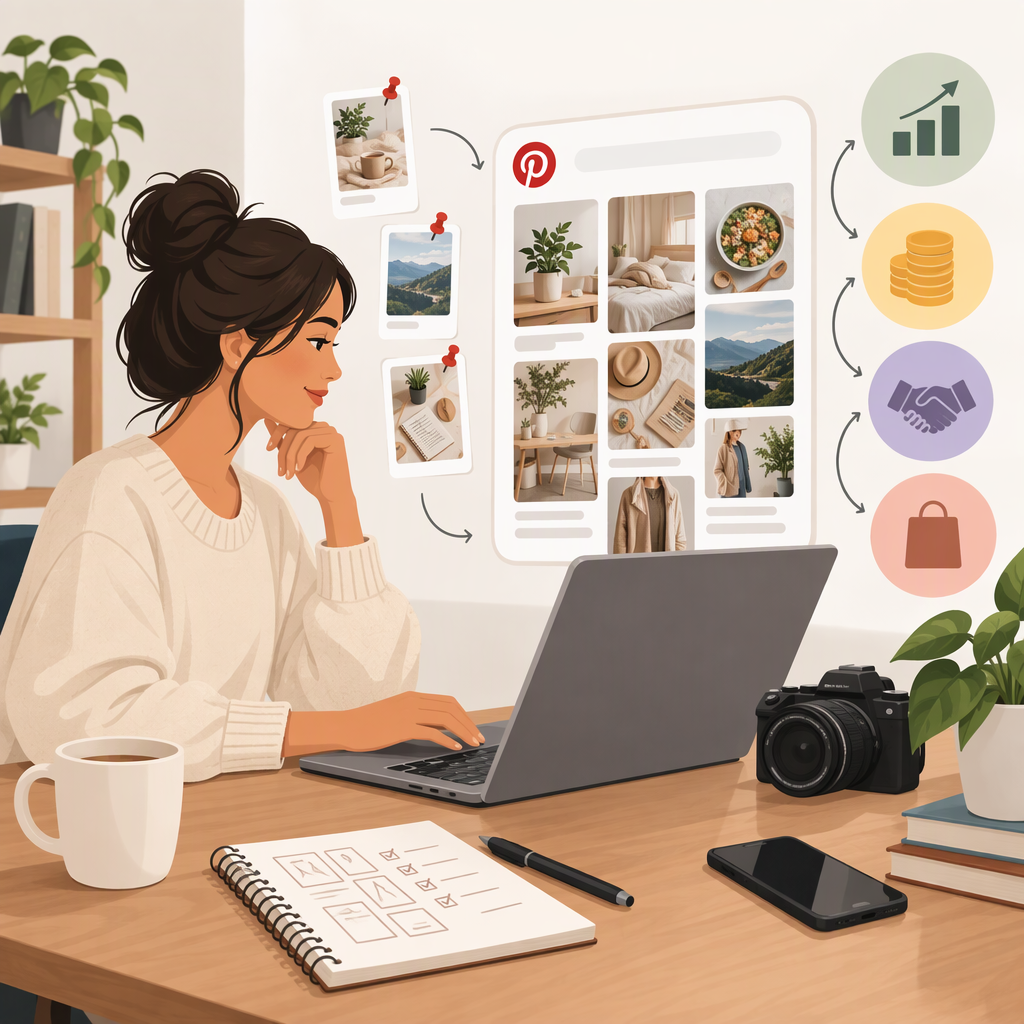
How to Become a Pinterest Creator and Make Money
The Short Answer
You can start creating Pins with a regular Pinterest account, but a business account is needed for Pinterest Analytics and the Creator Hub. Making money does not mean turning on one universal Pinterest payout feature: the routes covered in Pinterest’s public guidance include linking an eligible Amazon Influencer Storefront, arranging paid brand partnerships, or sending people to your own product or service. Eligibility, partner terms, and availability vary. Pinterest’s paid partnership label helps identify a brand relationship; it does not itself arrange the deal or pay you. (help.pinterest.com)
A practical starting sequence is: set up a useful profile and destination, publish Pins that connect to a clear offer, choose one earning route, disclose material relationships, and track results. Don’t assume that a particular program or feature is available to you just because you can publish Pins.
1. Set up Your Creator Presence
- Choose a clear topic and audience. Make it easy to understand what your account helps people discover—such as recipes, room ideas, tutorials, or products. This is a planning recommendation, not an eligibility requirement.
- Complete your profile and create a few relevant Pins. Pinterest lets you create Pins from images or videos you upload. Give each Pin a clear subject and connect it to a relevant destination when you have one. (help.pinterest.com)
- Use a business account if you want Pinterest’s creator and measurement tools. Pinterest says Analytics requires a business account; its Creator Hub is also accessed through a business account in the app. (help.pinterest.com)
- If you have a website, consider claiming it. Claiming is not required to publish Pins, but Pinterest says it can provide analytics for Pins linked to your site and associate Pins from your site with your profile. (help.pinterest.com)
- Make the Pin and destination agree. A Pin about a specific recipe, guide, product, or service should lead to a page that delivers what the Pin promises. Pinterest may block links it considers broken, misleading, spammy, or otherwise against its rules; it recommends linking directly to the source when possible. (help.pinterest.com)
You do not need a website to begin creating. But a website or other suitable destination can give you a place to sell your own offer and measure what happens after someone leaves Pinterest.
2. Choose a Way to Earn
| Route | Who pays you | What you need | Main trade-off |
|---|---|---|---|
| Your own product or service | Your customer | An offer and a destination where people can learn about or buy it | You control the offer, but must handle the product, customer experience, and sales process yourself. |
| Affiliate links | The affiliate merchant, under its program terms | Approval or participation in a suitable affiliate program, plus compliant links and disclosures | You earn only if qualifying activity meets the partner’s terms; Pinterest traffic or clicks do not guarantee commission. |
| Brand partnership | The brand, under a deal agreed with you | A real agreement with a brand and content that fulfills it | You must find and negotiate the partnership; Pinterest’s label is a disclosure feature, not a matchmaking or payment program. |
| Pinterest–Amazon storefront connection | Amazon, if eligible purchases earn commission under its program | A Pinterest business account, Amazon Influencer Program participation, an Amazon Storefront, and compliance with Amazon policies | It is eligibility-dependent and specific to the Amazon connection; Pinterest says affiliate links are applied automatically to tagged Amazon products after linking. |
Pinterest’s public instructions say that linking an Amazon Storefront requires a business account, participation in the Amazon Influencer Program, an Amazon Storefront, and compliance with applicable Amazon policies. Pinterest says only eligible creators can connect accounts, and that creators may be eligible to receive credit for purchases through the Influencer Program—not that every tagged product or purchase earns a commission. (help.pinterest.com)
How to choose: If you already sell something, test Pins that lead to that offer. If you are accepted into an affiliate program, create useful content around relevant products and follow both the partner’s terms and applicable disclosure rules. If a brand has hired you, use the paid partnership tool on the sponsored Pin. If you are considering a Pinterest–Amazon connection, first confirm that you meet the listed Amazon and Pinterest requirements in your account and region.
3. Check What “Monetization Enabled” Means for You
There is no one setup step in the cited Pinterest instructions that unlocks earnings for every creator. Instead, check the requirements for the route you actually plan to use:
- Amazon storefront: In your Pinterest business account settings, look for Link to Pinterest and the Amazon Storefront option. Pinterest’s instructions say to link the accounts and follow the authentication prompts. Its help page says storefront linking currently requires a phone or tablet to start the account connection; it also describes the business-account, Influencer Program, and Storefront prerequisites. Menus and access can vary, so use the instructions shown in your account. (help.pinterest.com)
- Brand deal: Agree on the work and payment with the brand outside Pinterest first. When publishing the Pin, use the Pinterest app: create the Pin, open Advanced settings, turn on Add paid partnership label, choose the brand partner, and publish. Pinterest says the label appears after publishing; the brand’s name appears only if the brand approves the tag. The tool is documented as app-only. (help.pinterest.com)
- Your own offer or another affiliate program: Set up the destination and payment or tracking with the business that is actually selling or administering the offer. Pinterest’s cited materials do not establish a universal Pinterest payment setting for these routes. Check the relevant seller or affiliate-program terms rather than assuming Pinterest will collect or send the money.
Pinterest also describes a Creator Commerce Hub content-promotion test involving eligible brands that already have a relationship with the creator. The help page says participating brands can promote eligible Pins and creators receive an email if a brand chooses to promote one. Treat this as a conditional feature—not a guaranteed income route or a program every creator can turn on. (help.pinterest.com)
4. Publish, Disclose, and Measure
For each monetization-focused Pin, write down three things before publishing:
- The Pin’s promise: What will someone learn, find, or be able to buy?
- The destination: Where should the person go next, and does that page match the Pin?
- The earning event: Is the result a sale on your site, a partner-reported affiliate purchase, or a brand payment under your agreement?
When you have a financial, personal, employment, or other material connection to a brand, make that connection clear. The FTC says endorsements should make a material connection obvious. Pinterest’s paid partnership label is useful for a sponsored Pin, but do not assume it replaces every disclosure you may need in the Pin’s own content or under the rules that apply to you. The FTC guidance cited here is U.S. guidance; creators elsewhere should check their local requirements too. (ftc.gov)
To review performance, use Pinterest Analytics or Pin stats from a business account. Pinterest says Analytics provides an overview of performance, top Pins and boards, and metrics and filters. Compare the stages rather than treating views as earnings: impressions → Pin interactions or outbound clicks → destination visits → purchases or other agreed conversions. Sales and commission records may live with your own checkout provider, brand, or affiliate partner, so Pinterest’s Pin metrics alone may not show confirmed earnings. (help.pinterest.com)
A simple, illustrative review might look like this: if one Pin gets many impressions but few outbound clicks, revise its image, title, or call to action and compare a new version. If it gets clicks but few destination visits, check that the link loads and matches the Pin. If visits occur but purchases do not, review the offer page and the relevant conversion report. These are diagnostic hypotheses, not guaranteed fixes or tested results.
A Practical First-Month Plan
- Week 1: Pick a topic, complete your profile, decide whether a business account and claimed website suit your needs, and select one earning route to investigate.
- Week 2: Prepare a small set of original Pins connected to a relevant destination. Confirm the destination works and that any partner links and disclosures comply with the applicable terms.
- Weeks 3–4: Publish consistently at a pace you can maintain. Review available Pin and account metrics, then change one element at a time—such as the creative, the destination, or the offer—so you can see what changed.
There is no guaranteed timeline to reach an audience or earn money. Treat the first cycle as a way to learn which content attracts relevant people and whether the destination and offer convert them.
Bottom Line
To become a Pinterest creator, start publishing useful Pins around a clear subject; use a business account if you need Creator Hub or Analytics; and choose a revenue path that has real terms and a clear payer. Pinterest documents specific tools such as paid-partnership labels and an eligible Amazon storefront connection, but those tools have conditions and do not promise earnings. Track the full path from Pin to destination to sale, disclose material connections, and verify current feature access and partner rules before relying on them.