How to Turn on Monetization on Instagram: Check Eligibility and Set up an Option
How to Turn on Monetization on Instagram
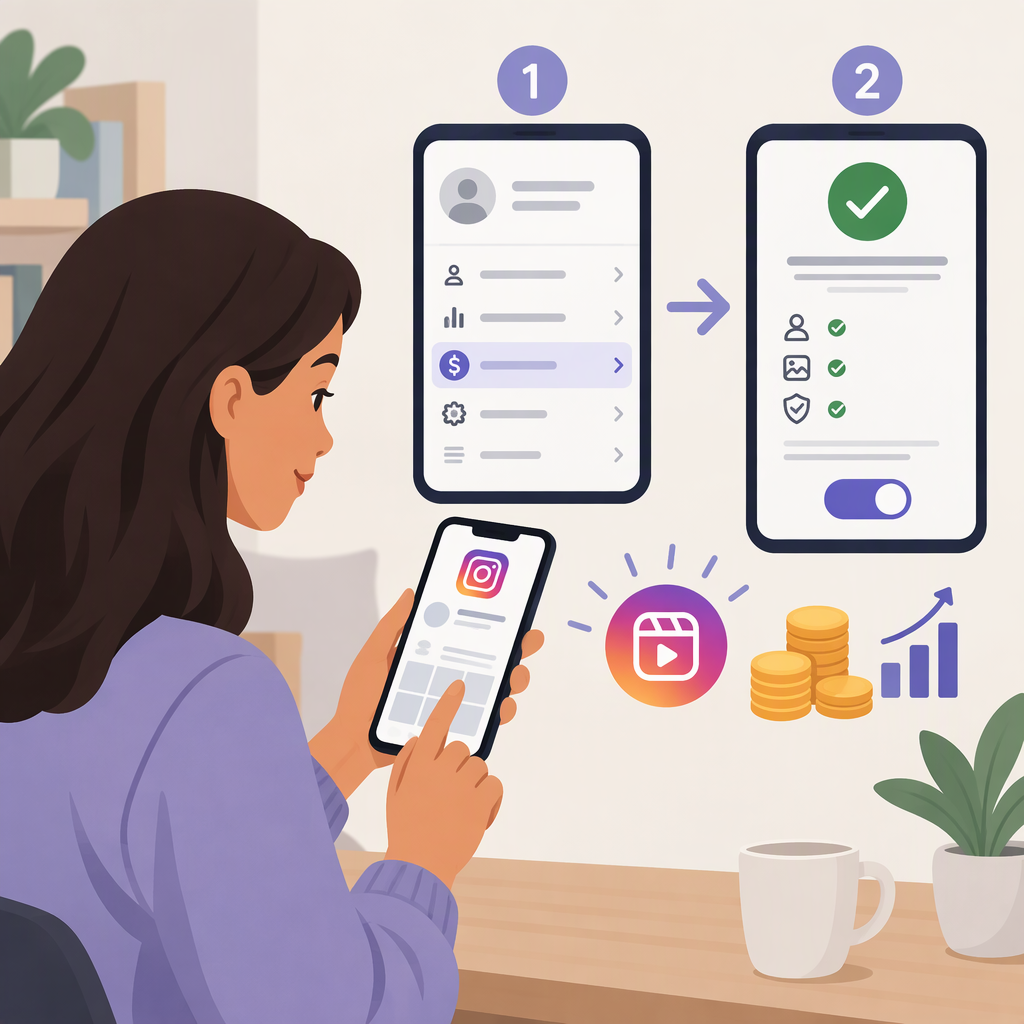
There isn’t one verified setup path that applies to every Instagram earning feature. Start in your account’s Professional Dashboard and check which monetization options Instagram shows as available to you. Meta specifically directs creators to the Professional Dashboard to check Gifts eligibility; its dashboard may also show personalized monetization guidance. An option appearing for your account is a better guide to your next step than a generic list of features or follower thresholds. (about.fb.com)
1. Check Eligibility and Available Options
- Open Instagram and go to the profile you want to monetize.
- Open Professional Dashboard.
- Look for the monetization or earning option you’re interested in, and read the eligibility or status information Instagram displays.
- If Instagram offers an option, open it and review its prompts before starting setup.
Meta’s published guidance confirms that creators can check Gifts eligibility in the Professional Dashboard. It doesn’t establish a single current menu path or guarantee that the same options appear for every account, so use the labels shown in your own app. Meta has also described the dashboard’s Best Practices area as a place for creator guidance, including monetization information and personalized tips. (about.fb.com)
Important: Treat eligibility for one option as eligibility for that option—not as confirmation that every Instagram monetization feature is available to you. Meta’s Gifts announcement describes a specific Gifts eligibility check, not a universal monetization switch. (about.fb.com)
2. Follow the Setup Prompts for the Option You Choose
If a monetization option is offered, open it in the dashboard and follow the instructions shown there. Read any terms or eligibility details, complete the requested setup, and note whether Instagram says the feature is active, needs more information, or is awaiting a decision.
The exact steps, requirements, and completion indicator depend on the option. The public Meta sources cited here do not establish a current, universal setup sequence for every Instagram monetization feature. So don’t rely on an old tutorial’s follower threshold, country list, or menu labels as a substitute for the account-specific instructions in the app.
Example: If Gifts appears in your dashboard, use its eligibility information and setup prompts. If it does not appear, that alone doesn’t tell you whether another monetization option is available; check the other options shown in your dashboard instead. Meta’s published Gifts guidance identifies the Professional Dashboard as the eligibility-check location. (about.fb.com)
3. Complete Payout Setup If Instagram Requests It
Follow payout instructions only when the option’s setup flow asks you to provide or finish payout information. Requirements may be specific to the feature or your situation; the sources available for this guide do not confirm one set of payment, identity, or tax requirements for all Instagram monetization options. Don’t assume that completing payout setup activates every feature, or that an option is fully set up just because you entered payment details.
4. If an Option Is Missing or Setup Is Incomplete
- An option isn’t listed: Recheck the monetization information in Professional Dashboard and review the eligibility details Instagram provides. Don’t assume a general eligibility statement means a particular feature is enabled.
- Instagram asks for more information: Return to that option’s setup flow and follow the outstanding instructions shown there.
- You can’t resolve the issue in the app: Instagram’s support route can be found from your profile’s menu under Settings and activity; search for support or open Help in the More info and support section. The exact labels may vary. (meta.com)
Quick Checklist
- Check the Professional Dashboard on the account you want to monetize.
- Choose from the options Instagram actually shows for that account.
- Follow that option’s own eligibility and setup instructions.
- Complete payout information if the setup flow requests it.
- If the status remains unclear, use Instagram’s in-app Help route.
Meta’s public guidance supports using the dashboard as the starting point, but the sources cited here do not confirm current, option-by-option setup and payout requirements for every account or region. When Instagram provides account-specific instructions, use those rather than assuming a universal activation process.