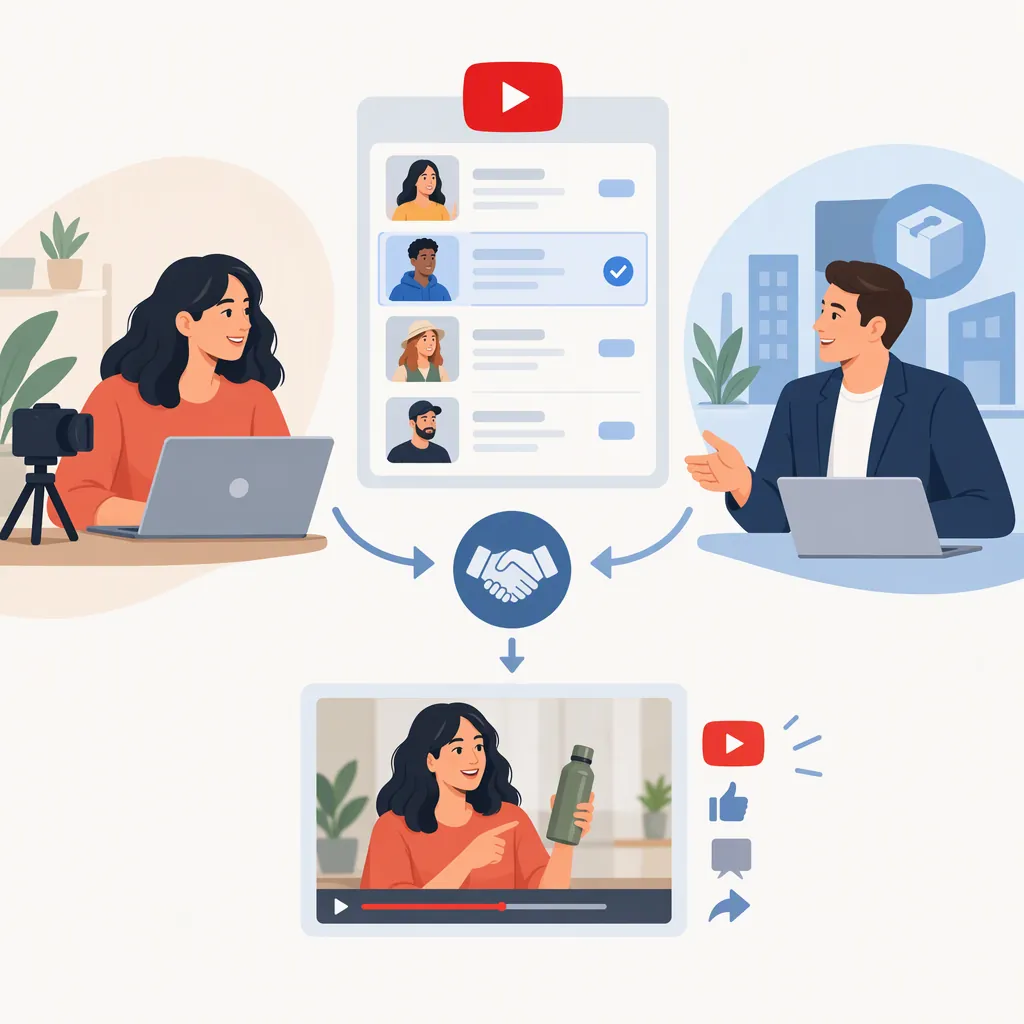
YouTube Creator Marketplace: Using Creator Partnerships
For creators searching for a “YouTube creator marketplace,” YouTube’s documented brand-collaboration tool is YouTube Creator Partnerships, formerly BrandConnect. Eligible creators access it through the Earn page in YouTube Studio to set preferences and manage brand inquiries. Expressing interest is not a signed deal: creators negotiate agreements directly with brands, which also pay them. Availability and features can vary by country or region. [c1] [c3]
What YouTube Creator Partnerships Does
YouTube Creator Partnerships supports brand discovery and creator-side inquiry management. YouTube’s March 2026 announcement describes it as the evolution of BrandConnect, integrated into YouTube Studio for creators and Google Ads and Display & Video 360 for advertisers. [c3]
On the creator side, the documented features include campaign inquiries, a customizable Media Kit, preferred rates for long-form videos and Shorts, and a business contact email. Eligible creators may receive inquiries through Studio or be contacted outside it by email or social channels. These are potential opportunities, not guaranteed assignments or earnings. [c1]
The workflow below focuses on the creator side. The advertiser announcement includes capabilities described as forthcoming, so it should not be treated as confirmation that every announced feature is available in every account. [c3]
Check Eligibility and Find the Tab
The YouTube Help page lists these minimum eligibility requirements:
- Be at least 18 years old.
- Be in the YouTube Partner Program (YPP).
- Be based in an available country or region.
- Have no active Community Guidelines strikes.
- Follow YouTube’s monetization policies. [c1]
The United States is on the published availability list. Eligible creators should see the tab automatically under Earn in YouTube Studio, on desktop or in the Studio app. [c1]
The provided pages use slightly different labels: YouTube Help calls it Creator Partnerships, while the creator overview also uses Partnerships. Look under Earn for that partnership area rather than assuming the exact label will be identical across interfaces. [c1] [c4]
If the tab is missing, review the published requirements and regional availability first. YPP membership alone does not establish that every other requirement is met. [c1]
Set Preferences Before Reviewing Opportunities
In YouTube Studio, open Earn → Creator Partnerships. Under Preferences, use Set suggested price or Business contact email to update your preferred rates and secondary contact. YouTube documents separate rate preferences for long-form videos and Shorts. The secondary email is intended for an agent or manager who should receive copies of inquiries. [c1]
Keep your public business contact and social handle current, because outreach can also happen outside Studio. The Media Kit provides shareable audience and channel-performance information for conversations with brands. [c1] [c4]
Channel insights sharing is a separate choice. YouTube says it makes additional channel information available to advertisers, but creators can still be discoverable and receive inquiries when it is off. Do not treat enabling it as an eligibility requirement or a promise of a deal. [c1]
Review an Inquiry Before Expressing Interest
An inquiry includes brand information and a potential earnings amount. YouTube explicitly says the advertiser-provided amount is not a final offer; it is information for negotiation. Some inquiries also contain deliverables, talking points, product details, and payment or contract terms. Do not assume every inquiry contains all of those fields. [c1]
Selecting Interested shares your contact details with the brand so it can contact you to negotiate. You can add contact preferences when confirming interest. Selecting Not interested tells the brand you do not want to proceed with a discussion. [c1]
If you proceed, you negotiate and sign directly with the brand, and the brand pays you. YouTube recommends understanding the agreement and notes that you may wish to consult a legal professional. [c1]
Use the following checklist as a preparation aid, not as a statement that these terms are already included in the inquiry.
Brand Inquiry Review Checklist
- Record the brand, campaign, and contact person.
- Separate the displayed potential earnings from the fee you actually agree to.
- Confirm video formats, deliverables, deadlines, and review rounds.
- Clarify payment timing and any expenses.
- Specify content usage rights, advertising permissions, and any exclusivity.
- Resolve missing or unclear terms before signing.
- Keep a copy of the agreed scope and contract.
Handle Disclosure and Brand Partner Access
YouTube says creators must tell it when content includes a paid product placement, endorsement, or other commercial relationship. On desktop, its documented path is Studio → Content → select the video → More options, then check “My video contains paid promotion like a product placement, sponsorship, or endorsement” and save. Additional obligations may apply under the laws in your jurisdiction; this setting is not a substitute for checking those obligations. [c4]
Treat brand partner access as a separate permission decision. YouTube says accepting an advertiser’s access request lets the advertiser view organic performance metrics in Google Ads and use linked videos in advertising. Acceptance is optional. Before approving, confirm that the requested advertising use matches your agreement. [c1]
Some inquiries include a Campaign videos section for submitting unlisted videos for brand review. That workflow is conditional, not universal. Where it is available, YouTube describes brand review and policy review before approval, followed by publication according to the timeline agreed with the brand. [c1]
FAQ
Is YouTube Creator Marketplace the Same as Brandconnect?
The provided YouTube sources name the tool YouTube Creator Partnerships, formerly BrandConnect. “YouTube creator marketplace” is the search phrase addressed here, not the product name used in those sources. [c3]
Do I Need to Submit a Separate Application?
YouTube says the partnership tab appears automatically under Earn for eligible creators. Eligibility includes YPP membership, age, regional availability, channel standing, and policy requirements. [c1]
Does YouTube Pay the Sponsorship Fee?
For the direct brand-inquiry workflow described in YouTube Help, you negotiate and sign an agreement directly with the brand, and the brand pays you. The potential earnings shown in Studio are not a final offer. [c1]
Can My Manager Receive Partnership Inquiries?
Yes. YouTube documents a secondary business contact email in partnership preferences so an agent or manager can receive copies of inquiries. It also says creators can add agents or managers as authorized users to manage deals in Studio. [c1]