How to Choose Content Creator Equipment in the UK
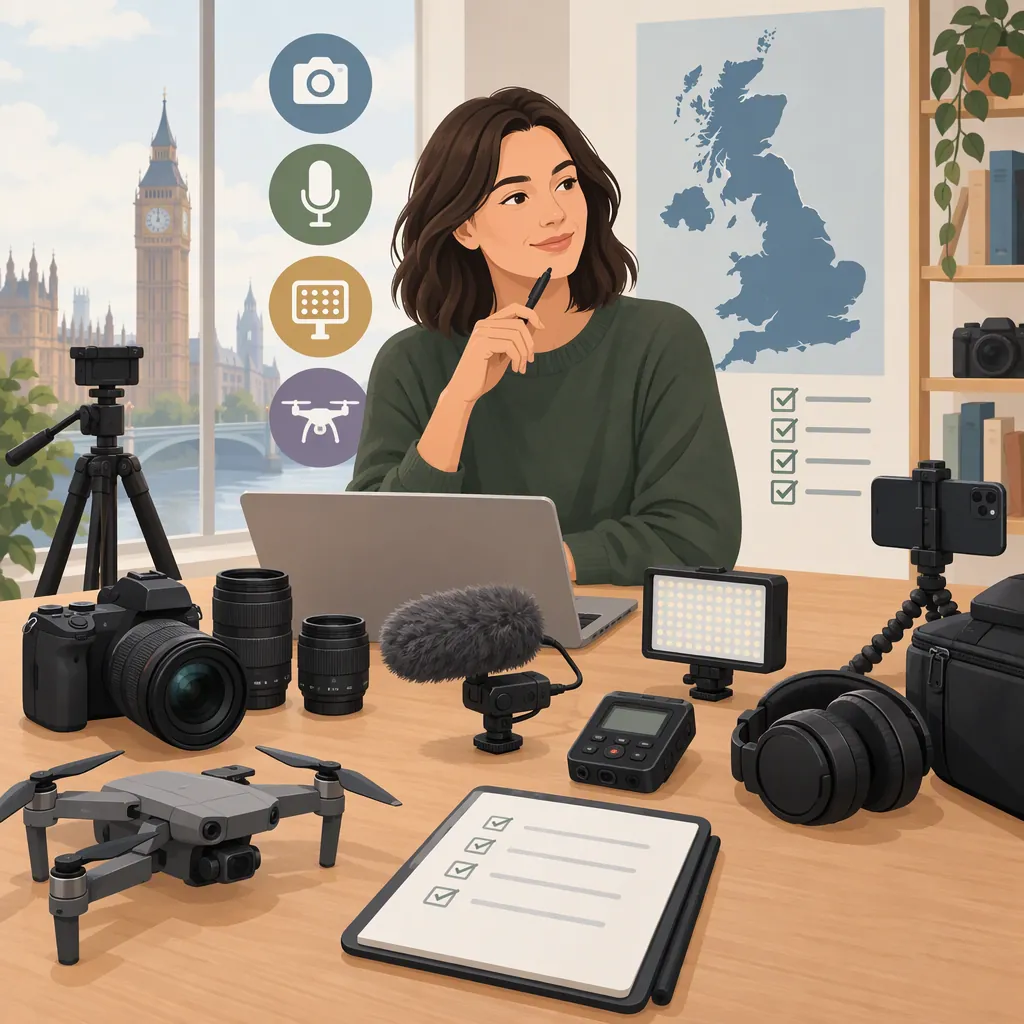
Choose content creator equipment around what you record, where you record it, and the devices you already own. Start by testing your current setup, then address a specific problem with audio, lighting, or camera support. Consider computing, editing, and storage alongside recording gear; add external video capture only when your workflow calls for it. For UK purchases, compare complete kit contents, device compatibility, and the total delivered cost rather than the headline price. The supplied sources cover these equipment categories and show that creator bundles vary in scope. [c1] [c2] [c3] [c4]
Match Equipment to Your Recording Format
Treat equipment selection as a workflow decision, not a checklist that requires buying everything. AVerMedia's introductory guide covers computers, cameras, tripods and stabilizers, lighting, microphones, capture cards, editing software, and storage. Those are useful categories to consider, not proof that every creator needs every category. [c1]
Use the following planning framework to decide what to evaluate first:
| Recording Format | First Selection Questions | Equipment to Evaluate |
|---|---|---|
| Desk tutorials or talking-head videos | Can you hear speech clearly and keep framing consistent? | Microphone, camera or webcam, support, lighting |
| Mobile vlogs | How much equipment can you carry and set up? | Existing phone or camera, microphone, compact support, portable lighting |
| Interviews or podcasts | How many people need to be recorded at once? | Microphones, suitable inputs, stands, recording software |
| External-device streaming | How will the source video enter the recording computer? | Source connections, capture hardware if needed, microphone, streaming software |
| Overhead demonstrations | Can the camera stay securely positioned above the work area? | Suitable mount, lighting, audio arrangement |
Before making a shortlist, record a sample in your intended location. Write down the actual limitation: unclear speech, inconsistent light, unstable framing, or difficulty editing. Choose the next change to address that limitation.
Choose Audio by Connection and Recording Situation
AVerMedia's guide distinguishes USB, XLR, and lavalier microphones, describing USB connections to computers and an audio interface as part of an XLR setup. Simply Sound and Lighting's collection also includes microphone listings with different phone and camera connections. Do not treat the word “microphone” as a compatibility guarantee. [c1] [c4]
For a desk setup, compare the complete USB route with the complete XLR route, including any interface, cable, and stand. For mobile recording, assess how the microphone will connect to your exact phone or camera and where it will sit during filming.
Before choosing, check:
- The exact recording device and operating system.
- The connector on both ends of the signal path.
- Whether the required cable, adapter, or receiver is included.
- How many speakers must be recorded simultaneously.
- How you will listen back to a test recording.
- Whether the placement works with your clothing, desk, and framing.
Avoid assuming that an XLR connection or a wireless design guarantees better results. Make intelligible speech in your actual recording location the acceptance criterion; the supplied references do not provide independent comparative audio tests.
Evaluate Camera Support and Lighting Together
The AVerMedia guide discusses smartphones, dedicated cameras, webcams, and action cameras, alongside tripods, stabilizers, ring lights, softboxes, and LED panels. EssentialPhoto & Video's creator collection includes several lighting-kit categories. These sources establish options to compare, not a universal best setup. [c1] [c3]
Start with a test using the camera you already have. Ask whether it supports your intended framing and recording session before considering a replacement. For stationary content, evaluate a fixed support first; for moving shots, decide whether stabilization equipment solves a problem that appears in your footage.
For lighting, plan the physical setup as well as the light itself:
- Where will the light and its support fit?
- Can you repeat the position for future recordings?
- Does the kit include the stand, mount, power supply, and any modifier you intend to use?
- Is the arrangement practical for seated, standing, or overhead filming?
- Can you position it without obstructing movement or leaving cables across walkways?
Use a comparison recording to judge the change. Keep the camera position and subject similar so you can assess lighting or support separately. Do not select a camera or light solely from a resolution label or a bundle name.
Budget for the Complete Workflow
Recording equipment is only part of the setup. The supplied introductory guide also includes a computer, editing software, and storage, and discusses capture cards for video from external devices such as consoles or cameras. [c1]
Before allocating money to a camera upgrade, try importing, editing, exporting, and saving a sample from your current device. Note any workflow problem separately from picture or sound problems. This gives you a reason to prioritize storage, software, or computing rather than another recording accessory.
For capture hardware, map the signal path first: source device → connection → capture device, if required → computer → recording software. Verify each step for the exact devices involved rather than assuming every streaming setup needs a capture card.
Build your budget around the complete working arrangement:
- Core recording equipment.
- Required cables, adapters, interfaces, and receivers.
- Stands, mounts, and power supplies.
- Editing and recording software costs, where applicable.
- Storage and a separate backup plan.
- Delivery and any other charges disclosed for the selected order.
This is a planning framework, not a quoted UK budget. The provided sources do not support a reliable universal spending tier.
Compare UK Kits by Contents, Not Labels
“Content creator kit” does not describe a fixed set of equipment. The supplied Amazon.co.uk results mix several kinds of bundles and accessories; EssentialPhoto & Video's collection emphasizes lighting kits, while Simply Sound and Lighting's collection includes microphones, lighting, stands, and accessories. Compare itemized contents before comparing prices. [c2] [c3] [c4]
For a UK order, record the displayed currency, whether VAT is included, the delivery destination, delivery charges, stock information, and the applicable returns and warranty terms. Check that the supplied power arrangement is suitable for your intended UK use. Treat these as details to verify for the selected listing, not assumptions about a retailer's whole catalog.
The supplied Amazon.co.uk snapshot displays USD and a United States delivery destination for many results. It should not be treated as a current UK delivered-price comparison. [c2] More broadly, these references are a manufacturer guide and commercial listings, not independent hands-on tests. They do not establish which product is best, current stock, or compatibility with your particular setup.
Use this worksheet to compare a bundle with individually selected equipment. Leave unknown details marked “unverified” rather than filling them from assumptions.
Equipment Comparison Worksheet
Recording format:
Existing phone, camera, and computer:
Problem the equipment must solve:

For each candidate kit or component:
- Exact model or listing:
- Included items:
- Required items not included:
- Connection path to recording device:
- Compatibility confirmed for exact device:
- Mounting and power requirements:
- Displayed currency and VAT treatment:
- Delivery destination and charge:
- Complete setup cost in GBP:
- Returns and warranty terms checked:
- Unverified details:

Acceptance test:
- Record in the intended location.
- Listen back to speech.
- Review framing, lighting, and stability.
- Import, edit, export, and save the recording.
- Note whether the original problem is resolved.
FAQ
What Equipment Should a Beginner Content Creator Choose First?
Test the device you already own, then choose equipment to solve a visible or audible problem. Evaluate audio, lighting, and support before assuming you need a replacement camera. The supplied introductory guide covers these categories, but it does not establish a single starter kit for every creator. [c1]
Is a Creator Kit Better than Buying Separate Items?
Neither approach is automatically better. Compare the included items, missing accessories, compatibility, and complete cost. The supplied collections use creator labels for different combinations of equipment, so a bundle name alone does not establish completeness or suitability. [c2] [c3] [c4]
Do All Content Creators Need a Capture Card?
Do not assume so. The supplied guide discusses capture cards for video from external devices such as consoles and cameras. Decide whether you need one by checking how your source video reaches the recording computer and whether your exact setup requires separate capture hardware. [c1]
Can These References Establish a UK Starter-Kit Price?
No reliable universal price follows from these references. Kit contents differ, and the supplied Amazon.co.uk snapshot shows USD and United States delivery information for many listings. Compare current GBP totals for your UK destination, including all required accessories and delivery charges. [c2] [c3] [c4]