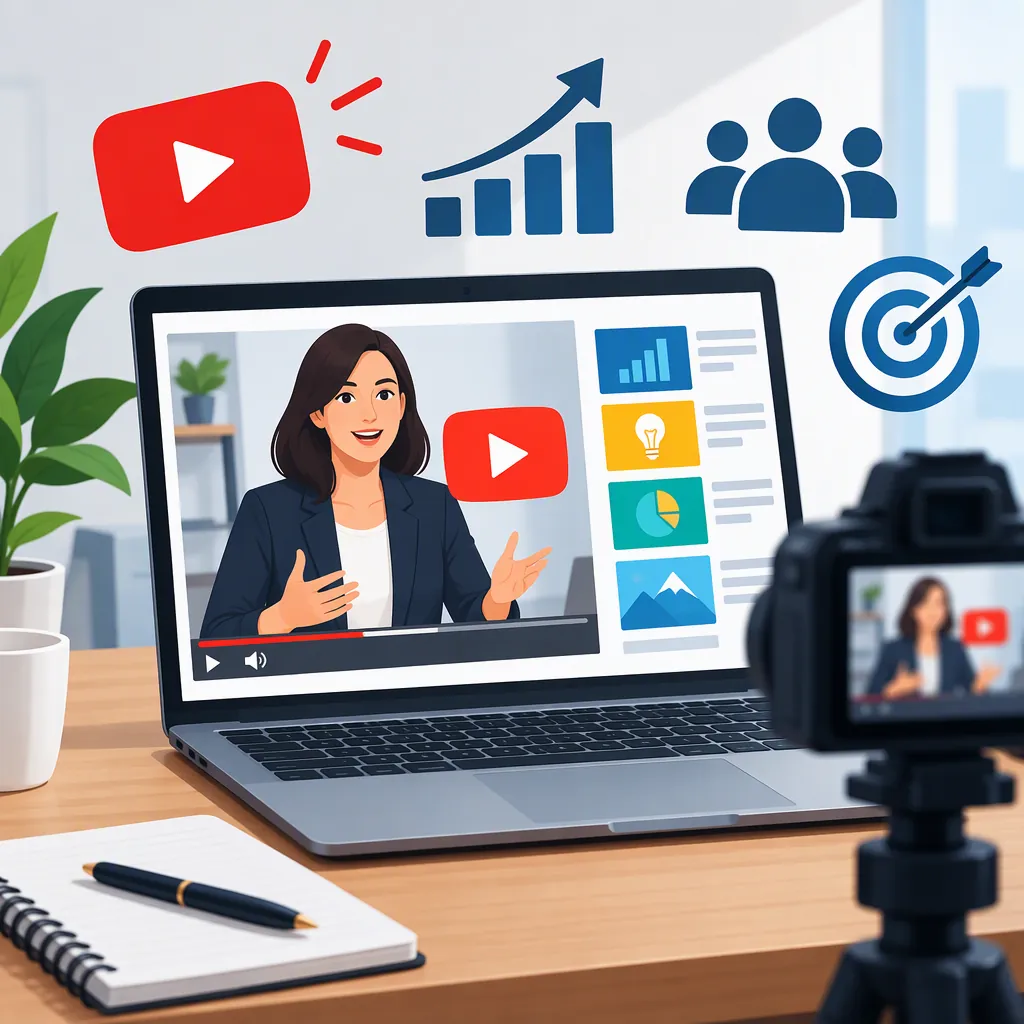
How to Design a Business YouTube Thumbnail
For a business YouTube thumbnail, choose one clear promise from the video, pair it with one relevant visual, and keep branding secondary to the topic. Match the design to the content: a process graphic for a tutorial, an accurately labeled result for a case study, or a specific announcement for a company update. Treat these as design recommendations, not guarantees of higher clicks.
Choose One Business Message
Start with what the viewer will learn, rather than a list of everything the company offers. Write a one-sentence description of the video, then select one idea for the thumbnail.
For a company channel, consider these editorial directions:
- Service explainer: Show the problem or process being explained, such as “How Onboarding Works.”
- Educational tutorial: Name the task, such as “Build a Project Brief.”
- Case study: Identify the subject or a documented outcome. Do not invent a number to make the image more dramatic.
- Company update: Name the actual change, such as “New Support Portal.”
- Expert interview: Highlight the discussion topic rather than relying only on the speaker’s job title.
Use the video title for context that will not fit comfortably in the image. Avoid a thumbnail promise that the video cannot substantiate.
Thumbnail Message Brief
Video topic: __________
Intended audience: __________
One question the video answers: __________
Thumbnail phrase: __________
Visual that supports the phrase: __________
Evidence needed for any result or number: __________
Details reserved for the video title: __________
Build a Focused Thumbnail Layout
Use a simple starting layout: one focal visual, one short text block, and an optional brand marker. Give the topic more prominence than the company logo unless the company itself is the subject.
Choose the visual according to the video:
| Video Type | Suggested Visual | Suggested Text Direction |
|---|---|---|
| Service tutorial | A simplified workflow or a relevant interface detail | The task being taught |
| Business case study | The project, deliverable, or an authorized subject image | The case or verified result |
| Expert discussion | An authorized speaker image with a topic cue | The question being discussed |
| Product walkthrough | The feature actually shown in the video | The feature or workflow name |
| Company announcement | The specific change or subject | A precise announcement |
Keep decorative elements only when they contribute to the message. If a screenshot is essential, crop to the relevant area and remove confidential information before publication. If a chart appears, retain enough labels and context to avoid presenting a misleading result.
Starter Layout Specification
Main visual: One subject or cropped detail tied to the video.
Text block: One phrase expressing the selected topic.
Brand marker: Optional, placed away from essential text and imagery.
Background: A restrained color or image treatment that separates the subject from its surroundings.
Removal pass: Delete any element that does not explain the topic or identify the series.
Adapt Promotional Inspiration to the Video
The supplied Pinterest reference is titled “Online course promotion banner | School admission billboard, Advertise with us banner, Facebook ad.” Its available text does not describe a business YouTube thumbnail workflow or report performance results. Treat it as a promotional-design reference, not evidence that a particular thumbnail approach works. [citation-1]
When considering banner-style inspiration, rebuild the message around the video rather than carrying over a full advertisement. For this thumbnail brief, omit contact details, pricing blocks, multiple service lists, and sales language unless one of those details is genuinely the subject of the video.
Use an original composition and assets you have permission to publish. A reference can prompt a design direction without becoming a template to reproduce.
Review the Thumbnail Before Publishing
Preview the image at a reduced size and beside the proposed video title. Ask a reviewer to identify the topic without first reading your brief. Use that review to spot ambiguity, not to predict clicks.
Check whether the text remains legible, the main visual is recognizable, and the title adds useful context. For a recurring company series, consider keeping a consistent type treatment and brand placement while changing the topic-specific visual.
Before publication, confirm that names, screenshots, results, and images are cleared for public use. Keep draft labels or placeholders out of the final file. These checks support a clearer, more accurate presentation; no performance outcome is established by the supplied reference.
Publication Checklist
- The thumbnail expresses one topic.
- The video delivers the thumbnail's promise.
- The wording is readable in a reduced-size preview.
- The visual is relevant to the actual video.
- Any numbers or outcomes have supporting evidence.
- Screenshots contain no confidential information.
- Images and identifiable subjects are cleared for publication.
- The video title supplies context rather than unnecessary repetition.
- Placeholder text and draft markings have been removed.
FAQ
Should a Business YouTube Thumbnail Include the Company Logo?
Include it when brand identification is useful, but consider a secondary placement. For an educational video, prioritize the task or question. For a video about the company itself, the logo may belong in the main visual.
What Text Should Appear on a Business Thumbnail?
Use a short phrase that names the task, question, case, or announcement. For example, “Build a Project Brief” is a possible tutorial label. Avoid unsupported outcomes, vague superlatives, and a full list of services.
Can a Case Study Thumbnail Show a Business Result?
Use a result only when it is documented, cleared for publication, and accurately represented. If the qualification needed to understand a number cannot fit in the thumbnail, consider a topic-based label and explain the result in the video.
Will These Thumbnail Recommendations Increase Clicks?
No increase is established here. These are editorial and design recommendations, not tested performance findings. The supplied promotional-design reference does not provide evidence for a click-through improvement.