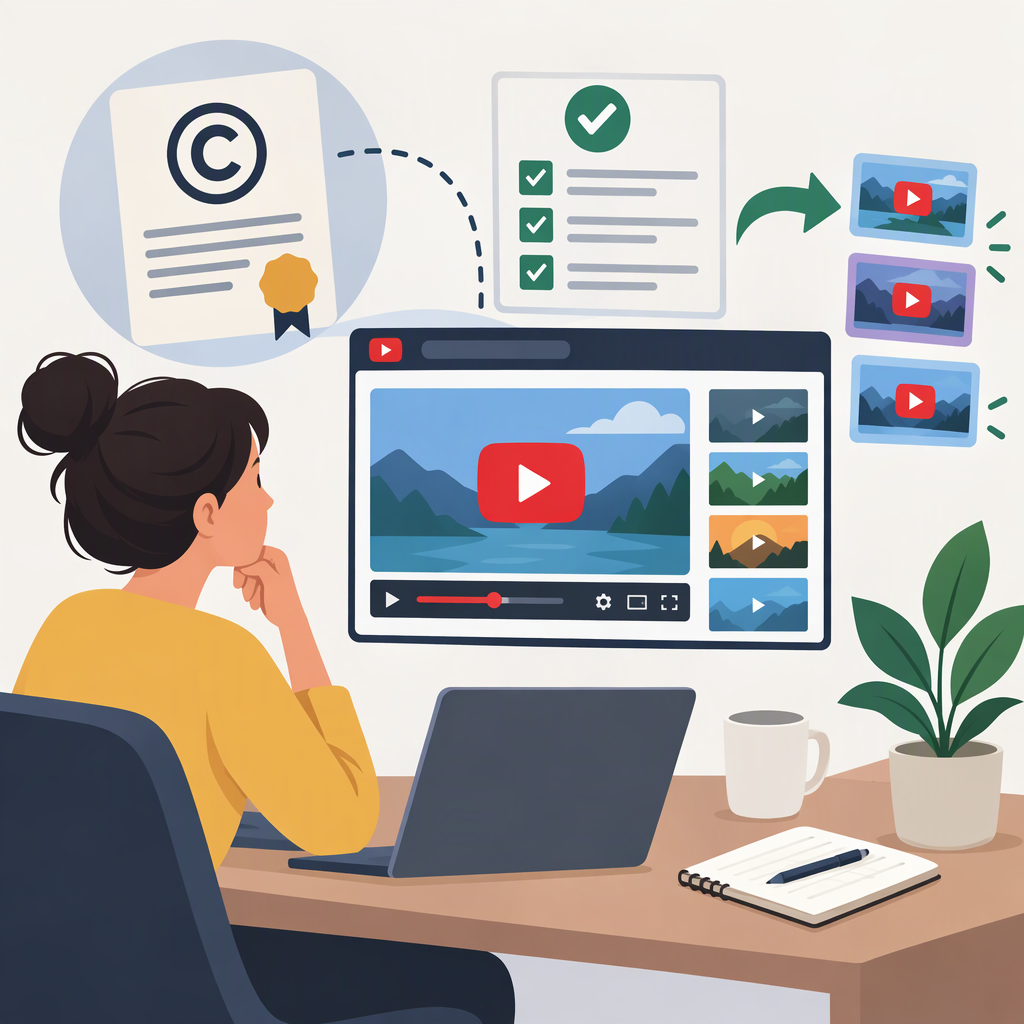
YouTube Video Licenses: What Creators Need to Know Before Reusing a Video
YouTube Video Licensing: The Short Answer
If you’re licensing your own upload, YouTube offers a Standard YouTube license by default and a Creative Commons Attribution (CC BY) option for content you’re entitled to license that way. If you want to reuse someone else’s video, check the license shown for that video and whether its terms cover your specific use. A video being public or watchable on YouTube does not, by itself, give you permission to copy or republish it. (support.google.com)
A video’s license also may not cover everything inside it. Before publishing a reuse, check rights for music, footage, images, and other third-party material separately.
What a YouTube Video License Establishes—And What It Doesn’t
A license is permission to use content under specified conditions; it is not the same thing as owning the copyright. YouTube’s upload settings include two license choices: the Standard YouTube license and Creative Commons Attribution. The Standard YouTube license is the default. YouTube directs users to its Terms of Service for that license’s terms, so don’t treat the label as permission to download, edit, or repost a video elsewhere. (support.google.com)
With CC BY, a creator can let others share and adapt the licensed material, including for commercial purposes, provided they follow the license conditions. Those conditions include giving appropriate credit, linking to the license, and indicating changes. The license may not grant every permission needed for every use—for example, other rights may apply to people or material shown in the work. (creativecommons.org)
Practical distinction: a YouTube license setting tells you which license the uploader selected for the video. It does not prove that the uploader owns or controls every component in the video, or settle whether that license covers your particular use.
Choosing and Setting a License for Your Own Upload
Choose based on the reuse permission you intend to grant—and only for material you have the right to license:
- Choose Standard YouTube license if you don’t intend to offer the video under CC BY. This is YouTube’s default upload setting.
- Choose Creative Commons Attribution if the video’s content is eligible for CC BY and you want other creators to reuse it under CC BY’s terms. YouTube lists original content, content already released under CC BY, and public-domain content as examples of potentially eligible material. YouTube says a video with a Content ID claim can’t be given this setting. (support.google.com)
To set CC BY in YouTube Studio on a computer: during upload, open the video’s Details page, select Show more, then choose Creative Commons – Attribution under License. To change an existing upload, go to Content, open the video’s title or thumbnail, select Show more on the Details page, and choose the license under License. These are YouTube’s documented desktop steps; menu wording or layout may change. (support.google.com)
Before choosing CC BY, check the whole video—not just the footage you made. If it includes a song, stock clip, image, or other work licensed to you only for limited use, you may not have authority to offer that component under CC BY. If you cannot confirm that all content is eligible, don’t label the entire video CC BY unless you have obtained the necessary rights.
Checking Permission Before Reusing Someone Else’s Video
Use this decision path before incorporating a YouTube video into another project:
- Check the license shown for the video. YouTube says viewers can find Creative Commons content using the advanced search filter, and that license information may also appear in a video description. Check the video’s license setting as well; a description by itself may not tell the full story. (support.google.com)
- If it is marked CC BY, read the license conditions. Give appropriate credit, link to the CC BY license, and say whether you made changes. YouTube suggests including the work’s title, author, source URL, and license information in the video and description. (support.google.com)
- Check whether your planned use fits. For example, if you plan to edit or include the clip in a commercial project, CC BY permits adaptations and commercial use when its conditions are met—but other rights or material within the video may still matter. (creativecommons.org)
- If the license is Standard YouTube, unclear, or missing, ask the relevant rights holder for permission before reusing the video. YouTube identifies getting permission and using content under a Creative Commons license as separate routes for using copyrighted material. (support.google.com)
Example: Suppose you find a CC BY video and want to use a shortened excerpt in a monetized presentation. CC BY’s stated terms allow commercial reuse and adaptation with attribution. But if the excerpt includes music that the uploader did not have rights to offer under CC BY, the video’s CC BY label may not clear that music. Verify the music rights separately or replace the audio with material you are authorized to use.
Check Music and Other Third-Party Material Separately
A license attached to a video should not be assumed to clear every song, image, clip, or other work embedded in it. YouTube says creators generally need permission to include copyright-protected material unless another basis—such as a relevant copyright exception—applies. YouTube also warns that even the listed routes for using copyrighted material do not guarantee avoiding a Content ID claim or copyright strike. (support.google.com)
For each component you plan to reuse, identify who controls the relevant rights and check the permission’s scope: what material it covers, how it can be used, whether attribution is required, and whether your intended use is allowed. For music, YouTube points creators to its Audio Library or Creator Music as possible sources; check the terms for the particular track. A platform claim or lack of a claim is not itself proof that you have permission. (support.google.com)
Copyright exceptions vary by country or region. For example, YouTube notes that fair-use rules differ across jurisdictions. If your planned use depends on an exception or the rights are uncertain, don’t assume that a label, attribution, or short clip automatically makes it permissible; seek advice appropriate to your jurisdiction if needed. (support.google.com)
Pre-Publication Checklist
- For your own upload: choose Standard YouTube license or CC BY according to the reuse terms you intend to offer.
- Before selecting CC BY: confirm you can license all material in the video under CC BY; YouTube says videos with a Content ID claim cannot be assigned that option.
- For someone else’s video: check its license and compare the terms with your actual planned use.
- For CC BY reuse: give credit, link the license, and identify changes; check rights for music and other third-party components separately.
- If permission or terms are unclear: contact the relevant rights holder before reusing the material.
This is general educational information, not legal advice. Copyright rules and exceptions can vary by jurisdiction.