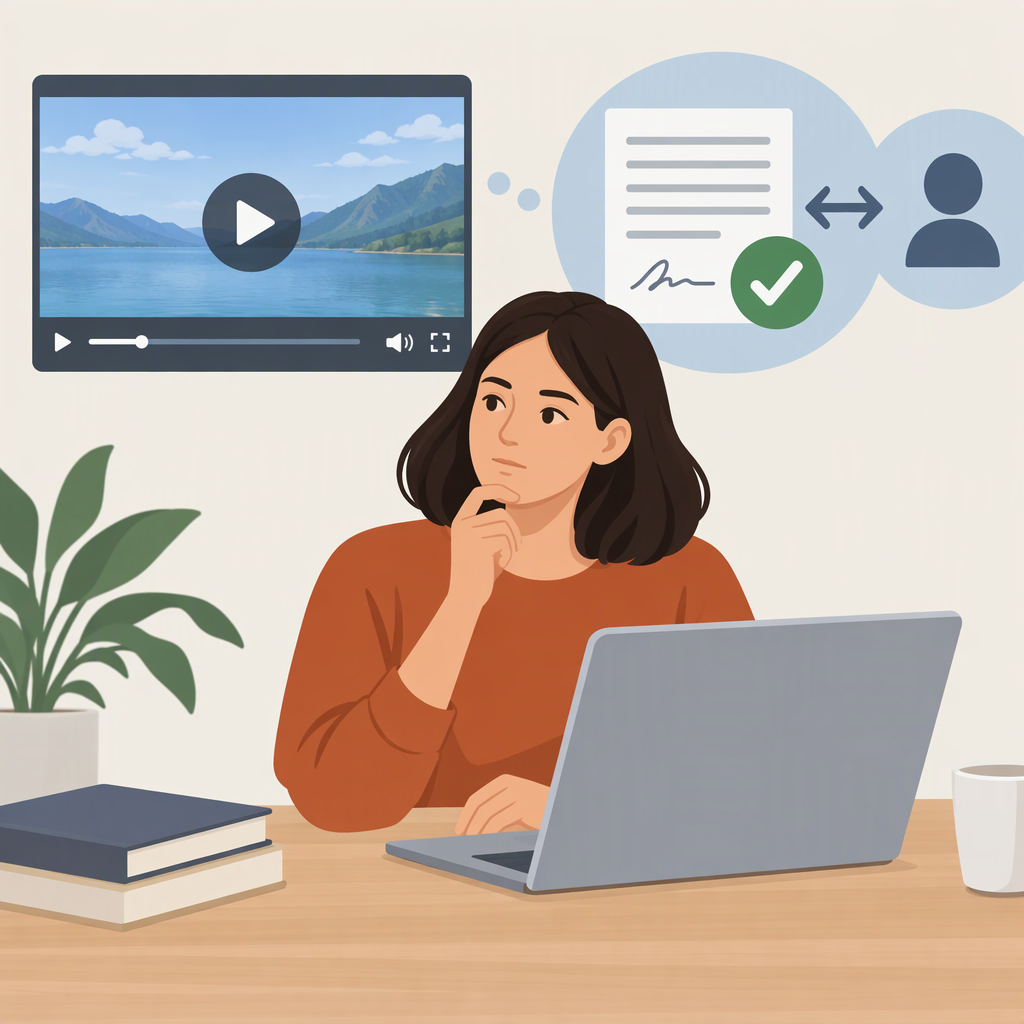
How to License Videos: Check Permission Before You Use or Share One
A video license is permission to use a video on stated terms. Before you publish someone else’s video, compare your exact plan—where it will appear, whether you’ll edit it, and whether the use is commercial—with the permission the rights holder actually grants. Finding, watching, downloading, buying, or crediting a video does not by itself establish that your intended use is allowed. In the United States, permission may not be needed for every use because copyright exceptions such as fair use can apply; whether an exception applies depends on the circumstances. (copyright.gov)
This is practical educational guidance, not legal advice. Copyright rules and other rights can vary by jurisdiction and circumstances. The U.S. Copyright Office sources cited here describe U.S. copyright law; they should not be read as establishing which law applies to every reader.
Start with the Use You Have in Mind
A license grants permission for specified uses; it is not necessarily a transfer of ownership. Write down what you plan to do before assessing a license. For example:
- Will you embed the original video, repost it, or include footage in a new edit?
- Which channels or formats will carry it—such as a website, social account, or public screening?
- Will you add captions, crop or cut footage, combine it with other material, or otherwise adapt it?
- Is the use commercial, or might it be considered commercial under the applicable license?
- Where and for how long do you need permission?
These are practical questions to put to the rights holder or check against a license—not terms that every license must contain. U.S. copyright owners have specified exclusive rights, including rights related to copying, adapting, distributing, and publicly performing certain works. A permission that covers one action may not cover another. (copyright.gov)
Credit is not a substitute for permission. If a license requires attribution, follow its credit conditions. But adding a creator’s name does not, by itself, grant permission for uses that otherwise require it. Some uses may be allowed under an exception or limitation, but those are separate from receiving a license. (copyright.gov)
How to Get and Check Permission
- Identify the exact video and planned use. Keep the video’s title or URL and describe what you want to do with it. A request for “permission to use the video” may be too vague if you need to edit it, repost it, use it commercially, or distribute it on several channels.
- Find out who controls the relevant rights. Start with the rights or contact information shown with the work, then confirm that the person or organization can authorize your specific use. A posted name or credit does not necessarily identify the current rights holder. The U.S. Copyright Office advises that only the current owner of the exact material can grant permission for its use, and notes that a first contact may need to refer you elsewhere. (copyright.gov)
- Read the actual license or request written permission. If permission is granted directly, ask for a clear written description of what is allowed. If a license is provided, check its full terms and version rather than relying only on a short label or summary.
- Compare each condition with your plan. Check relevant limits or obligations: allowed platforms and distribution, commercial use, edits or adaptations, attribution, duration, territory, exclusivity, and whether you may authorize others to use the video. Which of these matter depends on the permission and your intended use.
- Save the evidence. Keep a copy or screenshot of the license and its source, the permission message or agreement, the date, and any required attribution wording. This is a practical record-keeping step; it does not expand the permission granted.
- Pause if an important point is unclear. Ask the rights holder to clarify or obtain advice suited to your circumstances. If relying on a copyright exception rather than a license, the answer may require a fact-specific assessment; the U.S. Copyright Office says fair use depends on all the circumstances. (copyright.gov)
Example: A Creative Commons License
Suppose a video is offered under CC BY-NC-ND 4.0. Under that license, people may share the material in unadapted form for noncommercial purposes, with required attribution; they may not use it commercially or distribute an adapted version under that license. So a plan to post an unedited copy for a noncommercial purpose differs from a plan to cut the footage into a new edit or use it commercially. Check the license deed and legal code, and confirm that the license covers the material you want to use. (creativecommons.org)
Creative Commons licenses are not all alike. For example, CC BY permits commercial use when attribution conditions are met, while CC BY-SA adds a requirement for shared adaptations to use the same or a compatible license. Read the specific license attached to the video; do not assume that a “CC” label means every use is permitted. (creativecommons.org)
Remember That a Video Can Contain Other Material
A video may include separately protected elements, such as music or other audiovisual material. A license to use a video may not automatically cover every included element. The U.S. Copyright Office notes that a multimedia work may contain several copyrightable elements, and it treats musical compositions and sound recordings as distinct categories. If you plan to reuse a video, check whether the permission covers the footage and any music or other material you will use. (copyright.gov)
If identifiable people appear in the video, other permissions or rules may also be relevant depending on the use and location. The sources cited here do not establish when a particular person’s release is required. If this affects your planned publication, check the applicable law, agreement, and platform requirements rather than assuming a video license resolves every issue.
If You Are Licensing Your Own Video
Decide what uses you are willing and able to permit, then state the permission and its limits clearly. Consider whether the agreement covers edits, commercial use, channels, territory, duration, attribution, exclusivity, and any onward sharing. Keep a copy of the final terms and the version of the video they cover.
Before granting permission, confirm that you control the rights you intend to license. A video can include contributions or material you do not own or control. In the United States, the Copyright Office explains that copyright ownership can belong to people or organizations other than the creator, including an employer in certain work-made-for-hire circumstances. A creator should not promise rights in music, footage, or other contributions without checking their agreements and authority to grant them. (copyright.gov)
Before Publishing: Quick Checklist
- Have I described the exact use I plan to make?
- Do I have a license or permission that covers that use—or a well-founded reason an exception applies?
- Have I confirmed who can grant permission for the material I will use?
- Have I checked any relevant limits on editing, commercial use, distribution, attribution, duration, territory, or onward sharing?
- Have I checked for music or other material that may need separate permission?
- Have I saved the license terms or written permission and any required credit details?
If a key answer is uncertain, do not treat access to the video or a credit line as clearance. Seek clarification or appropriate legal advice before using it.