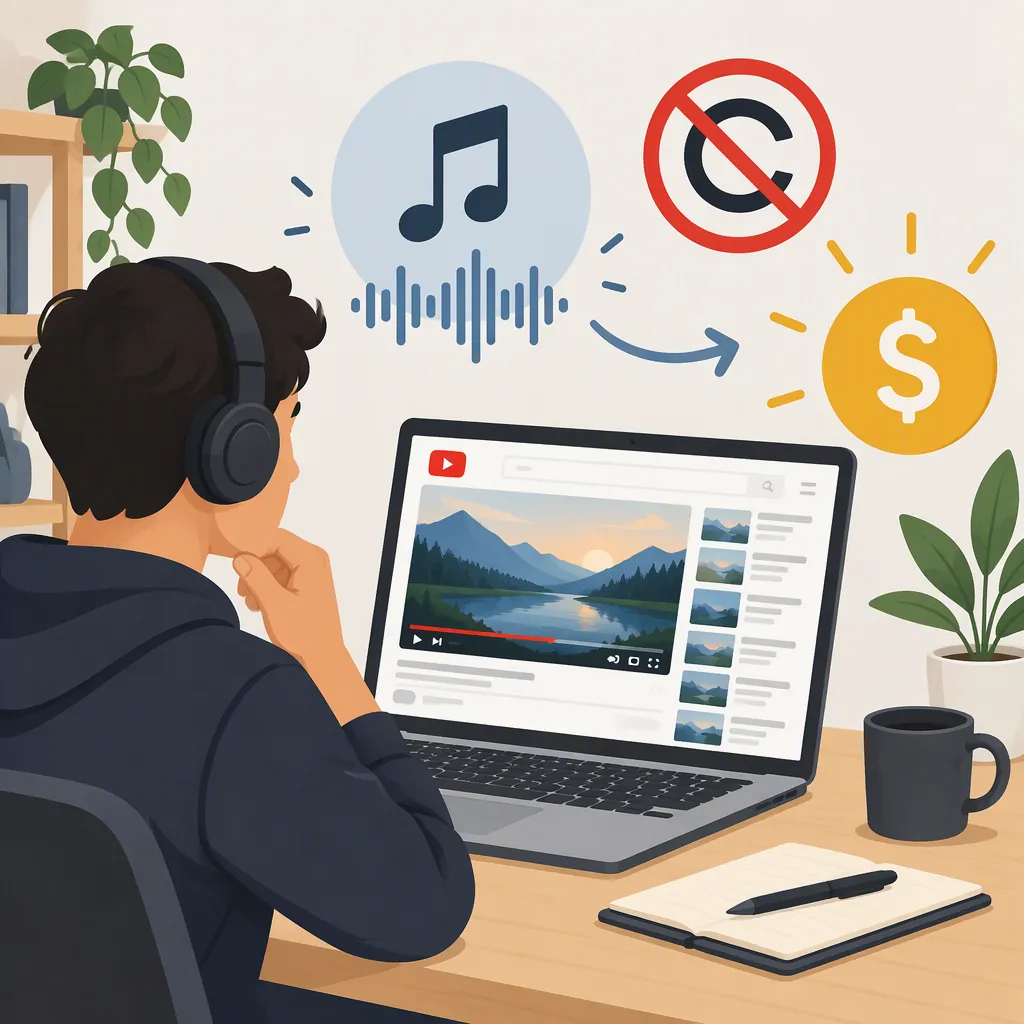
Choosing No Copyright Music for YouTube Monetization
For YouTube monetization, choose music whose license permits your intended monetized video use—not merely a track labeled “no copyright.” Royalty-free music can still be copyrighted and can still trigger Content ID claims. Check the exact license, attribution requirements, and claim-clearance process, then save proof of permission. The supplied licensing guide supports these distinctions, but it does not establish permission for any individual track. [citation-3]
What “No Copyright” Actually Tells You
A search label is not a license. The Foxi Blog guide distinguishes free downloads, royalty-free licensing, and music without active copyright restrictions. A free download may come with commercial-use restrictions; royalty-free generally describes a licensing arrangement without recurring per-use royalties, not the absence of copyright. [citation-3]
Public-domain music also requires care: the underlying composition and a particular recording can have separate rights. An old composition does not automatically make a recent performance recording available for unrestricted use. [citation-3]
For a monetized video, the practical question is: Does the permission attached to this exact recording cover this exact use? Treat an unclear answer as a reason to pause, not as permission.
Where to Look Without Assuming Permission
The YouTube Audio Library is a starting point for YouTube-only projects. The supplied Foxi Blog guide reports that YouTube Partner Program creators can monetize videos using its tracks and describes the library as copyright-safe. This is a secondary account, not supplied YouTube documentation; verify the current terms and any attribution requirement for the track you choose. Music permission alone should not be treated as a promise of channel or video monetization eligibility. [citation-3]
Bensound presents royalty-free music and links to licensing information. Its homepage also describes YouTube channel-ID clearance and perpetual licenses for its Pay-per-Track and All Access plans. These are provider statements, not a blanket license for every download. Check the selected track and plan rather than applying paid-plan language to free music. [citation-1]
The supplied SoundCloud page is titled “Royalty Free Music - No Copyright Music,” but its available content contains browser and loading errors rather than usable track licenses. That title alone does not establish monetization permission. [citation-2]
These sources are starting points, not a ranking or a guarantee that every listed track fits your project.
Check the License Before Editing
The Foxi Blog guide recommends checking project scope, payment terms, Content ID handling, and proof of permission. Turn those checks into a decision record before committing a track to your edit. [citation-3]
- Use: Does the license permit monetized YouTube videos? Check sponsored videos, client work, and paid advertising separately if relevant.
- Cost: Is the download free, or is a paid license required for your use?
- Conditions: What credit is required, and are there restrictions on editing or distribution?
- Clearance: Must you register a channel or video? What support exists if a claim appears?
- Evidence: Can you retain the license, terms, receipt, and track details?
Creative Commons is not one universal permission. The supplied guide warns against NonCommercial terms for monetized use and NoDerivatives terms for music synchronized with video. Identify the exact license rather than relying on a “Creative Commons” label. [citation-3]
Track Permission Record
Copy and complete for each track:

Track title and artist: [enter details]
Exact recording/version: [enter details]
Source URL: [enter URL]
Download or license date: [enter date]
License name and saved terms: [enter details]
Monetized YouTube use permitted: [yes / unclear; record supporting wording]
Sponsored, client, or advertising use: [permitted / excluded / not applicable / unclear]
Required attribution: [copy exact wording or record none]
Channel/video registration required: [enter details]
Claim-resolution contact or process: [enter details]
License certificate and receipt location: [enter file location]
Video title and URL: [enter when available]
Unresolved questions: [list before publishing]
Plan for Content Id Claims
Licensing and automated matching are different issues. According to the Foxi Blog guide, a licensed royalty-free track can still trigger Content ID; a claim may affect revenue or availability and is not the same as a copyright strike. [citation-3]
As a practical precaution, upload privately or unlisted before your planned release and review any reported music claims. The supplied guide recommends an unlisted test, but a clean initial check is not a guarantee against later claims. [citation-3]
If a claim appears, compare the identified audio with your track record, confirm that your license covers the video, and follow the provider's documented clearance process. Keep the claim details and permission documents together. If permission remains unclear, replacing the music is preferable to making an unsupported ownership assertion.
This article does not verify current YouTube dispute deadlines or procedures. Check the instructions shown in YouTube before taking action.
FAQ
Is Giving Credit Enough to Use Music in a Monetized Video?
Not by itself. Credit satisfies an attribution condition only when a valid license also permits your use. The supplied guide distinguishes attribution requirements from commercial-use restrictions. [citation-3]
Do I Have to Pay for Music to Monetize a YouTube Video?
Not necessarily. The supplied guide describes both free and paid licensing options. What matters is whether the applicable terms permit your intended use; payment alone does not establish that a license covers every project. [citation-3]
Can I Reuse the Same Music on Other Platforms?
Do not assume so. Check whether the license covers each destination and use, including ads, podcasts, or client distribution. The supplied guide specifically cautions against assuming that YouTube permission extends to other contexts. [citation-3]