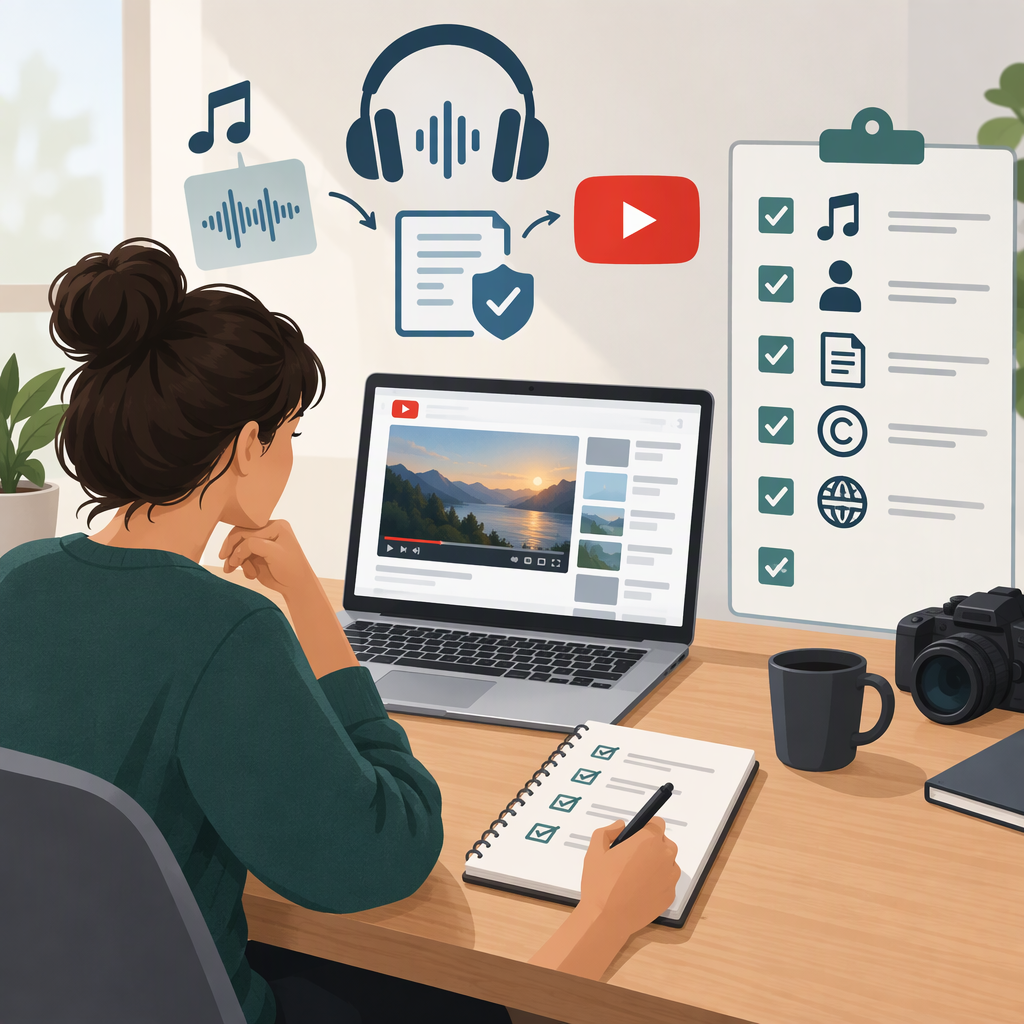
How to License Music for YouTube Videos: A Creator’s Checklist
Before adding music to a YouTube video, confirm that your permission covers both the particular recording and the underlying musical work, and the way you plan to use them. Check the actual license for conditions such as YouTube use, monetization, attribution, territory, duration, editing, and whether the permission is limited to one video or channel. These details vary by license; a track being available to download or labeled “royalty-free” does not, by itself, establish that your planned use is covered. YouTube also notes that using a permitted source does not guarantee you will avoid a Content ID claim or copyright strike. (copyright.gov)
This guide explains U.S. copyright concepts as general educational information, alongside YouTube’s platform guidance. Copyright exceptions and other legal rules vary by jurisdiction and circumstances; this is not legal advice.
Which Music Rights May Be Involved?
A song and a recording of that song are distinct works. The musical work is the composition—such as the melody and lyrics. The sound recording is a particular recorded performance. The U.S. Copyright Office describes these as separate works that may have different authors and copyright owners. (copyright.gov)
That distinction matters when you put music into a video: permission to use a recording does not necessarily show that you have permission for the underlying composition, and permission for a composition does not automatically cover a recording made by someone else. The Copyright Office identifies making a video using a sound recording as an activity involving rights in the recording; YouTube’s Creator Music guidance describes its licenses as single-use synchronization licenses, subject to their terms. (copyright.gov)
Use these questions to identify what to check:
- Using someone else’s released recording? Check that the permission covers the specific recording and the underlying song, as applicable to your use.
- Making your own recording of someone else’s song? You may avoid using another artist’s recording, but that does not by itself clear rights in the composition. Check permission for the song and your intended video use.
- Using your own song and recording? Confirm that you control the relevant rights or have permission from any co-writers, performers, labels, publishers, producers, or other rights holders whose contributions or agreements affect the use. Being the performer or uploader alone does not establish that you control every relevant right.
- Using music under a license or open-license terms? Read the terms for that exact track and version. The license conditions—not the label, source category, or the fact that you could download the track—determine what uses are allowed.
A Checklist for Checking a Music License
Compare the written permission with the video you actually intend to publish. Look for these terms where they apply; they are not universal requirements or conditions in every license:
- Track and rights covered: Does the permission identify the exact track or recording? Does it cover the composition and recording rights needed for your use, or specify that you must secure another permission separately?
- Video and platform: Does it authorize synchronization with video and use on YouTube? If you also plan to post elsewhere, check whether the permission extends to those platforms.
- Monetization: Can the video be monetized, or does the license require revenue sharing or impose other limits? Do not assume that permission to upload also grants permission to keep all revenue.
- Scope and duration: Check any territory, term, channel, number-of-videos, or reuse limits. A license might cover one video but not a series, another channel, or future uploads.
- Editing and context: Look for limits on edits, remixes, lyric or vocal use, or the contexts in which the music may appear. Confirm that your intended edit and video context fit the terms.
- Attribution and proof: Follow any credit wording or placement requirements. Save the license text, receipt or permission message, track details, and the date you obtained them.
- Claims and support: Check whether the license explains Content ID claims or offers a procedure for resolving them. Do not assume that a license prevents an automated claim or guarantees that a dispute will be accepted.
Example: A creator gets permission to use a named recording in one monetized YouTube video, but the permission says nothing about the underlying composition or use on other platforms. Before publishing, the creator should clarify whether the composition is covered and avoid assuming that the YouTube permission also covers other sites. This is an illustration of how to apply the checklist, not a real license or legal determination.
Where Creators Can Obtain Music Permission
Common routes include getting permission directly from the relevant rights holders, using a third-party license, or using music made available under terms that allow your planned use. YouTube also points creators to the YouTube Audio Library and Creator Music as possible sources, but the track-specific terms still matter. (support.google.com)
Creator Music is not a universal option for every creator or track. YouTube’s help page says it is available to U.S. creators in the YouTube Partner Program, with expansion to creators outside the U.S. pending. Track options and terms differ: YouTube describes some tracks as licensable and others as eligible for revenue sharing. Check the current details shown for the track in YouTube Studio and confirm they match your planned use. (support.google.com)
Do not treat “royalty-free” as meaning “free of conditions” or “cleared for every use.” Read the applicable license, including any attribution, monetization, platform, or reuse limits. If the terms do not answer a decision-critical question, get clarification from the party granting the permission before you publish.
If YouTube Identifies Music in Your Video
A Content ID claim and a copyright removal request are different YouTube processes. Content ID automatically identifies material that matches a rights holder’s reference files; the rights holder’s policy can affect the video, for example by monetizing or restricting it. A copyright removal request is a request to remove content and can lead to a copyright strike if processed. Do not treat a claim as proof that you have no permission—or assume that having permission will automatically remove a claim. (support.google.com)
To inspect a claim, sign in to YouTube Studio, open Content, find the video, and review the claim details. YouTube says creators can dispute a claim if they believe it is invalid and are confident they have all necessary rights. Review the particular claim and YouTube’s instructions before taking action; submitting a dispute does not guarantee a particular result. (support.google.com)
If you receive a copyright strike or removal notice instead, read the notice and the relevant details in Studio. YouTube describes possible strike-resolution routes such as asking for a retraction or submitting a counter notification when appropriate. These are consequential steps, not routine claim-clearing shortcuts; use them only when the circumstances and your rights support doing so. (support.google.com)
Before Publishing: Quick Check
- Identify the exact recording and the song it contains.
- Confirm who controls the relevant rights, and whether you have permission for each one needed.
- Compare the written terms with your video, platform, monetization plan, edits, territory, and reuse plans.
- Follow attribution and other license conditions; save the terms and proof of permission.
- If YouTube flags the video, inspect the notice to determine whether it is a Content ID claim or a removal/strike process, then follow the official instructions that apply.
If an important term is missing or unclear, do not assume the use is covered. Seek clarification from the rights holder or qualified legal counsel before publishing.