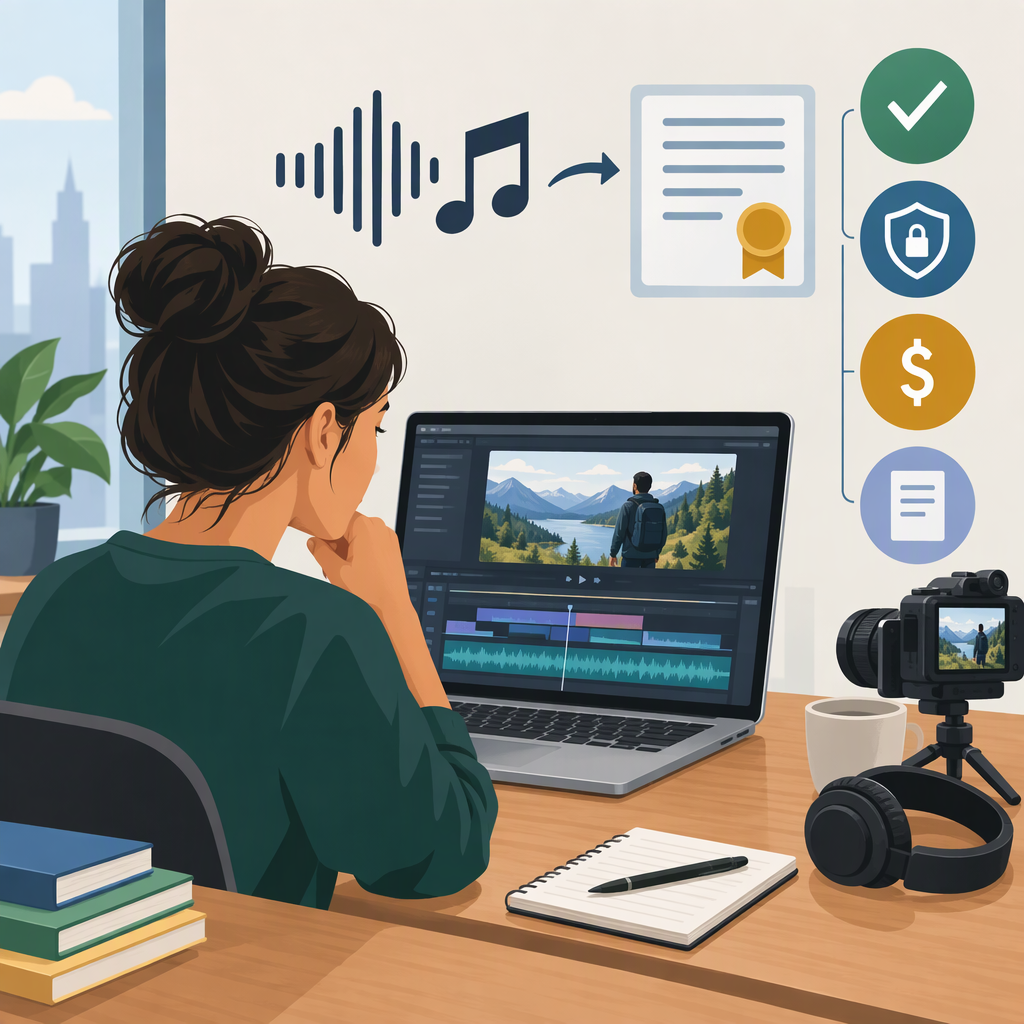
Music Licensing for Videos: A Practical U.S. Creator’s Guide
The Short Answer
Before adding music to a video, check that you have permission for the song and the specific recording you plan to use—and that the permission covers your video, distribution, and intended use. A song’s composition and a recording of that song are separate copyrighted works. Permission for one does not automatically establish permission for the other. In the United States, the Copyright Office says permission or a license is generally needed unless a copyright limitation or exception applies. This is practical educational guidance, not legal advice; rules and platform terms can differ outside the U.S. (copyright.gov)
What Music Rights Should You Check?
A familiar song can involve at least two distinct works:
- The musical composition: the underlying music and lyrics, if any.
- The sound recording: a particular recorded performance of that composition, sometimes called the master recording.
For example, recording a cover yourself may avoid using another artist’s recording, but the underlying song may still be protected. Conversely, permission to use a particular recording does not, by itself, tell you whether the permission also covers the composition. The Copyright Office describes the composition and recording as separate works; a video creator should check that the necessary permissions cover both. (copyright.gov)
For video, ask whether the rights grant covers putting the music together with moving images—often described in licensing discussions as synchronization—as well as the specific recording if you are using one. Do not assume that a streaming subscription, a purchased download, a credit in the description, or the fact that a song is publicly available grants video-use permission. The Copyright Office advises that a work’s availability or lack of a copyright notice does not by itself make it free to use. (copyright.gov)
Some exceptions or limitations may apply, including fair use, but whether one applies depends on the circumstances. The Copyright Office cannot determine whether an exception applies to a particular use. If your plan depends on an exception rather than permission, consider getting advice from a qualified attorney. (copyright.gov)
How to Check Whether a License Fits Your Video
Read the actual license or written permission, then compare it with what you intend to make and publish. The terms vary; the questions below are a review checklist, not a claim that every license contains every restriction.
- Identify the exact track and rights covered. Does the grant identify the composition, the recording, or both? If the music has lyrics, an arrangement, samples, or featured performers, does the permission cover the material and contributors involved?
- Match the use. Does it allow music synchronized with video? Check whether the video can be edited, shortened, looped, or combined with other material as you plan.
- Check where and how you may publish. Does the grant cover your intended platforms, website, or other distribution? Is it limited by territory, duration, number of videos, or audience?
- Check money-related conditions. Does it allow monetized videos, paid advertising, sponsorships, or other commercial uses you expect? “NonCommercial” terms, for example, may restrict commercial use; do not assume that a license allowing ordinary posting also allows an ad campaign. (creativecommons.org)
- Follow conditions. Check attribution wording, required credit placement, restrictions on edits, and any instructions for handling platform claims.
- Confirm who can grant the permission. If a person or library offers the track, check what rights they say they control and whether the grant actually includes all rights needed for your use.
Illustrative example: You license a track for one monetized video on a social platform, then plan to reuse it in a paid advertisement on a second platform. Before publishing the ad, check whether the permission includes advertising, the second platform, and that additional use. If the license is unclear or excludes one of them, treat that as an unresolved mismatch—not as permission inferred from the first upload.
Common Ways to Get Permission
- Ask the relevant rights holder or holders directly. This can be suitable when you know who controls the composition and recording. Confirm that the person granting permission has authority to grant the rights you need, and get the scope and conditions in writing. The Copyright Office’s general guidance identifies direct permission or a license from the copyright owner as a route for uses that require permission. (copyright.gov)
- Use a music library or licensing provider. A library’s listing or a payment is not a substitute for reading its license. Confirm the track, permitted video uses, platforms, monetization, territory, term, and any attribution or claim-related conditions in the actual grant.
- Use music under a platform’s own terms. Platform libraries can be convenient, but do not assume their terms authorize use in a separately distributed video or advertisement. For example, YouTube says music in its Audio Library can be used in videos, and says tracks with a Creative Commons license require credit in the description. Check the terms for the particular track and intended use rather than generalizing from that example. (support.google.com)
- Use Creative Commons music only after checking the specific license. Creative Commons licenses have different conditions: some require attribution, some limit commercial use, and some prohibit distributing adaptations. Creative Commons specifically warns that not every CC-licensed song is suitable for every video use. (creativecommons.org)
- Create or commission original music. This may avoid using an existing commercial recording, but it does not make the paperwork unnecessary. Agree in writing on the rights to the composition and recording, and confirm that any performers or other contributors are covered.
As a practical record-keeping habit—not a substitute for the license—save the applicable license or permission, the track title and creator, the receipt if relevant, the date and source, and any required attribution text. Keep a copy of the terms that applied when you obtained permission so you can explain the basis for your use if a question arises.
If a Platform Flags the Music
A platform’s automated claim process and your permission to use music are related but not the same thing. A claim is not, by itself, a definitive ruling on whether you have permission. On YouTube, a Content ID match can result in a video being blocked, monetized, or tracked, with outcomes that may vary by region. YouTube distinguishes Content ID claims from copyright removal requests and strikes. (support.google.com)
If you receive a notice:
- Read what is claimed and what action applies. Note the track or segment, affected video, territories, and any stated restriction.
- Compare the claim with your records. Check the relevant license or permission, exact track, platforms, monetization, territory, and dates. A license may not cover every version or use.
- Review the platform’s current official process and deadlines. Procedures differ by platform and can change. On YouTube, its help guidance says an initial Content ID dispute can take up to 30 days for the claimant to respond; an appeal, where available, gives the claimant 7 days. (support.google.com)
- Dispute only if you have a good-faith basis. YouTube advises disputing only when you are confident you have the necessary rights; crediting the owner, owning a copy of the song, or choosing not to monetize are not, on their own, valid reasons to dispute. Keep your supporting permission or license available. (support.google.com)
- If you cannot establish permission, consider the platform’s available options. Depending on its tools and the claim, that may mean replacing or removing the music or accepting the restriction. Do not assume that disputing will succeed or that a license will prevent an automated claim.
For legal removal notices, counter-notifications, or significant commercial uses, get advice from a qualified attorney rather than treating an automated platform workflow as legal advice.
Pre-Publication Checklist
- Have I identified both the composition and the particular recording?
- Does the permission cover syncing the music to this video and the planned edits?
- Does it cover each platform, territory, duration, and number of uses I intend?
- Are monetization, sponsorship, or advertising uses allowed where relevant?
- Have I followed attribution and other license conditions?
- Have I saved the permission, applicable terms, and track details?
- If relying on an exception rather than a license, have I assessed that specific use rather than assuming it is allowed?
If any answer is uncertain, pause before publishing and resolve the gap with the rights holder, the license provider, the platform’s official guidance, or a qualified attorney.