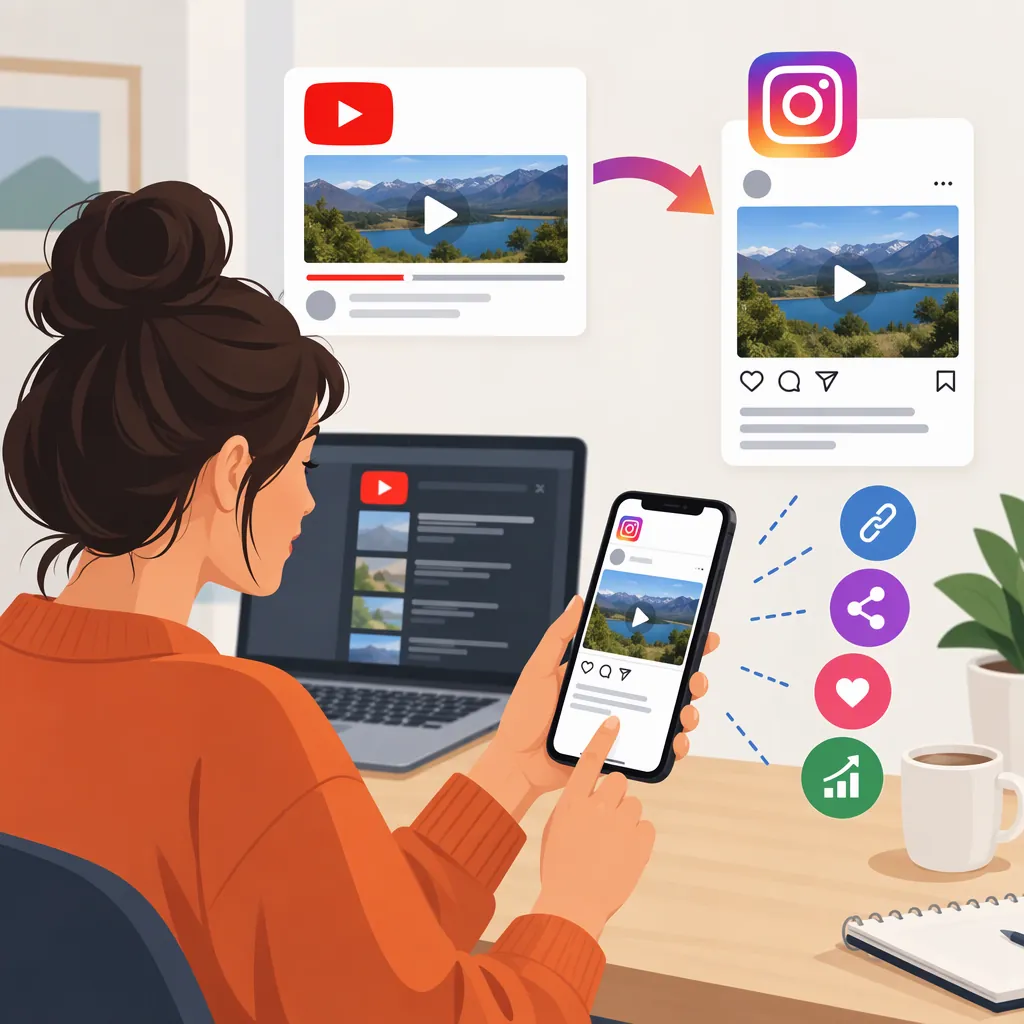
How to Promote YouTube Videos on Instagram
To promote an existing YouTube video on Instagram, share a useful, self-contained preview, explain what the full video adds, and give viewers a tested route to that specific video. Use a Reel for a video excerpt, Stories for supporting context, or a carousel for a visual summary—depending on the material you have. Promolta’s blog also recommends behind-the-scenes content, updates, and audience polls as Story ideas. Treat these as tactics to test, not guarantees of additional views. [citation-1]
Choose a Preview That Fits the Existing Video
Start with one published YouTube video rather than promoting your entire channel at once. Identify its topic, intended audience, and the specific reason someone might want the longer version.
Then select a moment that makes sense without the rest of the video:
- A tutorial: Show one complete step and explain which remaining steps the full video covers.
- A review: Share one observation with enough context to preserve the overall verdict.
- An interview: Use a short exchange that preserves the speaker’s meaning.
- A vlog: Choose a scene that introduces the experience without implying something the video does not deliver.
Treat the Instagram preview as useful content, not just an announcement. Avoid cutting off essential qualifications to manufacture suspense. If the YouTube video is older, check that its advice and time-sensitive details still hold before sharing it again.
Preview Planning Template
- YouTube video title: [Exact title]
- Intended viewer: [Who the video helps or interests]
- Preview moment: [One useful excerpt or scene]
- Context needed: [What viewers need to understand it]
- Full-video value: [What the longer version adds]
- Accuracy check: [Any outdated details or missing qualifications]
For example, a hypothetical video titled “Beginner Bread: Mixing, Kneading, and Proofing” could supply a preview showing one dough-readiness check. The preview should explain that check; the full-video description can then point to the additional mixing, kneading, and proofing instruction.
Choose an Instagram Format and Adapt the Preview
Choose the format based on what you want to show—not on an assumed promise of reach. The following are content-planning recommendations, not claims about which format performs best.
| Format | Suggested role | Connection to the YouTube video |
|---|---|---|
| Reel | Present a self-contained demonstration, exchange, or scene. | Explain in the caption what the excerpt covers and what the longer video adds. Identify the actual video destination. |
| Stories | Add context, show relevant behind-the-scenes material, or ask a subject-specific question. | Build a short sequence that names the full video and points to a tested route. |
| Carousel or image post | Summarize a visual process, comparison, or takeaway when an excerpt is not the clearest option. | Label it as a summary and explain which details or demonstrations remain in the full video. |
You do not need to use every format. For the hypothetical bread tutorial, a Reel could show the dough check, while Stories could explain where that check fits in the process. A carousel could instead summarize the stages covered in the same published video.
Make the Preview Understandable on Its Own
Prepare the excerpt for the format you choose:
- Check that the subject remains visible after reframing.
- Make captions and other important text readable on a phone.
- Preview the post to check whether interface elements obscure essential information.
- Include enough context to preserve the original meaning.
- Check permissions for reused music, footage, images, and other material. Do not assume permission for one platform automatically covers another.
Give the opening a clear topic rather than a vague promise. “How to tell when the dough is ready” tells viewers what the excerpt offers; “You won’t believe this trick” does not.
Use the caption to separate the preview’s value from the full video’s value. A single tip should not be presented as the entire tutorial.
Caption Template
This excerpt covers [specific point]. The full YouTube video, “[exact title],” also explains [additional material].
Full video: [The actual destination you have configured and tested].
Filled Caption Example
The following is hypothetical and assumes a profile link has already been configured and tested to open the named video:
This excerpt shows one dough-readiness check from “Beginner Bread: Mixing, Kneading, and Proofing.” The full YouTube tutorial also walks through mixing, kneading, and proofing so you can see where this check fits.
Full tutorial: use the profile link labeled “Beginner Bread.”
If your configured destination is different, change the final line to match it. Do not tell viewers to use a Story link when the only working route is through your profile.
Use Stories to Add Context
Promolta’s blog recommends sharing behind-the-scenes material, posting updates, and involving viewers through Story polls. For an already-published video, adapt those ideas into relevant context or a question about the subject—not an announcement that falsely presents an old upload as new. [citation-1]
A suggested sequence is:
- Introduce the topic: State the question the video addresses.
- Show supporting context: Use an excerpt, production image, or short explanation that you have permission to share.
- Identify the full video: Display its exact title, explain what it adds, and identify the working destination.
Filled Three-Frame Story Example
This hypothetical sequence promotes the same bread tutorial:
- Frame 1 — Topic: “Not sure whether your dough is ready for the next step? Here is one check from my published bread tutorial.”
- Frame 2 — Preview: Show the relevant excerpt, preserving its explanation and any qualifications. Add: “This is one checkpoint, not the whole bread-making process.”
- Frame 3 — Full-video value and destination: “ ‘Beginner Bread: Mixing, Kneading, and Proofing’ covers the full sequence. Full tutorial: profile link labeled ‘Beginner Bread.’ ”
An optional audience question could be: “Which stage would you like explained further: mixing, kneading, or proofing?” Use a poll only if that option is available to your account.
If you have configured and tested a link within the Story instead, replace the profile-link wording with wording that identifies that actual link.
Plan and Test the Route to the YouTube Video
The destination is a core part of the promotion. A preview about one video should preferably lead to that video, rather than leaving viewers to search an entire channel.
The guidance below is a route-planning checklist, not a current Instagram interface tutorial. Promolta’s article supports Story content ideas but does not verify current link controls, eligibility, or interface steps. Confirm the options available in your account before preparing destination wording.
Route A: A Link Within the Story
If your account offers a Story link option:
- Copy the destination for the specific published YouTube video.
- Use the available Story link control to assign that destination.
- Make the visible wording identify the video or its subject.
- Test the viewer-facing route wherever possible; checking only the editing screen is not enough.
If you cannot verify that the route works, do not describe it as tested.
Route B: A Profile Link
If you choose a profile-link route:
- Configure an available profile link to point to the specific video.
- Give it a recognizable label where that option is available.
- Match the Instagram caption and Story wording to that label.
- Open the profile from a viewer’s perspective and follow the link.
If the route uses an intermediate page, make the named video easy to identify there. Avoid wording that implies a direct link when another selection is required.
Before-Publishing Checklist
- Correct destination: Does the route open the intended video, not a different upload or the channel homepage?
- Matching wording: Does the caption or Story name the actual entry point?
- Recognizable video: Does the displayed title match the video viewers reach?
- Viewer access: Can an intended viewer open and watch it, rather than only the account owner?
- Working path: Have you followed the route from the viewer-facing post or profile where possible?
- Later reuse: If you change a profile destination, will older promotion wording still make sense?
A correct destination does not guarantee that someone will watch, but an unclear or broken route leaves the promotion incomplete.
Review the Results Before Repeating
Define the outcome you want before posting: visits to the full video, relevant questions, or interest in a particular topic. Do not treat Instagram reactions alone as proof that people watched the YouTube video.
Keep a record of the excerpt, caption, destination, and publication date. Review whichever relevant metrics your accounts make available, and mark unavailable measures as unavailable rather than estimating them.
When testing another preview, change one major element at a time—for example, the selected moment or the explanation of the full video. This makes the comparison easier to interpret, but a small informal test cannot establish that the Instagram post caused a change in YouTube views. Other posts, traffic sources, and timing may affect the result.
Reuse the video when you have another useful angle. A follow-up can address a genuine question or highlight a different section; repeating the same announcement is not a substitute for new context.
Promotion Review Log
- Video title: [Title]
- Instagram format and publication date: [Format and date]
- Preview angle: [Topic or moment]
- Destination tested: [Yes/no, location, and any issue]
- Available Instagram measures: [Observed values or unavailable]
- Available YouTube measures: [Observed values or unavailable]
- Relevant audience questions: [Observed questions or none]
- Interpretation limits: [Other activity, missing data, or timing differences]
- Next change to test: [One specific change]
FAQ
Can I Promote an Older YouTube Video on Instagram?
Yes. Choose a video that remains relevant and accurate, then introduce a useful excerpt or a current reason to revisit it. Avoid describing an older upload as new, and preserve any qualifications that still matter.
Should I Use a Reel, Stories, or a Carousel?
Choose according to the material. As a planning approach, use a Reel for a self-contained moving excerpt, Stories for supporting context, and a carousel for a visual summary. Whichever format you choose, explain what the same published YouTube video adds and identify its destination.
What Can I Share in Stories If I Do Not Have a Suitable Excerpt?
Consider a relevant production image, a short explanation, or a question about the video’s subject. Promolta’s blog recommends behind-the-scenes content, updates, and polls. Keep these additions connected to what the published video actually covers. [citation-1]
What If I Cannot Use a Link Within a Story?
Check whether your account provides a usable profile-link route. If it does, configure and test that destination, then tell viewers exactly where to find it. If no working clickable route is available, show the exact video title and channel name as a search fallback, without implying that viewers can tap directly to the video.
Will Instagram Promotion Guarantee More YouTube Views?
No. Treat previews and Stories as experiments, record the results you can observe, and distinguish engagement on Instagram from viewing on YouTube. A change in views alone does not establish that your Instagram promotion caused it.