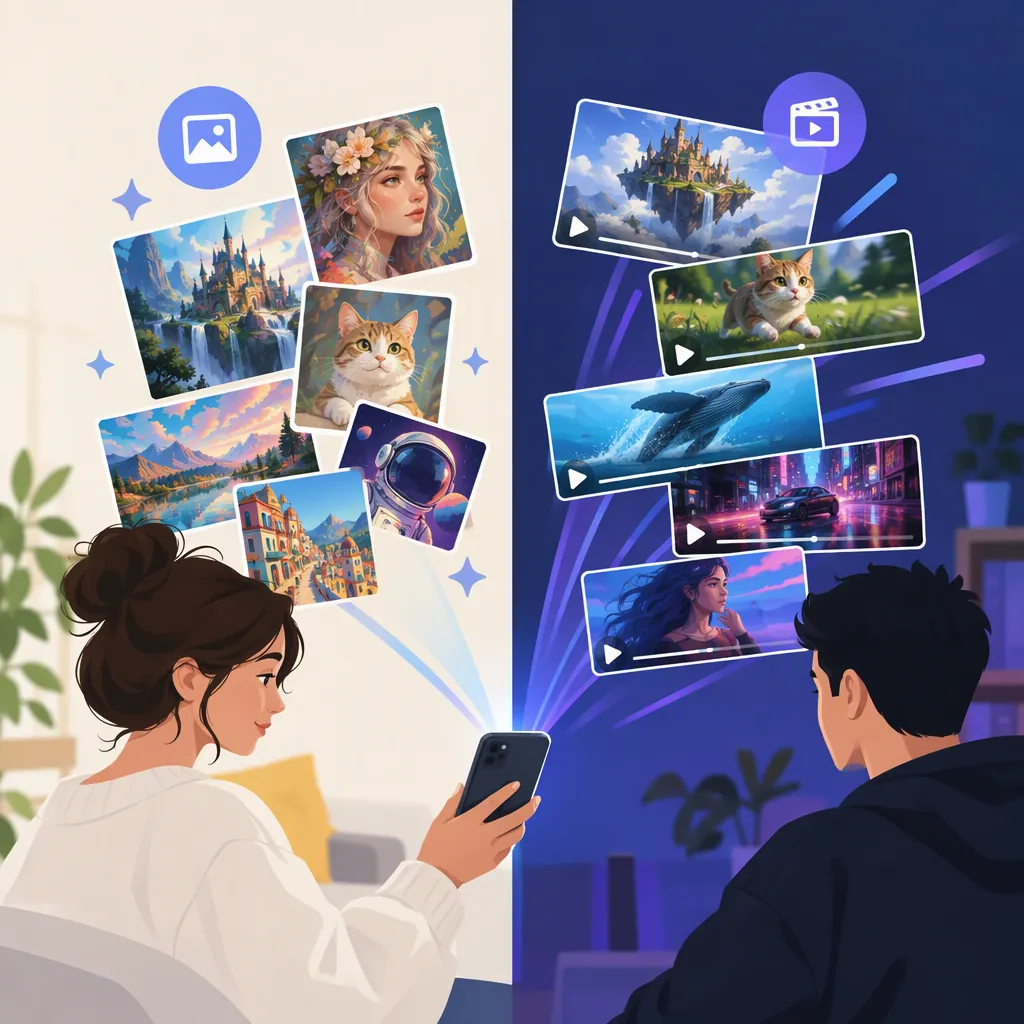
TikTok AI Art Generators: Choosing Tools for Still Images
A TikTok AI art generator is a tool you can use to create artwork for TikTok content. For still images, Uixlabs discusses Lumoo AI for social-media visuals, product mockups, and lifestyle imagery, and Midjourney for character concepts, fantasy environments, and painterly art. These are third-party descriptions, not tested recommendations. Tools that animate an existing image serve a different purpose. [c2] [c1]
Start by deciding what artwork you need, then compare image generators against that brief. Animation is an optional later step—not a requirement for creating AI artwork for TikTok.
Choose an Image Generator by the Artwork You Need
The Uixlabs overview provides two starting points for investigating still-image tools. Its use-case descriptions can help narrow your research, but they do not establish which tool will perform better on your particular prompt. [c2]
| Image Tool | Uses Described by Uixlabs | How to Use That Information |
|---|---|---|
| Lumoo AI | Social-media visuals, product photography and mockups, lifestyle imagery, fashion concepts, and digital artwork. [c2] | Consider investigating it if your brief centers on a product-style image, lifestyle scene, or social-media illustration. Test your own brief rather than assuming the article’s quality claims apply. |
| Midjourney | Character concepts, fantasy worlds, environment art, poster designs, and surreal or painterly digital art. [c2] | Consider investigating it if your brief centers on an imagined character, setting, or illustrative style. Evaluate the resulting details and composition yourself. |
These categories overlap: the overview lists digital artwork for Lumoo AI and several illustration-oriented uses for Midjourney. They are not exclusive capabilities or a ranking. [c2]
Before choosing either tool, check its current access requirements, pricing, input options, export options, and usage terms. Those conditions are not verified here.
Evidence Boundaries
The tool descriptions come from a third-party Uixlabs article and, for photo animation, Viggle’s own page. They do not establish an official TikTok relationship, independently measured popularity, or a universal “best” generator. Performance, speed, and comparative-quality claims from those pages are not treated as verified findings in this guide. [c2] [c1]
Keep Still-Image Generation Separate from Animation
Choose the production task before adding tools to your workflow:
- New artwork: Start with a still-image generator. Uixlabs discusses Lumoo AI and Midjourney in this role. [c2]
- Motion added to an existing image: Uixlabs describes Kling AI as an image-to-video option. [c2]
- A character performing a motion template: Viggle describes selecting a template, uploading a photo with a visible body, and downloading a video. [c1]
If you only need an illustration, portrait, or background, focus on the still image first. Do not judge an image generator by an animation tool’s capabilities—or assume you need both.
If you plan to use Viggle’s described workflow later, account for its visible-body requirement when composing the original artwork. A tightly cropped face may be a poor fit for that workflow. [c1]
Write a Clear Artwork Brief
Define the image before choosing effects or motion. A useful brief specifies:
- Subject: Who or what is the main focus?
- Style: Should it resemble a painting, illustration, photograph, or another visual treatment?
- Setting and lighting: Where is the subject, and what mood should the light create?
- Composition: What must remain visible after cropping?
- Text placement: Where will you add captions during editing?
For TikTok content, plan the artwork around its intended presentation. For example, a vertical composition with uncluttered caption space gives you a clear layout target to inspect. This is design guidance, not a claim about any generator’s aspect-ratio controls or TikTok’s current interface.
Example Still-Art Brief
The following is an original drafting aid, not tested tool syntax. It does not assume consistent results or support for particular settings.
Create an original illustration of a fictional botanical explorer in a luminous greenhouse. Use a painterly style, soft evening light, and a vertical composition. Show the character’s full body, keep the silhouette distinct from the background, and leave uncluttered space above the subject for a caption. Avoid embedded lettering and logos.
For a still portrait instead, revise the composition deliberately: request a closer view and specify which facial details or accessories matter. Full-body framing is relevant to the optional Viggle workflow, not a general requirement for AI artwork. [c1]
Generate, Inspect, and Revise the Still Image
Use a tool-independent process rather than relying on specific buttons or undocumented settings.
- Generate candidates from one brief. If access and cost permit, produce several options before choosing a direction.
- Inspect the subject. Check faces, hands, clothing, accessories, and any objects important to the scene. Reject details that undermine the intended image.
- Inspect the composition. Confirm that the subject remains readable at the intended display size and that important elements will survive your planned crop.
- Revise the brief around a specific problem. Replace vague requests such as “make it better” with a concrete change: simplify the background, move the subject lower, or leave more space above the head.
- Review the next result again. A revised prompt is a request, not a guarantee that the tool will preserve everything you liked.
For the greenhouse example, a composition-focused revision could be:
Keep the botanical explorer as the main subject. Use fewer foreground plants, separate the character’s silhouette from the foliage, and leave the upper portion of the composition uncluttered for a caption.
This revision is also an untested drafting aid. It describes the desired change without assuming a tool supports selective editing or exact character preservation.
Prepare the Artwork for TikTok Content
Once you have a usable still image, prepare its presentation before considering animation:
- Plan the crop. Keep the face, subject, and other essential details inside the intended frame.
- Add captions during editing. Check that the text contrasts with the artwork and does not cover important features.
- Preview at a small display size. Look for a crowded layout, unreadable text, or details that distract from the subject.
- Choose the role of the image. It might stand alone, form part of an image sequence, or appear within an edited video.
- Review usage terms before publishing. Confirm that your planned use is permitted under the tool’s current terms.
These are general preparation steps, not instructions for TikTok’s current interface or claims about supported upload formats. Animation remains optional. If you need it, assess the motion output separately from the quality of the original still image.
Compare Tools with the Same Brief
A useful comparison starts with your own criteria, not a popularity claim. Where practical, use the same subject, style, and composition requirements across tools.
| Criterion | Question to Ask |
|---|---|
| Brief alignment | Does the result show the requested subject, setting, and style? |
| Detail quality | Are important character features and objects acceptable? |
| Composition | Can you crop the image and place captions without losing the focal point? |
| Revision usefulness | Do follow-up attempts address the problem you identified? |
| Workflow fit | Can you obtain an export suitable for your editing process under acceptable terms and cost? |
Treat this as a personal selection exercise, not a benchmark. A tool that suits one artwork brief may not suit another. The cited pages do not provide independent comparative testing sufficient to rank Lumoo AI, Midjourney, or the adjacent animation tools. [c2] [c1]
FAQ
Which TikTok AI Art Generator Should I Investigate First?
Use the artwork brief to narrow your options. Uixlabs associates Lumoo AI with social-media, product-style, and lifestyle imagery, and Midjourney with character concepts, fantasy environments, and painterly art. Those descriptions are starting points for research—not proof that either tool is best for your project. [c2]
Is There One Official TikTok AI Art Generator?
The cited pages do not establish one. They describe external tools for artwork or video intended for TikTok content, without establishing an official TikTok relationship. [c1] [c2]
Is Viggle a Still-Image Art Generator?
Not in the workflow described on its cited page. That workflow starts with an uploaded photo and applies a motion template to produce video. Creating the original artwork is a separate task. [c1]
Do I Need to Animate My AI Artwork?
No—animation is a separate production choice. Develop and review the still image first. If your concept requires motion, Uixlabs describes Kling AI for image-to-video work, while Viggle describes a photo-and-motion-template workflow. [c2] [c1]
Can a Tool List Identify the Generator Used in a Specific TikTok Post?
Not reliably. These pages describe possible tools and workflows, but do not establish the origin of a particular post. Look for the creator’s attribution or production notes rather than inferring the tool from the image’s appearance. [c1] [c2]