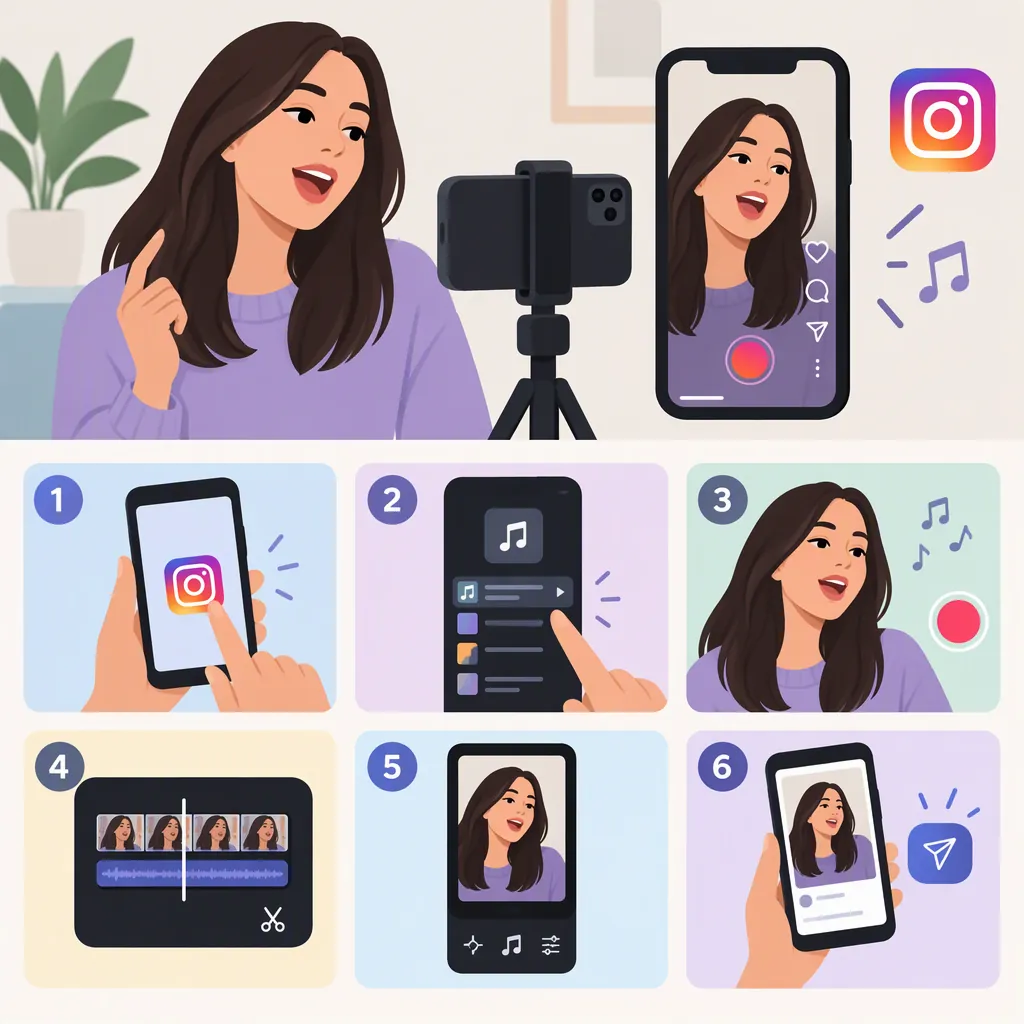
How to Make a Lip Sync Video on Instagram
To make a lip sync video on Instagram, choose the audio you want to use for a Reel, rehearse its words and pauses, then record yourself mouthing along. Keep a script near the camera if needed, and record longer passages in short sections rather than one continuous take. Preview the result to check the timing before sharing. Stephanie Kase’s guide recommends repeated practice, an off-camera script, and shorter recordings. [citation-1]
1. Choose the Audio and Rehearse
Start with the sound you want to perform—not with a finished silent video that you hope will fit later. Listen to the passage you plan to use and practice mouthing its words, including pauses and changes in pace.
Stephanie Kase recommends pulling up the audio in Instagram and practicing it repeatedly before filming. B Squared Social similarly recommends listening to one sound on loop to learn it. [citation-1] [citation-4]
For a manageable first attempt, choose a passage you can comfortably remember. As a practical rehearsal check, try performing it once without looking at the words before recording.
2. Put a Script Near the Camera
Write down the words if you keep forgetting them. Place the script outside the frame, near your phone, so you can glance at it while rehearsing. Both guides suggest an off-camera script; Kase gives the example of a sticky note beneath the camera. [citation-1] [citation-4]
You can also mark pauses and emphasize the words that are hardest to time. Before filming, check that your face and mouth are clearly visible and that the script does not appear in the shot.
Lip Sync Rehearsal Sheet
Audio passage: __________
Words to mouth: __________
Pause locations: __________
Words that need extra practice: __________
Planned recording breaks: __________
3. Record Short Takes in Instagram
Use Instagram’s Reel creation workflow with your chosen audio, then record yourself mouthing the passage in time with the sound. This article does not specify button names or screen positions: the supplied guides do not establish the current Instagram interface.
If the passage is difficult, split your performance at sentence or phrase boundaries. Kase suggests recording roughly five- to six-second chunks instead of trying to memorize and perform an entire 30-second Reel at once. Treat those lengths as an example, not a requirement. [citation-1]
Practice each section before recording it. Keep the same audio passage in mind throughout, and avoid adding an unintended pause when moving between sections.
4. Check the Lip Sync Before Sharing
Preview the video with its audio. Use these checks to decide whether another take is worthwhile:
- Opening: Does your mouth start moving when the first word begins?
- Pacing: Do the middle words and pauses stay aligned?
- Ending: Does your mouth finish with the final word?
- Clip boundaries: Does each new section continue the performance without a distracting break?
If one phrase is wrong, rehearse that phrase again rather than repeatedly filming the whole passage. If the timing starts well but slips later, focus on the words and pauses where it first diverges.
Keep a usable take before experimenting further. Kase recommends saving multiple drafts when a recording is close, so a later retake does not have to replace it. That recommendation comes from a 2021 guide, rather than a current verification of Instagram’s draft controls. [citation-1]
Final Playback Checklist
- Mouth movements match the opening words.
- Pauses match the audio.
- No phrase noticeably runs ahead or behind.
- Recording breaks do not interrupt a word.
- The preferred take is retained before trying another.
5. Keep the First Version Simple
Prioritize the performance before adding visual variety. For a multi-clip Reel, Kase suggests changing the camera angle or outfit between recordings as an optional variation. Those changes are not necessary to practice lip syncing. [citation-1]
Set a reasonable stopping point for retakes. The same guide advises limiting repeated attempts and accepting that every Reel does not need to be perfect. [citation-1] Use your playback checks to identify a specific problem; if there is none you want to fix, you do not need another take.
These are recording and rehearsal suggestions from public creator guides, not a verified walkthrough of the latest Instagram controls or a promise of reach or engagement.
FAQ
Do I Have to Memorize Every Word?
No. Both guides suggest keeping a script outside the frame. Repeated listening can help you learn the timing, while the script provides a reminder of the words. [citation-1] [citation-4]
Should I Record the Whole Reel in One Take?
Not necessarily. Kase recommends breaking a longer performance into short chunks or sentences. Choose breaks that suit the audio rather than stopping in the middle of a word. [citation-1]
Do I Need Another App to Make a Lip Sync Reel?
The supplied guides describe recording lip sync Reels in Instagram, so their basic approach does not require a separate editor. B Squared Social also suggests an external app with a lead-in before the sound starts as an option, but does not identify a specific app or verify its controls. [citation-1] [citation-4]
Sources
-
[citation-1] Tips to Make Perfect Lip Sync Videos for Instagram Reels
-
[citation-4] Tips For Lip-Sync Reels — B Squared Social