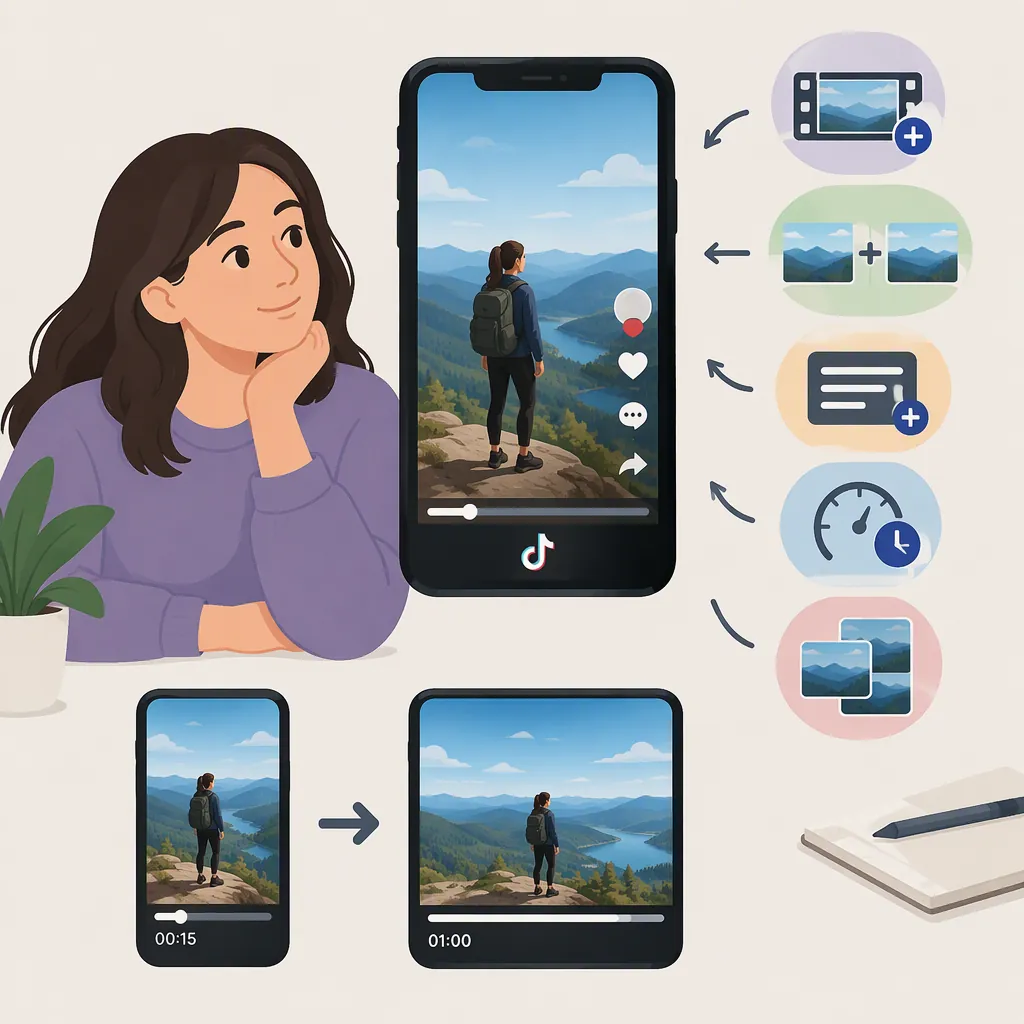
How to Make Your TikTok Longer
To make your TikTok longer, open the app, tap +, and check the duration choices above the record button. Select a longer option if one is available, then record your video. Alternatively, use prerecorded clips from your camera roll. TRIBE describes both approaches, but its guide discusses a rollout of 10-minute videos—not a verified current limit for every account. Use the options shown in your app as your starting point. [reference-1]
Choose a Longer Recording Duration
If you want more time to record a new video, begin with TikTok’s recording-duration controls:
- Open TikTok and tap + to open the camera.
- Look above the record button for the duration choices.
- Swipe through the choices and select a longer duration if it appears.
- Record your content, stopping and starting as needed.
These steps follow TRIBE’s description of TikTok’s longer-recording workflow. The guide discusses a 10-minute option, but the supplied source does not establish today’s maximum or guarantee that your account has the same interface. [reference-1]
Use Prerecorded Clips for a Longer Video
If you already have footage, try the camera-roll upload route rather than recording everything again. TRIBE describes uploading multiple video clips and images as an alternative to recording directly in TikTok. [reference-1]
For your edit, arrange the material in the order you want viewers to see it. Add relevant footage or explanation if the story needs more time; do not assume that choosing a longer recording setting will add content to an existing clip. Preview the complete sequence before posting.
The supplied guide does not document current upload limits or detailed editing controls. Check the duration accepted by your own upload screen rather than treating the guide’s 10-minute figure as a universal upload limit.
If a Longer Duration Option Is Missing
Check whether an app update is available, then reopen the camera and inspect the duration choices again. TRIBE recommends updating the app when the longer option is missing. It also describes phased availability during the rollout covered by its article. [reference-1]
That rollout explanation is context from the guide, not a confirmed diagnosis for your account today. The provided evidence does not establish why a particular account lacks an option or when that option might appear. If updating does not change your choices, plan around the duration your app currently offers.
Make the Extra Time Useful
A longer video should give the subject more room, not simply stretch the same material. TRIBE suggests formats such as storytime, Q&A, daily vlogs, and DIY demonstrations, while cautioning that creators do not need to use the full available duration. [reference-1]
Use this planning outline before recording:
- Opening: State the question, story, or result the video will cover.
- Middle: Add the steps, context, or examples needed to understand it.
- Ending: Deliver the result or finish the explanation.
- Review: Remove repeated points and pauses that serve no purpose.
For a tutorial, consider adding a missing step or a clearer demonstration. For a story, include context that makes the ending understandable. Stop when the video is complete rather than aiming for the longest possible runtime.
FAQ
Can I Make a 10-Minute TikTok?
TRIBE’s guide describes a 10-minute recording option. However, the supplied reference does not verify current limits or availability for every account. Check the duration options in your TikTok camera rather than assuming that 10 minutes is available to you. [reference-1]
Why Can’t I See a Longer Recording Option?
The provided guide recommends updating the app and describes phased availability during its rollout. It does not establish the reason an option is missing from your account today. Check for an update and use the duration choices currently shown in your app. [reference-1]
Can I Use Existing Footage Instead of Recording Again?
Yes. TRIBE describes uploading multiple video clips and images from your camera roll. The guide does not establish current upload limits, so check what your app accepts before planning the final runtime. [reference-1]
Should I Use the Full Available Duration?
Not necessarily. Use enough time to finish the story or explanation without unnecessary repetition. TRIBE likewise advises that a longer duration is an option, not a requirement. [reference-1]