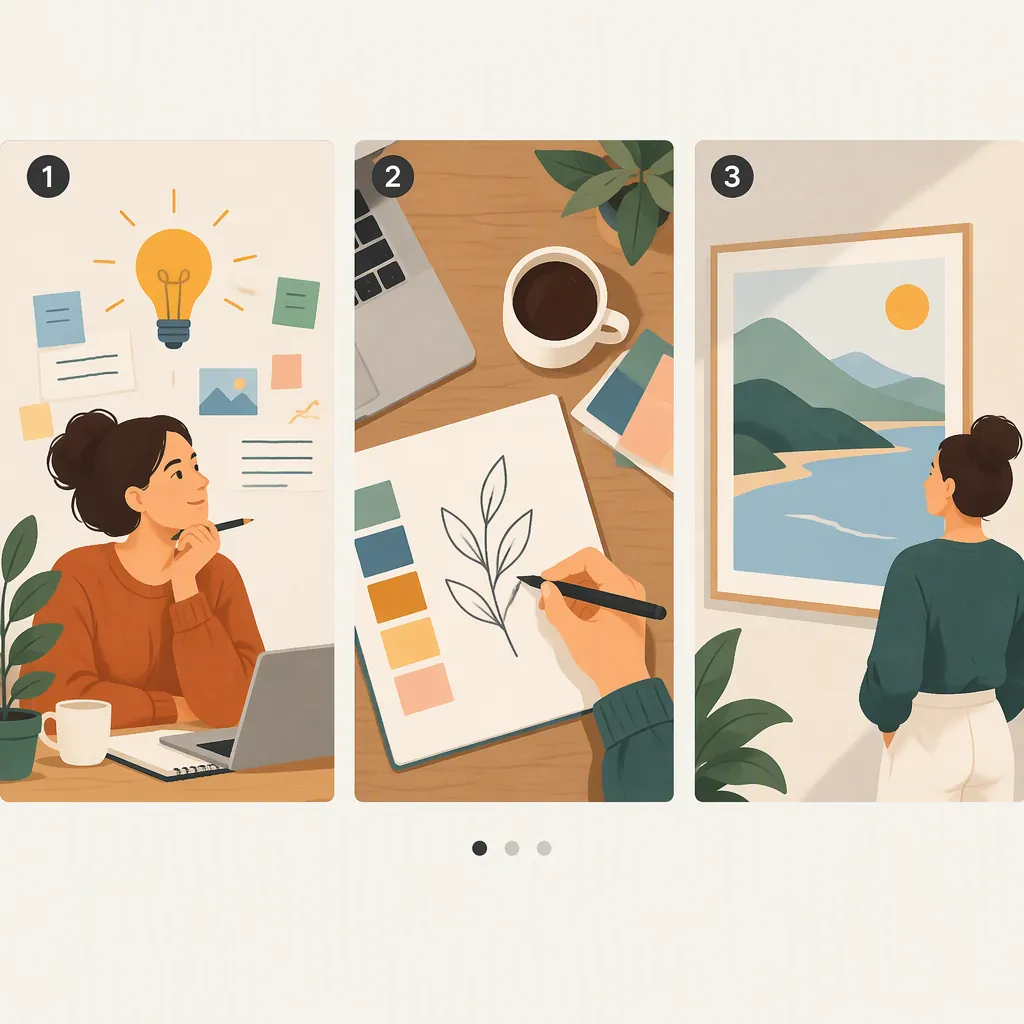
Carousel Post Examples: Three Complete Creative Concepts
A carousel post example can be a step-by-step tutorial, a photo sequence showing one subject from several angles, or a short story told across slides. AgoraPulse describes published examples using tutorials and multiple views of a space. [c1] Below are three original, ready-to-layout concepts with complete slide copy and captions—not published posts or evidence of performance.
Published Examples and Their Creative Patterns
These published examples offer distinct ways to organize a carousel:
- A process that unfolds: AgoraPulse describes a Williams Sonoma samosa tutorial in which successive images show different preparation steps. The transferable idea is a sequence where each image advances the explanation. [c1]
- One subject, several views: The same article describes Gold Dust Collective showing a space from multiple angles. This is a useful reference for a photo-led carousel rather than a text-heavy slide deck. [c1]
- A compact narrative: StoryCraft discusses storytelling carousels and describes dividing a narrative into short passages across slides. Borrow the short-form narrative structure, not the author's personal story or reported results. [c2]
The descriptions above come from the supplied articles, not an independent inspection of the original social posts. The examples below are newly written concepts. They do not reproduce those posts, imply permission to reuse their images, or promise engagement results.
Example 1: A Before-And-After Writing Lesson
Concept: Show how to replace a vague headline with a specific one.
Format: Six text-led slides with a visible editing progression. This is an original educational example, not a claim that a particular headline performs better.
Visual direction: Use the same headline card throughout. Highlight only the words being changed. Label the versions “Before,” “Revision,” and “Final” so the comparison does not depend on color alone.
Creative payoff: The last slide delivers the revised headline promised by the cover. Every intermediate slide shows a distinct editing decision.
Six-Slide Copy and Caption
Slide 1 — Cover
From a vague headline to a clear promise
One headline. Three edits.

Slide 2 — Before
“Make your workspace better”
What does “better” mean here?

Slide 3 — Name the subject
“Organize your desk”
Now the reader knows what the post is about.

Slide 4 — Define the task
“Organize the papers on your desk”
Narrow the topic to one manageable job.

Slide 5 — Show the method
“Sort desk papers into three piles: act, file, recycle”
The headline now names the task and the approach.

Slide 6 — Final Takeaway
Replace vague improvement with a specific task.
Name the subject. Define the action. Show the method.

Caption
This sample turns a broad workspace headline into a specific paper-sorting lesson. The goal is clarity, not a promise of more clicks. Use the same editing sequence to check whether your headline accurately describes the slides that follow.
Example 2: One Reading Corner, Five Views
Concept: Introduce one space through a deliberate sequence of photographs.
Format: Five photo-led slides with short labels. This original shot plan adapts the multiple-angle pattern described in AgoraPulse's Gold Dust Collective example. [c1]
Visual direction: Photograph a space you can legitimately share. Start with the widest view, then move closer. Keep the captions descriptive rather than making unsupported claims about comfort, productivity, or design quality.
Creative payoff: The viewer sees both the overall arrangement and the small details. If your actual space differs from the sample, change the copy to match the photographs.
Five-Slide Shot List and Sample Copy
Slide 1 — Wide View
A reading corner, from five angles
Photo: The entire corner, including the chair and nearby surfaces.

Slide 2 — Seated View
The view from the chair
Photo: The scene at seated eye level.

Slide 3 — Surface Detail
A place for the book
Photo: The table or shelf beside the chair, with a book resting on it.

Slide 4 — Texture Detail
The details up close
Photo: A close crop of the upholstery, cushion, or wood grain.

Slide 5 — Reverse View
The corner in context
Photo: Look back toward the corner from another part of the room.

Caption
Five views of the same reading corner: the full arrangement, the seated perspective, a nearby surface, a texture detail, and the space around it. The sequence moves from context to detail and back again.

Production Note
This is a proposed shoot, not documentation of an existing room. Use these labels only when the photographs support them.
Example 3: A Small Story About an Unfinished Draft
Concept: Tell a fictional story about reducing the scope of a writing task.
Format: Seven illustrated slides. StoryCraft discusses using short passages to distribute a narrative across carousel slides; this concept uses that general structure with entirely original copy. [c2]
Visual direction: Repeat the same document motif. Begin with a crowded page, remove distracting elements at the turning point, and end with one clearly framed paragraph.
Creative payoff: The ending resolves the opening problem. This is explicitly fictional—not a personal account, customer story, testimonial, or productivity result.
Seven-Slide Fictional Story and Caption
Slide 1 — Cover
The draft that tried to do everything
A fictional writing story.

Slide 2 — Setup
The outline had twelve headings.
Every heading wanted its own explanation.

Slide 3 — Complication
One paragraph introduced the topic.
The next introduced another topic.
The draft kept starting over.

Slide 4 — Turning Point
Then the assignment changed:
Explain one idea, not the whole subject.

Slide 5 — Action
One heading stayed.
The others moved into a separate notes file.

Slide 6 — Resolution
The new draft had a beginning, an example, and an ending.
It no longer needed twelve introductions.

Slide 7 — Takeaway
A smaller scope can be a useful editing choice.
This draft needed one clear idea—not every possible idea.

Caption
A fictional story about an overfilled outline. Its turning point is a change in scope, not a sudden burst of inspiration. The visual sequence follows the same change: crowded page, focused paragraph, complete short draft.
Choose the Concept That Fits Your Material
| Material You Have | Starting Concept | What Each Slide Adds |
|---|---|---|
| A draft and a revision | Writing lesson | One visible editing decision |
| Several photographs of one subject | Photo sequence | A new view or detail |
| A clearly labeled fictional scenario or a documented story | Short narrative | Setup, complication, action, or resolution |
Treat these slide counts as editorial choices, not platform limits or an engagement formula. Remove a slide if it repeats the previous one; add one if a necessary step is missing.
Before laying out the final version, check that the cover describes the actual content, the sequence makes sense, the text is readable at the intended display size, and the final slide resolves the opening promise.
Keep posts and ads distinct. The Brief's reference covers Facebook carousel ads, including story and panoramic concepts. It is a separate advertising context, not evidence that its specifications or controls apply to an organic Instagram post. [c3]
FAQ
What Should the First Slide of a Carousel Example Say?
For these concepts, use a headline that names the subject and the intended payoff: a clearer headline, five views of a reading corner, or a fictional story about an unfinished draft. Avoid promising something the remaining slides do not deliver.
How Many Slides Should I Use?
The examples here use five, six, and seven slides to fit their content. Those counts are not platform limits or proven performance targets. Choose enough slides to complete the sequence without unnecessary repetition.
Are These Examples Actual Published Carousel Posts?
The three complete concepts are original sample content, not published posts. The separately attributed inspiration examples are described in the supplied AgoraPulse and StoryCraft articles; their original social posts were not independently inspected. [c1] [c2]