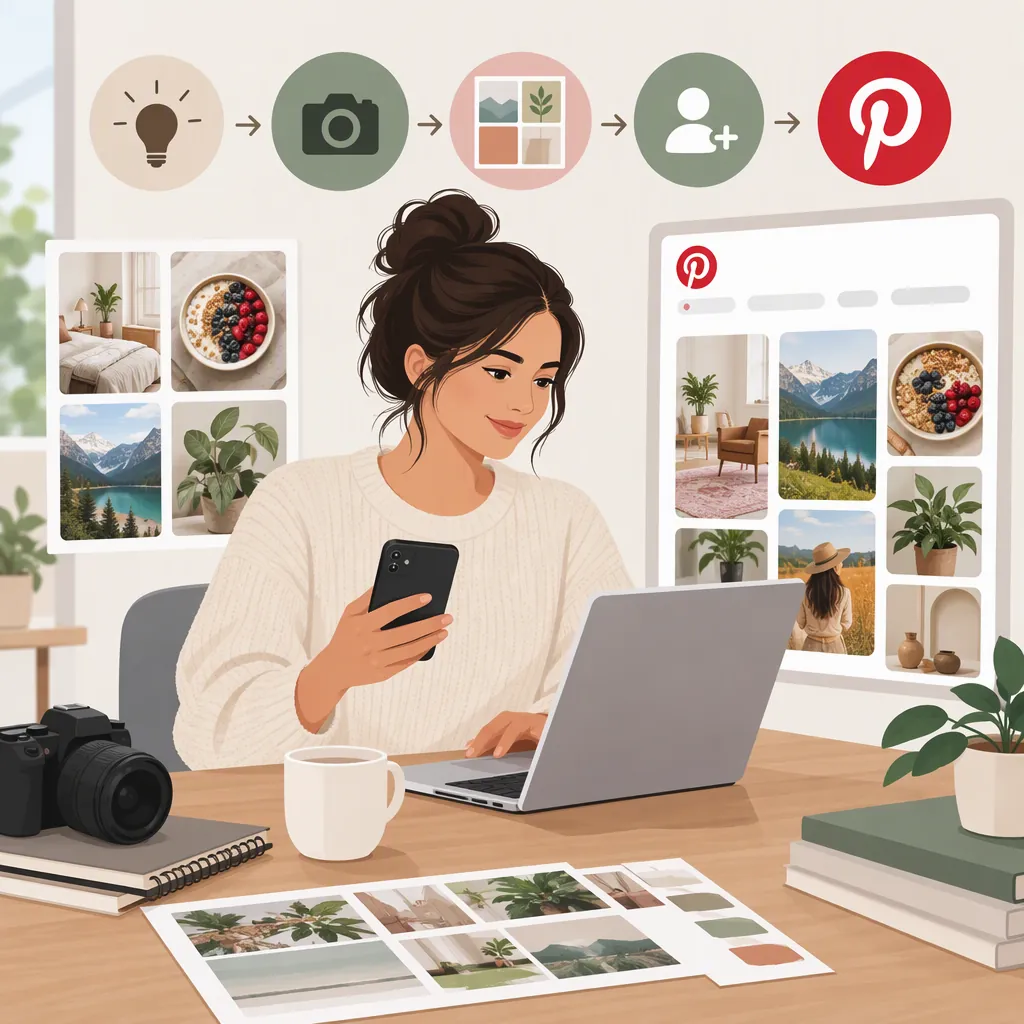
How to Become a Pinterest Creator: A Practical Start
To start as a Pinterest creator, choose a subject you can cover with original content, set up or convert to a free business account, and build a portfolio of useful Pins. A business account provides Pin analytics; Pinterest’s creator guidance also recommends a clear bio and well-organized boards. Review your results before pursuing affiliate income or brand partnerships. Those income arrangements are handled with external partners, not paid directly by Pinterest. [c1] [c2]
Choose a Clear Content Focus
Start by defining what you want to help people plan, learn, or make. Pinterest describes its platform as a place where people discover ideas, plan, and shop. Its creator guidance recommends using trends to identify topics people are searching for. [c3] [c2]
As a planning exercise, choose one audience and a subject you can cover repeatedly with your own work. For example, “small-space gardening for beginners” gives you a clearer starting point than “lifestyle.” This is an editorial recommendation, not a Pinterest eligibility requirement.
Outline a few recurring content themes, such as step-by-step projects, materials checklists, and common mistakes. Choose ideas you can explain accurately and illustrate with content you created or have permission to use. Treat trend information as an input, rather than a reason to abandon your subject.
Creator Focus Worksheet
Audience: [Who is this content for?]
Main subject: [What will you cover?]
Useful outcome: [What can someone learn, plan, or make?]
Recurring themes: [List three themes you can sustain.]
Original material available: [Photos, videos, illustrations, or written explanations.]
Boundaries: [Topics outside your expertise or scope.]
Set up a Business Account
For a creator workflow that includes performance measurement, use a business account. Pinterest’s help page says business accounts are free and include access to Pinterest Analytics and the Business Hub. It documents two routes: create a new business account or convert a personal account. [c1]
Create a separate account: The help page specifies desktop setup for a new business account. Use an email address that is not already attached to another Pinterest account, select the business-account option during signup, and complete the profile and business-description prompts. The setup flow includes a question about whether you want to run ads. [c1]
Convert an existing account: Open Settings, then Account management, and find the option to convert to a business account. The help page includes both desktop and app conversion instructions. Your existing Pins and followers remain, but business accounts are public; a private personal account must become public before conversion. [c1]
Choose between these routes based on whether you want your existing personal content associated with your creator work. These are the setup paths documented in the supplied guidance, not an application for a separate creator credential. Interface labels may change, so use the linked help page if your screen differs.
Build a Useful Portfolio of Pins
Pinterest’s creator guidance treats your profile as a professional portfolio: it recommends a clear bio, up-to-date contact information, a good collection of Pins, and organized boards. [c2]
Write a bio that explains your subject and intended audience without claiming expertise or results you cannot substantiate. Organize boards around recognizable topics within that subject.
For your first batch of original Pins, use this suggested workflow:
- Pick one specific idea or problem for each Pin.
- Create a visual that accurately represents the content.
- Write a clear title and description that explain what the viewer will find.
- If you include a destination link, check that it opens the relevant page and delivers what the Pin promises.
- Review spelling, readability, permissions, and accuracy before publishing.
Pinterest’s creator guidance recommends adding a straightforward website link where relevant and replying to comments. [c2] You can use audience questions to identify what needs a clearer explanation in your next piece of content.
This workflow is a suggested quality-control process, not a claim that a particular format or publishing frequency guarantees reach.
Pin Planning Template
Working title: [State the specific idea.]
Viewer need: [What question does this answer?]
Visual plan: [Describe the original image or video.]
Description: [Explain the content clearly.]
Destination, if relevant: [Record the matching page.]
Permissions check: [Confirm rights to included material.]
Accuracy check: [Verify instructions and factual statements.]
Follow-up idea: [Note a related question for a future Pin.]
Review Performance and Refine Your Work
Use analytics to answer a specific question rather than treating every metric as a measure of success. Pinterest’s creator guidance defines these measures: [c2]
- Impressions: The number of times your Pins were on screen.
- Saves: People saving your Pin to return to later.
- Pin clicks: Taps that open a Pin in full-screen view.
- Outbound clicks: Actions that lead to a destination outside Pinterest.
Match your review to your purpose. If you publish reference material, saves may be especially relevant. If your goal is to help people reach a detailed tutorial on your website, review outbound clicks as well as on-platform activity. These are suggested interpretations, not promises about performance.
Choose a manageable review interval. Record the content topic, publication date, observation period, and results. Avoid comparing a newly published Pin directly with one that has had much longer to accumulate activity. Test one change at a time—such as a clearer visual or a more specific topic—so your notes remain useful.
An impression, save, or click does not by itself demonstrate earnings. Keep content performance and financial records separate.
Performance Review Record
Pin or topic: [Identify the content.]
Publication date: [Record the date.]
Observation period: [Use a clearly defined date range.]
Primary goal: [Reference value, website visits, or another stated goal.]
Metrics reviewed: [Record the relevant available metrics.]
Audience questions: [Summarize comments without exposing personal information.]
Next change: [Choose one adjustment.]
Reason: [Explain what the results suggest, without claiming certainty.]
Understand Creator Income Before Making Commitments
Publishing content and building a paid creator business are separate tasks. Pinterest’s creator guidance discusses affiliate links, website traffic, and brand partnerships as possible routes to income. It says affiliate commissions depend on agreements with external merchants or programs, and that Pinterest does not facilitate payment for product tagging, affiliate links, or brand partnerships. [c2]
Affiliate work: Review the external program’s terms before joining or using links. Do not assume that adding a product tag automatically creates a commission arrangement. Pinterest’s guidance says you first need to join an affiliate program. [c2]
Brand partnerships: Prepare a media kit with your Pinterest profile, actual performance metrics, audience insights, and sample content. Pinterest recommends these elements when approaching brands. If you have no previous collaborations, use original samples rather than implying client experience. [c2]
Payment and disclosure: Agree on deliverables, compensation, deadlines, revision limits, and content usage in writing. Pinterest describes a paid partnership label and brand-tagging process, while stating that payment terms and logistics are arranged directly with the brand. Do not treat the tool as a substitute for checking applicable disclosure requirements. [c2]
The supplied references do not establish guaranteed earnings, a universal follower threshold, or current availability of every monetization feature in every location. Check feature access and partner terms before building a financial plan around them.
Partnership Preparation Checklist
Portfolio: [Select original samples relevant to the project.]
Metrics: [Include accurate figures with date ranges.]
Deliverables: [Define the content and number of revisions.]
Compensation: [Distinguish money, products, and other benefits.]
Payment terms: [Record amount, due date, and payment process.]
Usage rights: [Specify where and for how long content may be used.]
Disclosure review: [Check platform tools and applicable requirements.]
Unresolved questions: [List anything requiring agreement before work begins.]
FAQ
Which Account Should I Use to Start as a Pinterest Creator?
The supplied creator guidance directs creators to a free business profile for creator tools and advanced analytics. You can create a new business account or convert a personal account. These sources describe those routes rather than a separate creator-account application. [c1] [c2]
Can I Set up My Account Using Only a Phone?
Pinterest’s help page documents converting an existing personal account through the app. It specifies desktop setup for creating a new business account. The distinction matters if you want a separate account rather than converting your current one. [c1]
Will Pinterest Pay Me Directly for My Content?
Pinterest’s creator guidance says it does not facilitate payment for product tagging, affiliate links, or brand partnerships. For those routes, payment arrangements are made with the brand or affiliate partner. The supplied material does not establish a general payment entitlement for publishing Pins. [c2]
How Many Followers Do I Need to Become a Pinterest Creator?
The supplied account-setup and creator references do not state a universal follower minimum for starting. They describe business-account setup, content development, analytics, and partnerships. That should not be interpreted as proof that every program or commercial opportunity has no eligibility requirements. [c1] [c2]