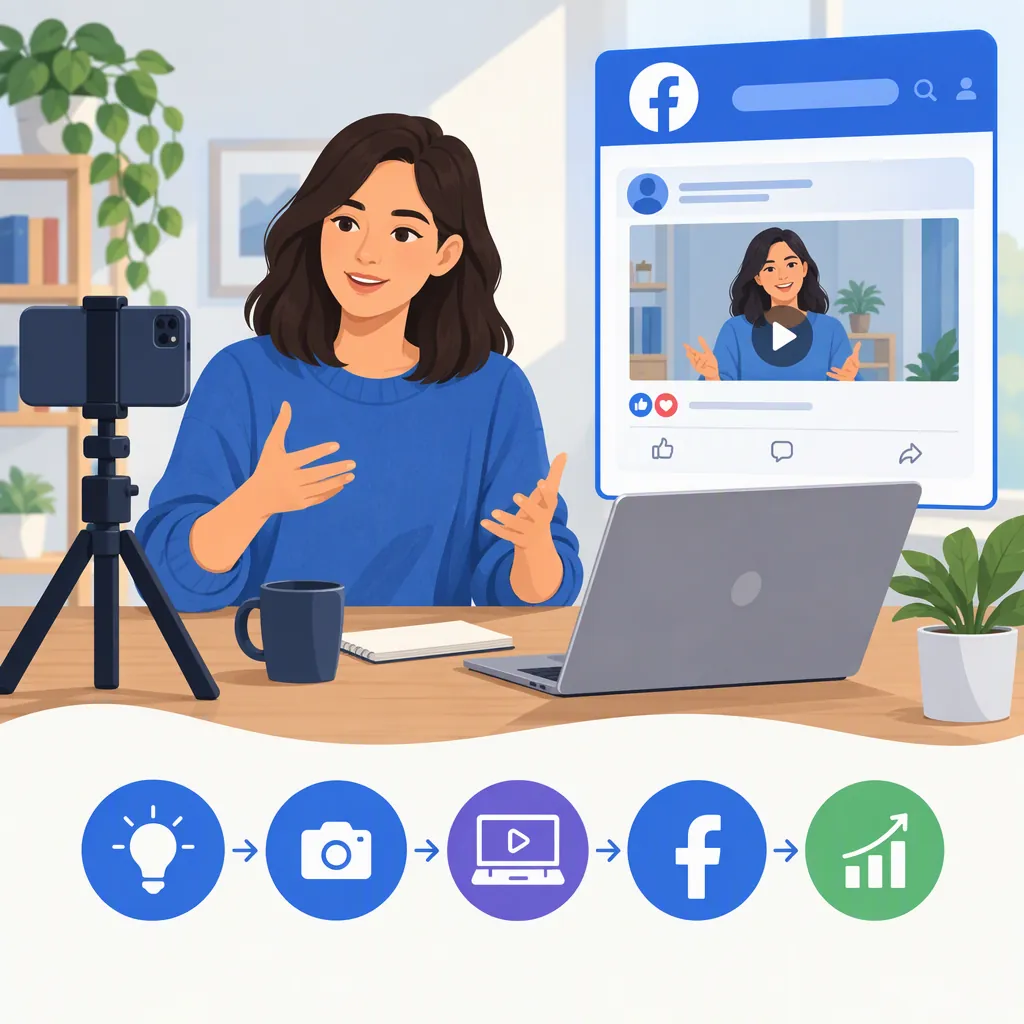
How to Become a Digital Creator on Facebook
To become a digital creator on Facebook, establish your presence with a Facebook Page or professional mode on your profile, complete your bio and profile details, and begin publishing original content. Build conversations with viewers and use Professional Dashboard to review performance. Check monetization eligibility separately: setting up a creator presence does not itself establish eligibility for earnings. [c1] [c2]
1. Choose a Page or Professional Mode
Facebook’s creator guidance presents two starting options: create a Facebook Page or turn on professional mode on your existing profile. If you do not have a Facebook account, create one first. [c1]
- Professional mode: Consider this if you want to build a public creator presence using your personal profile while maintaining personal connections.
- Facebook Page: Consider this if you want a presence separate from your personal profile or need other people to help manage it. Facebook’s guide describes admin and moderator roles and additional management tools for Pages. [c1]
Choose based on how you want to work, not on an assumed promise of better reach. Facebook also notes that professional-mode profiles are not eligible for certain tools or programs. The supplied guidance does not enumerate every restriction or provide a complete current menu-by-menu activation walkthrough. Use the Page-creation or professional-mode setup guidance linked from the Facebook creator getting-started article for the relevant setup path. [c1]
2. Complete and Protect Your Creator Presence
Add a recognizable photo, a useful bio, and a username. Facebook recommends a consistent username across social platforms so audiences can find you; its guide also describes linking other social profiles to your Facebook presence. [c1]
For your bio, explain the content rather than making an unsupported claim about expertise. A simple structure is: who the content serves + what you share + your main topic.
Before publishing publicly, decide which personal details you are comfortable sharing and review your account settings. Turn on two-factor authentication and review Facebook’s Community Standards. Facebook also identifies recommendation status and Moderation Assist within Professional Dashboard as tools to review as you develop your presence. [c1]
Creator Bio Worksheet
Audience: Describe the people you want to help or entertain.
Topic: Name the subject you can cover repeatedly.
Content: Choose the kinds of posts you intend to make.
Bio draft: I share [content type] about [topic] for [audience].
Privacy check: Remove personal details you do not want to make public.
3. Plan Original Content You Can Sustain
Facebook’s getting-started guidance emphasizes authentic, original content that educates, entertains, or inspires. Its longer guide identifies Reels, photos, and text posts as available formats and recommends experimenting with formats and posting times. [c1] [c2]
As a practical starting exercise, choose one audience and one recurring need. For example, a beginner gardening creator could cover seed-starting mistakes, simple watering checks, and progress updates. These are sample ideas, not claims about what will perform best.
Pick a schedule that fits your available time. Test a small set of posts before committing to a demanding routine. Facebook recommends consistent Reels publishing, but that recommendation is not a guarantee of discovery or growth. [c1]
If you already have your own content on another platform, Facebook’s guide suggests reusing it and removing watermarks. Removing a watermark is not a substitute for having permission to use someone else’s work. [c1]
First-Week Content Plan
Planning: Choose one audience, one topic, and three questions that audience may have.
Post 1: Create an original Reel answering one question.
Post 2: Create a photo post showing a process or example.
Post 3: Write a text post explaining a useful lesson.
Community time: Set aside time to read and respond to comments.
Review: Record what each post covered, its format, and the feedback received.
Next step: Choose one idea to improve rather than changing everything at once.
4. Build Conversations Around Your Content
Publishing is only part of the work. Facebook recommends replying to comments, collaborating with other creators, remixing Reels, and participating in Groups related to your niche. Its guide also identifies Comments manager in Professional Dashboard as a way to manage responses. [c1]
A manageable routine is to review comments after publishing, answer relevant questions, and note recurring topics for future posts. Respond constructively rather than treating every comment as a request to promote your content.
When participating in Groups, read the group’s rules before sharing a post. Contribute to the discussion and keep your contribution relevant. Treat collaboration as a shared creative project: agree on the topic, responsibilities, and intended publication before producing it.
5. Use Professional Dashboard to Learn
Professional Dashboard provides creator tools and insights. Facebook’s guide says it includes metrics such as reach, engagement, and video views, along with monetization eligibility and earnings information. [c1] [c2]
Use those insights to answer specific questions rather than judging your progress only by follower count:
- Which topics prompted useful questions or discussion?
- Which formats reached viewers?
- Which posts took more production time than you can sustain?
- What would you change in the next version?
Compare similar posts where possible, and avoid treating one unusually successful or unsuccessful post as proof of a permanent pattern. Keep a simple production log alongside the metrics so you can assess both audience response and workload.
6. Separate Starting from Earning
Starting a Facebook creator presence and qualifying for monetization are separate steps. Facebook’s guide directs creators to check eligibility and describes Facebook Content Monetization, affiliate partnerships, subscriptions, and Stars as possible earning routes. It does not establish that every new creator can access each option. [c1]
Check the eligibility information available to your account before planning around any program. The supplied references do not provide a complete current eligibility checklist for every earning route, so this article does not give a universal follower threshold or earnings estimate.
If your goal is a creator career, treat the early stage as a test of your production process. Record the time and money you spend, keep examples of your work, and assess whether you can maintain the schedule. Budget around confirmed income rather than possible future payments. A creator label, publishing routine, or growing audience should not be treated as a promise of a sustainable income.
FAQ
Do I Need a Facebook Page to Become a Digital Creator?
No. Facebook’s getting-started guidance presents either a Page or professional mode on a profile as a starting option. A Page provides a separate presence and management roles; professional mode lets you build a public presence through your personal profile. Some tools and programs differ between them. [c1]
What Should I Post First?
Start with an original post that answers one clear question or demonstrates one useful idea for your intended audience. A Reel, photo post, or text post can be a practical first experiment. Facebook supports these formats and encourages original content and experimentation; no single format guarantees growth. [c1] [c2]
Does Turning on Professional Mode Mean I Will Get Paid?
No. Facebook’s guide treats setting up your presence and checking monetization eligibility as separate steps. Review the eligibility information in Professional Dashboard and the requirements for the particular program before assuming you can earn from it. [c1]
How Often Should a Beginner Post on Facebook?
Choose a repeatable schedule that allows time for creating, responding, and reviewing results. Facebook’s guide recommends starting with Reels a few times a week and experimenting with formats and posting times. Treat that as a starting suggestion, not a requirement or a guarantee of reach. [c1]