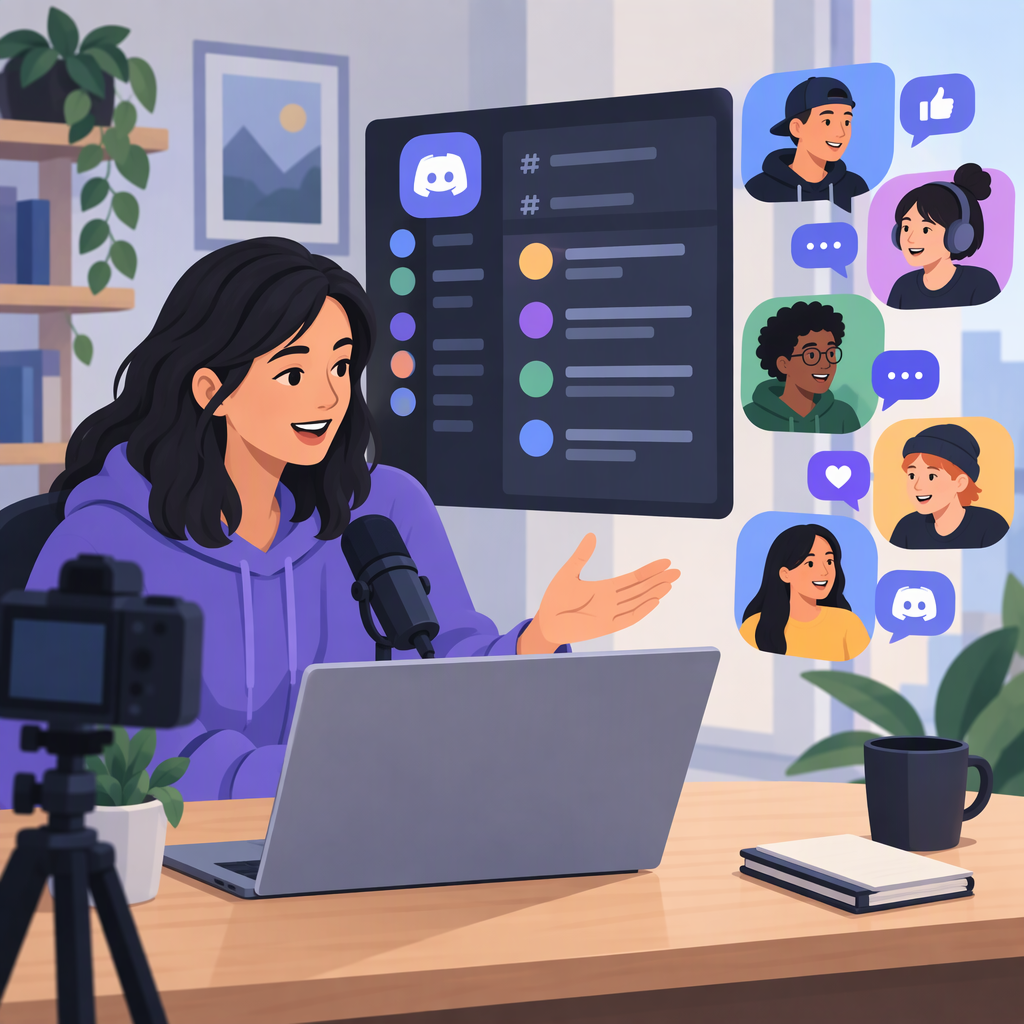
Discord for Content Creators: Is an Audience Community Right for You?
Discord for Content Creators: What This Guide Covers
The phrase “Discord for content creators” can mean several things. This guide uses one working interpretation: a creator considering a Discord community for their audience. If you mean creator-specific programs or tools, rather than an audience community, this guide may not answer your question.
Under that interpretation, Discord may be worth considering if your audience wants an ongoing place to interact and you can support that interaction. It is not an automatic fit: decide based on what you want members to do, whether they want that kind of space, and whether you can maintain it. Discord’s official documentation describes community-server features such as onboarding, rules screening, roles and permissions, and announcement channels; their existence does not establish that a community will meet your goals or attract participation. (support.discord.com)
How to Decide Whether Discord Fits Your Audience
Before creating anything, answer these questions:
- What should members come here to do? For example, you might want a place for discussion about your work, questions, or shared interests. Treat these as possible purposes, not guaranteed outcomes.
- Have people shown that they want this kind of interaction? Ask your audience directly, or look for repeated requests for conversation or community. Interest in your content does not by itself prove that people want a separate community space.
- Can you sustain the work? Consider who will answer questions, handle rule violations, and cover times when you are unavailable. A community can require attention beyond publishing your usual content.
- Would a simpler channel serve the purpose? If you mainly need to publish updates, consider whether the channels you already use are enough. A more interactive space is useful only if that interaction is part of your goal.
A practical no-for-now decision is reasonable if you cannot name the community’s purpose, your audience has not asked for ongoing interaction, or you do not have time or help to manage it. You can revisit the decision if those conditions change.
What to Plan Before Inviting People
Plan the experience before promoting the space. The following is a planning checklist, not a claim that any particular setup guarantees participation:
- Purpose: Write one sentence explaining who the space is for and what members can do there.
- First steps: Decide what a newcomer should read or do first. Discord’s Community Onboarding and Server Guide documentation describes ways admins can help new members orient themselves; review the current guidance before relying on a particular feature or interface. (support.discord.com)
- Structure: Start with only the areas needed for the planned activities. For instance, an illustrative setup might have an announcements area, a general discussion area, and a place to ask questions. Add more only when a clear need emerges.
- Expectations: Draft short rules that say what is welcome, what is not, and how members can raise a concern. Discord’s Rules Screening documentation says new members can be required to agree to server rules before participating; screening is a tool, not a substitute for explaining or enforcing those rules. (support.discord.com)
- Permissions and helpers: Decide who needs administrative or moderation responsibilities and what access each role should have. Discord’s documentation explains that roles and channel permissions can affect members’ privileges and access. Review the actual settings carefully; do not assume a role or channel is configured as intended just because of its name. (support.discord.com)
- A newcomer check: Before inviting your audience, ask someone unfamiliar with your plans to find the rules, identify where to begin, and understand how to ask for help. Treat this as a usability check, not a prediction of how the wider audience will respond.
Discord’s menus and feature availability can change. Use its current Help Center instructions for any setup steps, feature names, or eligibility rules rather than relying on an old walkthrough.
Ongoing Moderation, Privacy, and Workload
Running a community means more than setting it up. Decide who reviews concerns, how moderators will respond, and what happens when a rule is broken. Set a realistic expectation for your own availability—for example, state when you usually check in rather than implying that you are always present. If no one can respond when you are away, consider whether to delay invitations or reduce the level of interaction you promise.
Keep your community’s rules distinct from Discord’s platform-wide policies. Discord describes server owners and volunteer moderators as responsible for setting and enforcing community-specific norms, while Discord separately enforces its Community Guidelines. Local moderation tools do not guarantee that every harmful interaction will be prevented or addressed. (discord.com)
Think carefully about personal information, too. Tell members what information they should not post and where to raise sensitive concerns. Before using any privacy, reporting, or moderation control, consult Discord’s current official documentation to understand what it does and does not do. Avoid promising confidentiality or safety based on a setting alone.
Review the space periodically: Are its purpose and rules still clear? Are members using it for the activities you intended? Is the workload manageable? These questions can help you decide whether to simplify, change, pause, or continue the community; they are not evidence that any particular choice will improve growth or engagement.
Pre-Launch Checklist
- I can explain the community’s purpose and intended audience in one sentence.
- I have a reason to think this audience wants ongoing interaction—not just my usual content.
- The initial structure is small enough to understand.
- Rules, help routes, moderator responsibilities, and my availability are clear.
- I have checked the current Discord documentation for any feature or setting I plan to use.
- I have not promised participation, growth, privacy, or safety that I cannot guarantee.
If you cannot check these boxes yet, waiting or using an existing communication channel may be the more practical choice.