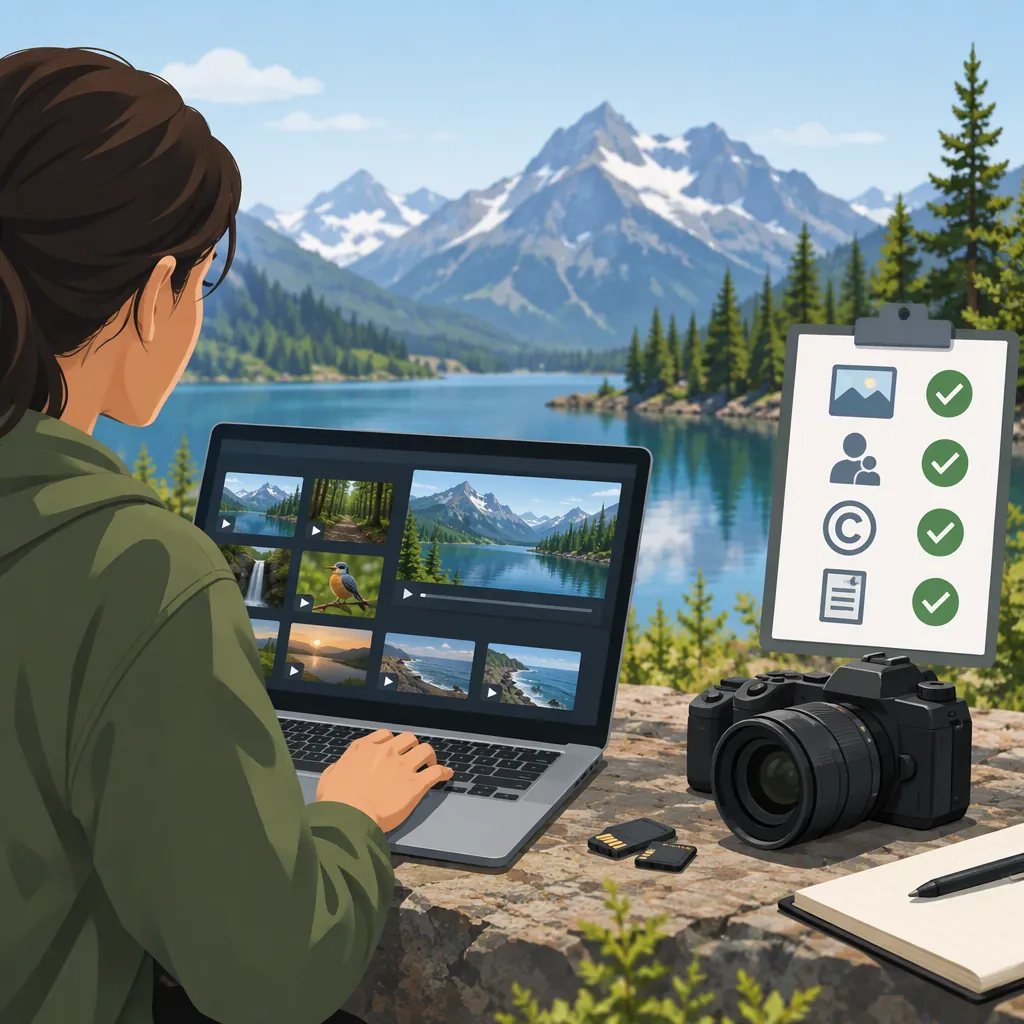
Find Free Nature B-Roll and Check Its License
The Vidsplay Nature and Landscapes collection is one place to find free nature B-roll, including ocean aerials, autumn lakes, foliage, and wetlands. The category page describes its footage as royalty-free and available for personal and commercial projects. That supports browsing the collection, but does not complete a license check for a selected clip. The available category-page text does not establish attribution, editing, or redistribution conditions. [citation-1]
Use the collection to shortlist footage, then review the selected clip and applicable terms to decide whether it is suitable for your intended use.
Where to Look for Free Nature B-Roll
The following clips and durations are listed on Vidsplay’s category page. To locate them, open the Nature and Landscapes collection and look for the listed title. Individual clip URLs and download specifications are not verified here. [citation-1]
| Clip listed on the category page | Listed duration | Possible role in an edit |
|---|---|---|
| Flying Over the Ocean | 00:15 | Opening shot for a coastal setting |
| Rocky Ocean Coast Aerial | 00:17 | Wide coastal cutaway |
| Scenic Fall Lake | 00:39 | Establishing shot for an autumn scene |
| Fall Foliage Aerial | 00:40 | Seasonal context or landscape transition |
| Blowing Tree Branches | 00:36 | Nature detail or movement cutaway |
| Landscape Grassy Wetlands | 00:46 | Landscape context for a wetlands sequence |
The names and durations are source facts; the suggested roles are editing ideas, not verified descriptions of every frame. [citation-1] Preview each candidate to find the portion that works. A file’s total duration does not necessarily equal the length of a usable uninterrupted shot.
Shortlist footage by its purpose:
- Establishing shot: A landscape that introduces the setting.
- Detail cutaway: Branches, foliage, or water that supports the surrounding scene.
- Transition: Movement that fits the direction and pace of adjacent shots.
- Seasonal context: Vegetation and weather that match the story.
The collection is described as HD, but that description does not establish each file’s exact resolution or frame rate. Check the selected clip’s download details and inspect the file before editing. [citation-1]
Check Permissions Before Using a Clip
Separate what the category page confirms from what requires additional verification.
| Permission question | What the available evidence establishes | Your next check |
|---|---|---|
| Is the footage described as free? | Yes; the category describes free, royalty-free nature footage. | Read the applicable terms for conditions attached to use. |
| Is commercial use mentioned? | Yes; personal and commercial projects are expressly mentioned. | Confirm that the terms cover your particular project and distribution. |
| Is attribution required? | Not established by the category-page text. | Find the credit requirement, exact wording, and placement, if any. |
| Can the footage be edited? | Editing conditions are not provided in the category-page text. | Check permission for the changes you plan to make. |
| Can the original file be redistributed? | Redistribution conditions are not provided in the category-page text. | Check this separately from permission to include footage in a finished project. |
These findings are limited to the available category-page text. “Free” and “royalty-free” do not, by themselves, answer the unresolved questions above. [citation-1]
The category page includes a Terms of Use entry in its footer. Use that entry to locate the applicable terms, and check the selected clip page for any additional conditions. The terms themselves are not included in the evidence available here, so this article cannot confirm their requirements or when they were last updated. [citation-1]
Pre-Use Permission Checklist
Work through these steps for each selected clip:
- Identify the asset. Record its title and the page where you obtained it.
- Read the terms. Save the applicable license or terms and record your actual check date.
- Match permission to the project. Confirm the intended use and distribution, including commercial use if relevant.
- Resolve credit requirements. Record required wording and placement, or the terms that confirm no credit is required.
- Check planned changes and sharing. Verify editing conditions and any restrictions on redistributing the footage file.
- Review visible third-party elements. If people, property, or branding appear, check whether the available documentation addresses your intended use.
- Make a decision. Use the clip only when the necessary permissions are clear; otherwise, leave it out until the uncertainty is resolved.
Choose a Shot That Fits Your Edit
After checking permissions, preview the footage alongside your own material.
- Framing: Does the composition work with your crop, aspect ratio, and on-screen text?
- Usable duration: Is there enough continuous footage for the planned cut?
- Movement: Does camera or subject movement fit the surrounding shots?
- Visual continuity: Do the season, setting, lighting, and color support the sequence?
- File specifications: Does the downloaded resolution and frame rate suit your project?
Avoid presenting a generic landscape as evidence of a particular location or event unless you can verify that identification. If the footage is illustrative, keep the narration and captions consistent with that role.
Keep a Nature B-Roll Source Record
Keep a record alongside the project so you can revisit the permission decision and reproduce any required credit.
| Field | What to record |
|---|---|
| Clip title and source | The title and exact page URL where you obtained the footage |
| Dates | Download date and date you checked the terms |
| Applicable terms | Location of the terms and a saved copy |
| Intended use | Project, audience, and planned distribution |
| Permission evidence | Wording that supports your intended use |
| Attribution | Required credit wording and placement, or evidence that credit is not required |
| Restrictions | Editing, redistribution, or other conditions to follow |
| Unresolved questions | Anything still preventing a permission decision |
| File specifications | Resolution, frame rate, and duration |
| Use in edit | Scene name or timeline position |
Do not treat a missing credit statement as confirmation that attribution is optional.
FAQ
Where Can I Find Free Nature B-Roll?
Vidsplay’s Nature and Landscapes collection is one browsing option. Its listings include ocean and coastline aerials, autumn lakes and mountains, foliage, tree branches, and wetlands. Locate a candidate by title, then review its clip page and applicable terms. [citation-1]
Can I Use Vidsplay’s Nature Footage Commercially?
The category page explicitly mentions both personal and commercial projects. It does not provide all applicable license conditions, so the category-level statement alone is not enough to confirm every commercial use. [citation-1]
Do I Need to Credit Vidsplay?
The available category-page text does not establish whether attribution is required. Consult the applicable terms for the requirement and any prescribed wording or placement; do not infer that credit is optional from the “free” or “royalty-free” description. [citation-1]
Can I Edit the Footage or Share the Original File?
The category-page text does not specify editing or redistribution conditions. Verify those permissions separately, particularly if you intend to distribute the footage file itself rather than use it within a finished project. [citation-1]
Are All the Clips the Same Length or Resolution?
The listed durations vary: Flying Over the Ocean is 00:15, while Scenic Fall Lake is 00:39. The collection is described as HD, but each file’s exact resolution and frame rate remain to be checked. [citation-1]
Sources
- [citation-1] Nature and Landscapes Free Stock Videos