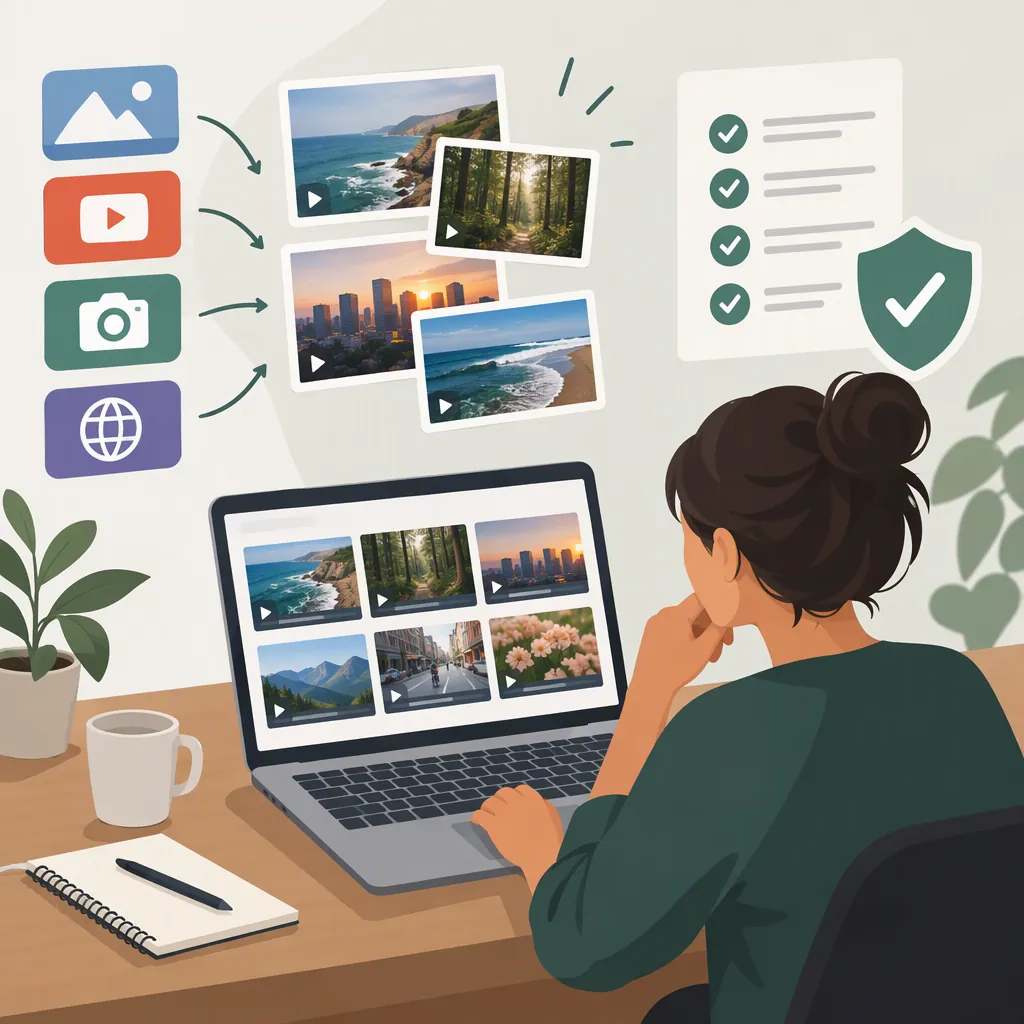
Where to Find Free B-Roll Film and Check Permission to Use It
To find free B-roll film, start with archival collections, subject-specific footage collections, and stock-footage sites. Desktop Documentaries lists the Internet Archive, National Park Service, National Cancer Institute, and several stock resources as places to search. These are leads—not blanket permission to use their footage. Check the original source’s terms for the exact clip and your intended use before downloading or publishing it. [c1]
Choose Footage That Supports Your Story
B-roll is supporting footage that illustrates a story or shows what an interviewee or narrator is describing. For example, footage of a cat in a tree can accompany narration about that subject. [c1]
Before searching for “free b roll film,” turn your idea into a short shot list. For an entertainment project, you might need:
- A theater exterior to establish a location.
- A projector close-up to illustrate film exhibition.
- A historical street scene to establish a period.
These are search ideas, not promises that a particular collection contains suitable footage.
Distinguish atmosphere from evidence. A generic theater shot may establish a mood, but footage presented as a specific premiere should match that event. Note the subject, location, and date you need before choosing a visually appealing clip.
Where to Start Searching
The Desktop Documentaries resource list names the following resources. It describes its referrals as non-endorsed search leads and advises checking each source’s use policies. The table summarizes those leads; it does not verify current availability or individual licenses. [c1]
| Footage need | Source named in the resource list | Next search step |
|---|---|---|
| Historical or archival visuals | Internet Archive | Search by subject, place, event, and approximate year; inspect the individual item’s origin and usage terms. |
| Nature or park scenes | National Park Service B-roll section | Search for the agency name, park name, and “B-roll”; locate the collection’s usage information. |
| Medical subject matter | National Cancer Institute B-roll collection | Search for the agency name and “B-roll”; check whether the clip and its terms fit your context. |
| General stock visuals | Pexels | Search the footage section by the specific action or setting you need; inspect the selected clip’s terms. |
| General stock visuals | Videvo | Locate the candidate clip and review its applicable license and attribution conditions. |
| General stock visuals | Videezy | Locate the candidate clip and check its usage conditions before treating it as usable. |
| Stock footage or visual elements | Footagecrate | Check the selected asset’s format, availability, and usage terms. |
| Free-HD footage lead | Vimeo’s free-HD resource | Confirm that the resource and clip remain available, then locate the applicable permission statement. |
| Occasional free stock selections | Pond5, described by the resource list as offering free weekly clips | Confirm whether a current free offer exists and which terms apply to the selected footage. |
Because direct collection and policy pages are not verified here, use these names to locate the original sources rather than relying on a directory description as authorization.
Make Searches More Specific
Build searches around what must be visible in the shot:
- Subject + action: “projector running close-up.”
- Place + shot type: “theater exterior wide shot.”
- Subject + period: “street traffic 1940s.”
- Collection name + subject: “Internet Archive cinema audience.”
Treat dates and descriptive labels as information to verify. If a shot must depict a particular place or event, check the item description before using it that way.
Check Permission for the Exact Clip
A “free” label does not replace a license review. Desktop Documentaries advises checking the original site’s license or usage policy before downloading or publishing footage. [c1]
Use this checklist as a review aid, not as a legal clearance guarantee:
- Identify the item. Record the clip title, original item URL, credited creator, and collection.
- Locate the terms. Read the item’s license or usage statement and any relevant collection rules.
- Describe your use. Record the project, distribution channels, monetization plans, and proposed edits.
- Compare the terms with your plan. Check for attribution requirements, commercial-use limits, editing restrictions, and other stated conditions.
- Flag other rights questions. As a precaution, check for restrictions involving recognizable people, trademarks, or embedded music rather than assuming the footage license resolves everything. Seek qualified advice when a material question remains unclear.
- Save the evidence. Keep a copy of the applicable terms and the date reviewed.
- Assign a status. Keep uncertain clips marked Pending and out of the approved edit until the question is resolved.
Hypothetical Permission Decisions
The following examples are invented to illustrate the review process. They do not describe the terms of any source listed above.
| Situation | What to record | Review outcome |
|---|---|---|
| A hypothetical clip license expressly permits commercial use and editing but requires a specified credit. You plan to use it in a monetized entertainment video. | Save the terms, record the planned use, copy the required credit wording, and note where that credit will appear. | Mark Suitable under documented terms only if your plan meets all stated conditions and no material question remains unresolved. |
| A download page says “free,” but you cannot locate terms addressing your intended use. | Record the page and the unanswered permission question. | Keep Pending. Obtain clarification or choose another clip rather than interpreting “free” as permission. |
A review status is an organizational decision based on the information you have, not a legal guarantee.
Clip Review Record
Keep one record per candidate:
- Clip title:
- Original item URL:
- Creator or credited source:
- Collection:
- License or usage-policy location:
- Date reviewed:
- Intended project and distribution:
- Monetized or commercial use planned:
- Planned edits:
- Required attribution and placement:
- Restrictions or unresolved questions:
- Other rights or permissions to confirm:
- Saved copy of terms:
- Review status: Pending / Suitable under documented terms / Excluded
Keep Source Records with Your Edit
After reviewing permission, preview the clip in your sequence. Check framing, duration, resolution, and visual continuity against the surrounding shots. For archival footage, confirm that the description supports the place, period, or event your edit suggests.
Store the source record beside the downloaded file. Use separate folders or labels for pending and reviewed footage, and check that required credits are included before the final export.
If no suitable free clip has clear terms, reconsider the shot. Shooting your own footage or purchasing stock are other ways to gather B-roll identified by Desktop Documentaries; assess any replacement against the same project needs and applicable permissions. [c1]
FAQ
Does Free B-Roll Mean I Can Use It in Any Film?
No blanket permission follows from a free-footage listing. Check the exact clip’s license and restrictions against your intended project; Desktop Documentaries explicitly directs readers to the original source’s usage policies. [c1]
Where Should I Look for Historical B-Roll?
The Internet Archive is a starting point named by Desktop Documentaries, which describes material including old home movies, cartoons, wartime clips, and vintage educational films. Search by subject and period, then verify the selected item’s description and usage terms. [c1]
How Do I Check Whether a Clip Suits a Commercial Project?
Record how the project will be distributed and monetized, then compare that plan with the clip’s commercial-use conditions, attribution requirements, and other restrictions. The resource list does not establish blanket commercial-use permission for the sources it names. [c1]
What If the Clip’s Permission Is Unclear?
Keep it marked Pending rather than assuming it is usable. Locate the original usage policy, seek clarification where possible, or select another shot. This follows the resource’s central advice to check source policies and restrictions before using footage. [c1]