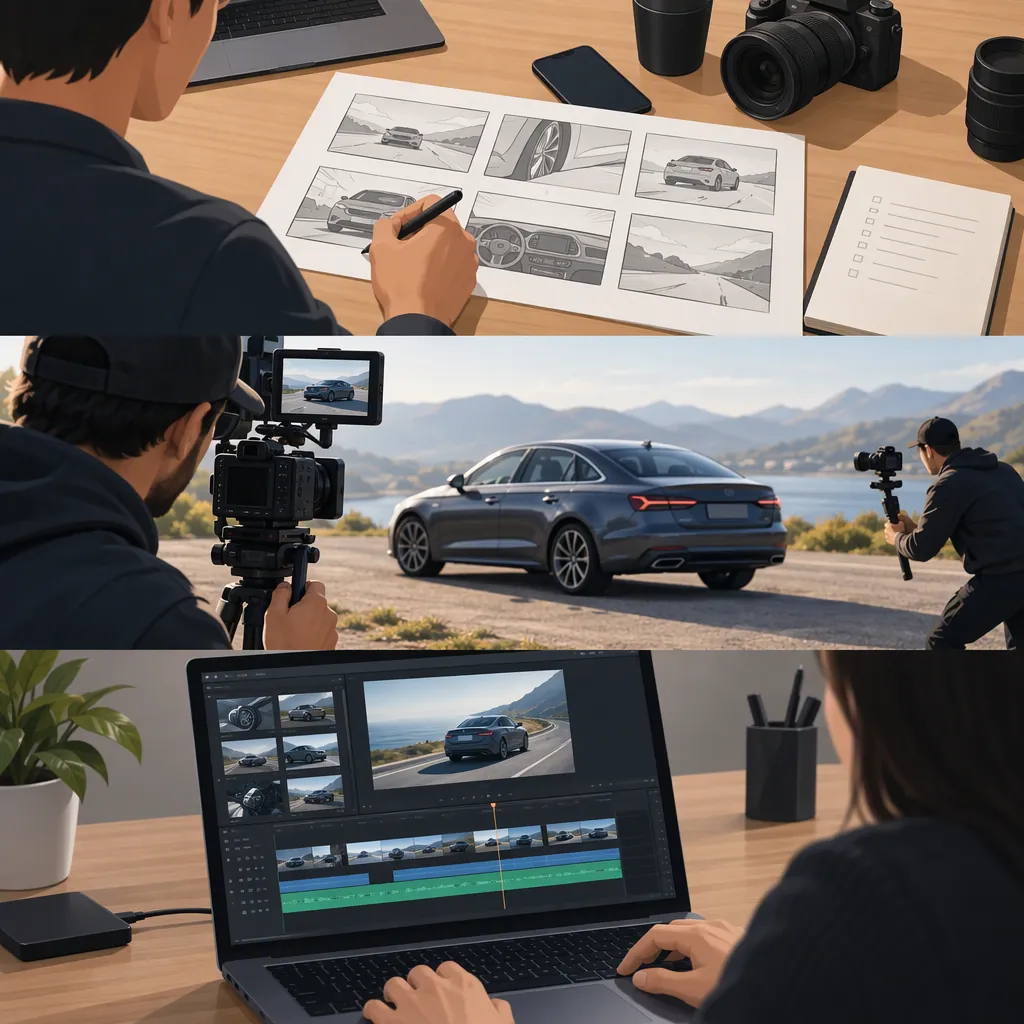
Car B-Roll: How to Plan, Shoot, and Use Supporting Footage
For this guide, car B-roll means supporting footage of a vehicle, its details, and its surroundings, rather than the main presentation or interview. Start with a parked-car sequence: show the whole vehicle, capture relevant details, and record a simple action. In the edit, choose shots that support what the viewer is hearing or needs to understand.
What Car B-Roll Means Here
Use car B-roll as a supporting visual layer. If your main footage is someone explaining a vehicle, plan additional shots of the specific features they discuss. For a visual-only sequence, choose an organizing idea—such as exterior design, cabin details, or preparation for a journey—rather than collecting unrelated close-ups.
As a limited public example, the supplied YouTube Short has a title containing #carphotography, #broll, #carvideo, and #mobilephotography. [citation-1] The available reference contains title and page metadata, not a shot breakdown, so it does not establish how that video was filmed or edited. The workflow below is a suggested exercise, not a reconstruction of that Short.
Plan a Sequence Before Shooting
Write one sentence describing the sequence's purpose. For example: “Introduce the vehicle's exterior, then move into the cabin.” Use that sentence to decide which shots belong.
Plan three kinds of coverage:
- Context: The whole vehicle and its setting.
- Details: Features relevant to the story, such as a wheel, light, seat, or control.
- Action: A simple, controlled action, such as opening a door while parked.
Choose a horizontal or vertical frame before making the shot list. If you need both versions, compose and check each separately. Note any background elements, reflections, identifying information, or people you do not want to include.
Parked-Car B-Roll Shot List
Sequence purpose: ____________________
Intended frame: horizontal / vertical
Location permission confirmed: ____________________

1. Wide view: entire parked vehicle and setting.
2. Three-quarter view: front and one side.
3. Detail: one exterior feature relevant to the story.
4. Action: door opening, with the vehicle parked.
5. Interior view: cabin from a safe, stationary position.
6. Detail: one cabin feature discussed in the main footage.
7. Closing view: a composition that completes the sequence.

For each shot, record: framing, intended movement, action, unwanted reflections, and whether another take is needed.
Film Clear, Controlled Coverage
Begin with the vehicle parked in a permitted location away from active traffic. Keep the camera operator out of the roadway. Do not attempt handheld filming while driving; treat moving-vehicle footage as a separate production requiring an appropriate safety plan.
For each setup:
- Check the frame. Look for distracting backgrounds, reflections of the operator, and identifying details you intend to exclude.
- Choose the subject. Decide whether the shot is about the whole car, a particular feature, or an action.
- Check focus and exposure. Review the preview before recording. If your device supports locking those settings, consider using that option and inspect the result.
- Record a static version first. Then try a deliberate movement only if it serves the sequence.
- Leave editing room. Hold the composition before and after an action instead of stopping immediately.
- Review the take. Check whether the subject is clear and the motion feels intentional.
For a movement exercise, try a slow walk beside the parked vehicle without touching it. Keep your route clear, watch your footing, and stop if maintaining the shot would distract you from your surroundings. A stationary shot is a valid alternative.
Use B-Roll to Support the Edit
Start with the main explanation or intended visual sequence, then place supporting shots where they have a clear purpose. If the narration discusses a cabin control, select footage of that control rather than an unrelated exterior detail.
Try this order for a short visual sequence: context, closer view, detail, action, and closing view. Treat it as an exercise, not a required formula. Adjust the order to match your subject and intended meaning.
Review each cut for continuity. If consecutive shots imply one continuous action, check that the door position, visible people, and vehicle state agree. Avoid presenting footage of a different vehicle or configuration as evidence of a feature being discussed.
Use sound deliberately. If an audio track was recorded separately, avoid editing it in a way that falsely suggests it came from the pictured vehicle. Before publishing, check permissions for the footage, music, location, and any identifiable participants; do not assume that a publicly viewable video is available for reuse.
Car B-Roll Editing Checklist
- Does each shot support the narration or visual theme?
- Is there a clear view of the vehicle before the detail shots?
- Are the pictured features the ones being discussed?
- Do adjacent shots imply an action that did not occur?
- Are separately recorded sounds presented without misleading attribution?
- Have unwanted identifying details been removed or excluded?
- Have footage, music, location, and participant permissions been checked?
- Has the final horizontal or vertical version been reviewed in full?
FAQ
How Should I Approach Car B-Roll with a Phone?
Use the same parked-car shot list: a wide view, relevant details, and a controlled action. Check framing, focus, and exposure before each take, then review the recording. Start with stationary shots rather than making camera movement a requirement.
Does Car B-Roll Need to Show the Vehicle Moving?
Not for the exercise outlined here. Build the sequence around a parked vehicle, using changes in framing and simple actions to create variety. Leave driving shots out unless you have a separate plan that addresses location, operator roles, and safety.
Can I Reuse the Linked YouTube Short?
The supplied reference does not establish reuse permission. Treat it as a public reference, not as licensed footage. Before including any part of it in your own work, verify the applicable rights and permissions.