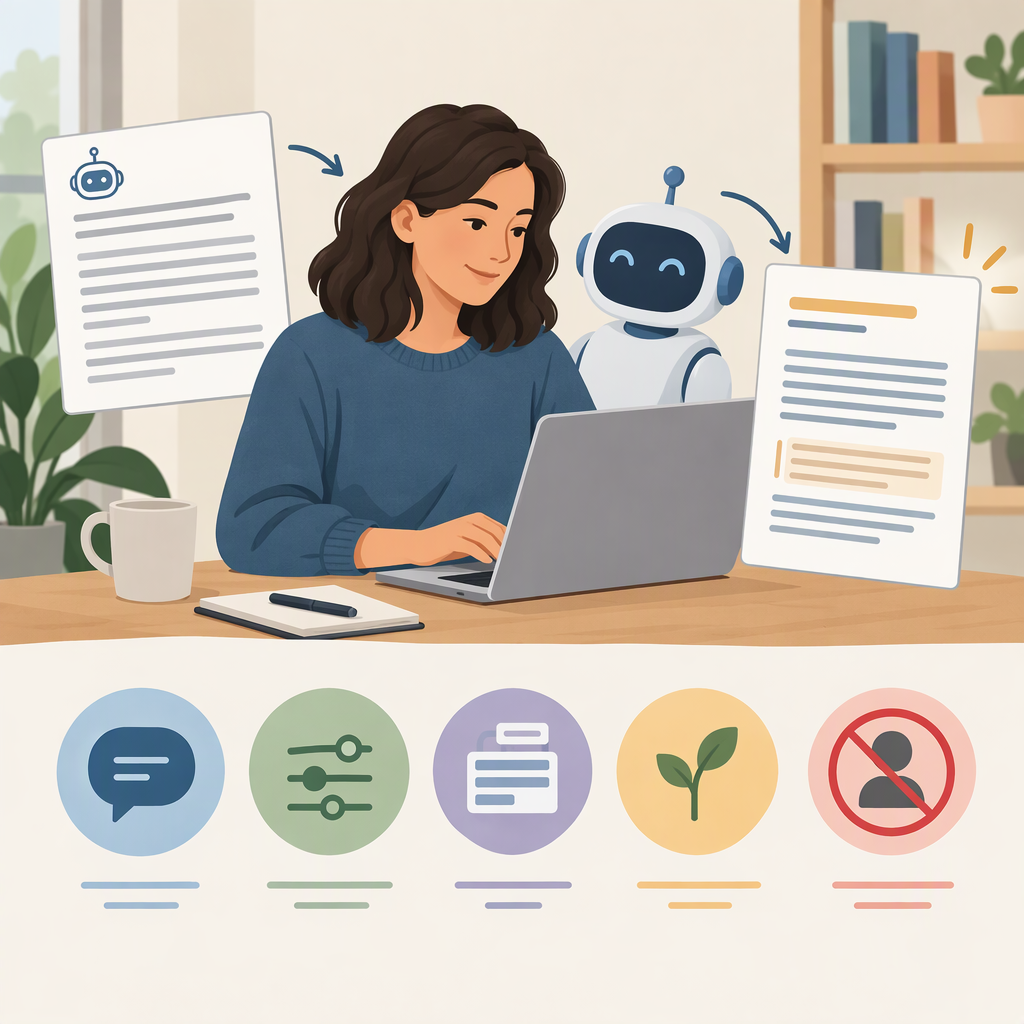
How to Make an AI Draft Sound Like You—Without Inventing Personal Stories
You can make an AI-assisted draft feel more like your writing by giving it genuine samples and a few specific style preferences, while setting a firm boundary around personal facts: use only what you provide, and leave gaps as questions or placeholders. Then check factual accuracy and voice separately. These steps are practical editorial guidance, not a guarantee that a prompt will prevent every unsupported detail.
A Simple Workflow for a More Personal-Sounding Draft
- Choose samples you actually wrote. Pick one or two short pieces that sound like you and suit the kind of writing you’re revising. Include only material you’re comfortable sharing with the tool you choose.
- Describe observable traits. For example: “direct and warm,” “short paragraphs,” “plain language,” “occasional dry humor,” or “few exclamation points.” Concrete preferences give clearer direction than “make it sound authentic.”
- Provide the draft’s context. Say who will read it, what it needs to do, and what meaning or information must stay unchanged.
- Set boundaries for personal details. Tell the AI not to create memories, emotions, relationships, actions, or biographical details that you did not provide.
- Review the result yourself. Confirm each first-person claim, then edit anything that doesn’t sound like something you would say.
This process can guide a revision, but it cannot establish what is true about your life. Language-model research describes outputs that sound plausible but are not factual, so treat generated personal details as claims to check—not as evidence. (arxiv.org)
Copy-And-Adapt Prompt
Revise the draft below to better match my writing style. Use the writing samples only as guidance for tone, rhythm, and word choice. Preserve the draft’s meaning and all supplied facts.
My writing samples: [Paste writing you actually wrote, or summarize a few examples of your style.]
Style preferences: [For example: conversational, concise, direct; short sentences; light humor.]
Audience and purpose: [Who will read this, and what should the draft accomplish?]
Draft: [Paste your draft.]Do not invent or embellish personal experiences, memories, emotions, opinions, relationships, actions, or biographical details. Use only personal information I explicitly included. If a personal detail seems necessary but is missing, insert [ADD A VERIFIED DETAIL] or ask me a question instead. Do not turn a placeholder into a fictional example. After revising, list any first-person claims you added or changed so I can check them.
The prompt makes the boundary explicit and gives you a way to handle missing information. It does not guarantee that the output will follow the boundary, so review the revision before using it.
Check the Facts and the Voice Separately
Factual check
- Circle every “I,” “we,” or “my” statement, plus any sentence describing a personal event, feeling, or relationship.
- For each one, ask: Did I supply this detail, or have I independently confirmed it?
- Remove unsupported details, replace them with a placeholder, or answer the AI’s follow-up question yourself.
Voice check
- Compare the revision with your samples: does it use a similar level of formality, sentence rhythm, and vocabulary?
- Read it aloud. Change phrases you wouldn’t naturally use, even if they sound polished.
- Make the final edit yourself. A draft can be factually accurate yet still not sound like you.
Example: If your notes say only, “The launch took longer than expected,” a revision should not add “I stayed up all night worrying about it” unless you supplied and confirmed that experience. Keep the general statement, or use [ADD A VERIFIED DETAIL] if a specific moment would help and you want to provide one.
The goal is not to make the draft more vivid at any cost. Use AI to reshape wording; keep personal experience and final approval with you.