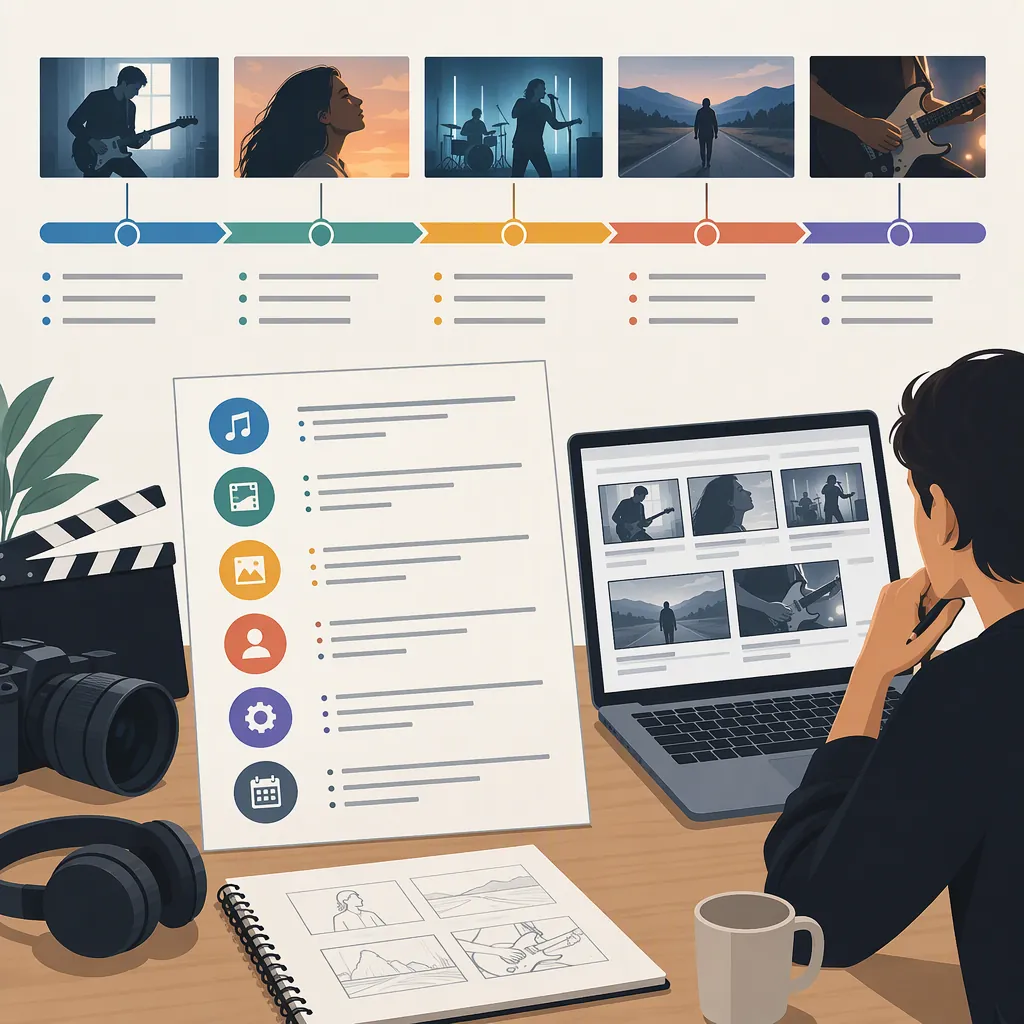
How to Write a Music Video Outline
A music video outline connects the song’s timeline to a visual plan. Start with a short concept summary, mark the musical sections, and describe what viewers will see during each section. Then expand those visual beats into an audio/video (AV) script with timestamps, audio cues, actions, and shot ideas. The supplied guides support planning the concept first and aligning lyrics or musical moments with visuals. [citation-1] [citation-2]
Start with a Clear Visual Concept
Before planning individual shots, write two or three sentences describing the video’s theme, tone, and setting. Both supplied guides recommend developing the concept before detailing the visual sequence. [citation-1] [citation-2]
For your outline, choose a primary approach:
- Performance-led: Organize the visuals around the artist performing the song.
- Narrative-led: Follow a character through a situation that changes.
- Concept-led: Develop a visual idea through images, movement, or repeated motifs.
- Hybrid: Combine approaches, specifying when and why the video switches between them.
Treat these as planning options, not rules tied to a particular genre. Decide whether your visuals will illustrate the lyrics directly, interpret their emotional meaning, or provide a contrasting perspective.
Original concept example: A performer prepares an empty rehearsal room for an unseen audience. As the song develops, they stop arranging the space and begin performing for themselves. The visual progression moves from restrained preparation to confident movement.
Map the Song Before Planning Shots
Use the exact track version you intend to accompany the video. Listen through and record the start and end of each meaningful section. Label sections according to the actual song rather than forcing it into an intro–verse–chorus pattern.
For each section, note:
- Time range: Where the section begins and ends.
- Audio cue: A lyric, instrumental entrance, pause, or other recognizable moment.
- Visual purpose: What the viewer should learn, feel, or notice.
- Main action: What visibly happens.
- Transition: How the next section begins.
Beverly Boy’s guide describes organizing song time, lyrics, and visual ideas in a spreadsheet or similar format. It also recommends aligning audio and visuals side by side. [citation-1]
At the outline stage, a row can represent an entire musical section. Expand it into shorter rows later when you need individual shot timing. Do not assume every lyric needs a new shot or every beat needs a cut.
Use a Copyable Music Video Outline
Fill in the concept block first, then duplicate the section row until it covers the whole track. Keep the first draft focused on visible actions rather than detailed camera instructions.
This is an original planning template, not a required industry format. Its timing-and-visual structure follows the AV planning approach described in the supplied references. [citation-1] [citation-2]
Music Video Outline Template
## Concept
- Track and version: [identify the audio file]
- Track duration: [total running time]
- Primary approach: [performance / narrative / concept / hybrid]
- Concept summary: [two or three sentences]
- Emotional progression: [opening mood → closing mood]
- Setting and participants: [planned locations and people]
- Repeated visual motif: [optional image, object, or movement]
- Final image: [what viewers see at the end]

## Song Timeline
| Time Range | Song Section or Audio Cue | Visual Purpose | Main Action | Transition or Timing Note |
|---|---|---|---|---|
| [start–end] | [section or cue] | [what changes for the viewer] | [visible action] | [entry, exit, or sync point] |

## Production Questions
- Which actions need more detailed shot planning?
- Which locations, props, or participants remain unconfirmed?
- Which moments require performance synchronization?
- What simpler alternative preserves each essential visual beat?
Example of a Timed Music Video Outline
The following is an original, hypothetical outline for a three-minute song. The timestamps, musical structure, and actions are invented for illustration; replace them with your track’s actual sections.
| Time Range | Song Section | Visual Beat | Timing Note |
|---|---|---|---|
| 0:00–0:15 | Intro | The performer enters an empty rehearsal room and places one chair facing the performance area. | Hold the room’s emptiness before introducing movement. |
| 0:15–0:45 | Verse 1 | They arrange more chairs, repeatedly checking their alignment. | Let the actions establish hesitation. |
| 0:45–1:10 | Chorus 1 | They perform toward the empty chairs, initially staying in one spot. | Begin the performance on the chorus entrance. |
| 1:10–1:40 | Verse 2 | They stop arranging chairs and clear a path through the room. | Develop the situation rather than repeating the first verse. |
| 1:40–2:05 | Chorus 2 | They perform while moving through the cleared space. | Revisit the earlier setup with changed behavior. |
| 2:05–2:25 | Bridge | They pause beside the original chair, then turn away from it. | Allow a quieter visual moment. |
| 2:25–2:50 | Final Chorus | Their movement fills the room without facing the seating area. | Make the change in confidence visible. |
| 2:50–3:00 | Outro | They leave the chair behind and walk out. | End on the empty room. |
The example uses one setting and a repeated object to connect the opening and ending. You could apply the same planning exercise to a performance-only video by changing movement, framing, or staging instead of introducing a narrative.
Expand the Outline into an Av Script
Once the section-level progression makes sense, break the main actions into shots. The references describe adding camera angles, movement, transitions, timing, and actions to the visual plan; the Filmora guide also includes storyboarding key scenes. [citation-1] [citation-2]
For each planned shot, add a shot ID, time range, framing, subject action, camera movement, and relevant audio cue. Keep technical choices separate from the visual purpose so that you can simplify a shot without losing its meaning.
Before moving into production planning, review the outline against these questions:
- Does every part of the track have a visual plan?
- Do repeated musical sections repeat intentionally or develop the idea?
- Are important changes expressed through visible action?
- Do transitions connect the sections clearly?
- Are uncertain locations, props, and participants identified?
- Does the ending complete or deliberately leave open the concept introduced at the start?
The references provide general scripting guidance, not project-specific timing or feasibility checks. Verify timestamps against your audio and assess the practical requirements of your own plan.
FAQ
How Is a Music Video Outline Different from an Av Script?
For this workflow, the outline describes the concept and section-level visual progression. The AV script expands that plan into timed audio and visual instructions. Beverly Boy’s guide describes an AV script with aligned lyrics and visuals plus details such as shot type, movement, and transitions. [citation-1]
Do I Need to Include Every Lyric in the Outline?
For a section-level outline, use enough audio cues to identify the planned moments. When developing a detailed AV script, you can align lyric lines with visual instructions, as Beverly Boy’s guide describes. Instrumental passages can instead use timestamps and musical cues. [citation-1]
Can a Performance-Only Video Have an Outline?
Yes. Use the outline to plan how the performance changes across the track: where the artist stands, how they move, what framing you want, and which musical moments receive emphasis. A fictional plot is optional; the planning goal is a clear visual progression.