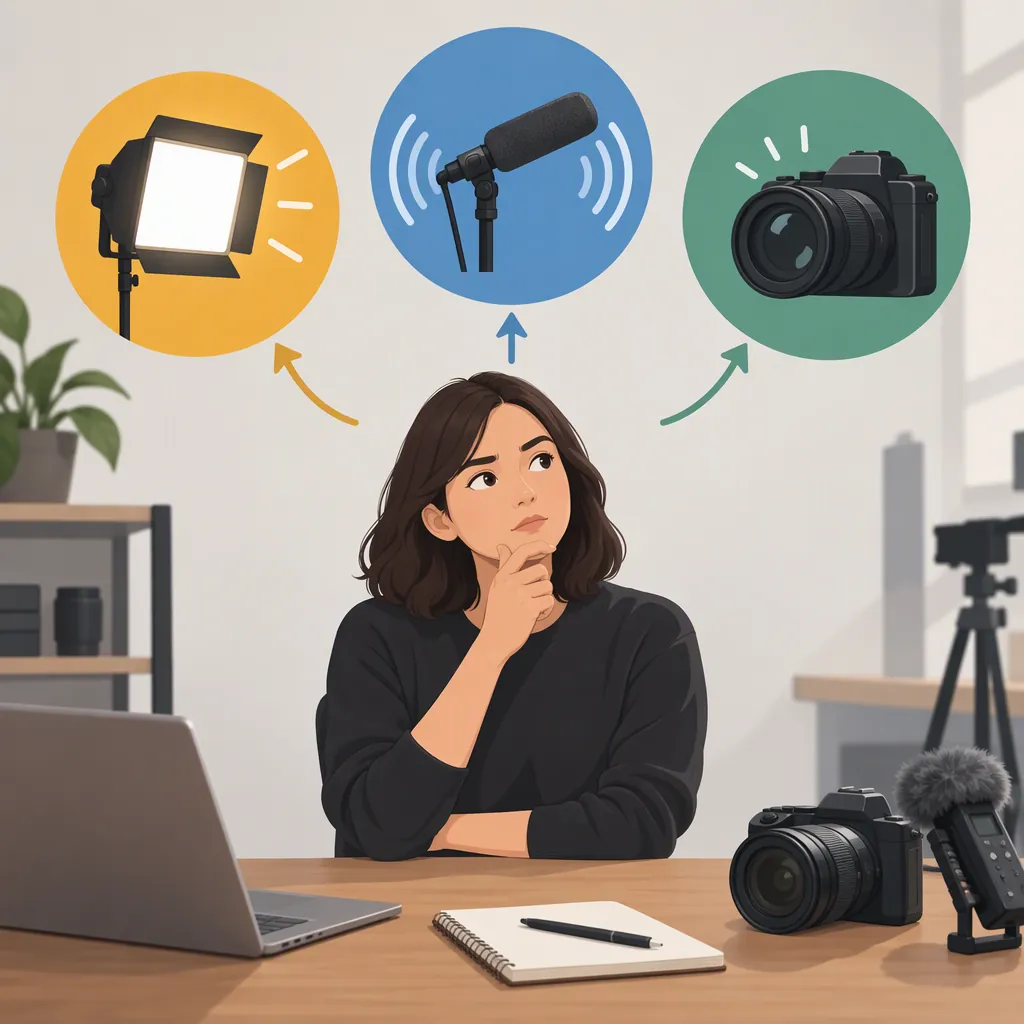
What Should I Improve First: Lighting, Audio, or a New Camera?
Improve the part of your recording that prevents the audience from following it. For a spoken video, prioritize audio if words are difficult to understand. Prioritize lighting if the subject or demonstration is difficult to see. Consider a new camera when sound and visibility are satisfactory but your current camera still cannot meet a specific recording requirement. Treat this as a practical decision rule, not a universal upgrade ranking.
Start with the Problem, Not the Equipment
Record a short sample in the place where you normally film, using your current setup. Include the speech, movement, or close-up detail that matters to the finished video.
Review it in three passes:
- Listen without watching: Can you follow every important word without guessing?
- Watch without sound: Can you see the subject and any details the video needs to communicate?
- Watch normally: What specific problem would stop you from using this recording?
Write the problem as an observable result: “The instructions are hard to understand,” “The object’s markings are not visible,” or “The camera stops before the required take ends.” Avoid starting with “I need better gear.”
The priority should follow the purpose of the video. A speech-led tutorial and a silent product demonstration need not have the same upgrade order.
Upgrade Decision Worksheet
Video purpose: __________
What the audience must hear: __________
What the audience must see: __________
Main problem in the test recording: __________
One setup change to test: __________
Result after repeating the same sample: __________
Remaining equipment requirement, if any: __________
Priority: audio / lighting / camera / no purchase yet
Improve Audio First When Speech Is the Obstacle
For a video that depends on spoken instructions, choose audio as the first priority when the test recording leaves essential words unclear. Judge the result by intelligibility, not simply whether the recording sounds polished.
Before choosing equipment, repeat the sample with one change at a time. Try a quieter recording location, a different position for your existing microphone, or an adjusted recording level if your equipment allows it. Listen back rather than assuming the change helped.
If the problem remains, define the audio upgrade by the situation it must handle: a seated speaker, a moving presenter, several speakers, or another specific arrangement. Check compatibility with your recording setup before selecting anything.
Decision checkpoint: If you can understand the speech reliably and audio is no longer the main obstacle, move on to the picture rather than continuing to upgrade sound by default.
Improve Lighting First When Visibility Is the Obstacle
Choose lighting as the first priority when the audience cannot clearly see the face, object, or action that matters—even if the audio is acceptable. For a video without essential speech, this may be the first test to run.
Keep the camera and framing unchanged while trying a different subject position or rearranging the light sources already available. Repeat the same action and compare the recordings. Check the important details, not just whether the whole frame looks brighter.
Use the test to define what you need: clearer visibility of a face, readable labels, or a usable image throughout the movement shown. If a setup change gives you an acceptable result, a purchase need not be the next step.
Decision checkpoint: Consider additional lighting only after identifying what your current arrangement cannot provide in your actual recording space.
Replace the Camera for a Defined Requirement
Put a new camera first only when you can name the capability your current camera lacks and explain why it matters to the finished video. Possible requirements to investigate include recording the full length of a take, maintaining the needed focus, or producing the output format your workflow requires. These are evaluation criteria, not claims about any particular camera.
Do not assume every image problem calls for a new camera body. Julia Trotti’s camera-versus-lens article notes that bodies and lenses affect different aspects of photography and videography. That supports considering which part of the setup needs changing, but it does not establish an audio-versus-lighting-versus-camera ranking. [c1]
Before replacing a camera, check its available settings and test it under the lighting arrangement you intend to use. If considering an alternative, compare the same scene against your written requirement rather than choosing on a general promise of “better quality.”
Final decision rule: Choose the smallest change that resolves the most important remaining problem. The supplied reference does not substantiate a universal upgrade order; the sequence here is a conditional troubleshooting framework.
FAQ
Should Audio Always Be My First Upgrade?
No. Prioritize audio when unclear speech prevents the video from communicating its message. If speech is not essential and the important visual details are difficult to see, investigate lighting first.
How Can I Decide Without Buying Anything?
Record the same short sample several times, changing only one element each time: recording location, microphone position, subject position, or lighting arrangement. Compare the results against what the audience needs to hear and see. Use the remaining problem to define any purchase.
When Should a New Camera Come First?
When a specific camera limitation prevents the required recording even after you have tested the existing setup. State the missing capability first, then evaluate alternatives against it. An unsatisfactory image alone does not identify the camera body as the component to replace.