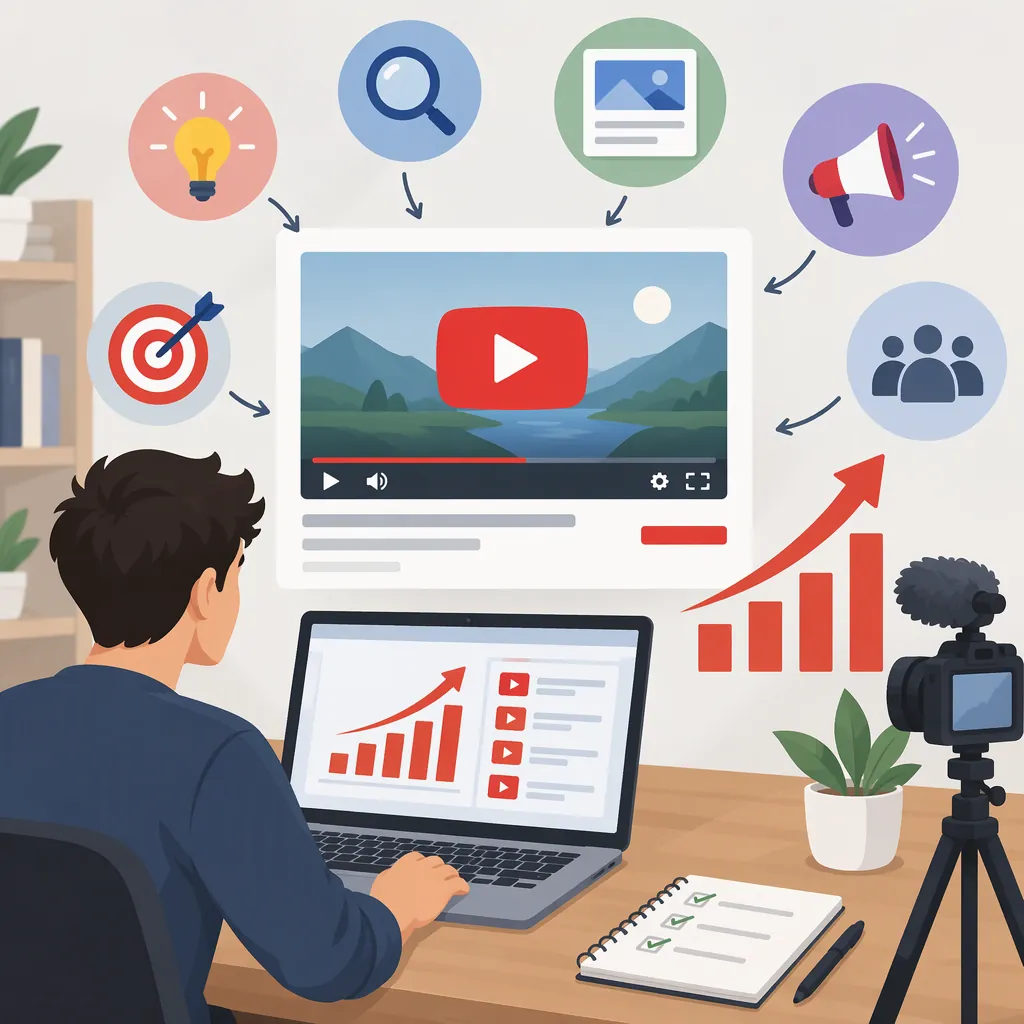
How to Increase YouTube Views with an Audience-First Plan
To work toward more YouTube views, choose topics your intended audience cares about, use accurate titles and thumbnails, and deliver the value your video promises. Support that work with a sustainable publishing schedule, useful viewer interaction, and relevant promotion. Review what happens, then choose one specific improvement to test. [citation-1]
Evidence boundary: These approaches are consistent with Fardho Salad’s “Boost Your YouTube Views: Expert Tips & Tricks” on Vocal, a creator-authored advice article—not an official YouTube explanation or a controlled study. Treat them as ideas to test, not proof of an algorithm formula, guaranteed growth, or a reliable timeline for results. [citation-1]
Choose Your Starting Point
The following is a practical workflow, not a validated growth formula:
- If you have no published videos or little audience feedback: Define one intended viewer and one specific need. Make a video that addresses that need, check its title and thumbnail, and begin an observation log after publication. You do not need historical performance data to complete the planning brief below.
- If you already have videos to review: Choose one video with a specific, observable problem—for example, a vague title or repeated comments about an unclear explanation. Record the problem, make one focused change where practical, and review what happens before choosing another change.
Avoid trying to change your topics, thumbnails, editing style, and publishing frequency all at once. A focused workflow makes your decisions easier to track, although it still cannot isolate every reason results may differ.
Start with a Specific Audience and Need
Decide who each video is for and what that person should get from watching it. Use available audience information and viewer feedback to guide your content choices. [citation-1]
Write one sentence before production:
This video helps [audience] understand or do [specific thing].
For example, “cooking tips” could become “how to prepare three lunches using one batch of roasted vegetables.” This is an illustrative planning example, not a proven high-performing topic.
If you already have viewers, collect ideas from questions in comments, feedback you request, and themes in your existing videos. If you are starting without that feedback, write down a specific question your intended viewer might have and label it as an assumption to revisit.
Consider trends only when they fit your audience and channel’s purpose. A popular topic is not automatically a useful topic for your channel.
Audience and Topic Brief
- Intended viewer:
- Question or need:
- What the video will explain or demonstrate:
- Reason this topic fits the channel:
- Viewer feedback that informed the idea, if available:
- Assumptions to check after publication:
- What is outside the video’s scope:
Make Titles and Thumbnails Clear and Accurate
Use relevant language in titles and descriptions, keep thumbnail text readable, and make the thumbnail match the video’s content. Different thumbnail designs are also possible tests. [citation-1]
Treat the title and thumbnail as a shared promise, with different jobs:
- The title names the subject or useful outcome.
- The thumbnail communicates that subject or outcome visually.
- The description accurately summarizes what the video covers.
Example: Turn a Broad Topic into a Clear Promise
Using the lunch-planning example:
| Element | Illustrative version |
|---|---|
| Broad title | Cooking Tips |
| More specific title | How to Make 3 Lunches From One Batch of Roasted Vegetables |
| Thumbnail image | The three finished lunch containers, with the roasted vegetables clearly visible |
| Optional thumbnail text | 1 Batch, 3 Lunches |
The specific title states what the viewer will learn; the thumbnail shows the finished result. These are editorial examples, not evidence that this wording or design will receive more clicks or views. Use them only if the video actually demonstrates that outcome.
Prepublication Check
- Does the title name the actual topic in language your audience would use?
- Can the thumbnail be understood at a small size?
- Does thumbnail text add information rather than repeat the entire title?
- Does the description accurately summarize the content?
- Will someone who clicks receive what the packaging promises?
Use search language naturally. Adding more keywords is not a substitute for making a useful video. If you revise a published title or thumbnail, record the original, the replacement, and the date so you can review the change later.
Deliver the Value You Promised
Build the video around information or entertainment that matters to your intended viewer. Use storytelling where it helps, and pay attention to audio and visual clarity. [citation-1]
During editing, check the video against its audience brief:
- Confirm the main answer or demonstration. Can you identify where the video delivers its promised value?
- Keep necessary context. Include explanations the viewer needs to follow the process.
- Remove avoidable repetition. Shorten material that repeats a point without adding useful detail.
- Check comprehension. Make speech understandable and essential on-screen details legible.
- Verify the packaging. Make sure the finished video still matches its title and thumbnail.
For the lunch example, that means showing how one batch becomes three lunches—not merely showing the finished containers. If a preparation step needs explanation, include it rather than cutting it solely to make the video shorter.
The aim is a video that serves its audience, not a particular length or an assumed algorithm preference.
Choose a Sustainable Schedule and Listen
Use a content calendar to plan regular publishing, and invite useful feedback through comments, questions, or polls. [citation-1]
Choose a schedule that leaves enough time for the work each video requires. Plan research, recording, editing, and publication separately rather than treating an upload date as the whole production plan.
After publication:
- Look for specific questions or points of confusion.
- Reply where you can provide a useful answer.
- Note repeated questions that could inform a follow-up video.
- Check corrections before deciding whether an explanation needs updating.
Treat feedback as input, not proof that every viewer wants the same thing. A request from one person may be worth exploring without becoming the channel’s new direction.
Regular publishing is a planning recommendation here, not a daily-upload requirement or evidence that posting more often, by itself, increases views. [citation-1]
Promote Where the Video Is Relevant
Share suitable videos on social platforms and consider collaborations with creators whose content fits your own. [citation-1]
Choose sharing locations based on relevance, not just audience size. Follow community rules, and explain how the video addresses the topic being discussed. A short preview should accurately represent what the full video covers.
For the lunch example, a relevant post might explain that the video demonstrates three ways to use one batch of roasted vegetables. Avoid suggesting that it covers an entire meal-planning system if it does not.
For collaborations, define:
- The shared topic.
- Each creator’s contribution.
- Why the resulting video would be useful to both audiences.
- What the finished video will—and will not—cover.
Neither external promotion nor collaboration guarantees that people will click, watch, or return.
Review Results and Choose the Next Test
Review available audience information, viewing duration, and engagement such as comments and shares alongside views. These are among the observations recommended in the Vocal article. [citation-1]
Start with an observation, write a possible explanation, and choose a test that addresses it. Do not jump directly from “views are low” to “the thumbnail is wrong”: views alone do not identify the problem.
Observation → Hypothesis → Next Test
The examples below are diagnostic exercises, not established explanations of YouTube performance.
| Observation | Explanation to investigate | Next action or test |
|---|---|---|
| Comments repeatedly ask about the same step | The explanation may be missing context or be difficult to follow | Review that step, answer the question where useful, and test a clearer demonstration in a follow-up video |
| The title is broad and does not name the demonstrated outcome | The packaging may not communicate the video’s value clearly | Rewrite the title to describe the actual outcome; record the change and review subsequent observations |
| The thumbnail shows a result the video does not demonstrate | The packaging and content are misaligned | Correct the thumbnail to match the video; accuracy takes priority over measuring a possible view increase |
| Viewers request a related topic several times | There may be interest in a narrower follow-up | Make a new audience brief for that topic and test it with a focused video |
| Viewing duration is lower than for videos of a similar length | Pacing, clarity, topic fit, or other differences may be involved | Review the video for repeated introductions, unclear steps, and missing context; choose one editing change for a future video |
| Views change after a title revision | The revision may have contributed, but timing, promotion, or other factors may also explain the change | Record the surrounding differences and gather more observations before adopting the wording as a general rule |
Where practical, focus on one change at a time and use a consistent observation period when comparing results. Comparisons between different topics or substantially different video lengths need extra caution.
A before-and-after difference can suggest a direction; it does not prove that your change caused the result. If the evidence is unclear, “gather more information” is a valid next decision.
Video Improvement Review Log
- Video and publication date:
- Intended audience and promise:
- Specific observation or problem:
- Possible explanation to investigate:
- Change being evaluated:
- Original and revised version, where applicable:
- Date of the change:
- Review date and observation period:
- Views during that period:
- Available viewing-duration and engagement observations:
- Relevant viewer questions:
- Other differences that could affect the comparison:
- Next decision: keep, revise, or gather more information:
- Reason for that decision:
The review log should lead to a decision, not just a collection of numbers. Choose the next action that addresses the clearest observed problem while keeping your audience and video promise consistent.
FAQ
How Can I Increase YouTube Views Quickly?
You can promptly clarify an unclear title, replace a confusing thumbnail, or share a relevant video where sharing is permitted. Packaging improvements and social promotion are recommended approaches, but they do not come with a dependable timeline or guaranteed increase in views. [citation-1]
Do I Need to Upload Every Day?
No daily-upload requirement is established by the cited advice. It recommends regular publishing and a content calendar. Choose a schedule that leaves enough time to make useful videos and review viewer feedback rather than increasing frequency alone. [citation-1]
Will Keywords Alone Increase My Views?
Do not rely on keywords alone. Use relevant terms to describe the actual content, alongside clear thumbnails, audience-focused videos, viewer interaction, and suitable promotion. The cited article does not demonstrate that keyword changes by themselves produce a particular increase in views. [citation-1]
What Should I Do If I Have No Audience Data Yet?
Start with a specific intended viewer and question, complete the audience brief, and make a video that delivers its promise. After publication, record available viewing and engagement observations and any feedback. This workflow applies the article’s audience-focused approach without assuming that a new channel already has historical data. [citation-1]
Should I Change the Topic, Thumbnail, or Video Content First?
Choose based on the problem you can actually identify. Repeated questions about a step suggest reviewing the explanation; a vague title suggests clarifying the packaging; repeated requests for a related subject suggest exploring a new topic. Audience feedback, content quality, and packaging are all part of the cited guidance, but no universal order of changes is established. Treat your choice as a hypothesis to test, not a guaranteed route to more views. [citation-1]