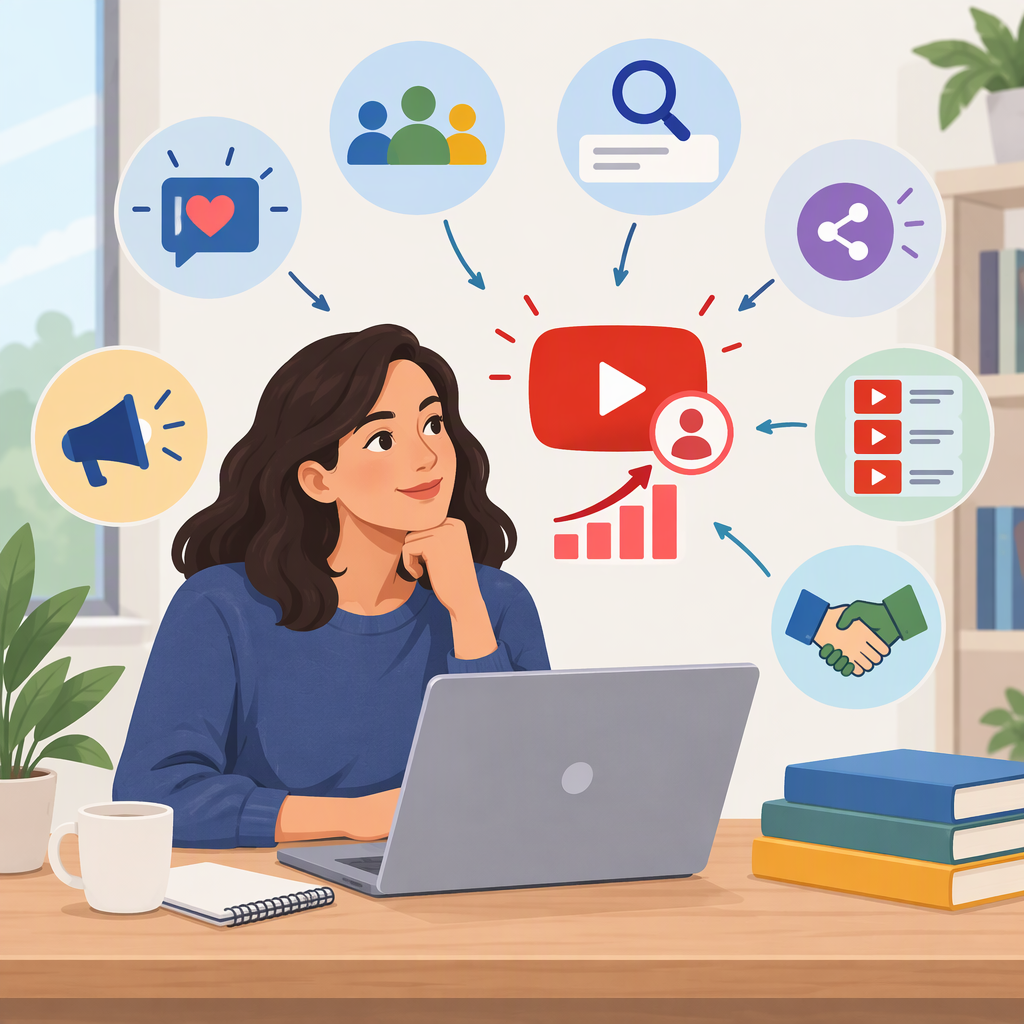
How to Get YouTube Subscribers Without Uploading Videos
Can You Get YouTube Subscribers Without Uploading Videos?
Yes, in principle. YouTube’s help documentation says you can create a channel and that viewers can subscribe from a channel’s page. It does not say that uploading a video is required before someone can subscribe. But being able to subscribe is different from being discovered: YouTube does not promise that an empty channel will be recommended or attract subscribers. (support.google.com)
This guide uses “without video” to mean no video uploads at all. Shorts and livestreams are video formats, so they don’t meet that constraint.
No-Video Ways to Give People a Reason to Find or Follow Your Channel
These options provide a place to explain your channel or share updates. YouTube documents how the features work, but that documentation does not establish how many subscribers they will bring.
-
Make the channel page clear. Set a recognizable channel name and handle, and write a description that says what the channel is about and what someone can expect. YouTube lets creators edit their profile details, including the channel description; subscribers can use the channel page to subscribe. A clear profile may help a visitor decide whether to follow, but it does not itself guarantee that new people will find the page. (support.google.com)
-
Use text, image, or poll Posts if the feature is available to you. YouTube Posts can include text and images as well as polls, quizzes, GIFs, music, and video. Posts may appear on a channel’s Posts tab or Home tab, and may also appear in viewers’ Home and Subscriptions feeds; image posts may additionally appear in the Shorts feed. Those are possible placements, not a promise of reach or subscriber growth. YouTube lists Posts under standard feature access for channels without active Community Guidelines strikes, with limited daily use. Posts aren’t available for supervised accounts; for channels set as “Made for Kids,” viewers can’t see the Posts tab and creators can’t make new posts. (support.google.com)
-
Share the channel page with an audience you already have. For example, you can mention it in a relevant newsletter, website, or community you participate in. This is an off-platform way to bring people to a page where they can subscribe—not a YouTube discovery feature or a guaranteed growth method. YouTube supports adding links to a channel profile; its help page says creators can showcase up to 14 profile links. (support.google.com)
-
Treat playlists as optional, not a substitute for uploads. You can make and share playlists, but a playlist is a collection of videos. It may be useful if you curate relevant videos and want to organize or share them, but it doesn’t give you original video uploads or establish that viewers will discover or subscribe to your channel. (support.google.com)
A Practical Starting Checklist
- Pick a channel name and handle that make the topic understandable.
- Write a short description explaining who the channel is for and what you plan to share.
- If Posts are available, publish useful text, image, or poll updates rather than posting only a subscription request.
- Share the channel page with people who are likely to care about the topic; avoid treating repeated, irrelevant promotion as a growth strategy.
- Check whether anyone is visiting or subscribing before deciding what to try next. No subscriber target or expected growth rate can be responsibly inferred from YouTube’s feature documentation.
What Are the Limits of a No-Video Approach?
A channel can exist and accept subscriptions without video uploads, but that alone does not establish a route to steady discovery. Profile details help explain the channel; Posts can provide updates and may appear in feeds; links can direct an existing audience to the channel. None of those mechanics proves that a particular approach will lead to subscribers.
If you want to avoid long-form video rather than all video, Shorts or livestreams may be options—but both involve video and therefore fall outside the strict no-upload approach. If you want to remain entirely video-free, start with a clear channel page, use Posts if available, and promote the page to a relevant audience you already reach. Reconsider the constraint only if those options do not suit your goals; there is no documented point at which switching formats guarantees growth.