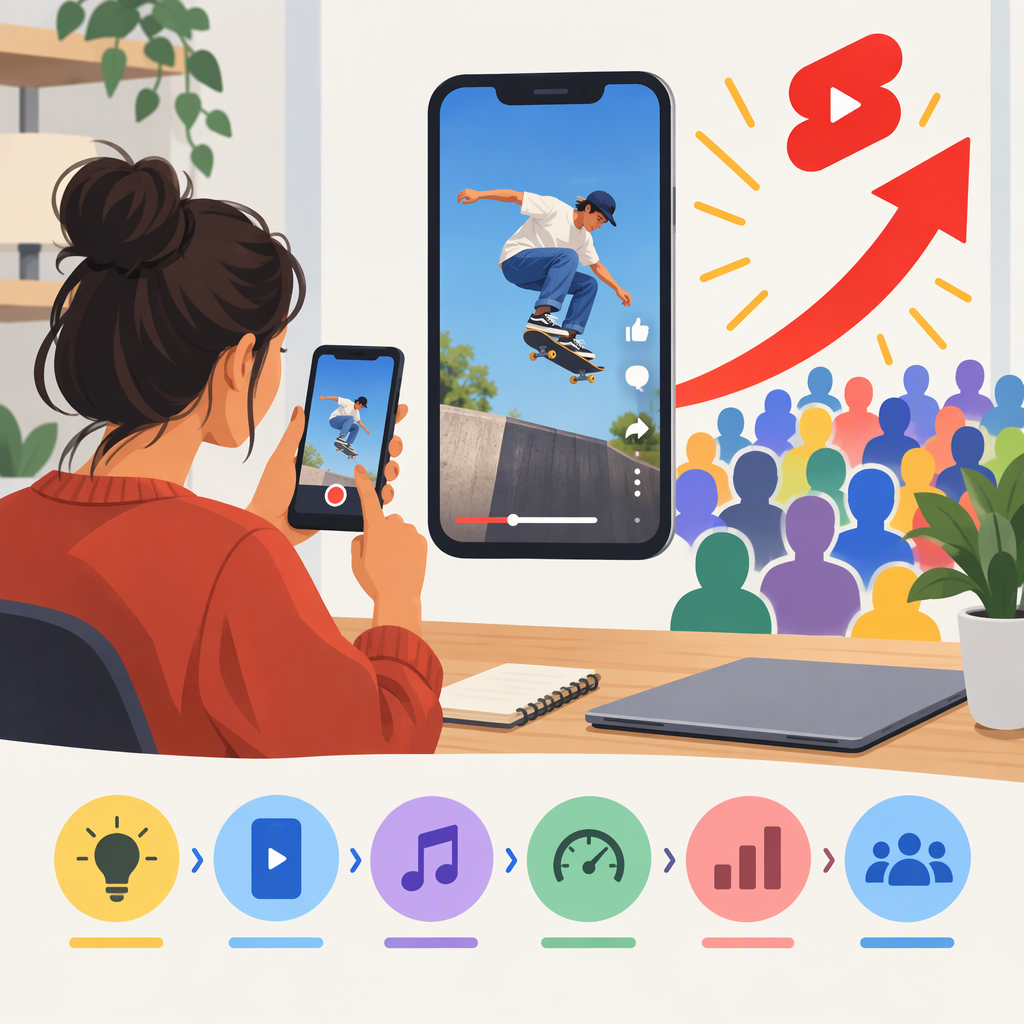
Viral YouTube Shorts: A Practical Guide to Reaching More Viewers
There is no reliable formula that guarantees a YouTube Short will go viral. To improve its chances of finding a wider audience, make one clear promise to a specific viewer, deliver on it quickly, and use YouTube Studio analytics to decide what to try next. YouTube says Shorts recommendations are personalized and consider how viewers respond, including whether they choose to watch and keep watching; audience interest and competition can also affect reach. Those are descriptions of YouTube’s system—not a checklist that guarantees distribution. (support.google.com)
What Does “Viral” Mean for a YouTube Short?
YouTube’s public guidance cited here does not set a universal view-count threshold for a Short to be called viral. In this article, viral is a plain-language description for unusually broad reach relative to a creator’s usual audience or results—not an official YouTube category. A Short can be useful or successful for its purpose without hitting a universal number of views.
Treat reach as uncertain. YouTube says recommendations are personalized, and that topic interest, competition, and seasonality can affect how many people see a video. Strong performance on one Short therefore does not promise the same reach for the next one. (support.google.com)
How to Give a Short a Stronger Chance of Reaching New Viewers
1. Start with One Audience and One Idea
Choose a subject that matters to a recognizable viewer, then express the video’s value in one sentence: “After watching, this person will know, see, or understand ___.” If you cannot complete that sentence clearly, narrow the idea before filming.
YouTube’s creator guidance recommends thinking about both your core audience and potential viewers, and suggests that a topic can be framed around a more widely understood problem. That is a way to make an idea easier to enter—not proof that every broadly framed topic will get broader reach. (support.google.com)
Hypothetical example: Instead of trying to cover “home coffee,” a creator might focus on one question: “Why does coffee taste bitter after it cools?” The example illustrates narrowing a topic; it is not a tested or proven viral idea.
2. Open with the Promised Value
Use the first moments to make the subject and payoff easy to understand. Skip a long preamble if it delays what the title or opening suggests viewers will get. YouTube’s guidance says the initial seconds matter, particularly for Shorts, and advises creators to keep introductions concise and get to the value. (support.google.com)
A useful opening might pose the specific question, show the result before explaining it, or state what the viewer will learn. These are craft options, not official algorithm rules. Choose an opening that honestly matches the rest of the video; a curiosity hook that never pays off can leave viewers disappointed.
3. Build a Short Path from Opening to Payoff
Before recording, outline three beats:
- Opening: What question, result, or problem will make the subject clear?
- Delivery: What is the essential explanation, demonstration, or sequence?
- Payoff: What answer or result fulfills the opening promise?
Then remove pauses, repeated explanations, and details that do not help deliver that payoff. Use captions or on-screen text when they make the explanation easier to follow. YouTube’s creator resources describe editing tools such as trimming clips, adding voiceovers, and applying automatic captions; the editorial choice is to use only what helps the viewer follow this particular Short. (youtube.com)
There is no need to force every idea into the same length or editing style. YouTube supports Shorts up to three minutes, but a longer allowance is not a recommendation to use all of it. Let the idea’s complete explanation determine the length. (support.google.com)
4. Make the Title Match the Video
Write a clear title that accurately describes the Short’s subject or value. Avoid promising a dramatic result the video does not deliver. A title can help viewers understand what they are about to watch, but changing metadata is not a guaranteed way to increase reach: YouTube says changes can matter when they affect how viewers respond, not simply because a title was changed. (support.google.com)
How to Tell Whether a Short Is Working—And What to Change
Review results in YouTube Studio’s Analytics → Content → Shorts area. YouTube lists Shorts metrics such as Shown in feed, How many chose to view, views, and audience-discovery sources. Its guidance defines Shown in feed as the number of times Shorts appeared in the Shorts Feed; How many chose to view reflects the percentage who viewed rather than swiped away. (support.google.com)
There is an important view-count distinction. Since August 24, 2026, YouTube counts a view when a video starts playing, across formats. For Shorts, the earlier metric is retained in Analytics as Engaged views—the number of viewers who chose to continue watching. So a public view count and engaged views do not answer exactly the same question; do not treat a rise in starts alone as proof that viewers stayed for the content. (support.google.com)
Use the metrics as clues, not verdicts:
- Few times shown in feed: The report alone does not explain why reach was limited. Consider the topic, audience, timing, and competition; YouTube identifies these as factors that can affect exposure. Do not assume one edit will fix distribution. (support.google.com)
- Viewers often swipe away: Revisit whether the opening makes the subject and payoff clear right away. This is a reasonable editorial hypothesis—not proof that the opening alone caused the result.
- Viewers start but do not stay: Check average view duration, average percentage viewed, and audience retention where available. Look for a moment when interest appears to drop, then consider whether the explanation takes too long or the opening promise is not being fulfilled. YouTube identifies these watch-time measures as signals it uses for Shorts ranking and recommends using retention to understand audience reactions. (support.google.com)
- A Short performs well: Look for a repeatable subject, explanation, or storytelling choice. YouTube advises creators to look for patterns in their top Shorts and cautions against comparing every video with a viral hit. (support.google.com)
A Simple Review Loop
After publishing, record the Short’s topic, opening, length, and the relevant analytics at a consistent review point. Compare it with a few of your own Shorts that are reasonably similar in subject and format; avoid treating one standout video as a dependable baseline. Then write down one observation, one plausible explanation, and one focused change for the next Short.
Hypothetical example: If viewers appear to leave during a lengthy setup, a creator might try a shorter opening on the next similar topic. That is a testable editorial idea, not evidence that the change will raise views or trigger wider distribution. Keeping the change focused can make the result easier to interpret; it is a practical method, not a YouTube requirement.
A Pre-Publish Checklist
- Can you name the intended viewer and the Short’s one main idea?
- Does the opening make the topic or payoff clear without a long setup?
- Does the middle deliver what the opening promised?
- Can you remove any pause or detail that distracts from that payoff?
- Does the title accurately describe the video?
- Do you know which analytics you will review—and what they cannot tell you?
The aim is not to manufacture a guaranteed viral hit. It is to make a clear, satisfying Short for a real audience, learn from how viewers respond, and make the next creative decision deliberately.