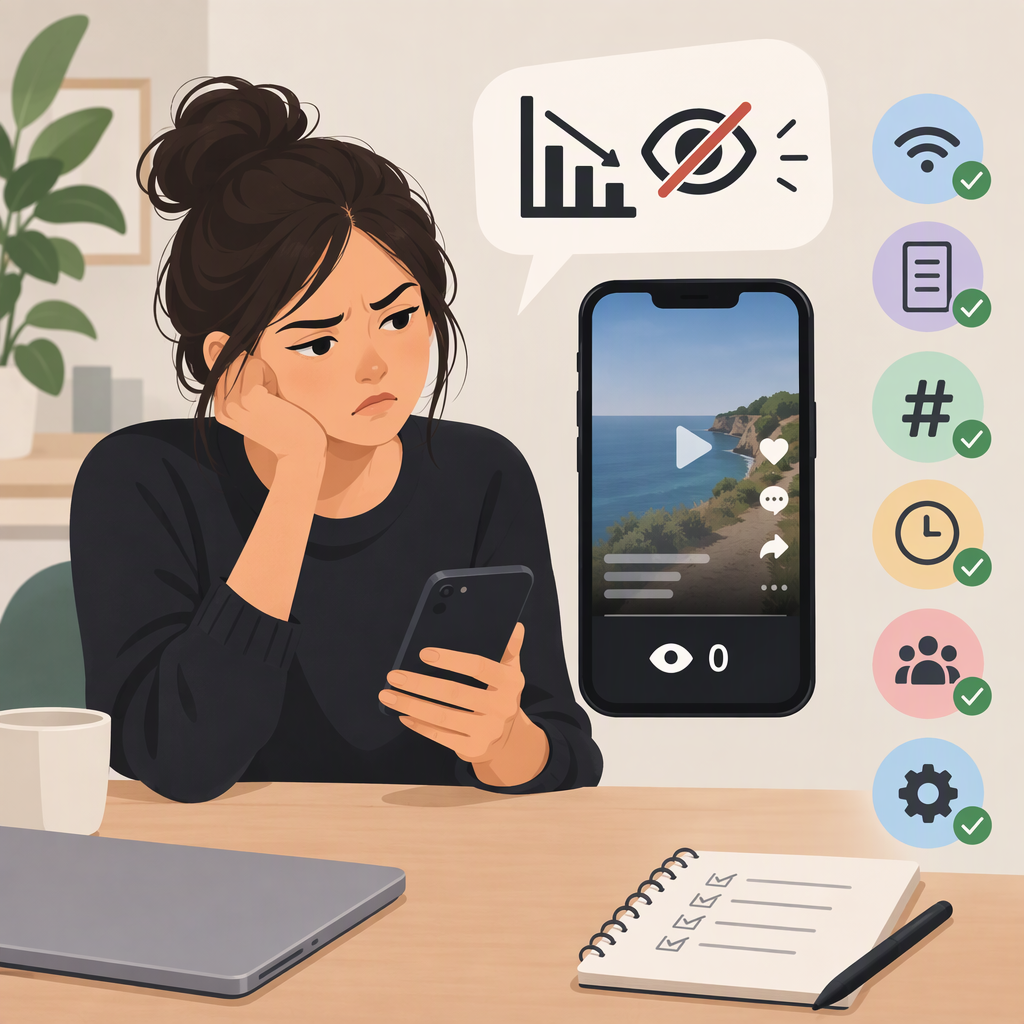
Why Am I Getting No TikTok Views? a Troubleshooting Guide
If a TikTok post has zero views, start by checking who can see the post, whether TikTok shows a review or recommendation notice, and whether Account check lists a restriction. Those checks can reveal specific visibility or account issues—but a low view count by itself does not prove that your account is being suppressed. If the post has some views but fewer than expected, review its available analytics and compare it with your other posts before drawing conclusions.
First, Distinguish Zero Views from Low or Stalled Views
- Zero views: Check whether the post is visible to its intended audience and whether TikTok has displayed a post or account notice. These are concrete things you can verify.
- Low, inconsistent, or stalled views: If the post is visible and there is no relevant notice, the count alone cannot tell you why it reached fewer viewers. Compare analytics across posts, and treat ideas about content performance as hypotheses—not a diagnosis of TikTok’s recommendation decision.
TikTok says eligible posts can be excluded from the For You feed, and that accounts repeatedly posting content unsuitable for that feed may become harder to find. It also says that when an account becomes ineligible for recommendation, it will notify the creator. These are specific, notice-based situations; they do not establish that every low-view post is restricted. (support.tiktok.com)
What to Check First When a TikTok Post Has Zero Views
1. Check the Post’s Audience Setting
Open the post from your profile, tap More options (…), then Privacy settings. TikTok’s public-account options include Everyone, Friends (followers you follow back), and Only you; private accounts have options including Followers, Friends, and Only you. If the audience is narrower than you intended, that explains who is allowed to see the post. It does not prove that anyone outside that audience would otherwise have been shown it. TikTok notes that the post’s view count does not reset when you change its privacy setting. (support.tiktok.com)
2. Look for a Post-Specific Review or for You Eligibility Notice
Check the post’s More insights or Analytics for a notification that it is ineligible for the For You feed. TikTok says content may be reviewed when uploaded, if it gains popularity, or if it is reported. If TikTok marks a post ineligible, it says the post will not appear in the For You feed; the notice includes a reason, and you can appeal if you think the decision is mistaken. A notice establishes TikTok’s stated status for that post—it does not explain every source of views or guarantee a particular result after an appeal. (support.tiktok.com)
If the decision is not visible, TikTok says you may need to turn on analytics: Profile → Menu ☰ → TikTok Studio → Get started within Analytics → Turn on. Then open the post, select More insights or More options (…) → Analytics, and look for the ineligible-post notification. Labels or availability may differ in your app. (support.tiktok.com)
3. Check Account Check for Listed Restrictions
TikTok’s current help instructions say to open Profile → Menu ☰ → TikTok Studio → More tools → Account check. Alternatively, go to Profile → Menu ☰ → Settings and privacy → Support → Safety Center → Account check. TikTok says a checkmark indicates no issue for the listed feature or post, while a warning sign indicates an issue. Its listed checks include restrictions on posting, as well as login, comments, profile editing, and direct messages. A clear Account check is useful evidence about those listed issues; it is not a guarantee of For You distribution or a diagnosis of why a post has low views. (support.tiktok.com)
4. Check for an Account-Level Recommendation Notice
Look in your Inbox and below your username on your profile for an Ineligible for recommendation notice. TikTok says it will identify flagged content and provide a way to appeal an account-level decision. If you find a notice, follow its review and appeal steps rather than assuming the account has an unreported restriction. (support.tiktok.com)
If the Post Is Visible but Views Are Low
When the privacy setting is as intended and you do not see a relevant notice or restriction, the remaining explanation may not be identifiable from the view count alone. Use TikTok Studio analytics, if available, to compare the post with your own other posts. TikTok’s creator guidance describes metrics such as views, average watch time, completion, and traffic source, and recommends looking at overall patterns rather than relying on one metric. Analytics can describe observed performance; they do not reveal with certainty why TikTok recommended a particular post to a particular viewer. (tiktok.com)
For example, if one post has fewer views than your recent posts but shows no eligibility notice, note its views, watch-time metrics, and traffic sources alongside a few comparable posts. If the data differs, that gives you something to investigate in your next experiment; it does not establish a platform restriction or prove what caused the difference. TikTok also notes that views can fluctuate. (tiktok.com)
A Safe Troubleshooting Sequence
- Record what you see. Note the post, its audience setting, its current view count, any visible notices, and the relevant analytics. This gives you a clear before-and-after record.
- Correct a confirmed visibility setting, if needed. If you intended a wider audience, change the post’s privacy setting. Then check whether the displayed audience matches what you selected. This changes who may see it; it does not promise additional views. (support.tiktok.com)
- Follow an on-screen eligibility or account notice. Review the reason and use the appeal option if you believe TikTok made a mistake. Save the notice and appeal details for your records. An appeal is a request for review, not a guarantee of a changed decision. (support.tiktok.com)
- If there is no notice, compare analytics and test one change on a future post. You might test a clearer opening, a different format, or a more direct explanation of the topic. Change one thing at a time and compare with similar posts. Treat the result as an experiment: it may help you learn what resonates with your audience, but it cannot reveal TikTok’s internal reasoning or guarantee broader reach.
- Avoid treating deletion and reposting as a fix. The public instructions cited here do not establish that deleting and reposting will restore distribution. Preserve the original post and its information while you check settings, notices, analytics, or support options.
When and How to Report a TikTok Views Problem
Report the issue if you find a technical problem, a status or eligibility notice you believe is incorrect, or a persistent zero-view issue that remains unexplained after checking the post and account. TikTok does not specify a fixed waiting period or promise a particular outcome in the support instructions cited here.
TikTok’s Help Center says you can report a technical problem in the app by signing in to the correct account, then going to Profile → Menu ☰ → Settings and privacy → Help Center → Chat with us and following the steps. Its guidance for reporting another issue also describes Settings and privacy → Report a problem; if no topic fits, it says to scroll down and choose Chat with us. TikTok may ask you to attach relevant screenshots or files, depending on the issue. You can also use TikTok’s online reporting form. (support.tiktok.com)
Before reporting, gather the post link or description, when you posted it, the audience setting, the view count you see, any Account check result or eligibility notice, and relevant analytics screenshots. These details are useful context, not a claim that TikTok requires every item. Keep the report factual: describe what you checked and what happened, rather than labeling the issue a “shadowban” without evidence.
Quick Checklist
- Is the post set to the audience you intended?
- Is there a review, For You eligibility, or account-level recommendation notice?
- Does Account check show a warning for a relevant feature or post?
- If there are some views, what do the available analytics show compared with similar posts?
- Have you saved the notices and screenshots before contacting support?
A view count is an observation, not a diagnosis. Start with the checks TikTok makes visible; if they show no relevant issue, report a concrete technical concern or use analytics to guide measured content experiments—not to guess at a hidden restriction.