Why Is YouTube Not Pushing My Videos? How to Diagnose Low Views
Why Is YouTube Not Pushing My Videos?
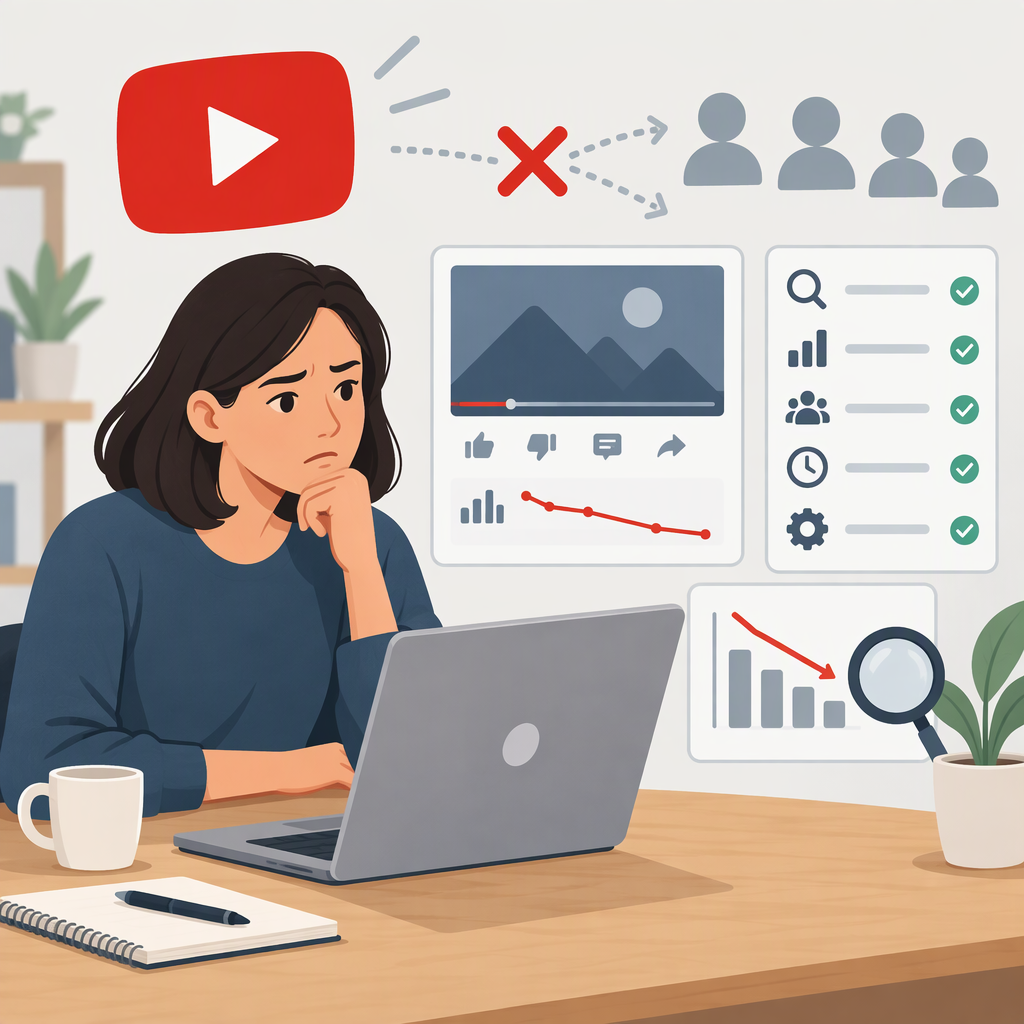
“Not pushing” is a creator’s shorthand for low reach. Low views alone do not show that YouTube has penalized or suppressed a video—or tell you why it has fewer views. Start by checking whether the video is public and whether Studio shows a notice. Then use Analytics to determine whether the main pattern is few impressions, impressions that rarely turn into views, or viewers leaving soon after they start watching.
Those patterns help you choose what to investigate, but none proves a single cause. YouTube says recommendations are personalized, and different YouTube features can use different signals. Topic interest, competition, and changes in viewer behavior can also affect how many people see a video. (support.google.com)
Diagnose Low Views in YouTube Studio
1. Check Visibility and Notices
In YouTube Studio, open Content and check the video’s Visibility. A private or unlisted video is not available for general public discovery in the same way as a public video. Public visibility makes the video available to viewers; it does not guarantee recommendations or a particular number of views. (support.google.com)
Look for any notice or restriction shown for the video. YouTube says creators can review notices from the Content tab and inspect the impact summary; restriction details are available in the video’s settings. A notice is a reason to investigate the specific issue shown—not, on its own, proof that a recommendation penalty explains low views. (support.google.com)
2. Check Where Views Came from and How Many Impressions You Received
Open the video’s Analytics and look at its Reach information. Traffic-source reports show how viewers found the video, including sources within YouTube and external sites or apps. This can help you see whether views came from sources such as YouTube Search, suggested videos, or external links. (support.google.com)
An impression is a counted instance of a video thumbnail being shown on YouTube. It is not a count of every time someone could have encountered the video: some locations, including external websites and end screens, are not counted as impressions for this metric. So impressions help assess certain kinds of YouTube exposure, but they do not measure all potential exposure or explain why exposure was limited. (support.google.com)
3. Put Click-Through Rate in Context
Impressions click-through rate (CTR) is the share of counted impressions that resulted in a view. It is not simply total views divided by total impressions: some views do not come from counted impressions. Compare CTR alongside the traffic source, audience, and video—not as a universal score to beat. YouTube cautions creators against interpreting impressions or CTR in isolation. (support.google.com)
A lower CTR can be a reason to review whether the title and thumbnail clearly communicate the video’s subject and appeal to the intended viewer. It does not prove that the packaging is the only problem, or that changing it will increase reach.
4. Check What Happens After the View Starts
Review watch time and the video’s audience-retention report. Retention shows how well different moments held viewers’ attention and can help identify where viewers stopped watching. It is a diagnostic clue, not proof that a particular edit caused low reach. YouTube notes that retention data can take time to process, so it may not be available immediately. (support.google.com)
Match the Pattern to a Proportionate Next Step
| What you see | What it may suggest—and what to check | A focused next step |
|---|---|---|
| Few impressions | The video has had limited counted thumbnail exposure in the selected period. Check visibility and notices, then review traffic sources and whether the topic is attracting interest. YouTube identifies topic interest, competition, and shifts in viewer behavior as external factors that can affect how many people see a video. Few impressions alone do not identify which factor is at work. (support.google.com) | Check whether the topic and intended audience are clear. For a future video, consider a focused change to the topic framing or audience fit, then compare relevant results with similar content. |
| Impressions, but relatively few views from them | Viewers may be seeing the thumbnail without choosing to watch, but CTR varies with traffic source and audience. Also check whether the counted impressions represent the source you’re trying to understand. (support.google.com) | Review whether the title and thumbnail make an accurate, compelling promise to the intended viewer. Change or test a focused packaging element; packaging alone cannot establish or fix limited topic demand or early drop-off. |
| Views, followed by a sharp early drop in retention | Some viewers start the video but leave early. Compare the opening with the title and thumbnail promise: does the video quickly deliver what viewers were led to expect? Retention describes viewing behavior; it does not establish why each person left. (support.google.com) | Consider revising the opening in a future video so it quickly addresses the promised subject. Use the retention graph to locate where attention falls, rather than assuming a particular algorithm rule. |
These are practical diagnostic prompts, not confirmed explanations. YouTube describes recommendations as personalized and says different features can rely on different signals; Analytics cannot reveal every reason a particular viewer did or did not receive a video. (support.google.com)
How to Tell Whether a Change Helped
Use a simple, cautious comparison:
- Write down the pattern. For example: “Few counted impressions from YouTube Search,” or “views are arriving, but retention falls near the opening.”
- Choose one relevant change. That could mean clarifying a title and thumbnail, adjusting a future video’s topic framing, or improving how quickly its opening delivers on the promise.
- Compare the relevant measures. For packaging, look at impressions, CTR, and traffic sources. For the opening, look at retention and watch time. Compare videos with similar formats, topics, audiences, and traffic sources where possible.
- Treat the result as a clue, not proof. A change in performance can coincide with changes in topic interest, competition, audience, or other circumstances. One upload cannot establish a universal rule.
There is no single CTR benchmark, waiting period, upload schedule, or guaranteed fix in this diagnosis. The useful question is not whether YouTube is “pushing” every video equally, but where viewers are—or are not—finding and choosing to watch this one, and what focused check follows from that evidence.