How to Make Music Reels More Discoverable: A Practical Instagram Guide
How to Make Music Reels More Discoverable
This guide treats “Reels” as Instagram Reels; if you meant Facebook Reels, some publishing and insights details may differ. There’s no reliable formula for making a Reel go viral. You can, however, make a music-led video easier for a particular audience to understand, enjoy, and share—and use each post to inform the next one.
A practical starting point: choose one audience and one idea, match the audio to that idea, make the opening immediately legible, deliver a clear payoff, then review the results. Treat that as a creative workflow, not a claim about Instagram’s ranking formula. Instagram describes recommendation eligibility separately in its Recommendation Guidelines; being eligible does not guarantee distribution.
1. Start with an Audience and a Specific Idea
Before choosing a song, finish this sentence: “This Reel is for people who ___, and it will show them ___.” The answer should suggest something concrete: a quick guitar technique, a before-and-after arrangement, a short performance moment, or a visual interpretation of a lyric.
Then give the viewer a reason to stay in the first moment. Show the result, pose a clear question, or begin with the most distinctive musical or visual moment. Keep enough context for the idea to make sense; cutting quickly is not useful if viewers cannot tell what they are seeing.
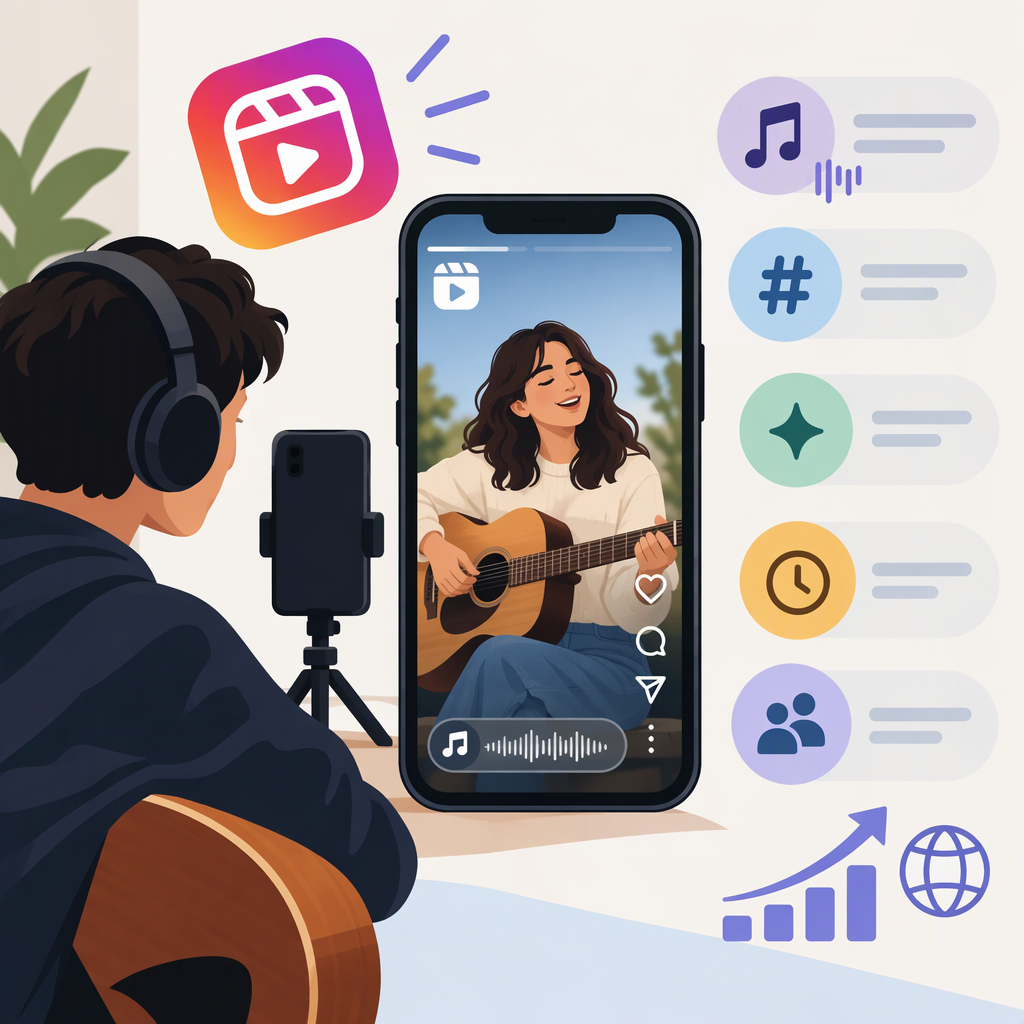
Illustrative example—not a tested performance result: a creator making a Reel about a guitar sound could open with the finished sound, show the hand position, then replay the phrase slowly. The music supports the explanation instead of being decoration pasted onto an unrelated clip.
Aim for one clear payoff: a reveal, a useful tip, a satisfying transition, or a complete musical phrase. If the video has several unrelated ideas, consider separating them so each Reel makes one promise and fulfills it.
2. Choose Audio for Fit, Not Just Popularity
Instagram has described Reels audio options that include music from its library and a creator’s original audio. What appears in the app can change, so check the current options in your account before editing around a particular track. Instagram’s overview of Reels describes these audio choices and how public-account original audio can be reused by others.
Use this simple decision rule:
- Trending or familiar audio: Consider it when the sound genuinely strengthens the idea or suits a format your audience will recognize. A trend alone is not a reason to use a track, and its popularity is not proof it will improve your reach.
- Original audio: Choose it when the performance, voice, demonstration, or sound itself is the point. It can also make the Reel feel more distinctly yours.
- A niche or less-familiar sound: Use it when it fits the subject better than a popular track. Clear storytelling and a strong audio-visual connection matter more to this decision than chasing a trend.
Check that the audio is available to you and that the applicable terms cover your intended use. In-app availability should not be taken as blanket permission for every use—particularly if a post is sponsored, promotes a business, is boosted, or will be reused elsewhere. For questions about your situation, review Instagram’s current music terms or get appropriate rights guidance; this article is not legal advice.
3. Build the Reel Around the Music
Try this repeatable sequence:
- Write the idea in one line. What will a viewer see, feel, or learn?
- Choose the audio based on the idea. Identify the lyric, beat, pause, tone, or sound that matters.
- Plan the opening and payoff. Decide what the viewer sees first and what makes the ending satisfying.
- Match visuals to the audio. Use a change in movement, shot, text, or performance where it helps the idea land. Do not add cuts just to appear busy.
- Add context. Use a concise caption that explains the Reel or gives viewers a relevant next step. Include only tags or other discovery details that accurately describe it; don’t stuff in unrelated keywords.
- Check the finished version with sound and without it. The audio should add something, while any essential context remains understandable to someone watching silently.
Keep the editing proportionate to the idea. A single performance clip may be strongest when the performance is the payoff; a tutorial may need a brief label or demonstration. There is no single best length or editing style established here. Instagram’s Best Practices hub says its Professional Dashboard includes guidance on creation, engagement, reach, and guidelines, including topics such as attention, Reel length, audio, and hashtags. Use the in-app guidance available to you rather than treating generic advice as a rule for every account.
4. Review Results and Choose One Next Test
Look at the insights available for the Reel and your account. Separate exposure (whether people encountered it) from attention (whether they kept watching or interacted) and audience growth (whether it led to follows or other meaningful next steps, if those are shown). Instagram has described Reels insights that include replays and a retention chart, though the exact insights available can vary. Its Professional Dashboard Best Practices hub also includes guidance on understanding engagement metrics. (help.instagram.com)
Ask practical questions rather than searching for a magic number:
- Did people seem to leave before the main idea became clear? Try a more direct opening next time.
- Did viewers watch but rarely share or respond? Make the payoff more useful, surprising, or emotionally specific.
- Did the Reel reach people beyond your existing audience but bring few follows? Make the connection to your broader work clearer in the Reel or profile.
- Did a familiar audio choice distract from the point? Try original or more fitting audio in a comparable future post.
Change one major creative choice at a time when you can. For example, keep the topic and audio approach similar but make the opening more direct, then compare the available insights. That is a way to learn from your own posts—not a controlled experiment, proof of causation, or a guarantee that the result will repeat. One post alone is weak evidence; look for patterns across several relevant posts. Don’t assume a low-reach result has one definite cause.
Instagram’s Trial Reels announcement describes a way to show a trial Reel to non-followers first. Meta said creators could see metrics including views, likes, comments, and shares after about 24 hours. Feature availability and the in-app experience can change, so treat Trial Reels as an optional way to explore a different format—not a promise of reach or a verdict on your creative idea. (about.fb.com)
Pre-Publish Checklist
- Can a viewer tell what the Reel is about right away?
- Does the audio support the idea, rather than simply follow a trend?
- Is the payoff clear and worth the viewer’s time?
- Are the caption and discovery details relevant and accurate?
- Have you checked audio availability and terms for this specific use?
- Do you know which result you’ll review and what one change you might test next?
The goal is not to decode a guaranteed viral formula. It is to make a Reel with a clear audience, a purposeful audio choice, and a satisfying idea—and then use what you learn to make the next one more intentional.