Instagram in Google Analytics: Track and Interpret Website Traffic
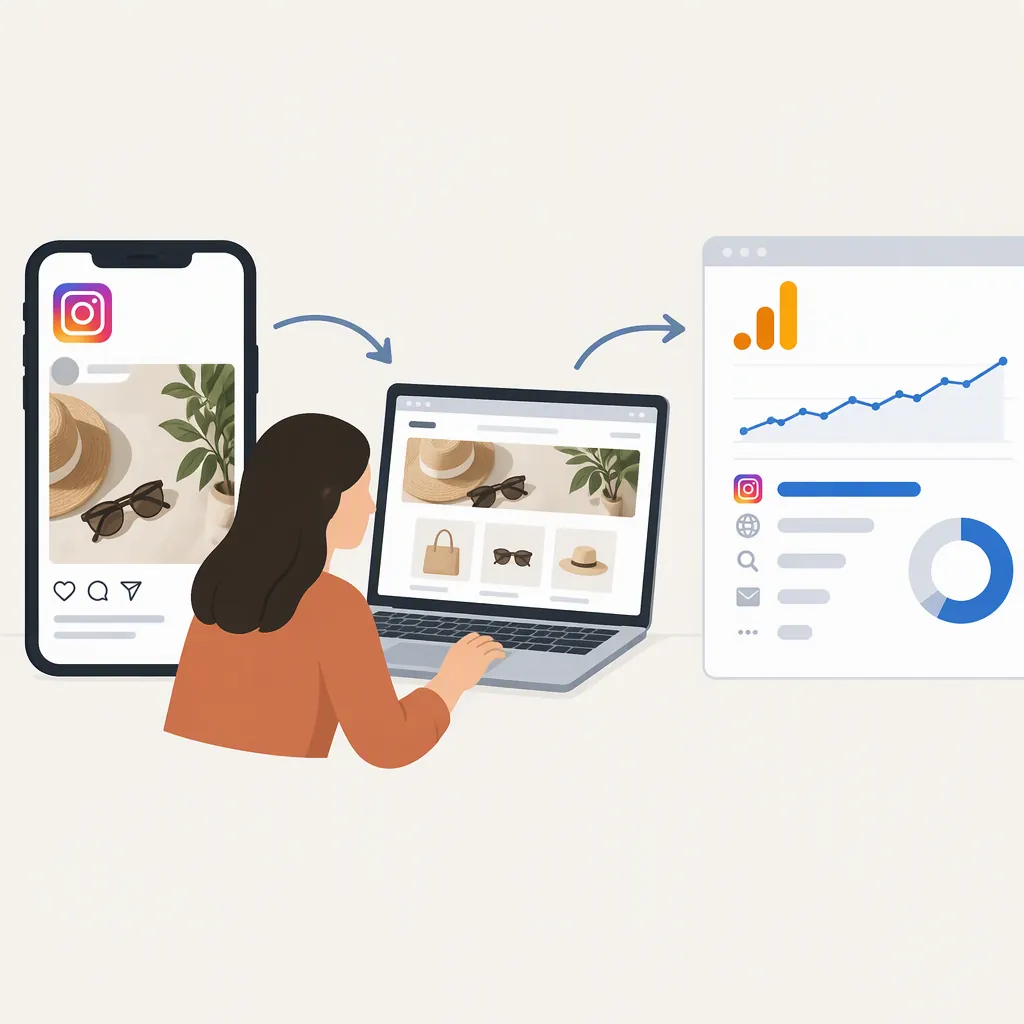
To measure Instagram-driven website traffic in Google Analytics 4 (GA4), first confirm that your website is recording visits in GA4. Then publish UTM-tagged links in your Instagram bio, stories, or ads and review session source, medium, and campaign in Traffic Acquisition. Tagged links identify recorded website activity after a click—not Instagram video views, likes, or exposure that never leads to a website visit. [c1]
Combining Instagram engagement data with GA4 data in an external dashboard is a separate reporting task. It should not be confused with tracking Instagram-originated website visits.
Separate Instagram Engagement from Website Attribution
Choose the reporting source that matches your question:
| Question | Where to Look | Measurement Boundary |
|---|---|---|
| Did people view or engage with Instagram content? | Instagram-side reporting | Activity on Instagram |
| Did an Instagram link bring visitors to the website? | GA4 acquisition reporting with tagged links | Recorded website visits associated with source labels |
| What did those visitors do afterward? | Website activity recorded in GA4 | Recorded on-site behavior and outcomes |
Ruler Analytics describes Instagram Insights as a source for profile and post performance, including external link taps, while GA4 helps assess activity after visitors arrive on a website. These counts measure different parts of the journey and should not be treated as interchangeable. [c1]
For a video campaign, a shared bio link identifies the destination people followed; it does not establish which video each visitor watched. Likewise, attributed website activity does not prove that a video independently caused a purchase.
Check Website Measurement Before Tagging Links
UTM parameters label incoming traffic. They are not a substitute for configuring website data collection.
Before publishing, use this checklist:
- Confirm the destination website has GA4 configured. Check that ordinary visits are being recorded in the property you plan to use.
- Confirm the activity you want to evaluate is collected. If your goal is form submissions or purchases, verify those actions separately rather than assuming a tagged link configures them.
- Confirm access to the relevant reports. Identify the property, reporting period, and dimensions you will use.
- Plan a test of the actual Instagram link. Check the published destination, not just the URL saved in your campaign worksheet.
The tracking workflow described by Ruler Analytics uses tagged destination links and GA4 acquisition reporting to connect source labels with subsequent website activity. [c1]
Tag the Links That Lead to Your Website
Use a consistent naming plan for links in your Instagram bio, stories, and ad destinations. Ruler Analytics describes source, medium, and campaign parameters as the core fields for identifying Instagram-originated traffic. [c1]
| Parameter | Purpose | Illustrative Value |
|---|---|---|
utm_source |
Identify the referring platform consistently | instagram |
utm_medium |
Label the traffic type using your agreed convention | organic |
utm_campaign |
Group links belonging to a campaign | video_series_october |
Illustrative Tagged Url
https://example.com/landing-page?utm_source=instagram&utm_medium=organic&utm_campaign=video_series_october
This is an example, not a live campaign. Replace the domain, landing-page path, and campaign name with your own values before publishing.
The organic medium follows Ruler Analytics’ example. This workflow uses session source, medium, and campaign to find your labels; it does not assume that organic produces a particular GA4 default channel grouping. Looking up a source/medium label and reviewing a default channel group are different reporting tasks. The example alone does not establish channel-grouping behavior. [c1]
For video-related links, use distinct campaign names when you need separate website reporting. If several videos direct visitors to the same tagged bio link, report that shared campaign rather than assigning its traffic to individual videos.
Test the Published Link
Run a small validation before relying on campaign results:
- Open the link from its intended Instagram placement.
- Confirm that it reaches the correct website page.
- Inspect the final landing URL for the intended UTM parameters, especially if the link passes through an intermediary or redirect.
- Check the website’s existing GA4 validation process for evidence that the visit was recorded.
- When reviewing acquisition reporting, look for the exact source, medium, and campaign values used in the test.
Treat these as separate checks. Reaching the page does not by itself confirm GA4 collection, and recording a visit does not by itself confirm that the campaign labels arrived intact.
If the test is not visible, avoid immediately concluding that the link failed. First distinguish:
- Collection: Is the website recording visits in the correct GA4 property?
- Label preservation: Did the final destination retain the intended parameters?
- Report review: Are you checking the correct period and session dimensions, and has the test become available in the report?
This is a diagnostic checklist, not a guarantee about a particular validation tool or reporting delay.
Find Instagram Traffic in Ga4
Ruler Analytics describes the route as Reports → Acquisition → Traffic Acquisition, then selecting session source, session medium, or session campaign. Exact navigation may differ in your property. [c1]
Use this review sequence:
- Select the reporting period covering your published links.
- Choose a session dimension rather than relying only on a channel-group summary.
- Find your source label, such as
instagram. - Inspect medium and campaign to separate the links you intended to compare.
- Review the website activity associated with those rows.
- Record the dimensions and date range alongside your findings.
Interpret Website Performance by Question
Choose measures that are available and verified in your setup. The table below is a review framework, not a definition of every GA4 metric.
| Reporting Goal | What to Review | How to Interpret It |
|---|---|---|
| Traffic scale | Recorded sessions associated with the Instagram labels | Website traffic volume, not Instagram reach or video viewers |
| Visit quality | Available website engagement measures and relevant page activity | Whether visitors interacted with the site; specify the measure used |
| Business outcomes | Recorded actions relevant to your goal, such as form submissions or purchases | Outcomes only where the required collection has been configured and checked |
Ruler Analytics describes using GA4 to examine what visitors do after arriving, including website actions such as forms and purchases. [c1] Choose those measures only when your property actually records them.
A session campaign row describes website activity associated with that campaign label. It is not a complete count of everyone influenced by Instagram, and a session-based acquisition result should not be presented as independent causal proof.
Interpret Missing or Mismatched Attribution Carefully
Ruler Analytics identifies lost referral information during Instagram’s in-app browsing as one possible reason visits appear as Direct. UTM parameters carry source information in the destination URL. That explanation does not mean every Direct visit came from Instagram. [c1]
When results look unexpected, check the published link, final destination, campaign spelling, selected property, reporting period, and session dimensions before drawing a performance conclusion.
Keep three limits visible in reporting:
- Link taps and recorded sessions are different measures. Compare them as separate indicators, not totals that must match.
- No attributed visit does not mean no influence. Tagged-link tracking does not capture Instagram exposure that never produces a website click. [c1]
- Attribution is not causation. Describe the activity the report records rather than claiming the content independently produced every outcome.
A defensible summary is:
During the selected period, this tagged Instagram destination was associated with the website sessions and recorded actions shown in GA4.
Add the campaign label, dimensions, and actual measures used so the statement can be checked.
Treat External Reporting as a Separate Layer
Tracking Instagram website traffic in GA4 is different from combining Instagram and Google Analytics datasets in another system.
Improvado describes an external extraction, transformation, and loading workflow that consolidates data in a warehouse or reporting tool. This is a vendor-described reporting approach—not evidence that GA4 natively imports Instagram video engagement. [c2]
Before evaluating an external connection, define the intended output and verify its requirements:
| Requirement | What to Establish |
|---|---|
| Output | Side-by-side dashboard, combined dataset, or attribution analysis |
| Fields | Exact Instagram and GA4 metrics and dimensions available |
| Destination | Where the data will be stored and viewed |
| Refresh | Update schedule and expected reporting delays |
| Access | Required permissions and account coverage |
| Matching | How campaign names, dates, and other shared fields are aligned |
The integration page does not establish a field-level configuration or guarantee a particular account’s coverage. Keep metrics labeled by their original source, and do not imply that individual Instagram viewers have been matched to website visitors simply because the datasets appear together.
FAQ
Can Google Analytics Show My Instagram Video Views?
Not through the UTM-based website tracking described here. It identifies recorded website traffic after someone follows a tagged link; it does not capture Instagram video views or other in-app engagement. Use Instagram-side reporting for those metrics. [c1]
Why Might Instagram Visits Appear as Direct?
Lost referral information during in-app browsing is one possible explanation described by Ruler Analytics. Tagged URLs carry source labels in the destination itself, but Direct traffic should not automatically be reassigned to Instagram. [c1]
Which Utm Medium Should I Use for Instagram?
Use a documented, consistent convention. The organic value shown here follows Ruler Analytics’ example, but this workflow finds it through session source, medium, and campaign—not an assumed default channel group. Verify channel-grouping rules separately before adopting a naming convention specifically for that purpose. [c1]
Do I Need an External Connector to Track Instagram Website Traffic?
The tagged-link and GA4 acquisition workflow described by Ruler Analytics does not require an external connector. A connector serves a different purpose: consolidating datasets for broader reporting. Improvado describes that external workflow, but its integration page does not verify every field or configuration you might need. [c1] [c2]