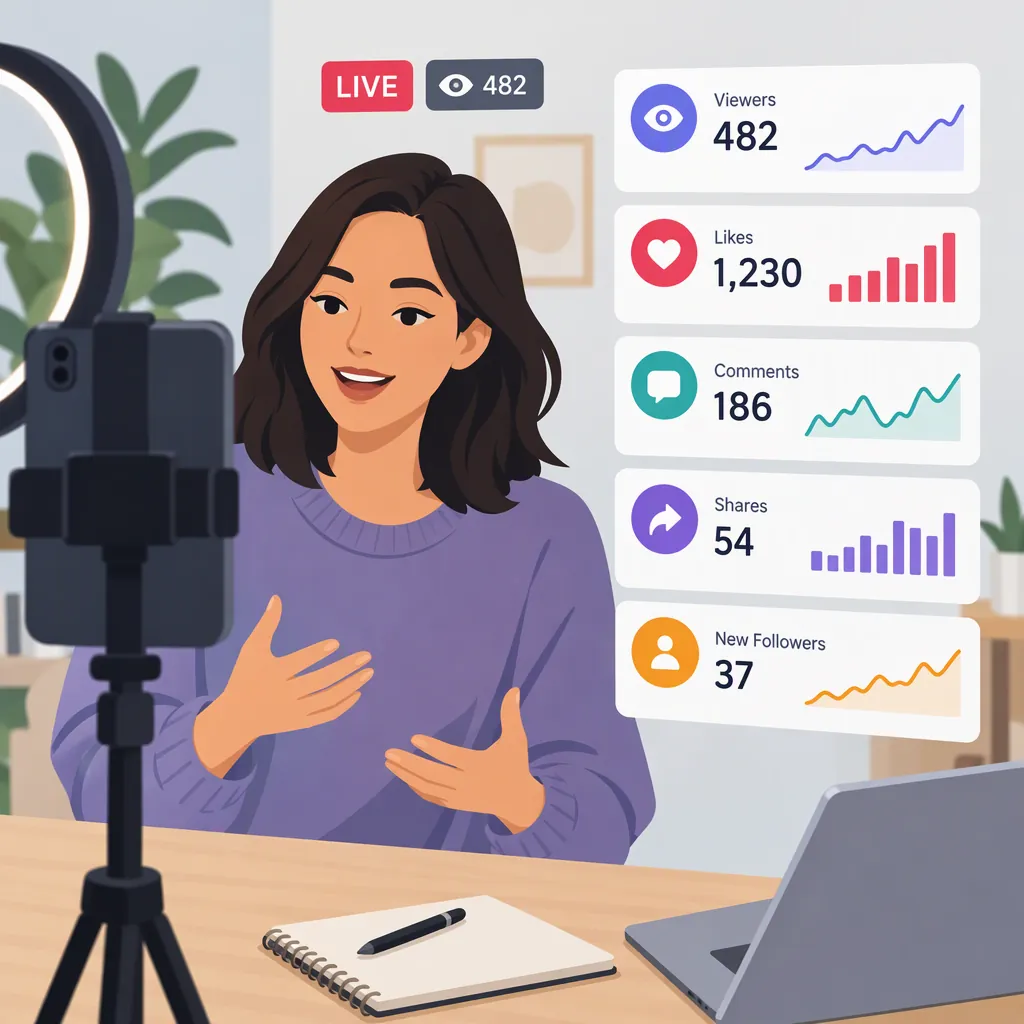
How to Read and Interpret Instagram Live Metrics
Read Instagram Live metrics at the broadcast level whenever possible: record the metric’s exact label, its scope, and when you checked it. Treat peak viewers as a measure of simultaneous attendance, not total audience or watch time. Keep account-wide comments, shares, and engaged accounts separate from one broadcast’s results because those fields can include other content. The supplied sources describe a post-Live insights summary but do not establish a current, verified menu path or a complete Live metric list. [citation-3] [citation-1]
Start with the Individual Broadcast
For a completed Instagram Live, look for insights associated with that specific broadcast rather than starting with a profile-wide reporting period. The theStacc glossary describes a post-stream insights summary containing peak viewer count and engagement information. Treat that as a secondary-source description, not confirmation of the exact screens or fields available in your account today. [citation-3]
When reviewing a result, record:
- The broadcast title and date.
- The exact metric label and displayed value.
- Whether the screen refers to the broadcast, a replay, or the whole account.
- The reporting period, if shown, and the time you checked it.
If the scope is unclear, leave the result unclassified until you can confirm it. Do not silently combine live attendance with replay activity.
Separate Attendance from Interaction
Use different metrics to answer different questions rather than treating every increase as the same kind of success.
| Metric or Label | Interpretation | Important Boundary |
|---|---|---|
| Peak viewer count, if shown | The largest simultaneous audience indicated by that label | Not the total number of distinct viewers or evidence of how long they stayed |
| Broadcast-specific comments, if shown | A count of comment activity attached to that broadcast | Do not assume each comment represents a different person |
| Account-level comments | Comment activity during the selected account reporting period | Can include posts, Reels, videos, and Live videos |
| Account-level shares | Sharing activity during the selected account reporting period | Can include posts, Stories, Reels, videos, and Live videos |
| Profile engaged users | Accounts interacting with content in the reporting period | Includes multiple content types and can include ads |
Two Minute Reports documents the broad scope of the account-level fields above. Its definitions should not be relabeled as metrics for an individual Live session. [citation-1]
For a Q&A, attendance and comments answer different questions: how many people were present at once versus how much conversation occurred. Neither number alone establishes satisfaction, retention, or learning.
Keep Profile Growth and Video Views in Context
Profile growth is useful background, but it is not automatically a result of one Live. Two Minute Reports defines profile growth as the difference between accounts that followed and accounts that unfollowed or left Instagram during a selected period. That definition does not attribute the change to a broadcast. [citation-1]
Similarly, do not substitute a general video metric for missing Live data. The same catalog defines its Photo & Video views field as plays or displays of Reels, posts, and Stories; that description does not establish Live coverage. [citation-1]
A careful report might say: “Profile growth increased during the reporting period; the available data does not isolate this broadcast’s contribution.” Avoid saying that the Live caused follower growth merely because the events occurred together.
Mark an unavailable metric as not available, not zero. An absent field and a measured zero are different reporting situations.
Compare Similar Live Sessions
For your next review, compare broadcasts with similar goals, formats, and durations. Record differences such as guests, topic, start time, and advance promotion as context—not as proven explanations for a result.
Use the same metric labels and observation timing across sessions. If you calculate an interaction rate, name the numerator and denominator explicitly and use only values with compatible scope. Avoid calling a custom calculation an official Instagram engagement rate.
Choose one change to test next, such as placing the first audience question earlier in a Q&A. Then compare the same available measures after the next similar broadcast. A single better result is a reason to investigate, not proof that the change caused improvement.
The available references do not establish a universal good peak-viewer count or Live engagement-rate benchmark. Keep conclusions relative to your comparable sessions.
Instagram Live Review Worksheet
Broadcast title/date: [enter]
Goal and format: [enter]
Duration and start time: [enter]
Metric label: [copy exactly]
Value: [enter, or mark not available]
Scope: [broadcast / replay / account / unclear]
Reporting period and observation time: [enter]
Comparable previous session: [enter]
Context differences: [enter]
What the result supports: [enter]
What it does not establish: [enter]
One change to test next: [enter]
FAQ
Where Can I View Instagram Live Metrics?
Look for insights associated with the completed broadcast. The supplied theStacc glossary describes a post-stream insights summary, but it does not verify the current menu path, account eligibility, or full list of fields. Use the labels and scope shown in your account rather than assuming every field described elsewhere is available. [citation-3]
Can I Use Account Comments as My Live Comment Total?
Not without confirming that the report isolates the broadcast. Two Minute Reports defines account-level comments as including posts, Reels, videos, and Live videos during a reporting period, so that total can contain unrelated activity. [citation-1]
Can a General Video Views Field Replace Missing Live Viewer Data?
Not on the evidence provided. The Two Minute Reports Photo & Video views definition lists Reels, posts, and Stories, not Live broadcasts. Keep missing Live data marked as unavailable rather than substituting a field with unconfirmed coverage. [citation-1]