Followmeter for Instagram: Unfollowers, Analytics, and How to Use It
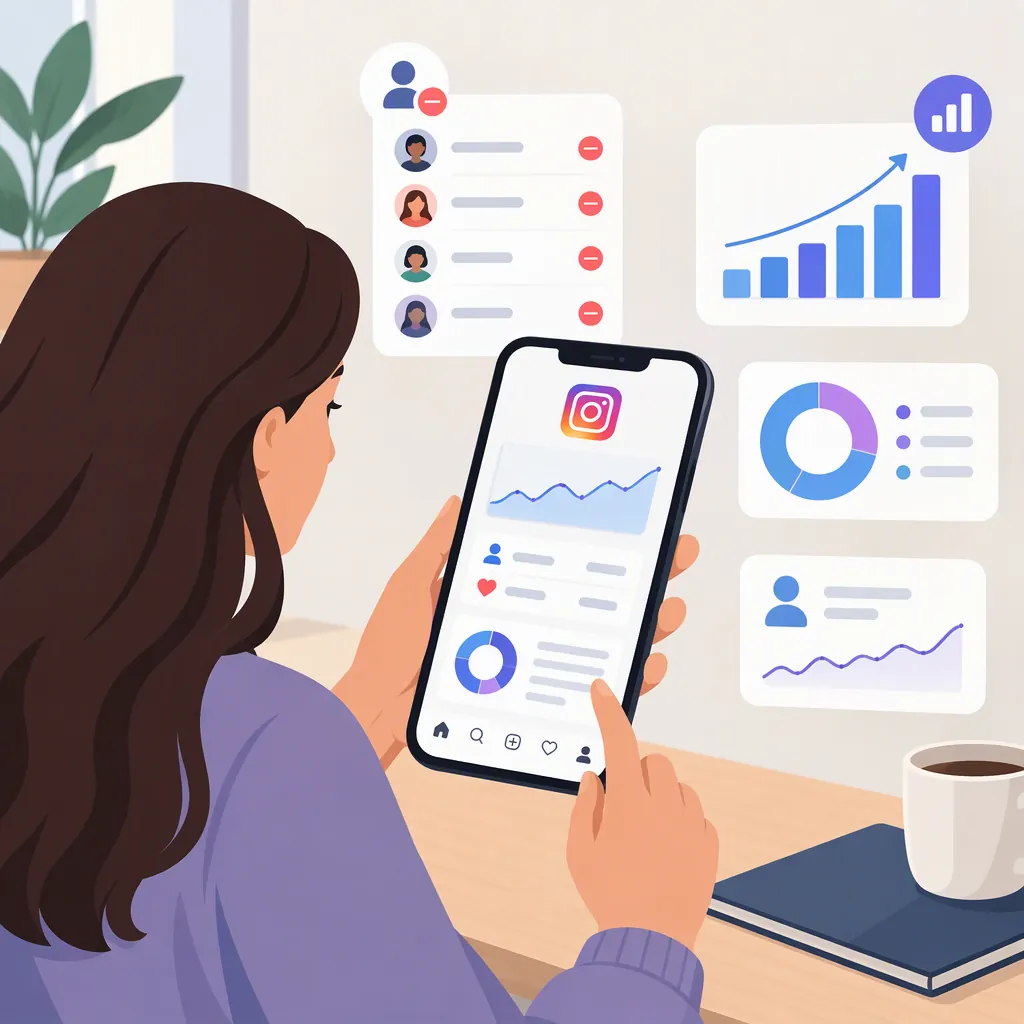
FollowMeter is an app listed for tracking Instagram unfollowers, accounts that do not follow you back, and engagement activity. Its store descriptions also advertise story-viewer reports, post analytics, an Activity Meter, and an Activity Feed. FollowMeter is not affiliated with Instagram, and some premium features require a subscription. [c1] [c2]
This guide draws on FollowMeter’s Google Play and App Store listings. Their feature descriptions are developer-provided, not independently verified results. Use them to understand the tool’s intended purpose—not as proof of accuracy or consistent performance for every account.
What Followmeter Lists
FollowMeter’s advertised features fall into three areas:
| Area | Features described in the store listings | Question to keep in mind |
|---|---|---|
| Follower relationships | Unfollowers, accounts not following you back, mutuals, and one-way follows | Is this a reported change, or simply the current relationship between accounts? |
| Engagement activity | Ghost followers, top likers, story viewers, and post engagement | Which interactions does the report describe? |
| Account trends and activity | Follower-growth trends, Activity Meter, and Activity Feed | What time range or check time does the app show? |
The listings support these feature categories; Google Play specifically describes searchable and sortable audience lists, follower-count trends, and dated new-follower and lost-follower entries. [c1] [c2]
For a focused review, separate who appears to have stopped following, how the follower count changes, and which posts or accounts appear to engage. These reports address different questions. A post with many likes does not, by itself, explain a follower gain or loss.
Understand the Report Labels
The following are report labels advertised in FollowMeter’s store descriptions, paired with cautious interpretations—not independently validated report definitions. [c1] [c2]
| FollowMeter’s Listed Report | How to Interpret Its Label | Important Limit |
|---|---|---|
| Unfollowers | A reported change from following to no longer following. | Historical coverage is not specified; see the FAQ on events before setup. |
| Not Following Me Back | Accounts you follow that do not follow you back. | This alone does not establish that they previously followed you. |
| Ghost Followers | Followers the app describes as not engaging. | The label does not establish why someone is inactive or whether the account is fake. |
| Top Likers and Story Viewers | Reports ranking likes or story-viewing activity. | Rankings do not establish a person’s intentions. |
Google Play defines ghost followers using likes, comments, and story views; the App Store uses the broader phrase “followers who never engage.” Neither listing provides a complete measurement methodology or observation window for that classification. [c1] [c2]
FollowMeter also advertises block detection and “secret admirers.” Treat these as app report labels, not conclusive evidence of someone’s actions or feelings. The store descriptions do not explain enough of the detection method to validate those conclusions. [c1] [c2]
How to Review Followmeter’s Unfollower Reports
The App Store release notes describe guided first-time setup while FollowMeter analyzes an account. They also describe a monitoring status and an Activity Feed containing unfollowers, story viewers, and profile changes, grouped by when the app checked. Tapping a feed item is described as opening a detailed view. [c2]
The specific setup and tap interactions below come from those App Store release notes. Android and other versions may differ; use the interface actually shown in your installed version.
- Review privacy and purchase information before connecting. Read the current disclosures and any subscription prompt.
- Complete the application’s guided setup, if shown. The listings do not document every authentication or permission screen, so they do not support a verified button-by-button login guide.
- Check the monitoring status and displayed check time. Record when the app says it checked. Do not assume that this is the exact moment an Instagram action occurred.
- Open the relevant Activity Feed item. In the App Store-described version, tapping an item opens its details. Keep a reported unfollower separate from an account listed only as not following you back.
- Record uncertainty before acting. If the label, timing, or account relationship is unclear, avoid making a follow or unfollow decision solely from that report.
Both listings promote background connectivity and real-time activity. Those descriptions are not guarantees of uninterrupted monitoring. [c1] [c2]
How to Read Followmeter’s Analytics
Google Play describes reports on post likes and comments and follower-count trends. Both stores advertise post engagement and an Activity Meter for following account “momentum,” but they do not provide a complete formula for that meter. [c1] [c2]
The following is general analytics-reading guidance, not a verified interface walkthrough or a claim that every version displays the same metrics.
1. Separate Follower Trends from Post Performance
Start with two distinct observations:
- Follower trend: What follower count or change does the report display over its stated period?
- Post performance: What likes, comments, or other explicitly named interactions does it display for individual posts?
Do not substitute one for the other. A follower-count trend describes audience size; post interaction counts describe the activity reported for those posts.
2. Record the Visible Time Range and Metric Names
Write down the date range, filter, check time, and metric labels actually shown. If no observation window is displayed, mark it as unknown rather than assuming the report covers a week, month, or the account’s full history.
Keep counts and rates distinct. Do not interpret a number as an engagement rate unless the interface identifies it as one and explains enough of its basis to make that interpretation meaningful.
3. Compare Posts Within the Same Report Range
If the interface provides post-level likes and comments, compare posts under the same visible date range and filter. Review likes and comments separately rather than treating “most engagement” as a self-explanatory measure.
For example, a post may lead in likes while another leads in comments. Record that difference as an observation, not as proof that one topic or format will always perform better. Also note publication dates: using the same report filter does not necessarily give every post equal time to accumulate interactions.
4. Keep the Activity Meter in Context
If your version displays an Activity Meter, record its value or label alongside the underlying metrics you can see. Because the listings do not explain its complete calculation, do not assume it is a standardized engagement rate or directly comparable with another analytics tool. [c1] [c2]
5. Avoid Causal Conclusions
Follower changes and post engagement can be reviewed alongside each other, but their timing alone does not establish why someone unfollowed or what caused growth. A useful conclusion stays descriptive: “This post has more displayed comments in this report range,” rather than “This post caused the account to grow.”
Followmeter Review Notes
Use a short record to keep follower changes and analytics observations separate:
- Review date and installed version:
- Report or feed item reviewed:
- Monitoring status and check time shown:
- Visible date range or filter:
- Reported follower change:
- Post identifiers and publication dates:
- Metric names and displayed values:
- Activity Meter value or label, if shown:
- Missing information or uncertainty:
- Decision, if any:
Privacy and Subscription Checks
The Google Play listing says FollowMeter contains ads and in-app purchases. Its developer-provided Data safety section reports potential collection and sharing of several data categories and displays “Data can’t be deleted.” These are listing disclosures, not an independent security assessment. [c1]
The App Store privacy section lists purchases, identifiers, and usage data as potentially used for tracking across other companies’ apps and websites. Apple explicitly says the developer’s privacy information has not been verified by Apple. [c2]
Before connecting an account, review the current disclosures rather than treating app-store availability as a safety guarantee. The store listings do not establish the exact login mechanism, credential handling, or account-access permissions.
Both listings say some premium features require a subscription and describe automatic renewal unless canceled or disabled at least 24 hours before the current period ends. They direct subscription management to the relevant platform account settings. [c1] [c2]
The cited listings are regional pages, not a verified US price schedule or a complete free-versus-paid feature map. Check the purchase screen for:
- The plan and billing period
- Which reports the purchase unlocks
- The displayed price and renewal date
- The cancellation and renewal terms
When Followmeter Data Looks Wrong
The release notes describe changes intended to address repeated logouts, connection problems, and stability. That establishes what the developer says it changed, not that every account’s problems are resolved. [c1] [c2]
If a report appears stale or inconsistent:
- Record the installed version, monitoring status, displayed check time, and affected report.
- Note whether the problem concerns missing entries, unexpected labels, or inconsistent metric values.
- Keep missing or outdated data separate from a confirmed absence of follower changes.
- If contacting support, describe the symptom and redact unrelated personal information from screenshots. Do not include passwords or verification codes.
Both listings provide support@followmeter.com as a support contact. [c1] [c2]
FAQ
Is Followmeter Affiliated with Instagram?
No. FollowMeter’s Google Play and App Store descriptions explicitly state that it is not affiliated with Instagram. [c1] [c2]
Is Followmeter’s Unfollower Report Free?
The App Store lists a free download with in-app purchases, and both stores say some premium features require subscriptions. The descriptions do not establish a complete current free-versus-paid feature map. A free download should not be interpreted as free access to every report. [c1] [c2]
Can Followmeter Show Unfollows from Before Setup?
The listings advertise unfollower tracking and follower history, but they do not specify whether events from before account setup can be recovered. Do not assume that the first report is a complete historical record. [c1] [c2]
What Does Followmeter’s Activity Meter Measure?
The listings describe the Activity Meter as a way to follow account momentum or engagement, but they do not provide its complete calculation or measurement window. Treat it as an app-specific indicator rather than assuming it is a standardized engagement rate. [c1] [c2]
Does Followmeter List Non-Follower Story Viewers?
Both descriptions advertise a report for people who viewed a story without following the account and specify public accounts for that feature. This is a developer-described capability; the cited material does not independently verify its coverage or accuracy. [c1] [c2]