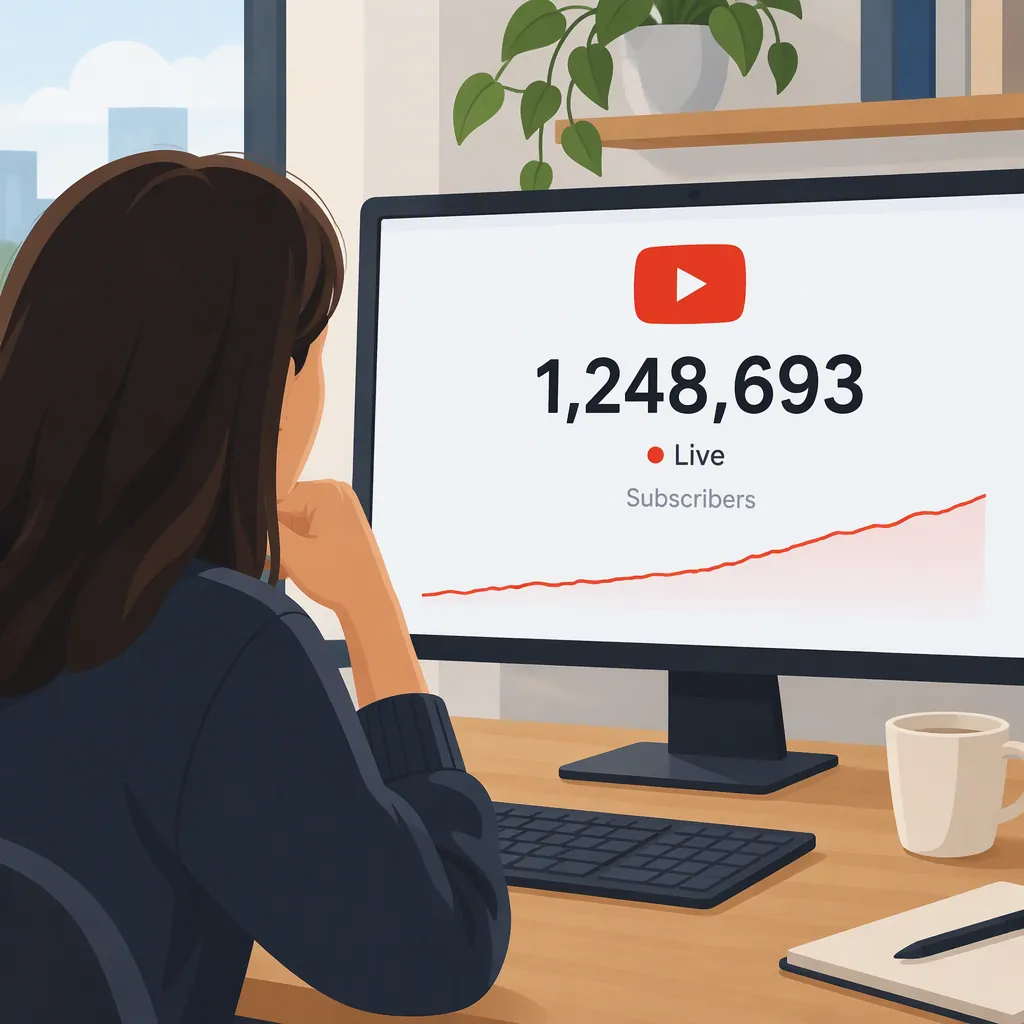
YouTube Counter: How to Check and Interpret Live Subscriber Counts
To check a public YouTube subscriber counter, use a channel-search page such as SocialCounts or a channel-specific realtime page such as Social Blade’s page for @youtube. Confirm the channel identity and read the number labeled “subscribers.” Both sources present live subscriber counters, but the supplied material does not independently establish exact, subscriber-by-subscriber accuracy or a guaranteed refresh interval. [c1] [c2]
Choose a Public YouTube Counter
The two references offer different starting points:
- Search for a channel: The SocialCounts YouTube Live Subscriber Count page includes a search interface and channel listings. It also lists separate Live Views Count and Live Sub Count navigation options. [c2]
- Read a specific channel page: The Social Blade realtime page for @youtube identifies the channel and displays subscriber, view, and video totals. This reference is for YouTube’s own channel, not a universal search result for every creator. [c1]
These are examples of public counter pages, not an endorsement or a ranking. The supplied references do not establish which service is more accurate.
Check the Channel and Metric
Use this workflow to reduce ambiguity when reading a counter:
- Find the intended channel. On a search-based counter, search for the channel you want to inspect. SocialCounts provides this search entry point. [c2]
- Confirm its identity. Compare the displayed name and handle with the channel you intended to view. The supplied Social Blade page shows both “YouTube” and “@youtube,” plus a View on YouTube link. [c1]
- Read the metric label. For the audience total covered by this guide, look for “subscribers.” Do not substitute a nearby views or videos total; Social Blade displays these as separate metrics. [c1]
- Record the observation time. If you plan to compare readings later, note when you observed each number and which service displayed it.
- Keep the displayed precision. Copy the value as shown rather than adding digits or treating an abbreviated display as evidence of greater precision.
If you searched for a “fan” or “follower” count, use the subscriber label for the counters discussed here. Both supplied pages describe their audience metric as subscribers. [c1] [c2]
Counter Observation Template
Channel name and handle: __________
Counter page URL: __________
Observed date, time, and time zone: __________
Metric label: __________
Value exactly as displayed: __________
Display format or precision: __________
Refresh action, if used: __________
Notes or unresolved discrepancies: __________
Interpret “Live” Cautiously
Social Blade labels its display “Live Subscriber Count.” SocialCounts describes its counter as real time and claims instant updates, official YouTube API use, and smart analytics. Those are descriptions made by the services; the supplied material does not independently verify their accuracy or explain enough of their methods to validate every displayed change. [c1] [c2]
A useful distinction is what the page displays versus what that display proves. You can record a displayed total without assuming it confirms every individual subscription event at that moment.
For comparisons, use the same channel, metric, service, and display format wherever possible. If readings disagree, preserve both values and their observation times rather than choosing an “exact” total without supporting evidence. The supplied references do not resolve potential differences between services or provide a guaranteed update schedule.
FAQ
How Do I Find a YouTube Live Subscriber Counter?
The supplied SocialCounts page offers a search interface for finding channels. The supplied Social Blade link opens a specific realtime page for @youtube. Confirm the intended channel before interpreting its subscriber total. [c1] [c2]
Does a Live Counter Show Every New Subscriber Exactly?
That is not independently established by these references. SocialCounts advertises instant updates and API-based analytics, while Social Blade labels its display a live subscriber count. Treat those descriptions as service claims, not proof of exact subscriber-by-subscriber tracking. [c1] [c2]
Is the Subscriber Count the Same as the View Count?
No. The supplied Social Blade page labels subscribers and views separately, and SocialCounts lists separate Live Sub Count and Live Views Count options. Read the label attached to the number you are checking. [c1] [c2]
How Often Do These YouTube Counters Refresh?
The supplied material does not establish a verified refresh interval. Social Blade shows a Refresh stats control, and SocialCounts advertises real-time updates, but neither supplied extract provides an independently verified update schedule. [c1] [c2]