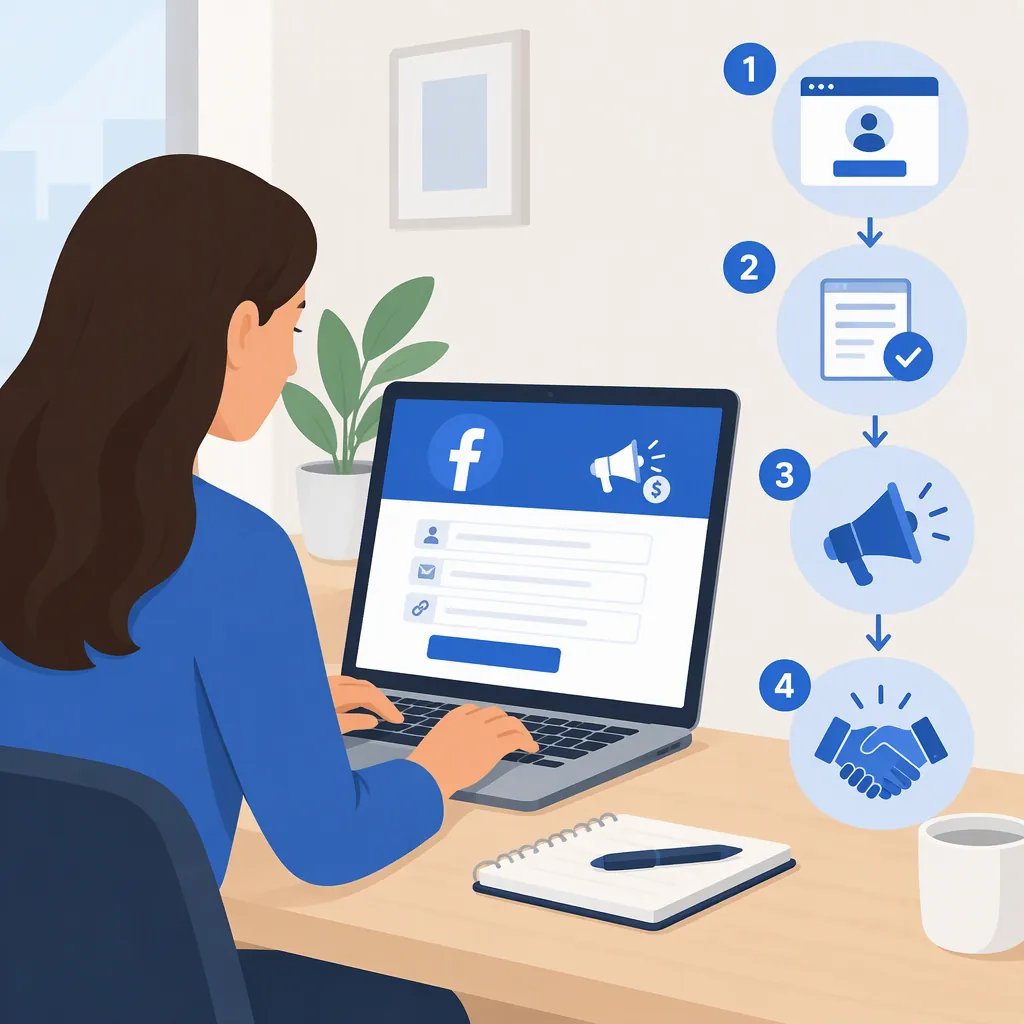
Facebook Affiliate Sign-Up: How to Apply
For Facebook affiliate partnerships, you need an affiliate account with a supported partner and an eligible Facebook Page or Professional Mode profile. Meta describes the connection process as Professional Dashboard → Monetization → Affiliate Partnerships, where you select an available partner and connect your affiliate account. The separate Meta Creator Affiliate Program page says that program has moved to a partner site. [ref_1] [ref_2]
Which Affiliate Program Do You Mean?
A search for “facebook affiliate sign up” can refer to two different routes:
- Facebook affiliate partnerships: Meta describes a feature that connects supported affiliate partner accounts to Facebook, allowing creators to tag products in photo posts and Reels. Commissions come from affiliate partners for qualifying purchases. [ref_2]
- Meta Creator Affiliate Program: Meta’s dedicated program page says the program has moved and that joining and account management take place on a new partner site. The supplied reference does not identify that destination URL. [ref_1]
These references describe different entry points. The Meta Creator Affiliate Program page should not be treated as the application page for Facebook’s product-tagging feature.
How Facebook Affiliate Partnerships Sign-Up Works
Meta’s published setup process separates joining an affiliate partner’s program from connecting that account to Facebook. [ref_2]
- Check available programs. Identify which affiliate programs are available to connect to your Facebook account.
- Create a partner affiliate account if needed. Meta directs creators without an account to create one with an eligible partner.
- Open Professional Dashboard and Monetization. Meta says eligible Pages and Professional Mode profiles will see Affiliate Partnerships there.
- Select an available partner. Connect your affiliate account through the Affiliate Partnerships interface.
- Find products after linking. Meta says connected creators can search by product name or category and view potential commissions, product details, and ratings. [ref_2]
The supplied announcement does not provide partner-specific application forms, approval criteria, or processing times. Creating a partner account and gaining access to Facebook’s feature should therefore be treated as separate steps, not a guaranteed single approval.
Application Readiness Checklist
- Record whether Affiliate Partnerships appears in your Professional Dashboard.
- List the partner programs shown as available to your account.
- Check the selected partner’s application terms before submitting information.
- Note whether your partner account is ready to connect.
- After connecting, check which products and commission information are displayed.
- Leave unconfirmed eligibility requirements and approval timelines marked as unknown.
Partner Availability and Eligibility Limits
Meta’s March 24, 2026 announcement described Amazon as rolling out in the United States and Shopee as available in Singapore, Malaysia, Vietnam, Indonesia, the Philippines, Thailand, Brazil, and Taiwan. It also announced plans to add Mercado Libre in Brazil and Mexico, and Temu and eBay in the United States. [ref_2]
Those are dated launch statements, not confirmation that every listed or planned partner is available to every account today. Meta’s instructions make access conditional on Page or Professional Mode profile eligibility. The supplied references do not state a universal follower minimum or provide a complete eligibility checklist. [ref_2]
For an application decision, use the partner options displayed in your account rather than assuming that an announced rollout guarantees access.
Do Not Confuse Email Updates with Enrollment
The Meta Creator Affiliate Program page includes an email sign-up for news and marketing updates. That subscription is presented separately from the notice directing affiliate joining and account management to the new partner site. Subscribing to those updates is not the enrollment process described on the page. [ref_1]
For Facebook affiliate partnerships, the relevant setup route is the supported partner account connection described in Professional Dashboard. Neither supplied reference establishes guaranteed acceptance, earnings, commission rates, or an approval deadline. [ref_2]
FAQ
Where Do I Sign up for Facebook Affiliate Partnerships?
Meta says to create an affiliate account with an eligible partner if you do not already have one, then connect it through Professional Dashboard → Monetization → Affiliate Partnerships. That option is shown for eligible Pages or Professional Mode profiles. [ref_2]
What If Affiliate Partnerships Does Not Appear?
Meta’s announcement says the option appears if your Page or Professional Mode profile is eligible. It does not provide a complete eligibility checklist or a troubleshooting procedure, so the supplied evidence cannot establish why the option is missing from a particular account. [ref_2]
Does Facebook Pay the Affiliate Commission?
Meta describes commissions as coming from the affiliate partners for qualifying purchases. The supplied announcement does not specify payment schedules or detailed payout conditions; those would need to be checked in the selected partner’s terms. [ref_2]
Where Is the Meta Creator Affiliate Program Application?
Meta’s program page says joining and account management have moved to a new partner site and provides a “Go to the affiliate program” link. The supplied reference text does not include that link’s destination, so no partner-site application URL can be confirmed here. [ref_1]