Clickfunnels Affiliate Program: Sign-Up and Account Setup
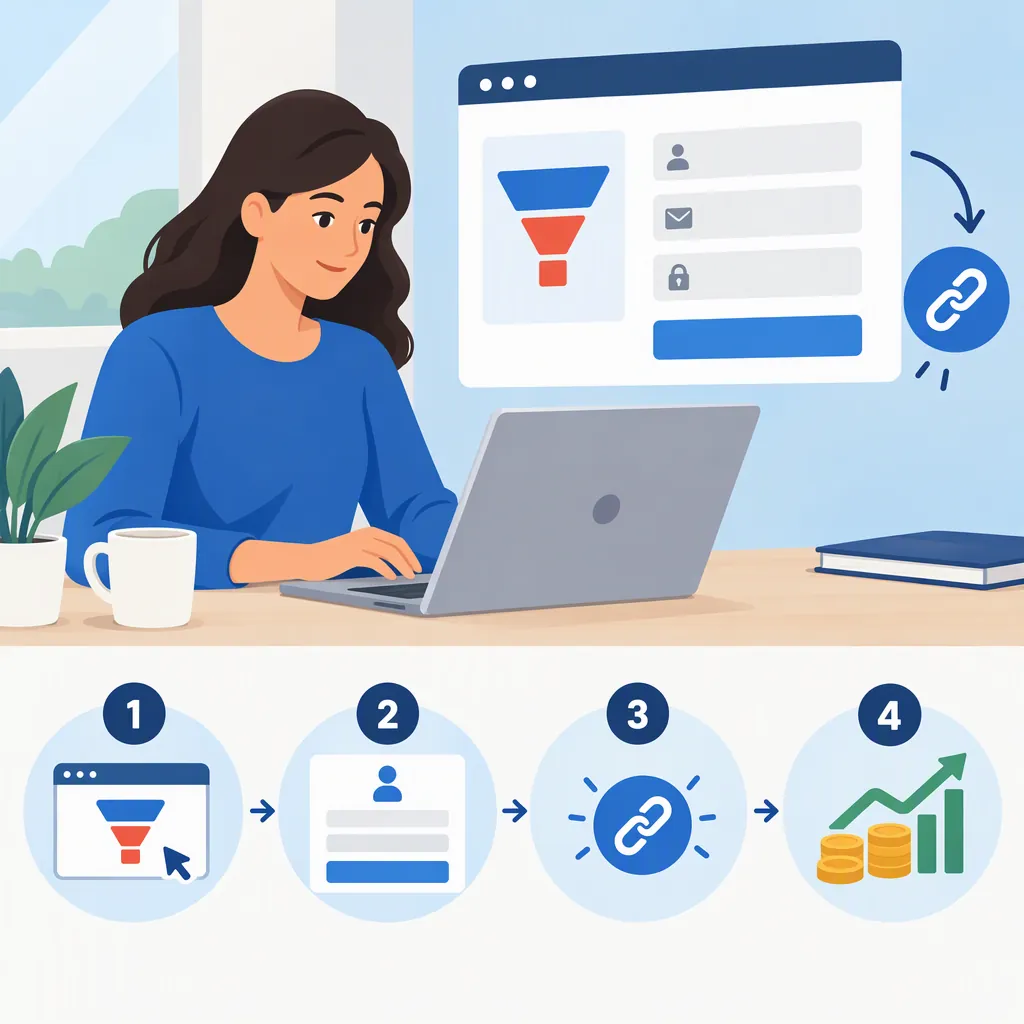
The ClickFunnels Help Center describes two sign-up paths: active ClickFunnels users already have an affiliate account, while non-users must complete an affiliate registration form. Both must accept the Affiliate Agreement. Existing users can access the dashboard through Referrals or CF2 Affiliate Center; all affiliates can also use the Customer Center. This guidance reflects the supplied Help Center article, updated July 16, 2025, rather than a live verification of the current registration flow. [ref2]
Choose the Right Registration Path
A paid ClickFunnels subscription is not described as a requirement for joining the affiliate program. The Help Center says the program is available to both active users and non-users, but their onboarding paths differ. [ref2]
- Active ClickFunnels user: Your affiliate account is automatically created. Open the affiliate dashboard and complete the agreement step.
- Not a ClickFunnels user: Use the affiliate registration form linked in the Help Center article under “ClickFunnels Affiliate Program Eligibility,” then complete onboarding in the affiliate dashboard. [ref2]
The supplied references contain links to registration destinations, but do not expose those destinations as reference URLs. This guide therefore cites the official documentation rather than supplying an unverified sign-up address.
Separate Registration from Approval Expectations
The older ClickFunnels blog guide describes an application form requesting a name, email address, and phone number, followed by a “Become An Affiliate” button. It says applicants should expect a response within two to three business days after manual review. [ref1]
The later Help Center article describes registration, acceptance of the Affiliate Agreement, and a verification call prompted after the first commission. It does not repeat the blog’s application-response estimate. [ref2]
These descriptions are not identical. Treat the blog’s fields and review timing as its documented process, not a guaranteed current requirement or deadline. Follow the instructions displayed in the registration form and dashboard; submitting a form alone should not be treated as proof that all onboarding requirements are complete.
Access the Dashboard and Accept the Agreement
For active ClickFunnels users, the Help Center documents two dashboard routes: [ref2]
- Open Referrals under Apps, then select Referrals Dashboard.
- Open the workspace-name menu in the bottom-left corner and select CF2 Affiliate Center.
For users and non-users alike, it also describes access through the ClickFunnels Customer Center. If prompted, enter your email address, then use the one-time code or magic login link sent by email. Select Affiliate Program, then Affiliate Dashboard. [ref2]
Inside the dashboard, review and accept the Affiliate Agreement. The Help Center identifies acceptance as required before promoting products or earning commissions. It describes a Read Agreement prompt for existing users. [ref2]
Because this guide relies on supplied documentation, menu labels and login screens have not been checked against the live interface.
Account Setup Checklist
- Identify whether you are an active ClickFunnels user or a non-user.
- Use the corresponding access or registration path in the official documentation.
- Confirm that you can access the Affiliate Dashboard.
- Read and accept the Affiliate Agreement.
- Record any remaining onboarding prompts shown in your account.
- After your first commission, check for verification-call and Tipalti setup prompts. [ref2]
Find Referral Links and Complete Payment Setup
The Help Center says campaign-specific affiliate links are generated inside the dashboard. Open Campaigns, locate the relevant campaign, and use the copy control beside its link. [ref2]
Payment setup is a separate step from registration. According to the Help Center, affiliates receive a Tipalti setup prompt after their first commission. Setup requires personal details, tax information, and a preferred payment method; payouts are not issued until this step is complete. The article says setup must be completed within 120 days of the first commission to avoid expiration. [ref2]
The sources disagree on the cooling-off period: the blog states 30 days, while the later Help Center article states 45 days and a $100 payout minimum. The Help Center also lists payout dates as the 1st and 15th, subject to requirements. Use the later documentation as the reference here, but confirm applicable terms in your account rather than treating these dates as a payment guarantee. [ref1] [ref2]
Review Promotion Rules and Source Limits
Registration does not replace a review of the affiliate rules. The blog says affiliates must disclose their affiliate status, must not impersonate ClickFunnels, and cannot bid on its trademarked terms. It also says paid advertisements cannot contain the affiliate link directly; they must lead to the affiliate’s own page or funnel first. These are summarized rules from the blog, not a complete reproduction of the Affiliate Agreement. [ref1]
This guide uses two supplied public sources: a blog article last updated February 13, 2025, and a Help Center article updated July 16, 2025. Neither establishes that every field, requirement, or timeline remains unchanged today. Country-specific eligibility, current form fields, and individual application outcomes are not established by the supplied material. [ref1] [ref2]
FAQ
Do I Need a Clickfunnels Subscription to Join?
No subscription requirement is stated in the supplied Help Center article. It says non-users can join through an affiliate registration form, while active users already have an affiliate account. All affiliates must accept the Affiliate Agreement. [ref2]
How Long Does Affiliate Approval Take?
The blog gives a two-to-three-business-day response estimate after manual application review. The later Help Center article does not repeat that estimate and instead describes registration, agreement acceptance, and a verification-call prompt after the first commission. A current approval deadline cannot be confirmed from these sources. [ref1] [ref2]
How Do I Log in Without a Clickfunnels Subscription?
The Help Center describes Customer Center access for standalone affiliates. Enter your email address when prompted, use the emailed one-time code or magic login link, then select Affiliate Program and Affiliate Dashboard. This is the documented route, not a live-tested login flow. [ref2]