How to Become an Amazon Affiliate: Application and Registration Guide
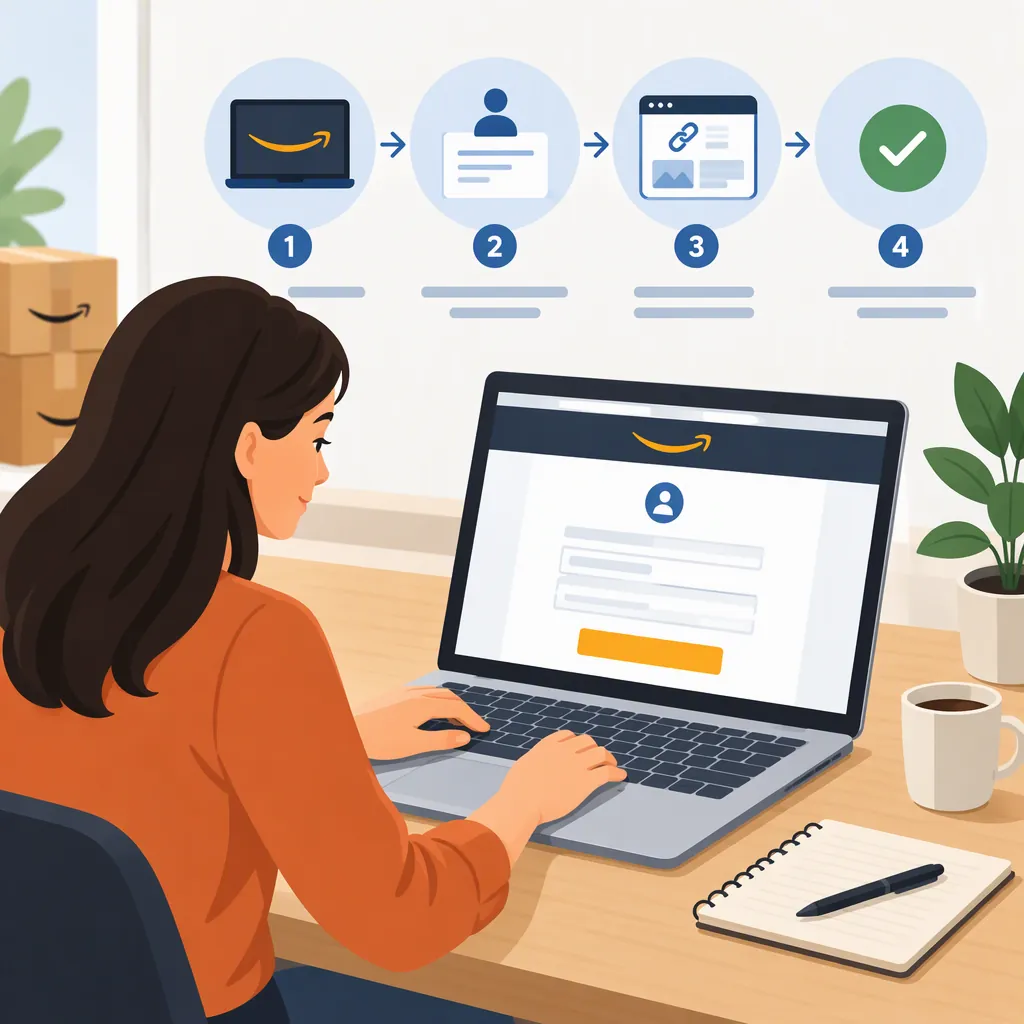
To become an Amazon affiliate, apply to Amazon Associates for the marketplace you intend to use. The registration process generally involves signing in, providing account details, listing your publishing channels, and describing your content and traffic sources. For the United States, find the Amazon.com Associates Program registration destination in Amazon’s official international-program directory. The directory also lists destinations for other marketplaces. [amz-regions] [imh-registration]
Information freshness: The detailed registration walkthrough used here was published in 2024 by Influencer Marketing Hub. Use it to prepare, not as a guarantee of today’s application screens or eligibility rules. Confirm current requirements through your regional program and Amazon’s official onboarding and policy resources. [imh-registration] [amz-university]
Choose the Right Amazon Program and Marketplace
Amazon Associates is Amazon’s affiliate marketing program for publishers such as bloggers and content creators. It provides commissions on eligible purchases referred through affiliate links—not payment simply for every click. [imh-registration]
Choose the marketplace relevant to your intended audience. Amazon’s official directory lists separate registration destinations for the United States, United Kingdom, Canada, and other markets. Do not assume that one application enrolls you everywhere: the third-party guide describes separate registration for different regions. [amz-regions] [imh-registration]
Also distinguish Amazon Associates from the Amazon Influencer Program. Amazon Creator University provides separate onboarding resources for each. An Influencer storefront should not be treated as an automatic result of an Associates application. [amz-university]
Prepare Your Account and Publishing Details
The registration walkthrough describes signing in with an existing Amazon account and preparing these information categories: [imh-registration]
- Name, address, and contact details.
- Website, social media, or mobile-app URLs you intend to submit.
- A preferred store ID.
- A description of your content and how visitors find it.
- Payment and tax information.
The guide discusses websites, social media accounts, and mobile apps as possible publishing channels, subject to eligibility conditions. Having one of these channels does not, by itself, establish eligibility. [imh-registration]
Application Preparation Checklist
Use this checklist to organize your information before opening the application:
- Identify the Amazon marketplace you intend to use. [amz-regions]
- List the exact URLs of the publishing channels you plan to submit. [imh-registration]
- Write a short, accurate description of your content and intended audience.
- Describe how visitors currently find your content. [imh-registration]
- Prepare a preferred store ID. [imh-registration]
- Confirm that account and contact details are available. [imh-registration]
- Note whether payment and tax information is ready. [imh-registration]
- Review current onboarding guidance and program policies. [amz-university]
Keep passwords, tax identifiers, and payment details out of a shared checklist. Record whether sensitive information is ready rather than storing the values there.
Check Eligibility Before Applying
Before submitting your channels, identify the current requirements that apply to them. The 2024 guide discusses channel eligibility, content expectations, social audience conditions, and sales-related account requirements, but its specific thresholds should not be treated as verified current rules. [imh-registration]
Use the following as items to confirm with Amazon, not as a statement that you already qualify:
| Item to verify | What to check |
|---|---|
| Accepted publishing channel | Whether your website, social platform, account type, or mobile app is accepted. |
| Content and activity | Any originality, content-volume, recency, or activity requirements, plus prohibited content. |
| Audience conditions | Any applicable follower or audience requirements for your channel. |
| Application review and continued participation | Review conditions, qualifying-sales requirements, and any associated deadlines. |
| Disclosure and link placement | Required disclosures and restrictions on where or how affiliate links may appear. |
These checks reflect topics discussed in the third-party guide; current conditions need official confirmation. [imh-registration]
For a practical verification path:
- Use Amazon’s regional program directory to locate the appropriate marketplace. The help page also provides navigation to program help, the Operating Agreement, and program policies. [amz-regions]
- Open Amazon Creator University — Associates and Influencers Resources.
- Look for Onboarding for Associates, Program Policies, and the Operating Agreement. These are official routes for checking application and participation requirements. [amz-university]
If you are applying without a website, focus first on whether Amazon accepts your particular social account or app and which conditions apply to it.
Follow the Registration Process
The available walkthrough supports this general sequence; the current interface may differ.
-
Locate your regional registration destination. For a U.S. application, select the Amazon.com Associates Program destination listed in Amazon’s official directory. Use the corresponding regional destination for another marketplace. [amz-regions]
-
Sign in and enter account details. The walkthrough describes using an existing Amazon account and supplying basic information such as your name, address, and contact details. Follow the options shown in the current registration flow. [imh-registration]
-
Add your publishing channels. Enter the requested website, social media, or app URLs. Describe the channels you actually intend to use. [imh-registration]
-
Complete your profile. The walkthrough includes choosing a store ID and explaining your content and traffic sources. Keep these descriptions accurate rather than presenting planned traffic as existing traffic. [imh-registration]
-
Follow the payment and tax prompts. The guide includes payment and tax information and says some payment information could be added later. Check what the current application requires before proceeding. [imh-registration]
-
Review your application status and next steps. Do not treat submission or dashboard access alone as proof that every review condition has been satisfied. The guide discusses approval as well as subsequent sales-related account requirements. [imh-registration]
There is no reliable current approval timetable established by the sources used here. Rely on the status and instructions Amazon provides, not a promise of immediate acceptance.
Before Publishing Affiliate Links
Registration preparation is not a complete compliance check. The third-party guide discusses affiliate disclosures, restrictions on self-purchases, and limits on link placement. Review the current program documents before relying on any summary of these rules. [imh-registration]
The guide also reports three sales within six months as an account-maintenance condition. That is a 2024 third-party statement, not a verified current threshold in this article; confirm any qualifying-sales requirement and deadline with your regional program. [imh-registration]
Amazon Creator University provides access to policies, the Operating Agreement, affiliate-link education, and reporting resources. Use those materials to check the requirements relevant to your participation. Preparing an application does not guarantee approval or income. [amz-university]
FAQ
Does It Cost Money to Join Amazon Associates?
The 2024 guide states that Amazon Associates has no registration fee. Confirm the current terms for your chosen regional program before relying on that statement. [imh-registration]
Can I Use an Existing Amazon Account?
Yes, according to the cited registration walkthrough. It describes signing in with an existing Amazon account; follow the options available in the current regional application. [imh-registration]
Can I Apply Without a Website?
Potentially. The guide discusses social media accounts and mobile apps as alternatives, subject to conditions. It does not establish that every platform or account qualifies today. Check whether your channel is accepted and review its content, activity, and audience requirements through Amazon’s current Associates onboarding and policy resources. [imh-registration] [amz-university]
Does One Application Cover Every Amazon Marketplace?
Do not assume it does. Amazon lists separate regional registration destinations, and the third-party guide describes repeating registration for different marketplaces. [amz-regions] [imh-registration]
How Long Does Amazon Associates Approval Take?
A reliable current timeframe is not established here. Check your application status and any instructions Amazon sends. Amazon Creator University also provides Associates onboarding resources, but its resource listing does not establish an approval deadline. [amz-university]
Sources
-
[amz-regions] Amazon.com Associates Central - Help
-
[imh-registration] How to Join the Amazon Affiliate Program in 2024
-
[amz-university] Amazon.com: : All Departments